

The Setup Wizard
The wizard runs on first activation and sets the options that decide whether the wallet does anything at all. It is seven steps in Pro and four in the free version. Nothing here is permanent, every field also lives under Configuration.
Reopen it any time from the Setup Wizard link on the plugins list row, or at
admin.php?page=ddwcwm-dashboard&setup-wizard=true.
Step 1: Welcome
Section titled “Step 1: Welcome”An introduction and a Continue button. Nothing to fill in.
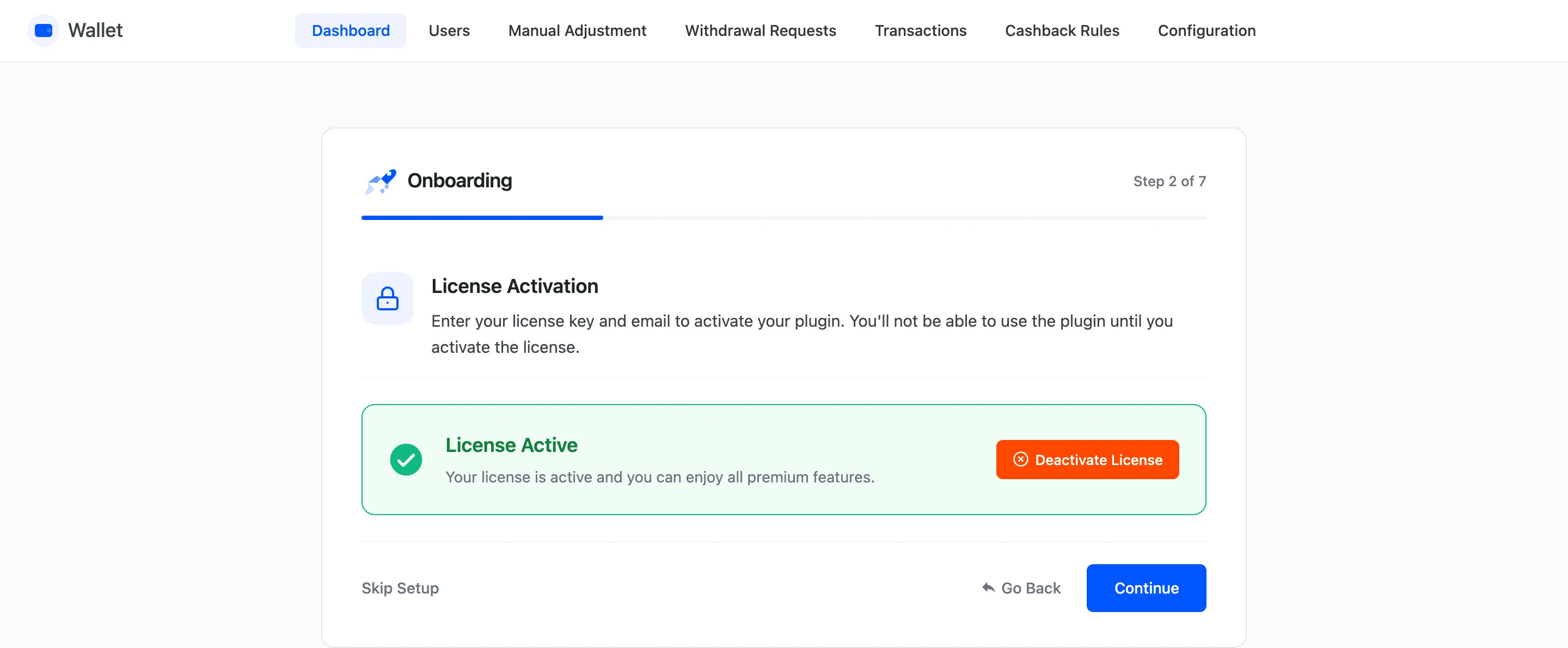
Step 2: License
Section titled “Step 2: License”Enter the purchase code and the email from your DevDiggers account, then activate. The wizard will not move past this step until the licence is active, and it is what enables plugin updates.
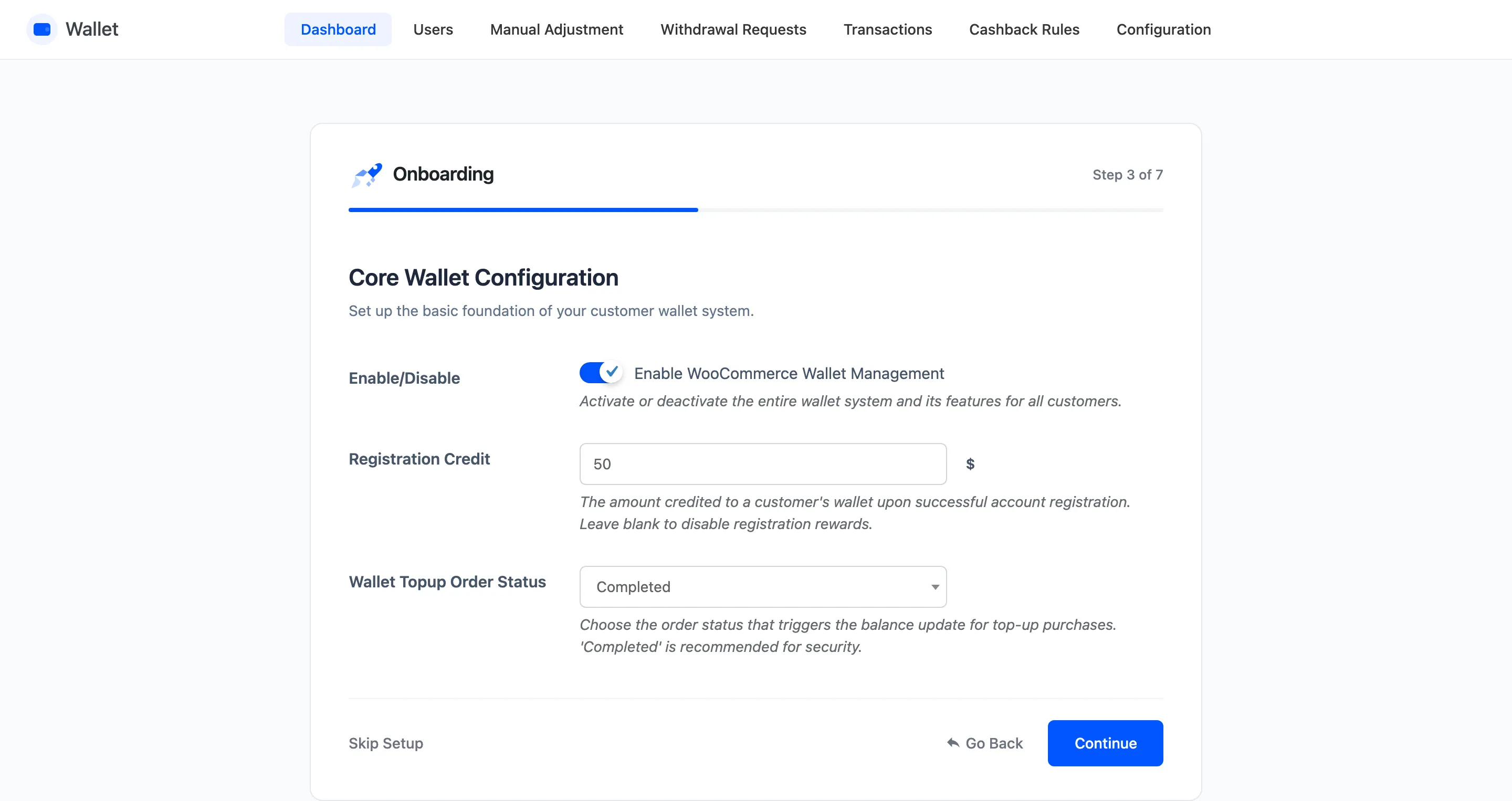
Step 3: General Settings
Section titled “Step 3: General Settings”Three fields, and the first one is the switch that matters.
- Enable/Disable turns the whole wallet system on. Off, and no wallet appears anywhere.
- Registration Credit is the amount credited when someone creates an account. Leave it blank for no signup credit.
- Wallet Topup Order Status decides which order status releases a top-up into the balance. Completed is the safe answer and the default.
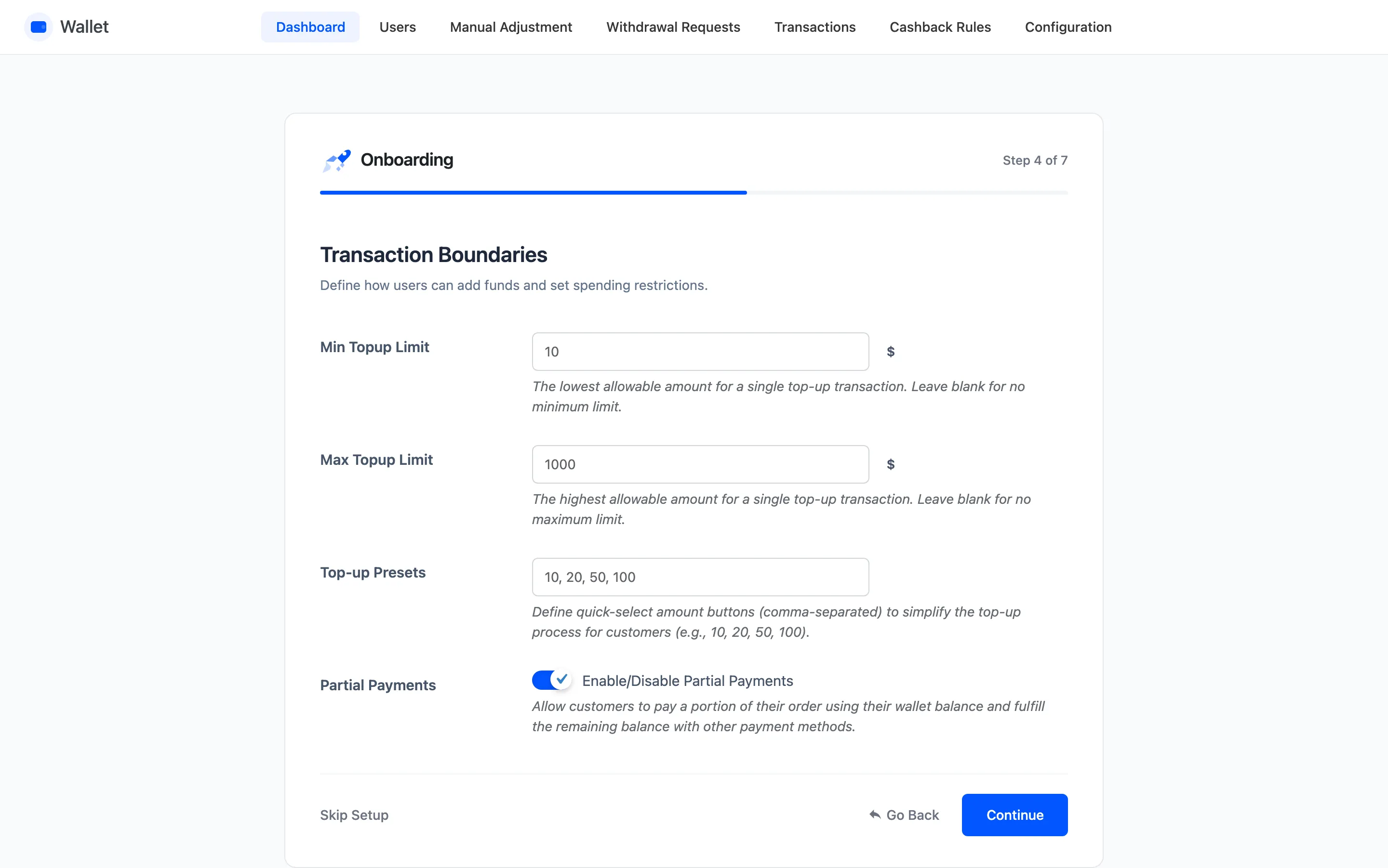
Step 4: Limits and Top-ups
Section titled “Step 4: Limits and Top-ups”- Min Topup Limit and Max Topup Limit bound a single top-up. Blank means no bound.
- Top-up Presets are the quick-select amounts on the Add Money box, comma separated. The default
is
10, 20, 50, 100. - Partial Payments lets a customer put part of an order on the wallet and pay the rest another way.
Step 5: Cashback and Rewards
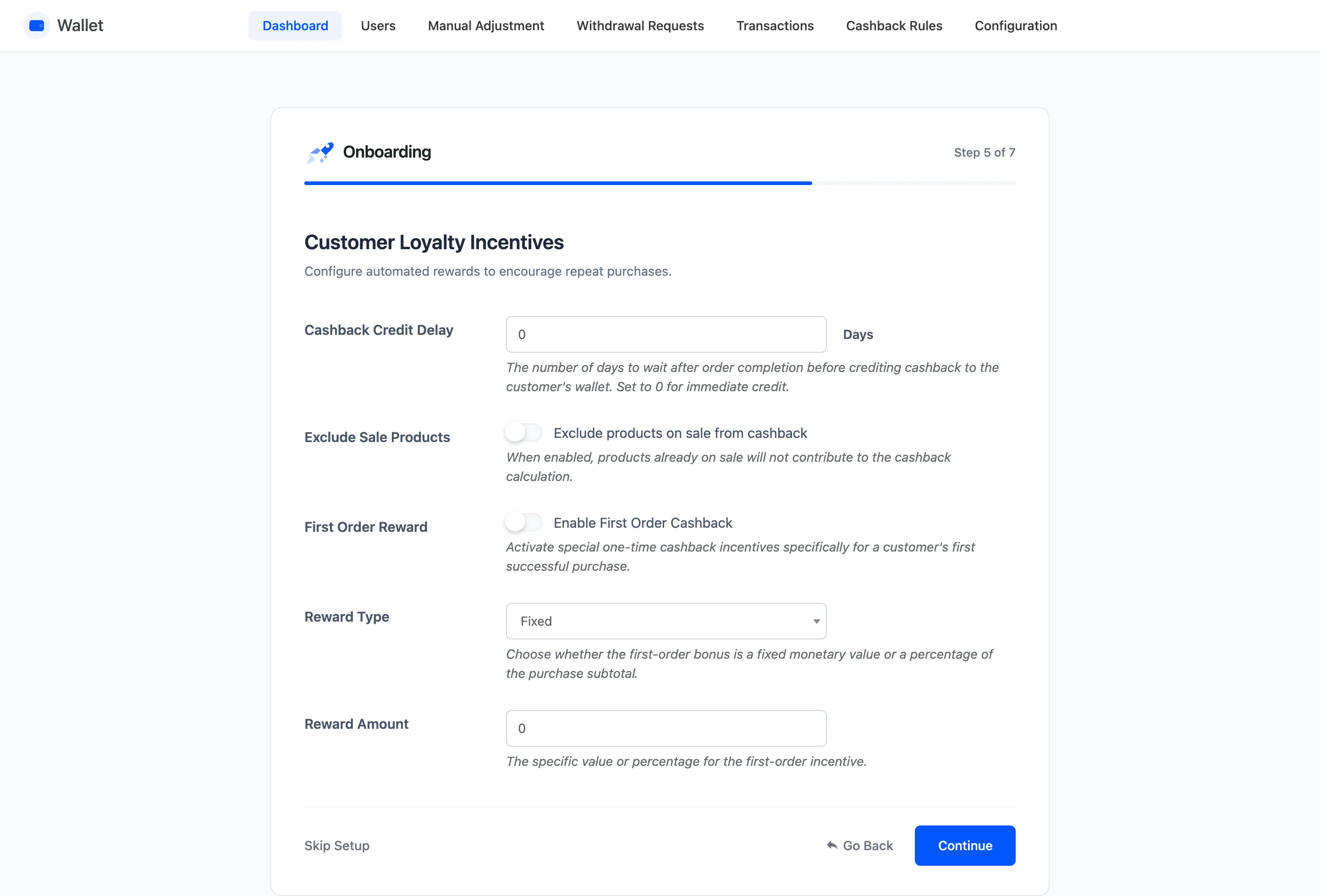
Section titled “Step 5: Cashback and Rewards”The free version’s cashback step carries one field, Exclude Sale Products. The rest are Pro.
- Cashback Credit Delay holds cashback back for a number of days after the order completes. Zero credits it immediately.
- Exclude Sale Products drops products already on sale out of the cashback calculation.
- First Order Reward, Reward Type and Reward Amount give a one-off bonus on a customer’s first successful order.
The rules that actually award cashback are not here. They live on Cashback Rules, and without at least one rule the only cashback anyone earns is the first-order bonus.
Step 6: Withdrawals
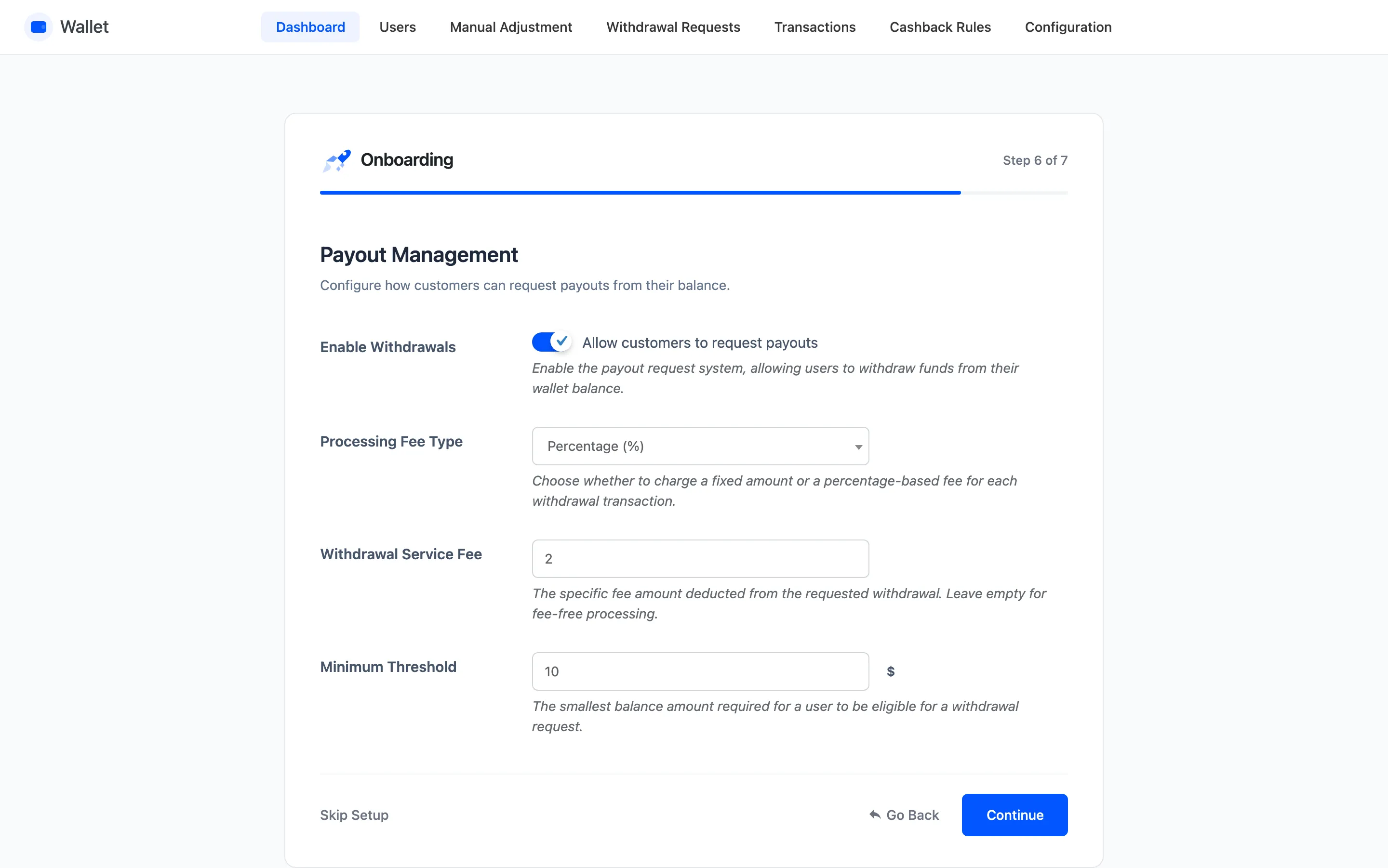
Section titled “Step 6: Withdrawals”- Enable Withdrawals lets customers request a payout.
- Processing Fee Type is Fixed Amount or Percentage.
- Withdrawal Service Fee is the fee itself, deducted from what the customer receives.
- Minimum Threshold is the smallest amount someone may request.
Payouts are manual. The plugin records the request and the fee, and you send the money yourself.
Step 7: Ready
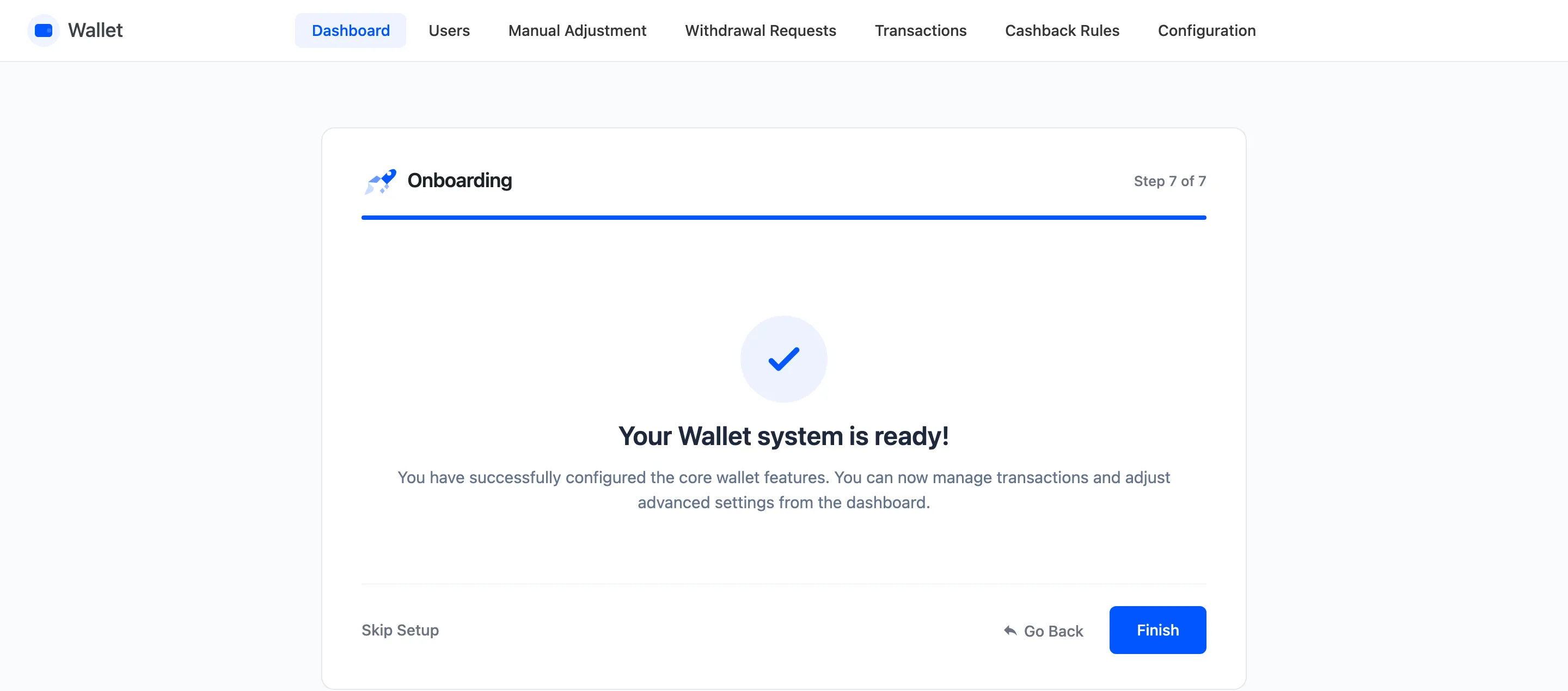
Section titled “Step 7: Ready”The wizard confirms the wallet is live and links to the dashboard.
What the wizard does not do
Section titled “What the wizard does not do”Four things it leaves off, and all four are needed for a working wallet.
- The Wallet payment method is still disabled. Turn it on under WooCommerce → Settings → Payments.
- There are no cashback rules yet. Add at least one on Cashback Rules.
- Referrals and OTP are untouched. Both have their own tabs.
- Nobody has a balance. Credit one by hand from Manual Adjustment, or import them.