

Email Settings
The wallet sends an email on nearly every movement. This tab is where each one is worded, plus two lists of plain-English reasons that get dropped into them.
Go to DevDiggers Plugins → Wallet → Configuration → Emails.
How an email is built
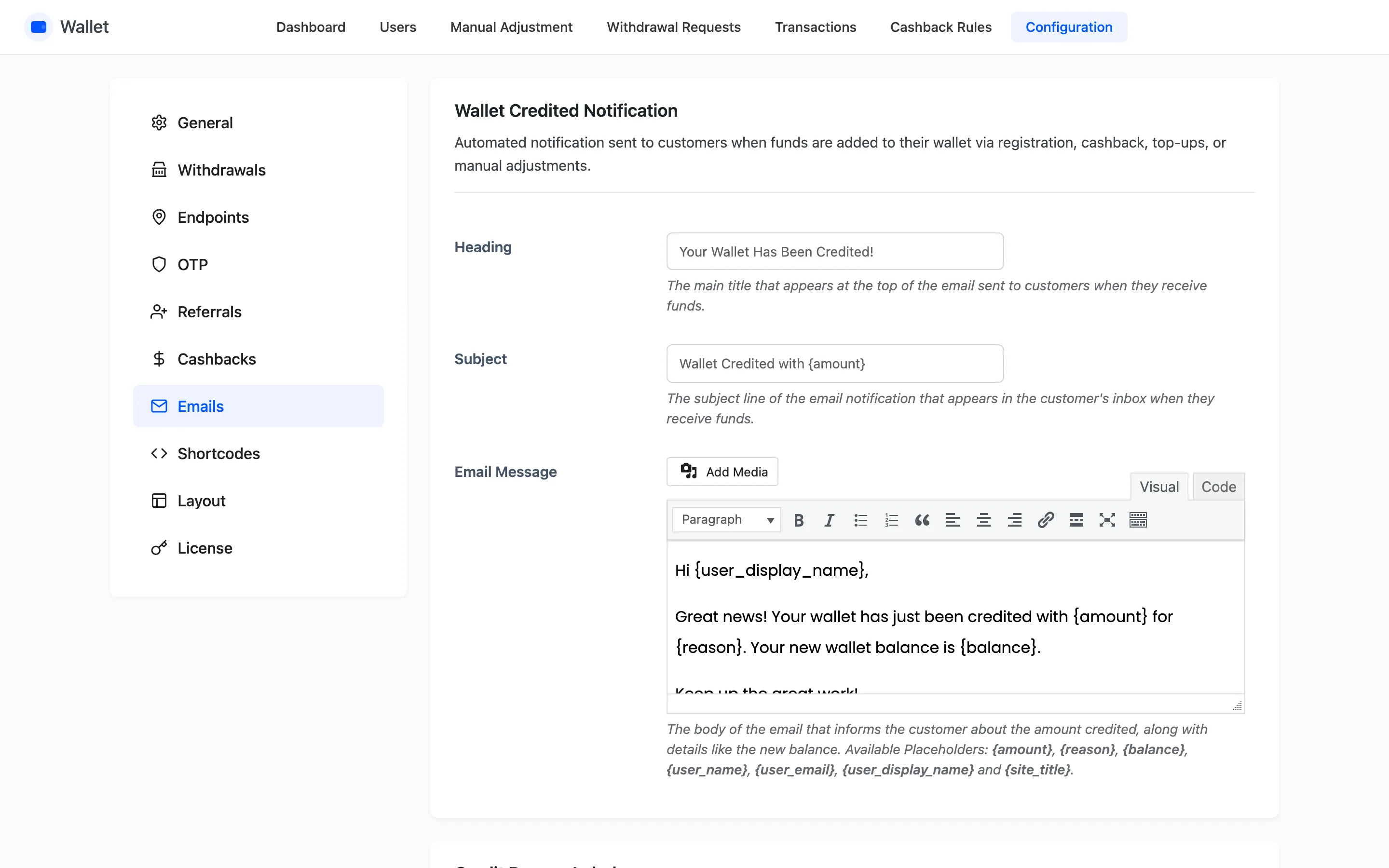
Section titled “How an email is built”Every notification has the same three fields.
- Heading is the title inside the email body.
- Subject is the email subject line.
- Email Message is the body, and it accepts HTML.
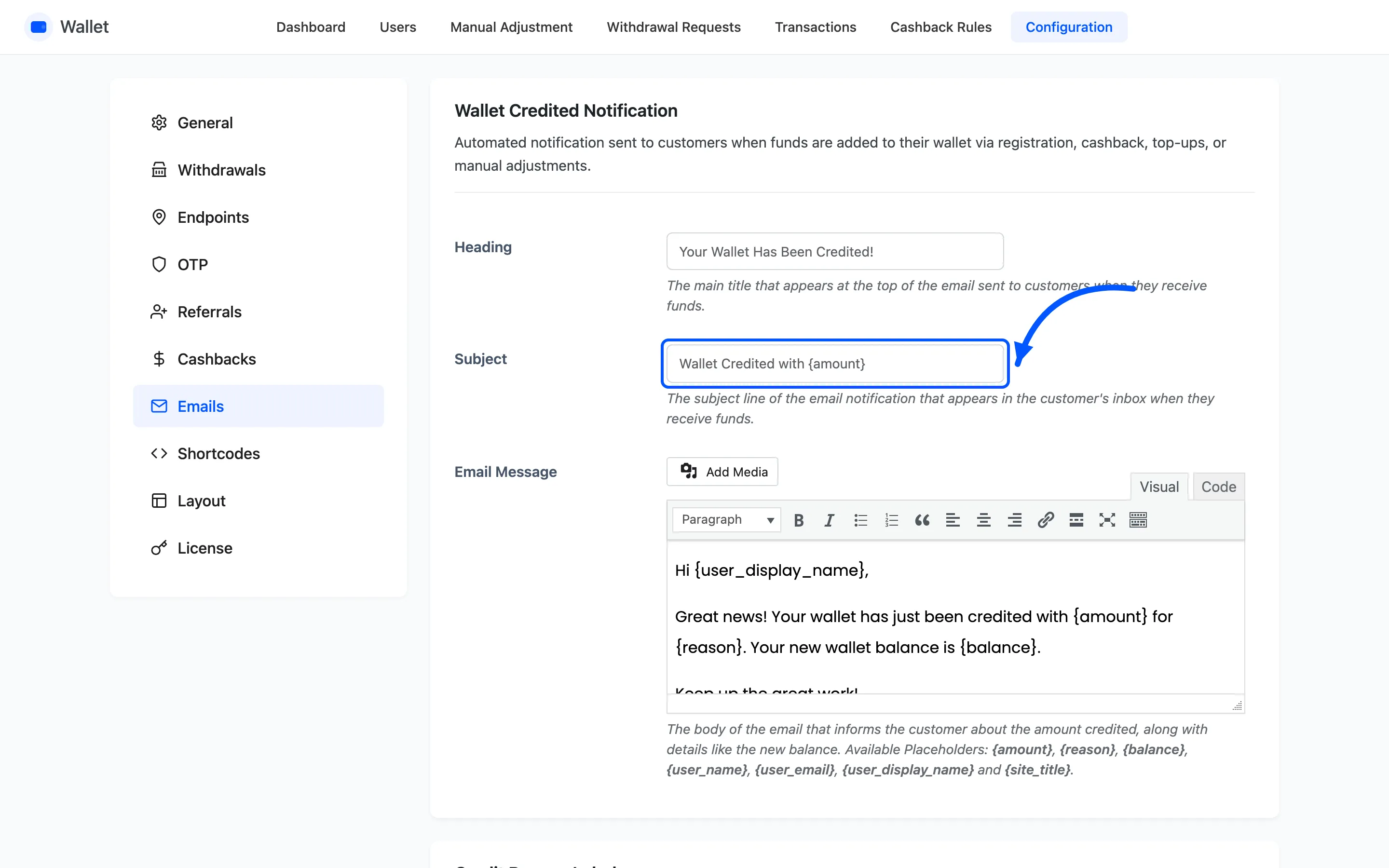
Placeholders are swapped for real values as it sends. The ones available almost everywhere are
{amount}, {balance}, {reason}, {user_name}, {user_display_name}, {user_email} and
{site_title}.
Emails go out through WooCommerce’s own mailer, so they inherit your WooCommerce email template, header and footer.
The notifications
Section titled “The notifications”Five in the free version, eleven in Pro.
| Notification | Sent when | Free |
|---|---|---|
| Wallet Credited | Any credit lands | yes |
| Wallet Debited | Any debit is taken | yes |
| Manual Adjustment | You credit or debit by hand | yes |
| Money Request | Someone asks another customer for money | Pro |
| Request Declined | That person declines | Pro |
| Withdrawal Request (To Admin) | A payout is requested | Pro |
| Withdrawal Status Update | You mark it paid or cancel it | Pro |
| Security OTP Verification | A code is needed | Pro |
| Balance Expiry Reminder | Cashback is about to expire | Pro |
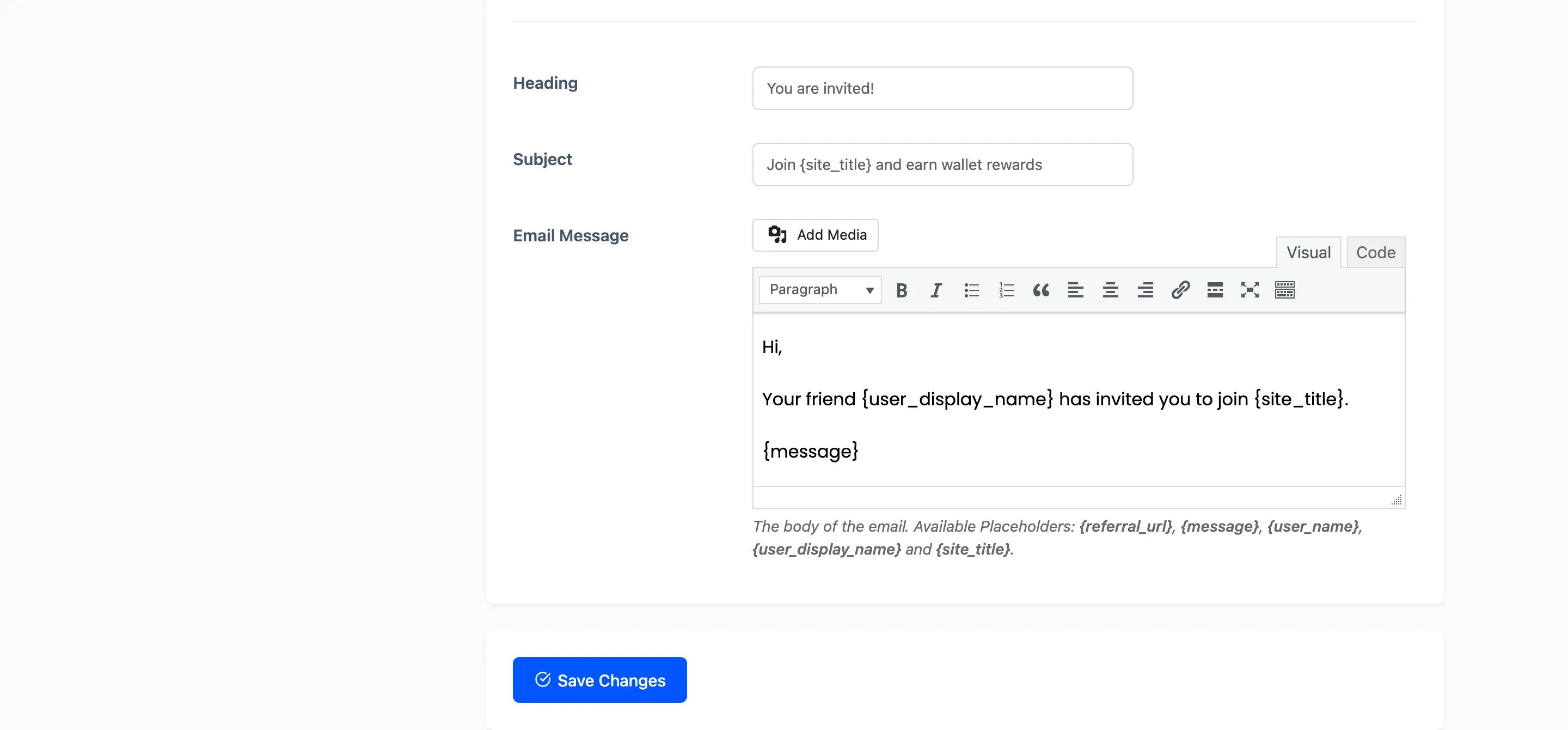
| Referral Invitation | A customer invites a friend | Pro |
Three of them carry an extra placeholder. Money Request has {requester_email}, Request
Declined has {decliner_email}, and Balance Expiry Reminder has {days}. Withdrawal Status
Update has {status}, which fills in as Withdrawal Completed or Withdrawal Cancelled.
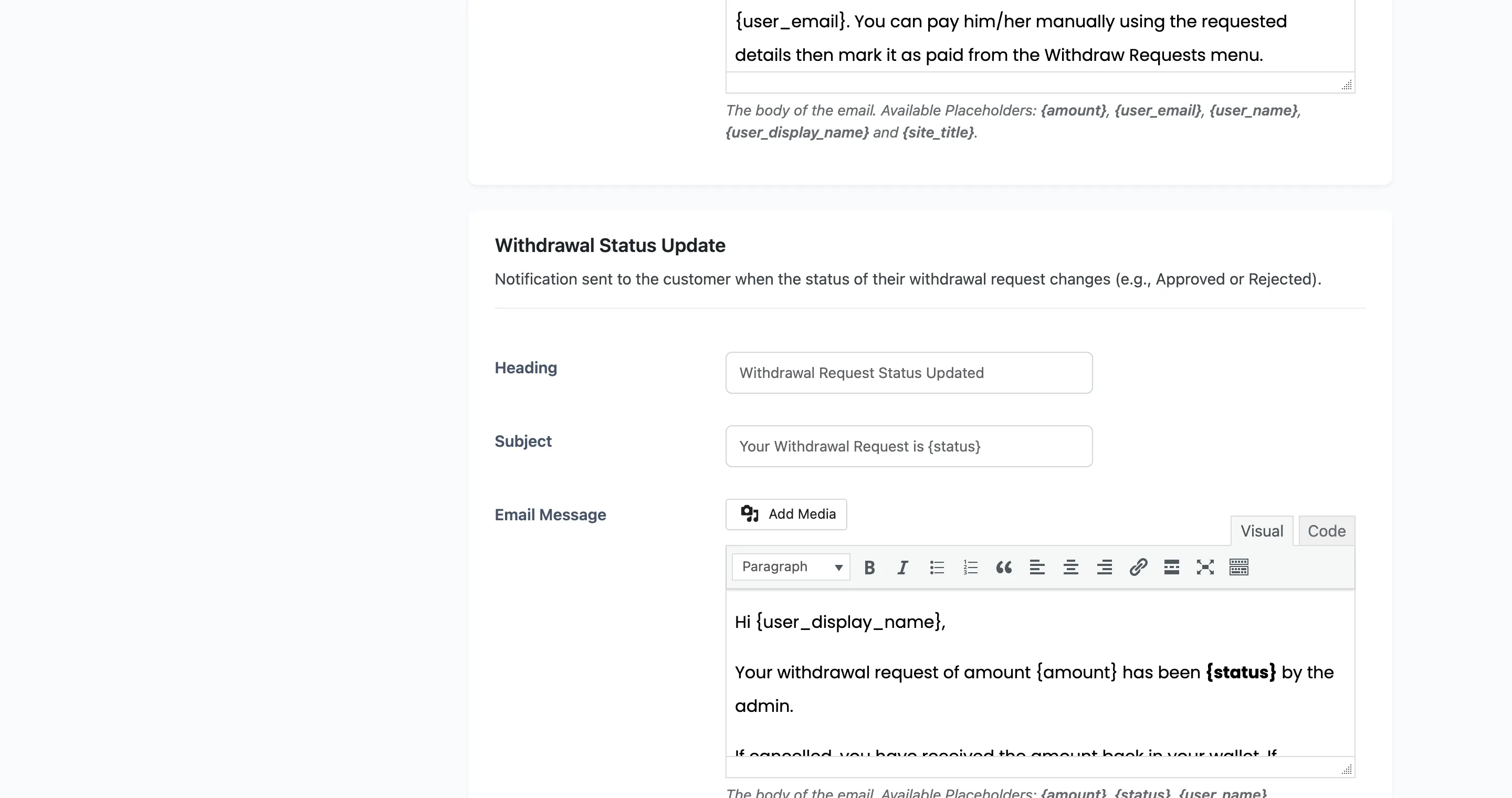
Withdrawal Request (To Admin) is the only one addressed to you rather than the customer. It goes to the WordPress admin email.
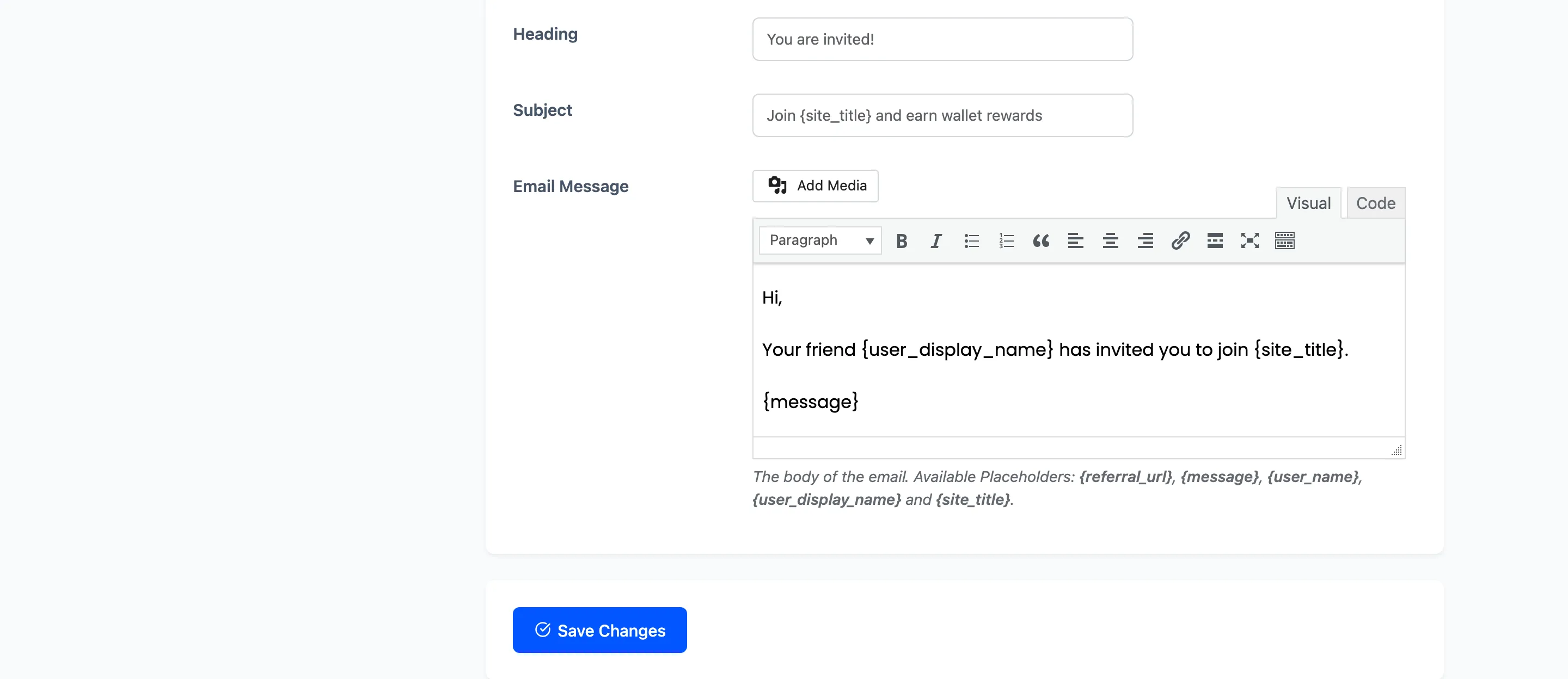
Credit Reason Labels
Section titled “Credit Reason Labels”The credit email says money arrived “for {reason}”. This section is where each reason is worded.
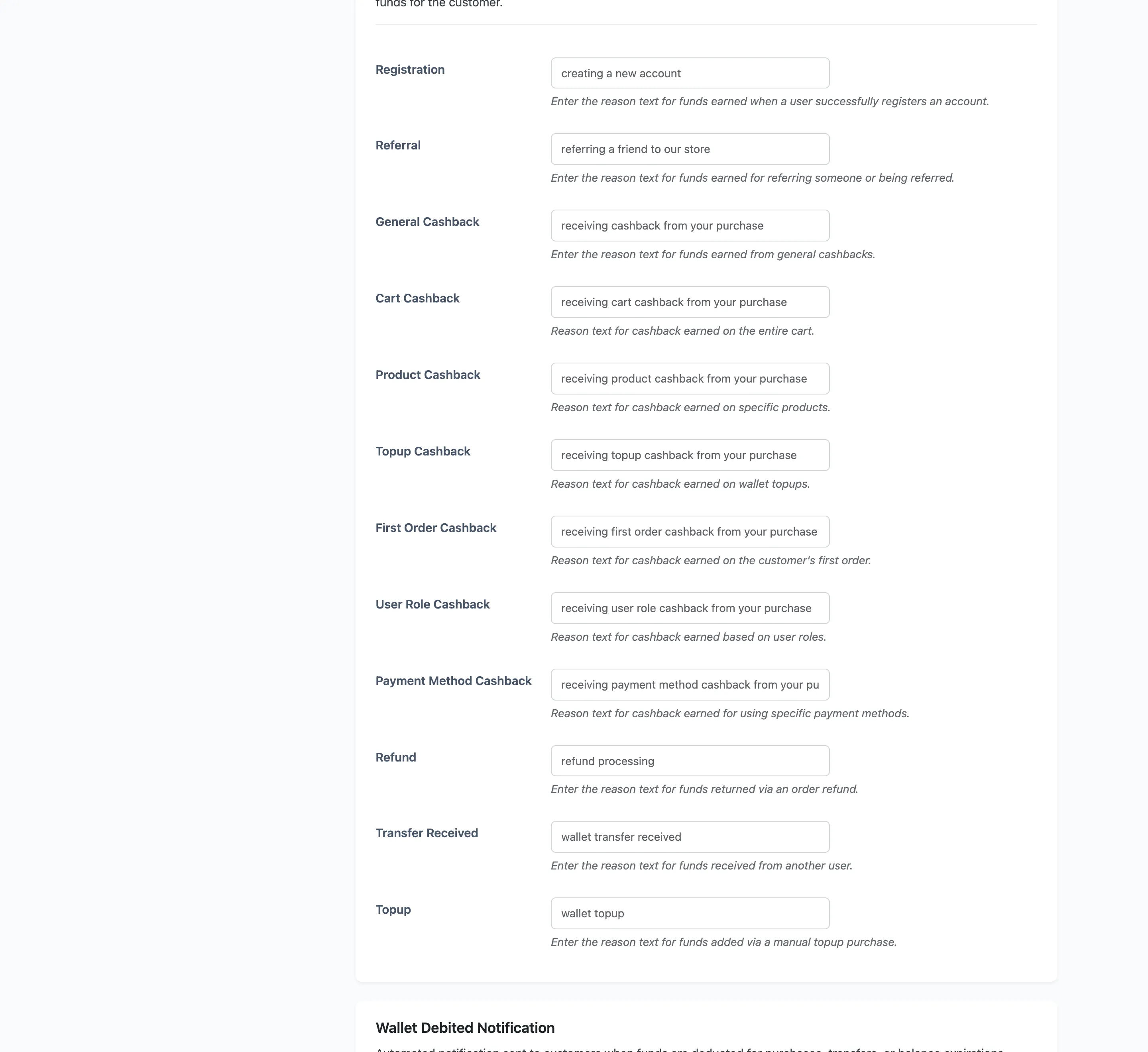
Free labels: Registration, General Cashback, Cart Cashback, Refund, Transfer Received and Topup.
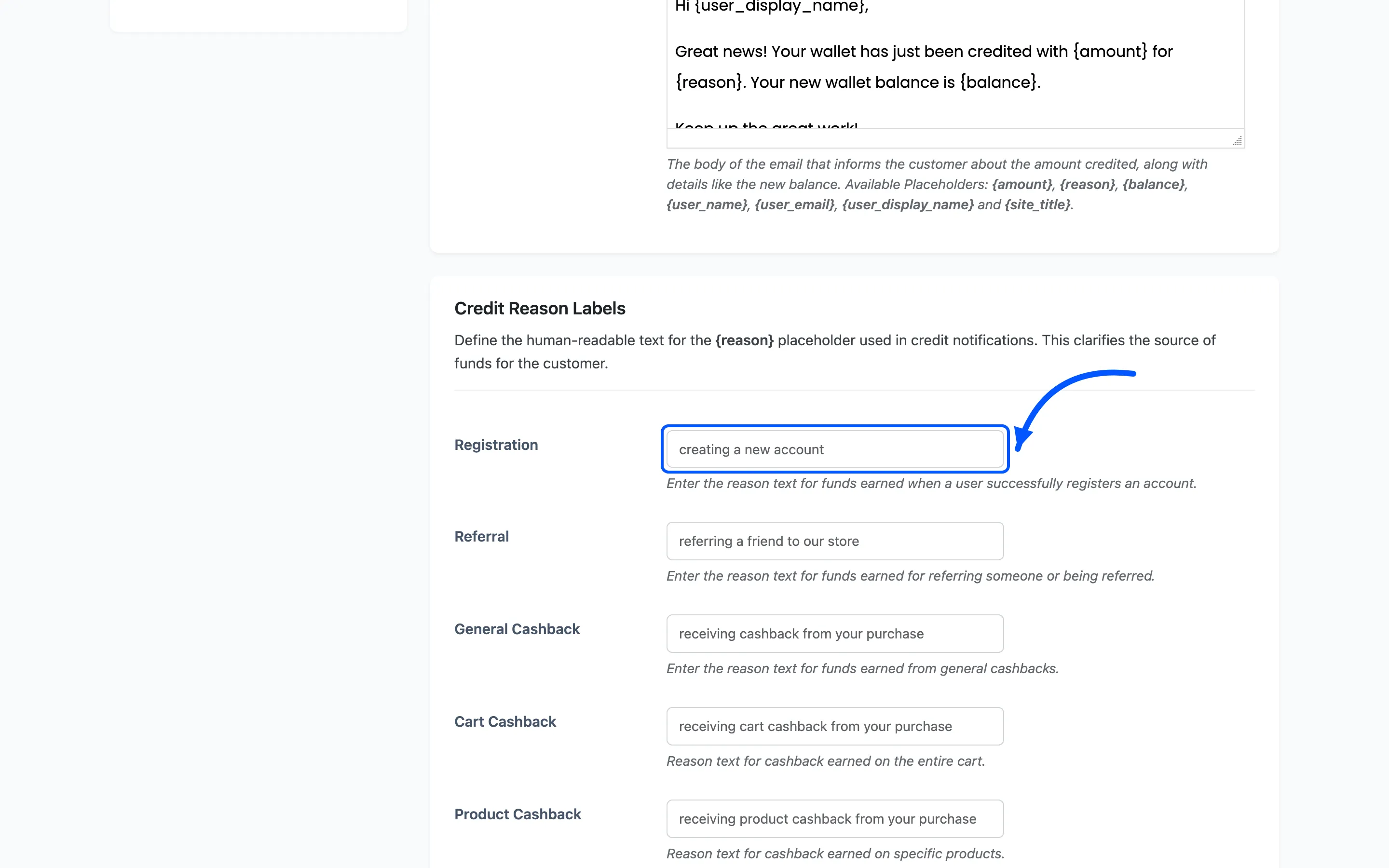
Write them as sentence fragments, because they land mid-sentence. The defaults read “creating a new account” and “wallet topup” for exactly that reason.
Debit Reason Labels
Section titled “Debit Reason Labels”The same idea on the way out.
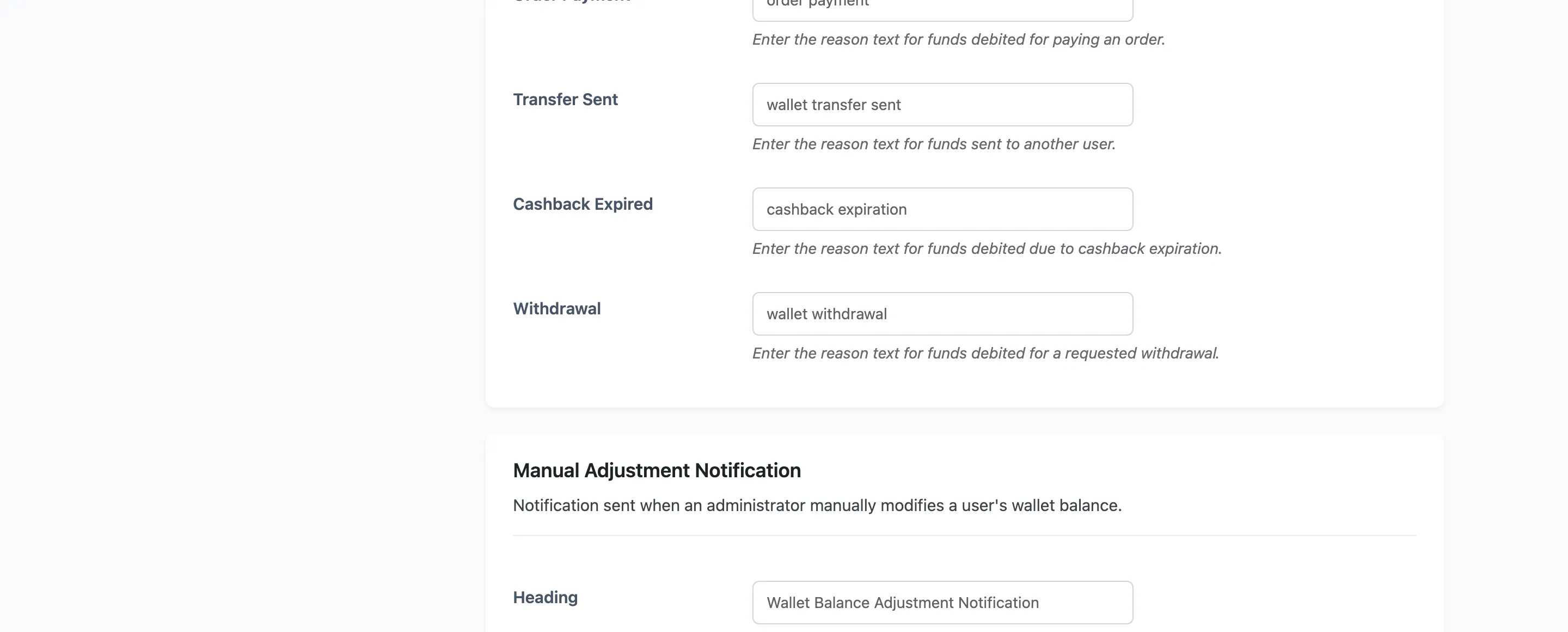
Free labels: Order Payment and Transfer Sent. Cashback Expired and Withdrawal are Pro.
Turning one off
Section titled “Turning one off”There is no per-email switch. Clear the Email Message field and that notification stops sending, because the plugin only builds an email when it has a body.
Use that on the credit email if your store awards small cashback often. A customer who gets an email for every $0.40 stops reading all of them.