

How to Pay with Your Wallet
Paying with the wallet is a payment method, not a discount. It covers the whole order or it does not appear at all.
Step 1: Enable the Wallet payment method
Section titled “Step 1: Enable the Wallet payment method”It ships disabled. Go to WooCommerce → Settings → Payments → Wallet and switch it on.
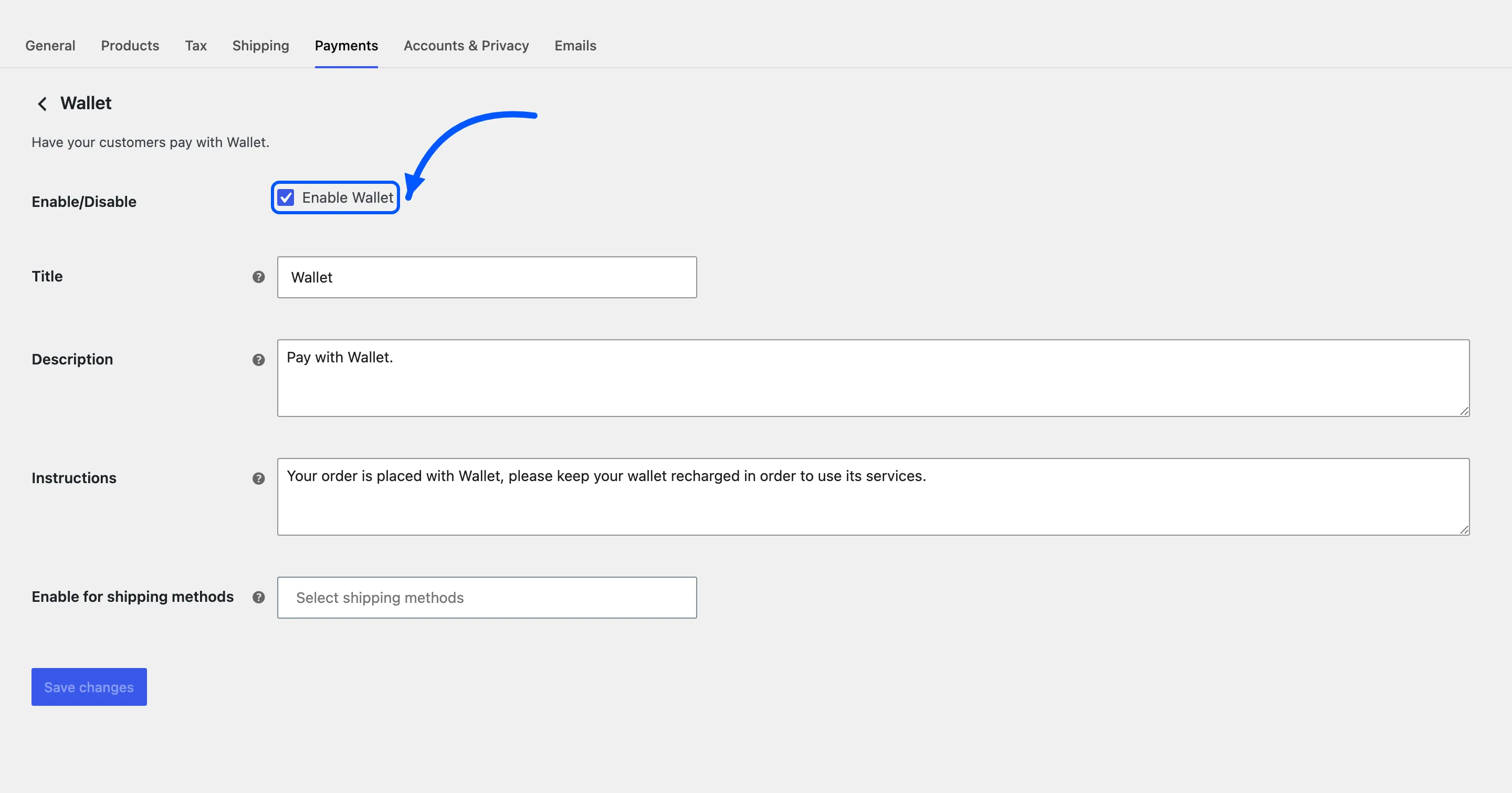
This is the first thing to check when a store says the wallet does not work. Everything else can be right and the checkout still offers no way to spend the balance.
Step 2: Fill the cart as usual
Section titled “Step 2: Fill the cart as usual”Nothing about shopping changes. The customer adds products and goes to the checkout the normal way.
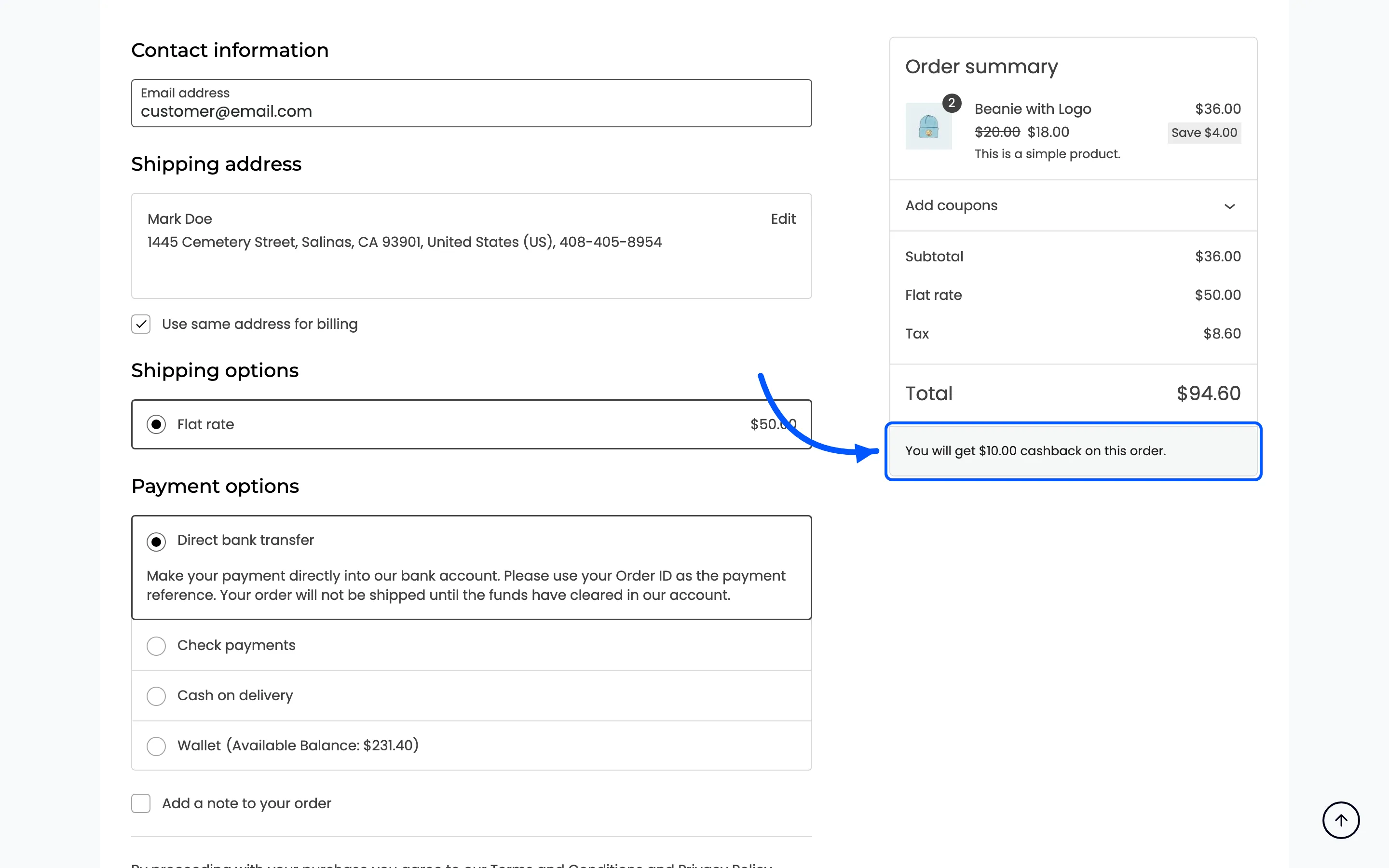
If cashback messages are on, the cart and checkout tell them what the order will earn.
Step 3: Choose Wallet at the checkout
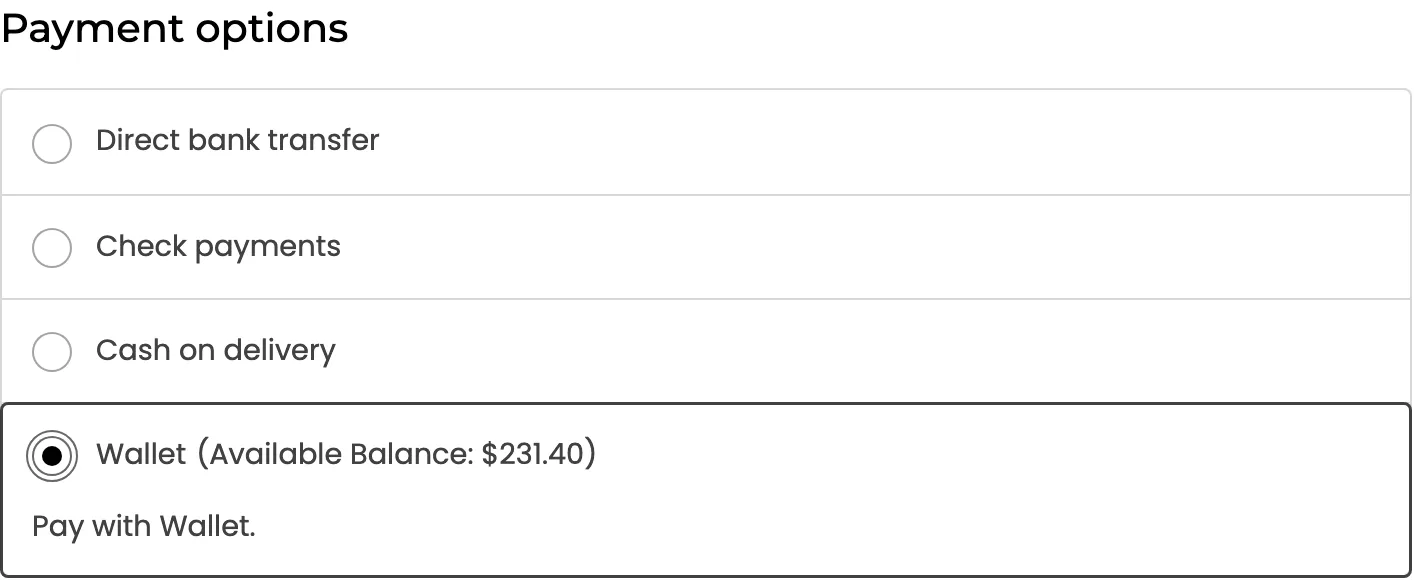
Section titled “Step 3: Choose Wallet at the checkout”The method sits in the payment list with the balance printed after its name.
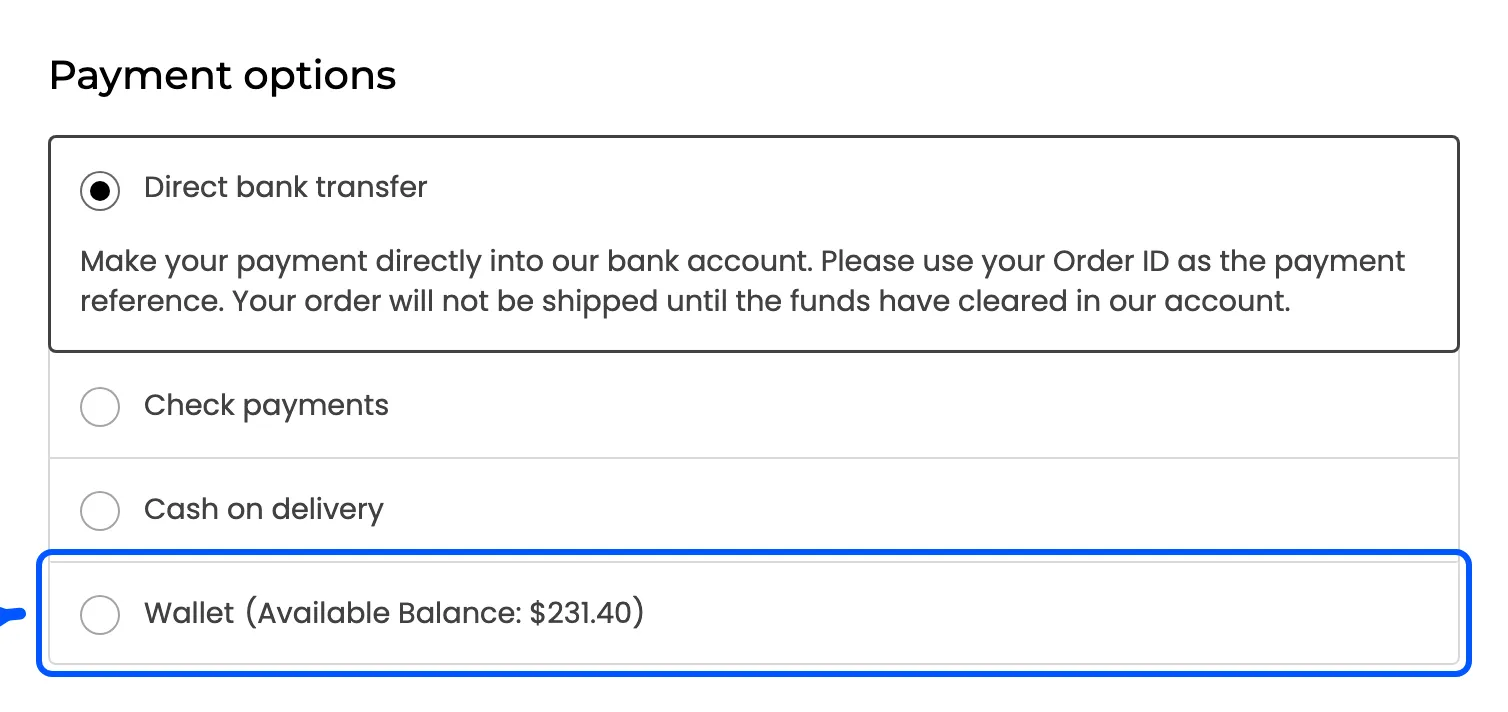
Selecting it changes nothing in the totals. The wallet pays the order total as it stands, so there is no line to add and no figure to enter.
Step 4: Place the order
Section titled “Step 4: Place the order”The balance is debited by the full order total and the payment completes at once. No redirect, no gateway, no pending state. The customer lands on the order received page with the order already paid.
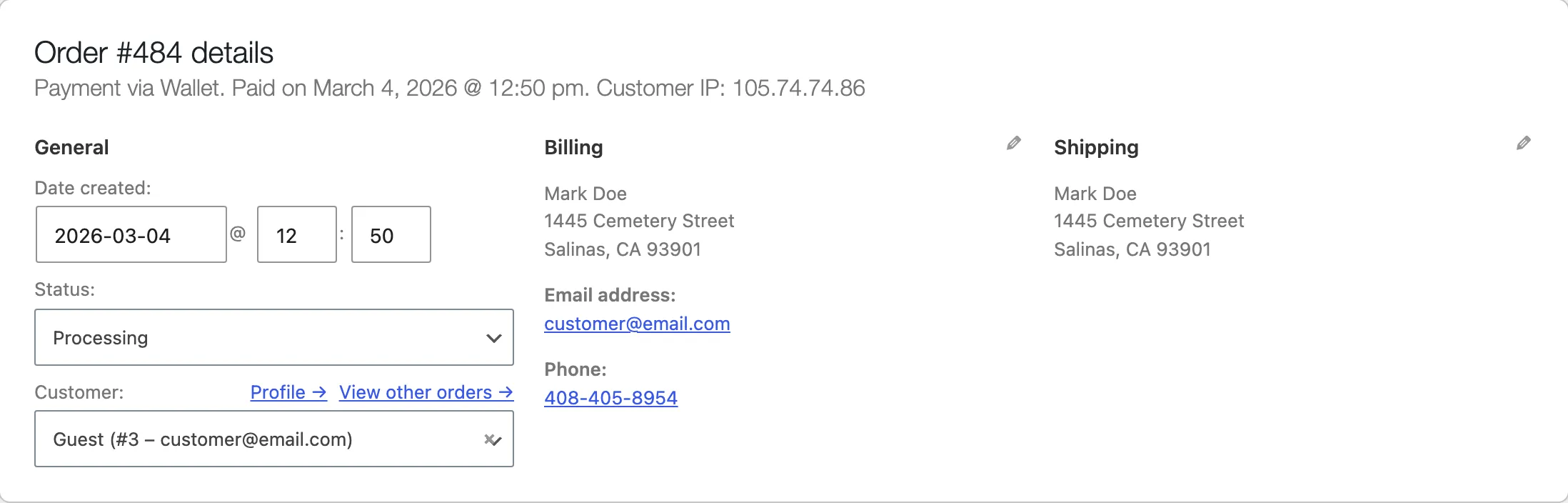
The order records it as Payment via Wallet, which is what makes a wallet refund possible later.
Step 5: Check the transaction row
Section titled “Step 5: Check the transaction row”One debit, with the reason Order Payment, linked to the order.
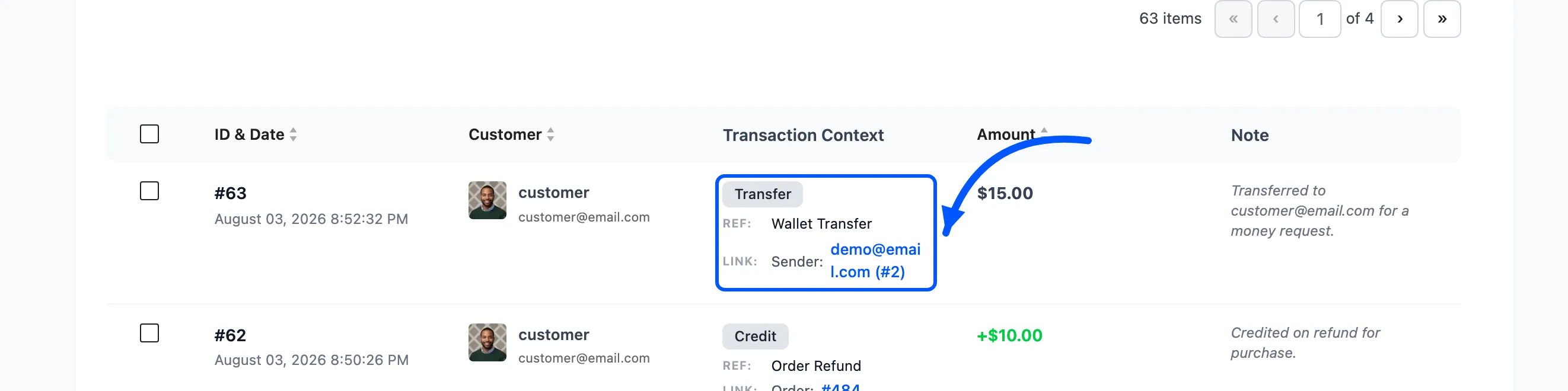
The customer gets the Wallet Debited email, and the row is on Transactions with the order number beside it.
When the method does not appear
Section titled “When the method does not appear”Four conditions hide it, and none of them explains itself to the customer.
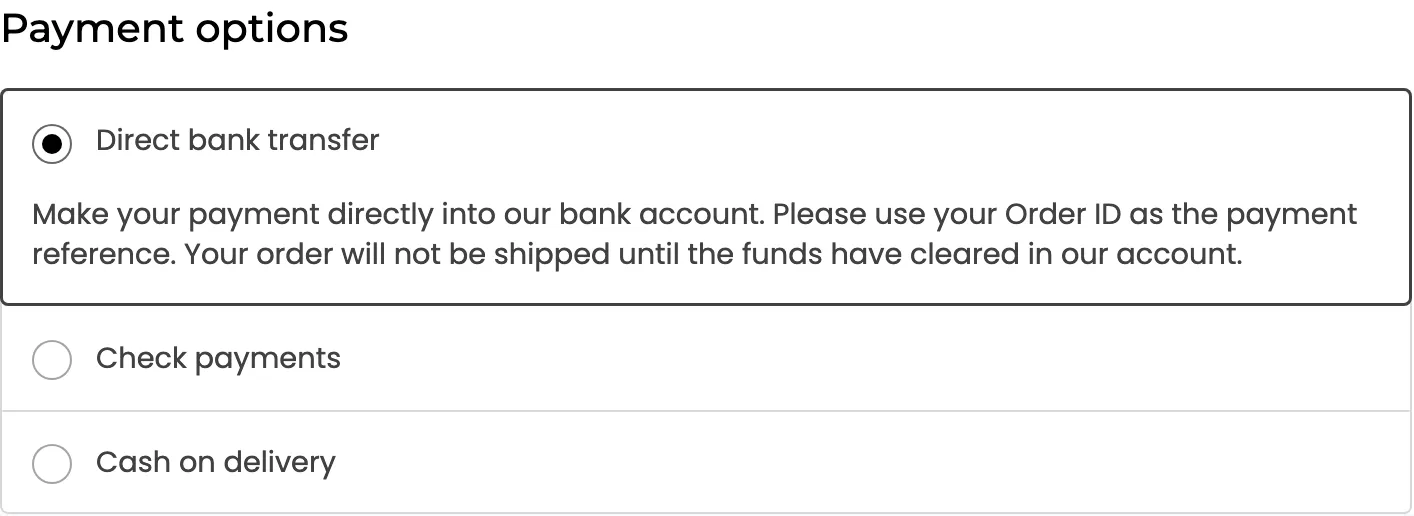
- The balance is zero or below.
- The balance is smaller than the order total.
- The order total is above Max Debit Limit, from Configuration → General.
- A partial wallet payment is already applied to the order.
There is a fifth case with a different reason: a checkout holding a wallet top-up never offers the Wallet method.
The second condition is the common one, and the answer to it is partial payments.
Refunds come back to the wallet
Section titled “Refunds come back to the wallet”An order paid this way and refunded in WooCommerce puts the money straight back into the balance, with the reason Order Refund. No card, no waiting.