

How to Tag Customers and Add Private Notes
Tags group customers your way: VIP, Wholesale, Influencer. Notes keep what your team should know about one person. Neither is ever shown to the customer.
Step 1: Open the profile
Section titled “Step 1: Open the profile”Go to Customers and click the customer. Tags and notes are available for every buyer and every registered customer, guests who ordered included.
Step 2: Add tags
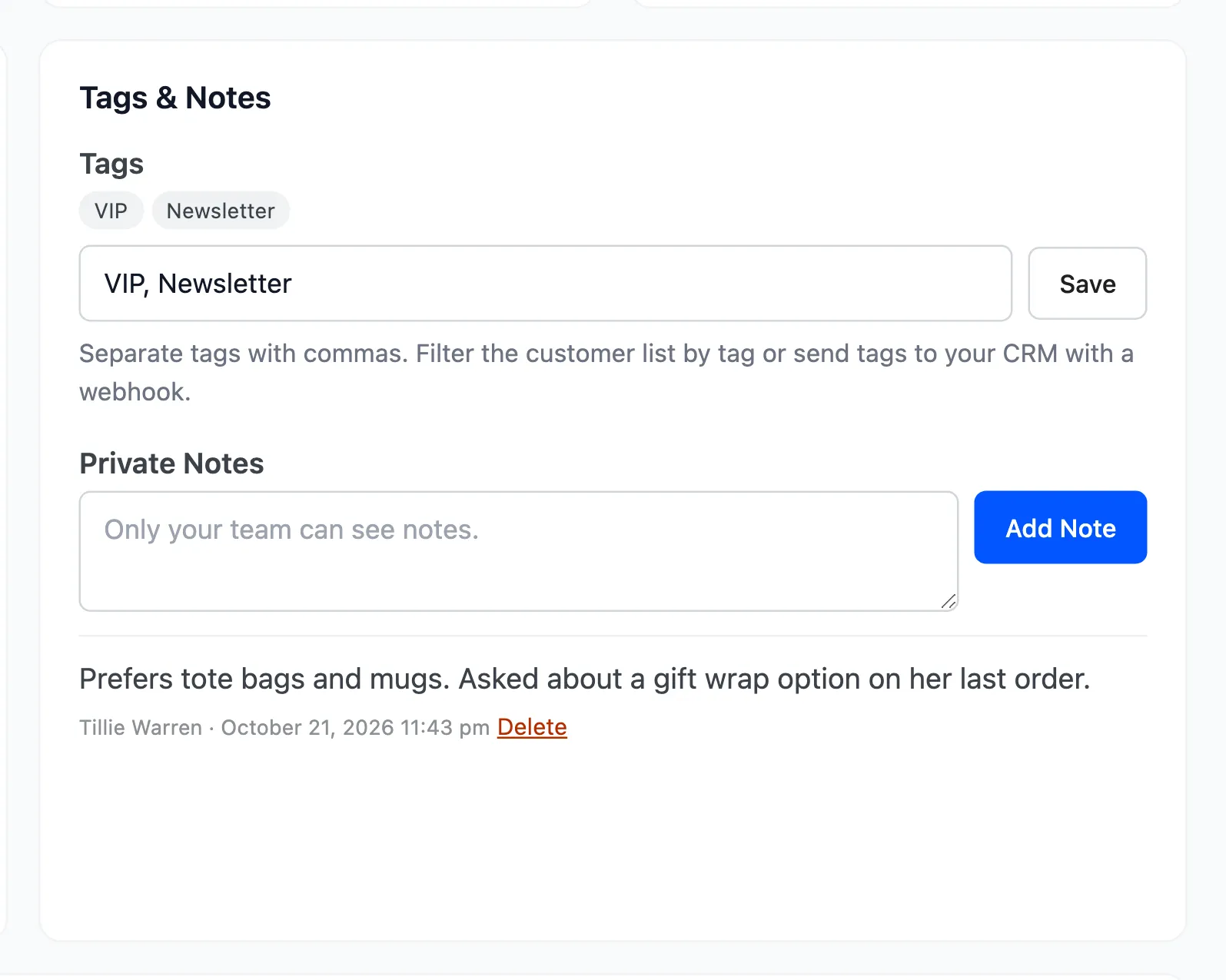
Section titled “Step 2: Add tags”In Tags & Notes, type tags separated by commas, such as VIP, Newsletter, and click Save.
Step 3: Add a note
Section titled “Step 3: Add a note”Type it under Private Notes and click Add Note. Each note keeps your name and the time. Delete removes one.
Step 4: Filter by tag
Section titled “Step 4: Filter by tag”On Customers, filter the list by a tag to see only those customers. Export CSV exports the filtered list, tags included.
Good to know
Section titled “Good to know”- Tags travel with the Customer Segment Changed webhook, so a CRM can see them.
- Deleting the WordPress user deletes their profile, tags and notes with it.