

The Shopper Experience
Customer Tracking works out of sight. Shoppers see it at five moments, all of them shown here as they looked on the demo store.
At checkout
Section titled “At checkout”When a guest clicks into the email field on the classic checkout, a line appears under it: “We save your cart so you can pick up where you left off.” It says why the email is kept before the order. You can change or remove it under Configuration → Recovery → Checkout Notice.
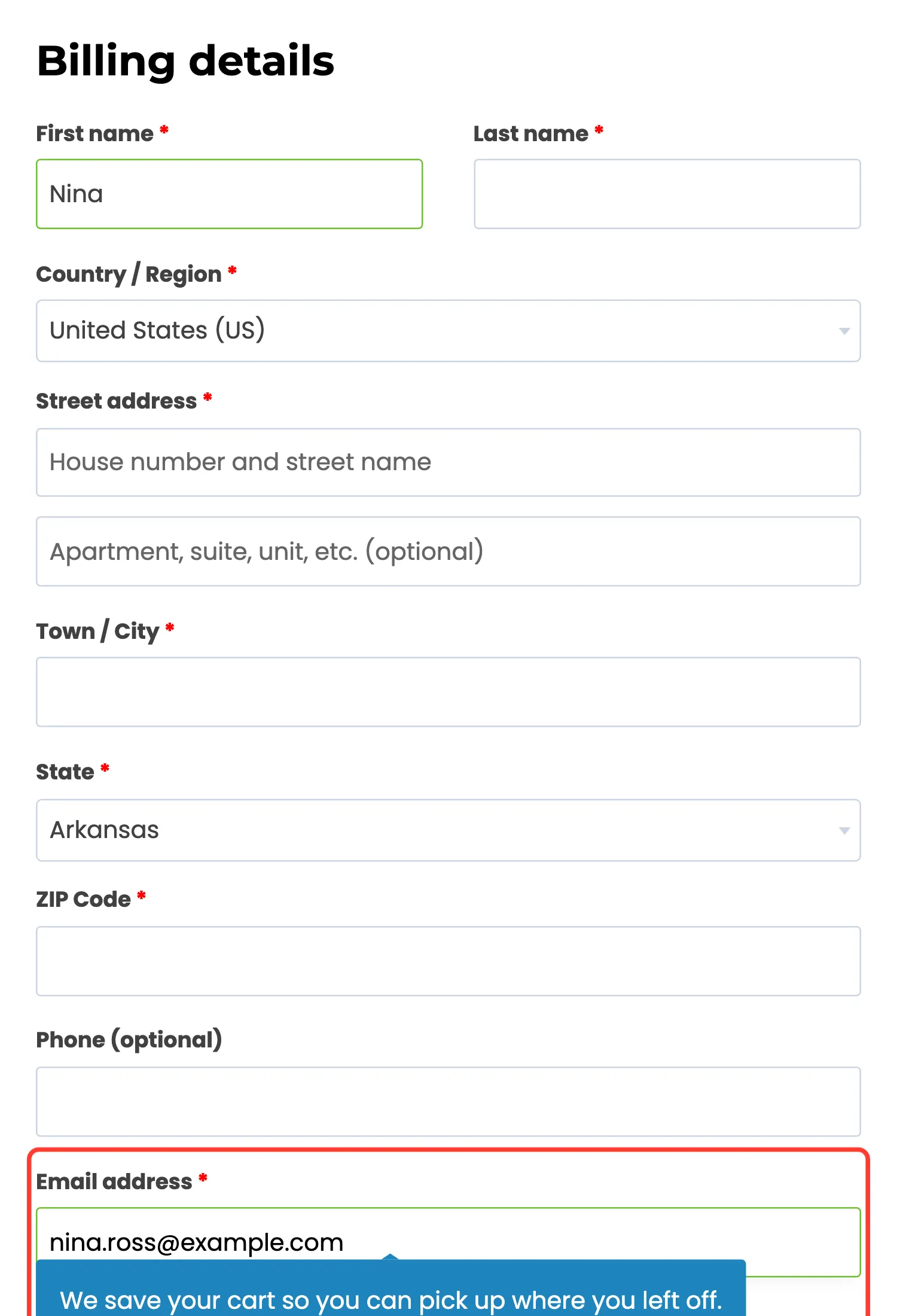
The block checkout saves the email the same way, without the notice.
In their inbox
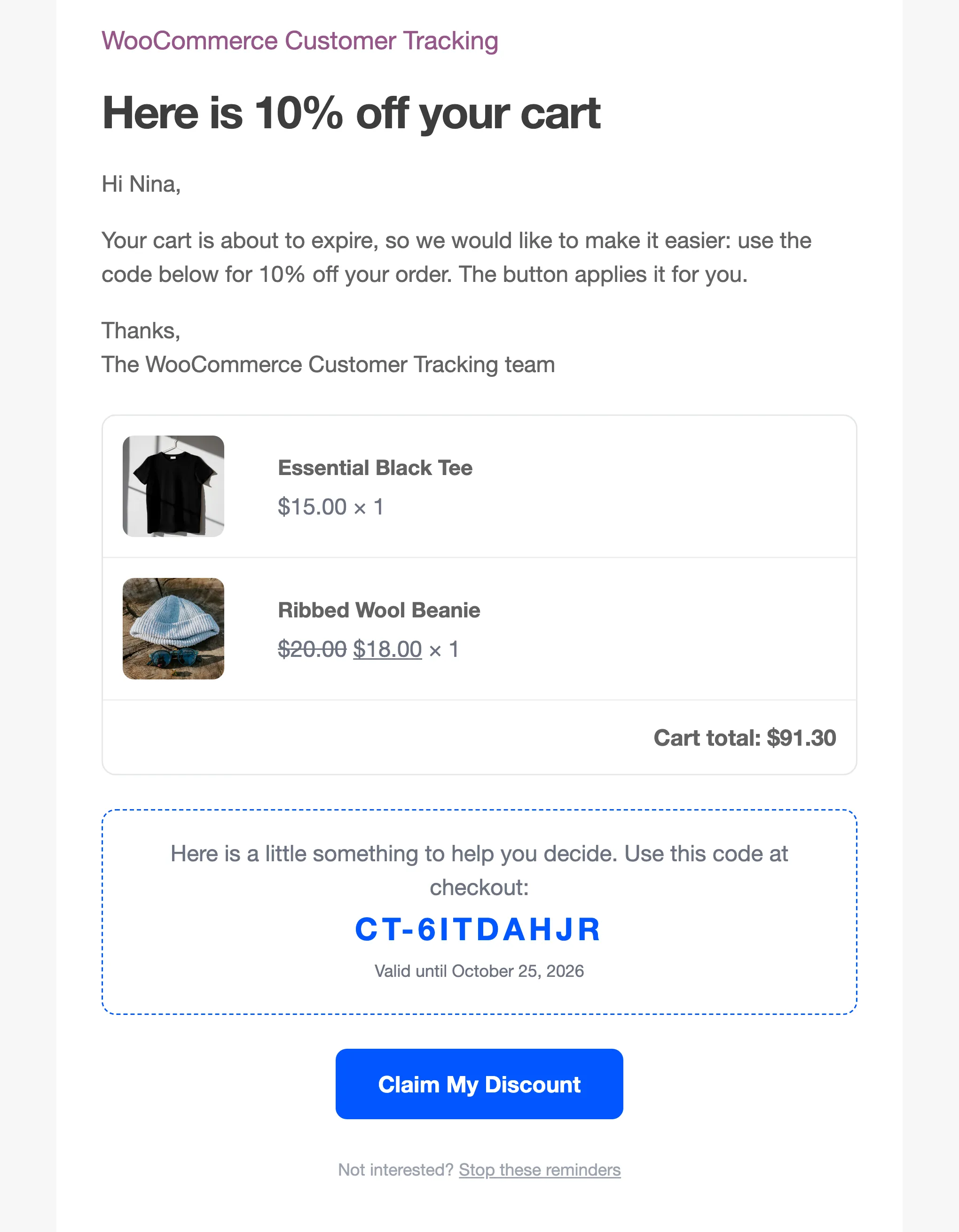
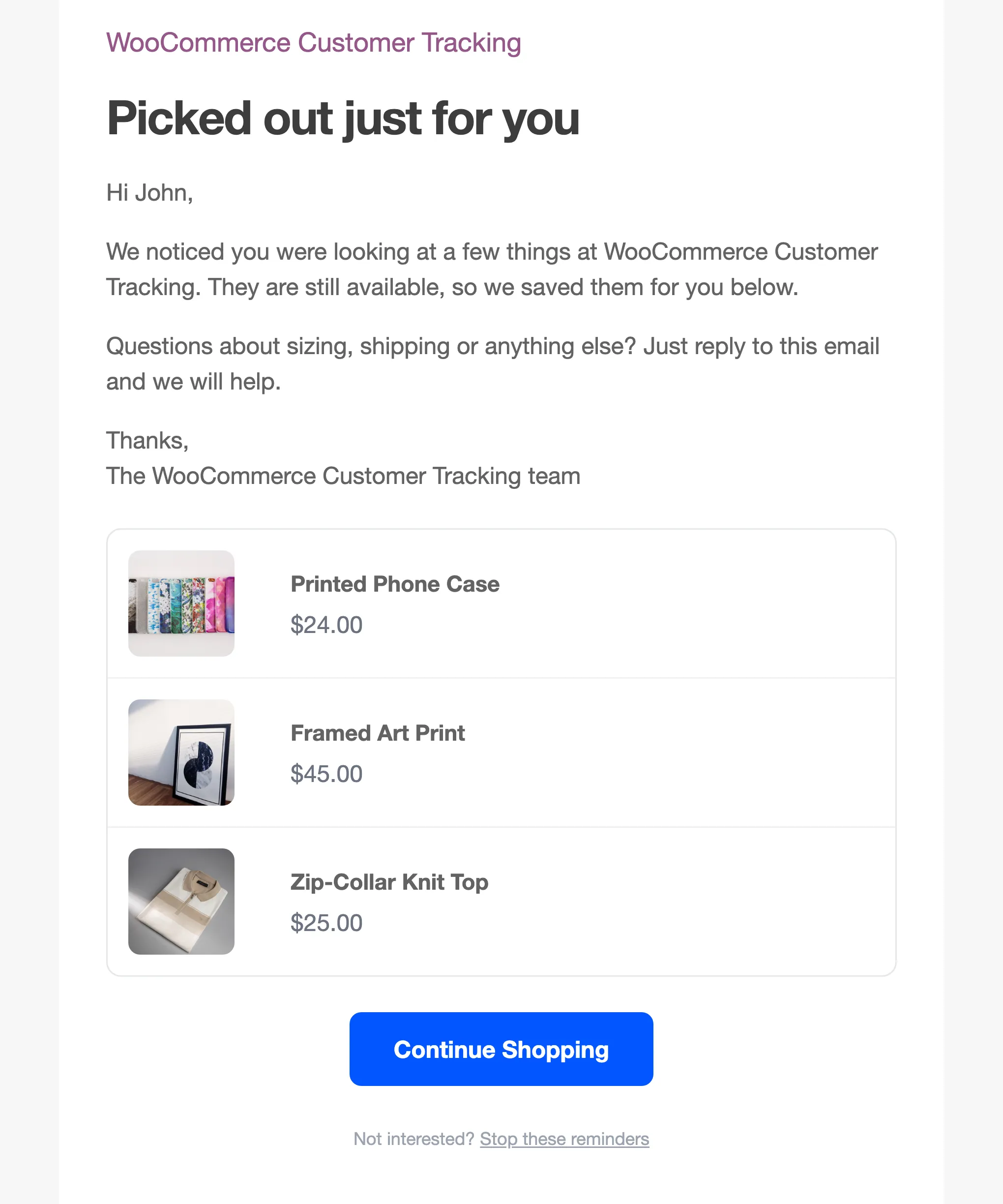
Section titled “In their inbox”A shopper who leaves a cart gets up to three emails: after 1 hour, 1 day and 3 days. Each one shows the cart and its total, with a button back to it.
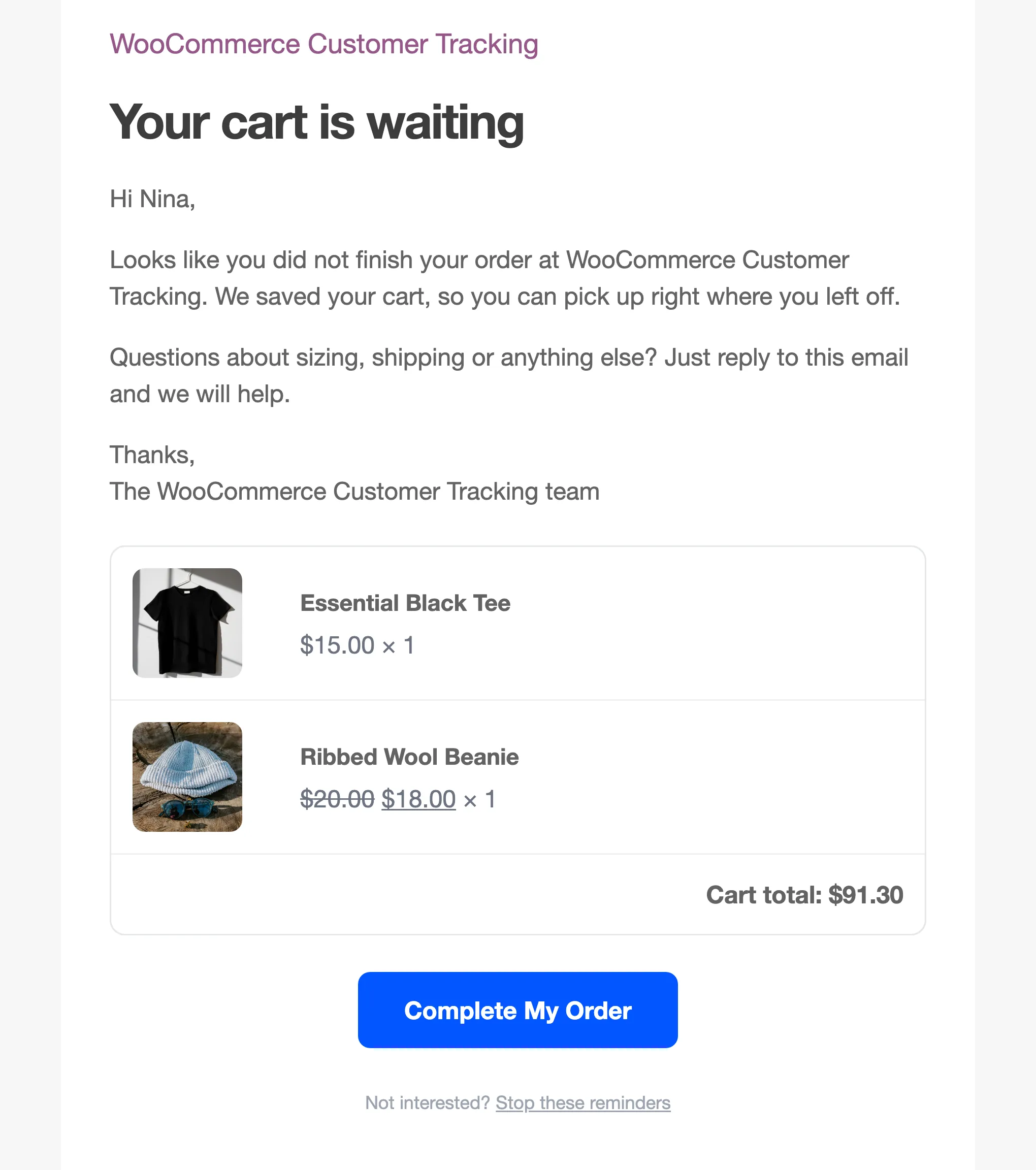
The second answers doubts, a day later.
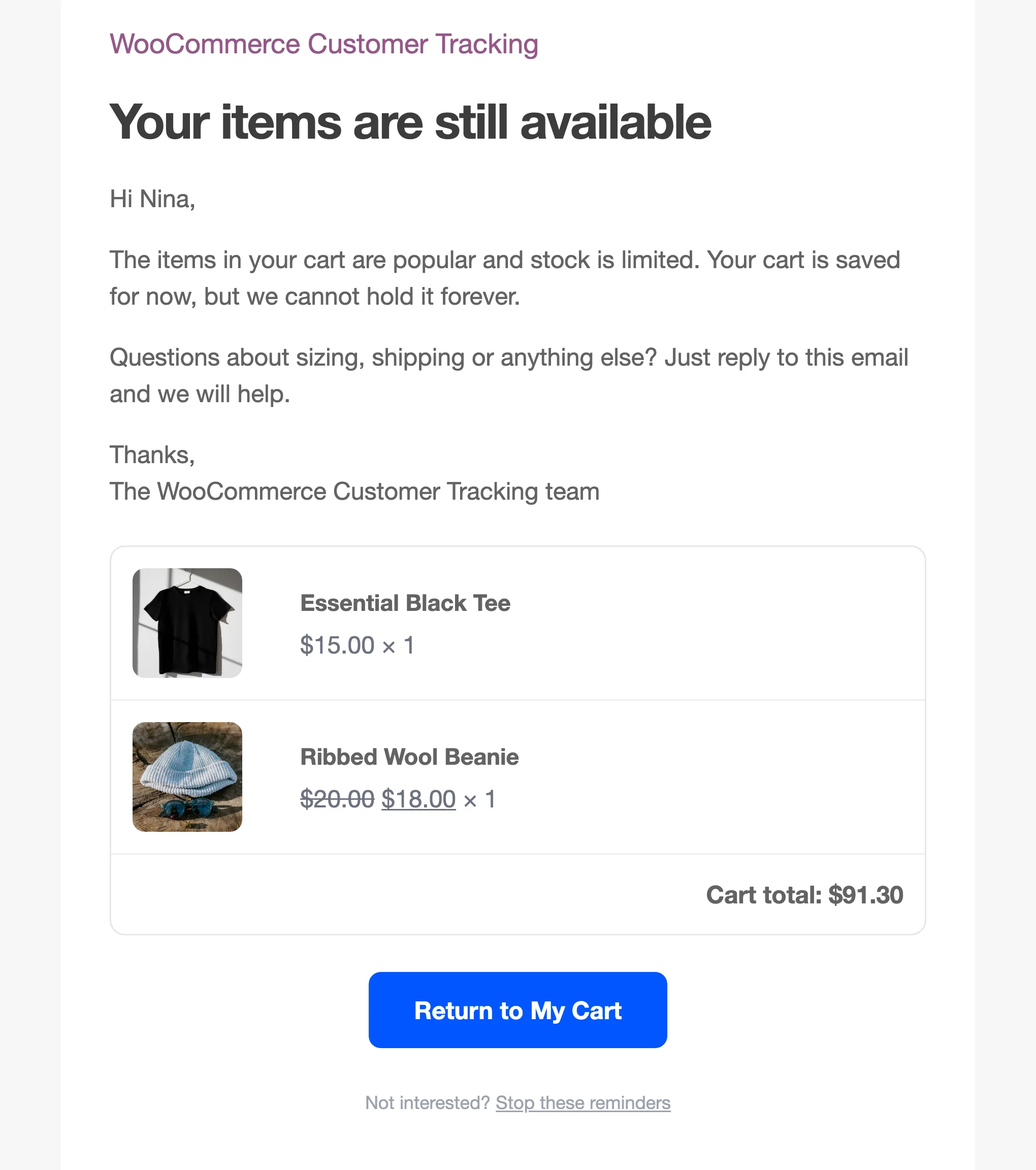
The third adds a coupon only they can use, with the date it ends.
A logged in customer who looked at products and left without a cart can get the browse abandonment email instead, with the products they viewed. It is off until you switch it on.
When they click the button
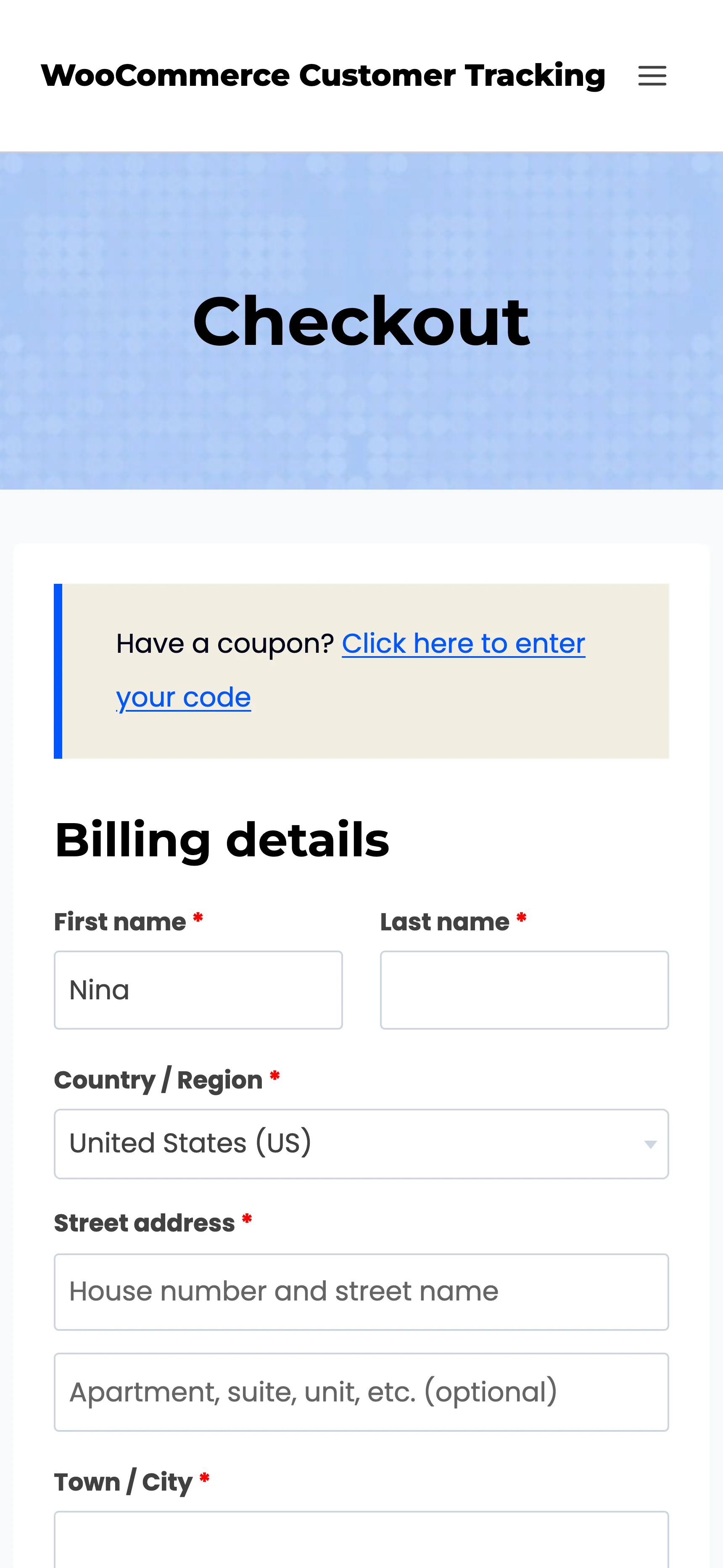
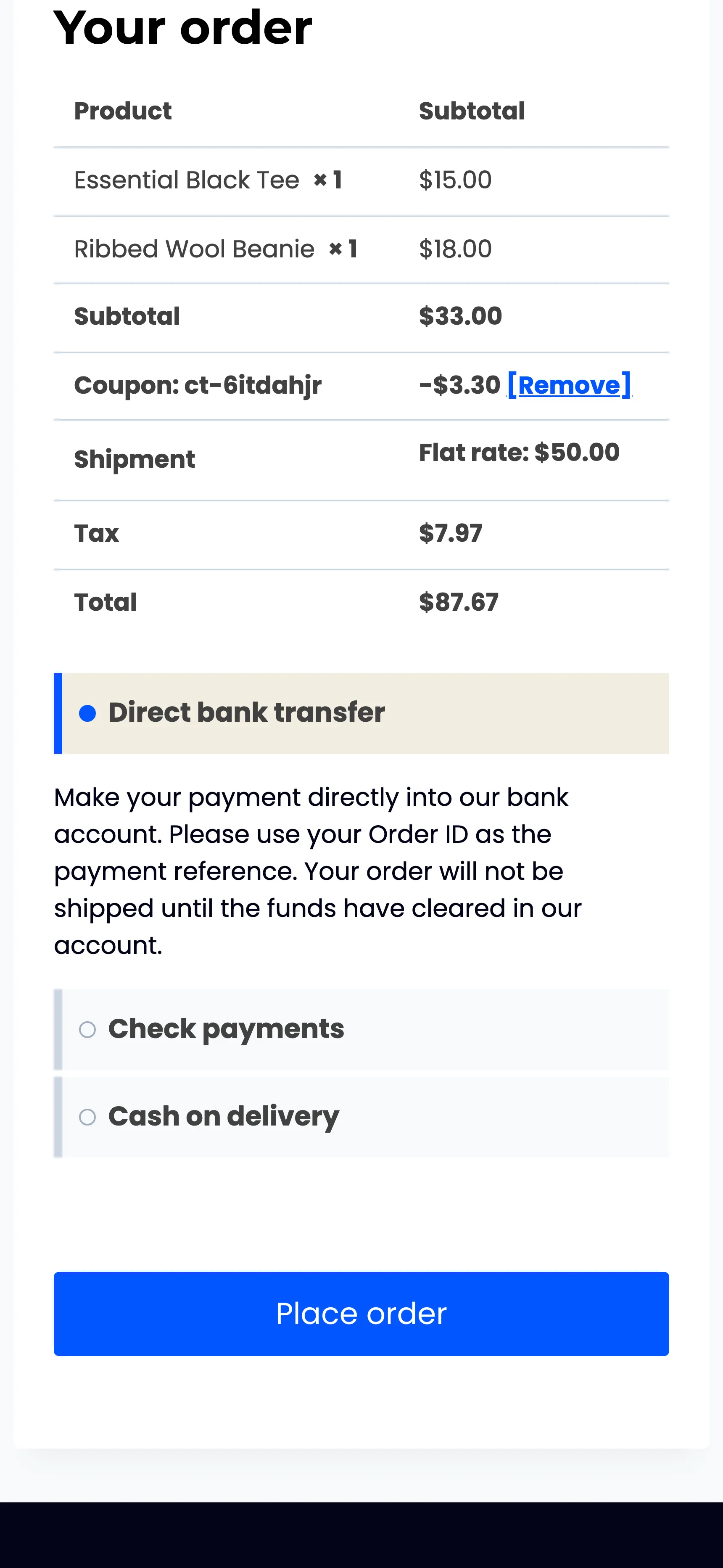
Section titled “When they click the button”The button works on any device. It refills the cart, applies the coupon, fills in their email and first name, and opens checkout.
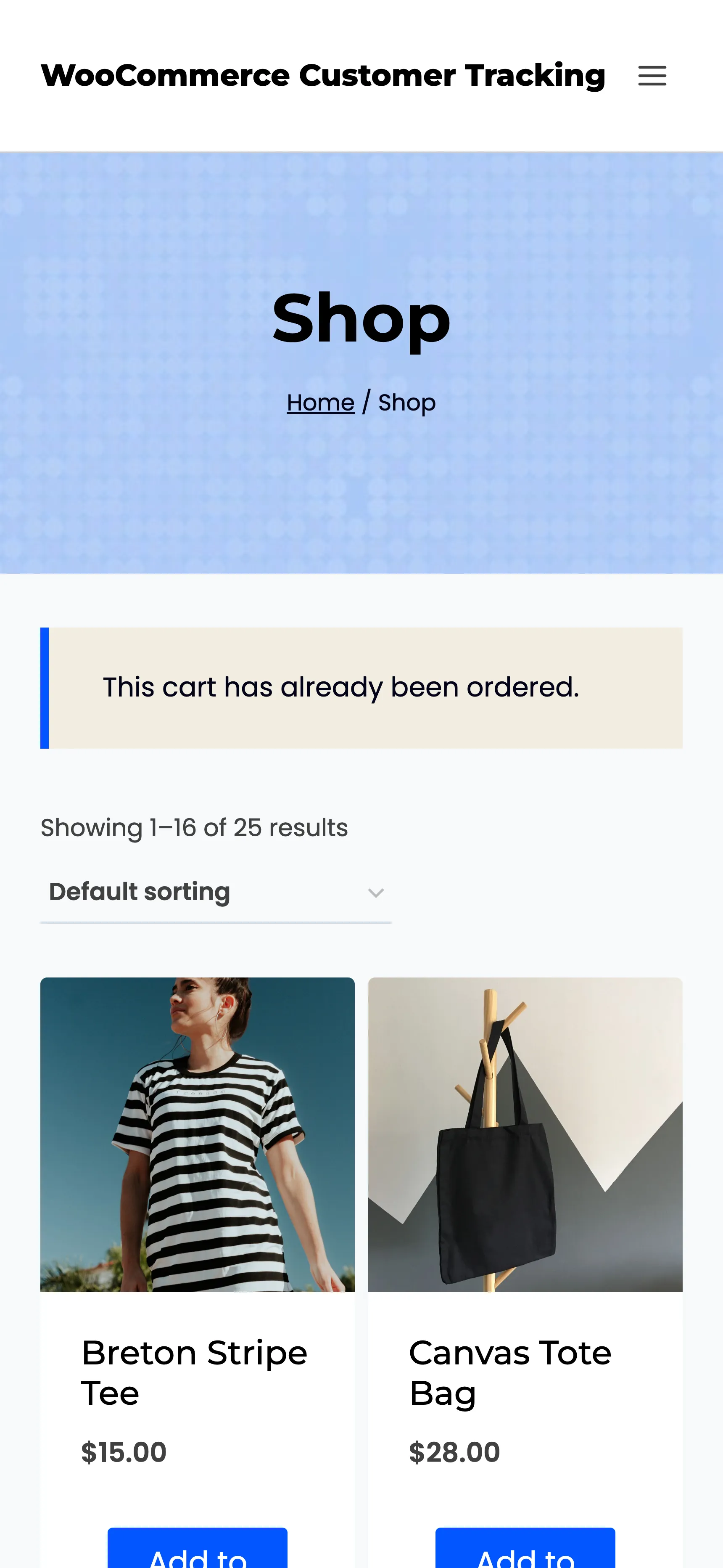
If the cart was already ordered, the link opens the shop with “This cart has already been ordered.” A link to a cart that was deleted says “This link has expired.”
When they want no more
Section titled “When they want no more”Every automatic email ends with Stop these reminders. One click opens the shop with “You will not receive any more reminder emails from us.” No further reminders go to that address, for this cart or any later one.
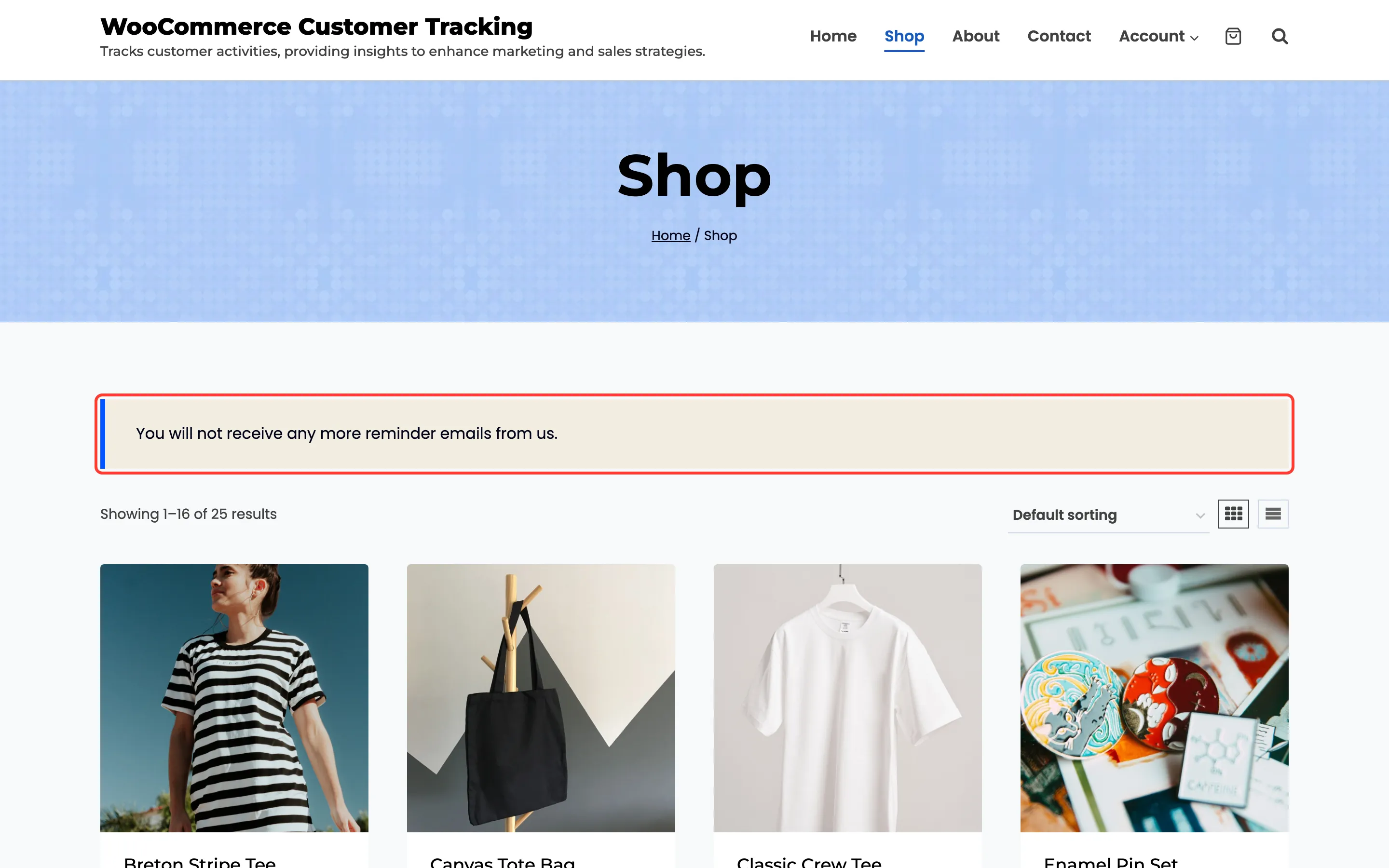
The link keeps working even while you have tracking switched off.
What they never see
Section titled “What they never see”Tracking itself shows nothing on the storefront: no banner, no badge, no extra script beyond a small page-view report. Your privacy policy should still say what is recorded. The plugin adds a suggested paragraph to Settings → Privacy → Policy Guide. See Privacy and Data Settings.