

Recovery Settings
The Recovery tab decides when a cart counts as abandoned, how guests are reached, and what the coupon is worth. Open DevDiggers Plugins → Customer Tracking → Configuration → Recovery.
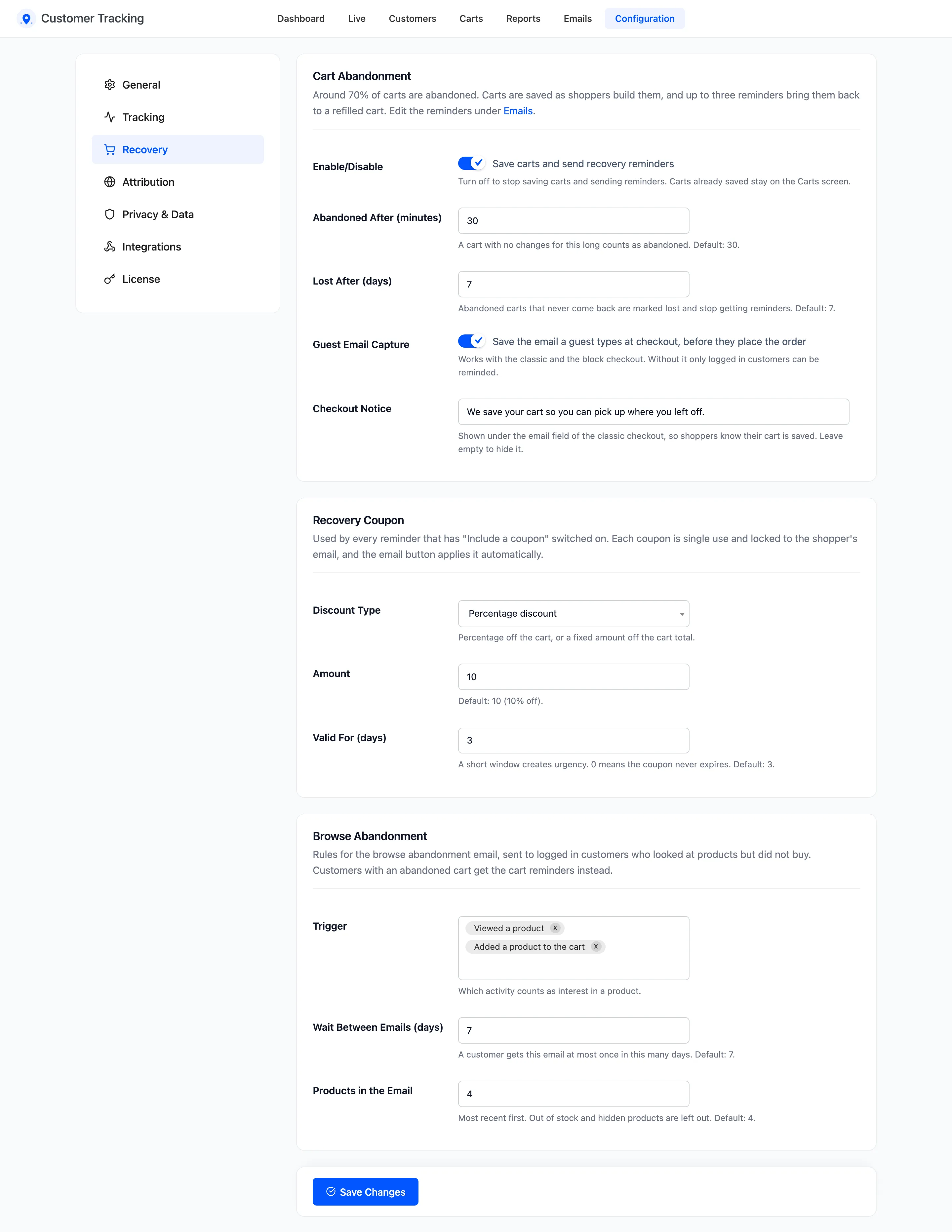
The wording and timing of each reminder live under Emails. See Email Templates.
Cart Abandonment
Section titled “Cart Abandonment”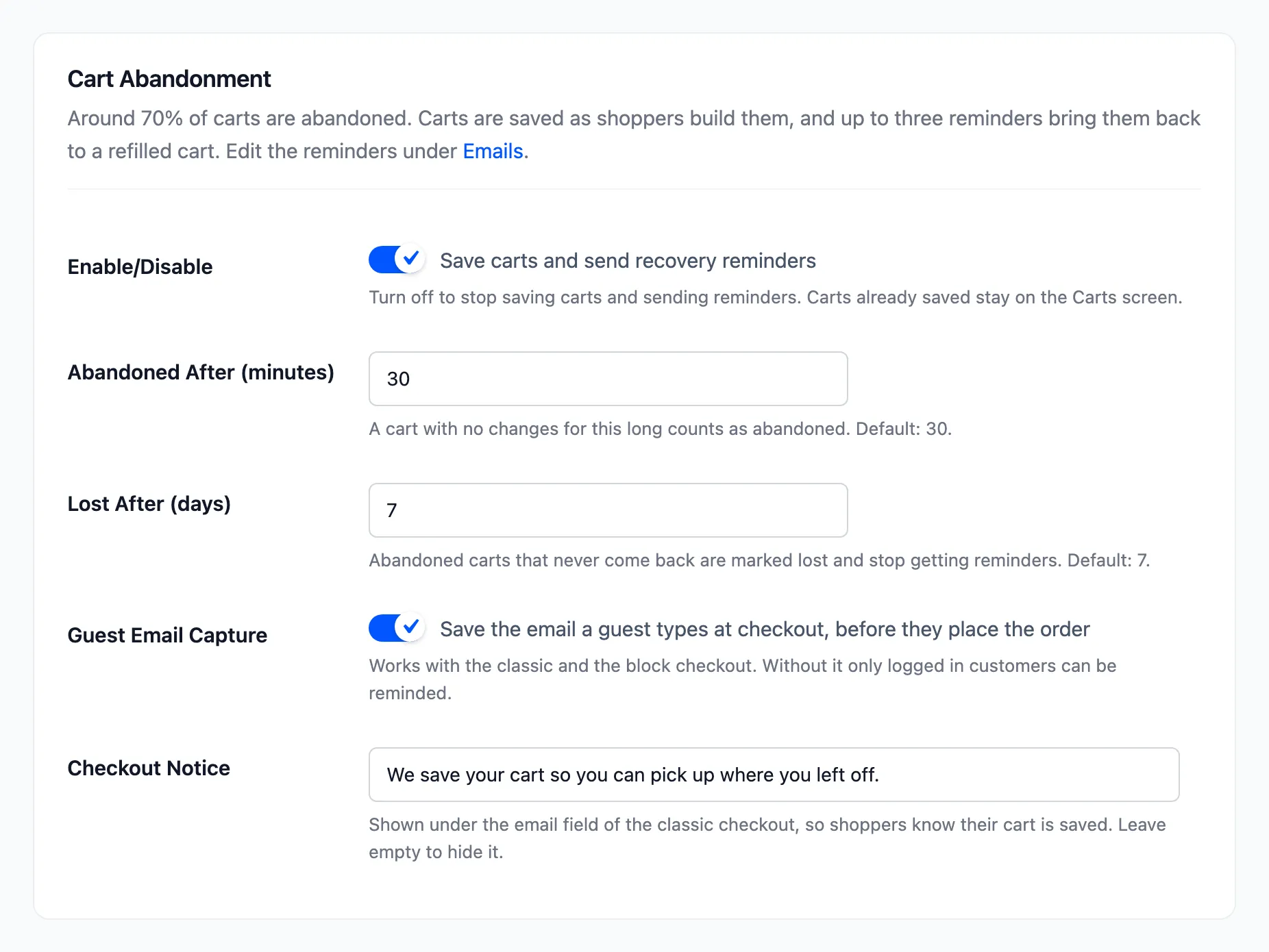
- Enable/Disable: “Save carts and send recovery reminders”. On by default. Off stops saving carts and sending reminders. Carts already saved stay on the Carts screen.
- Abandoned After (minutes): A cart with no changes for this long becomes Abandoned. Default 30, from 10 to 1440.
- Lost After (days): An abandoned cart that never comes back becomes Lost and gets no more reminders. Default 7, from 1 to 60.
- Guest Email Capture: “Save the email a guest types at checkout, before they place the order”. On by default. Works on the classic and the block checkout. Without it, only logged in customers can be reminded.
- Checkout Notice: A line under the email field of the classic checkout. Default “We save your cart so you can pick up where you left off.” Leave it empty to hide it.
The cart job runs every 10 minutes. So a cart turns Abandoned between 30 and 40 minutes after its last change.
Recovery Coupon
Section titled “Recovery Coupon”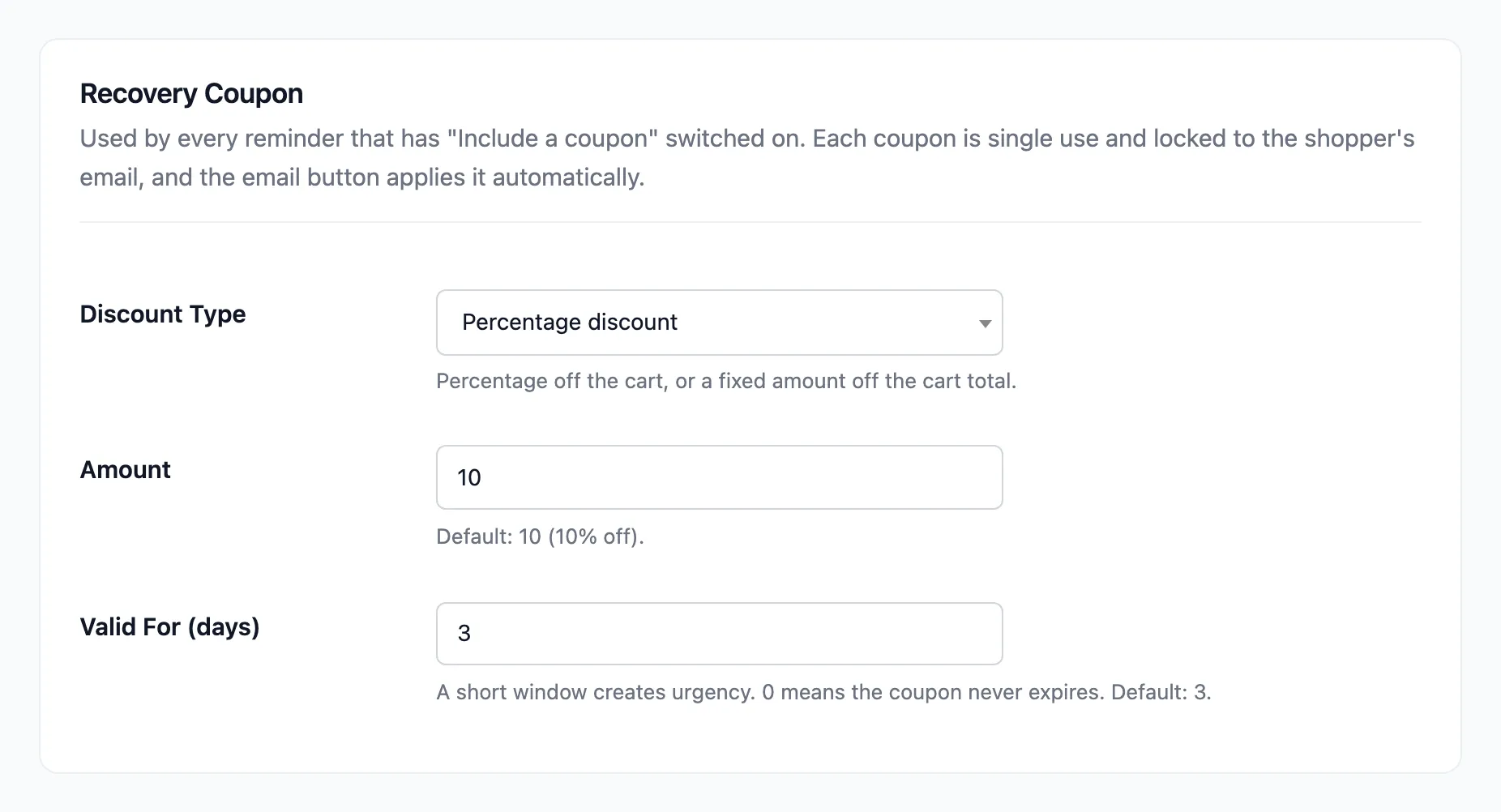
- Discount Type: Percentage discount (default) or Fixed cart discount.
- Amount: Default 10, so 10% off.
- Valid For (days): How long the coupon works. Default 3. 0 means it never expires.
Every reminder with Include a unique recovery coupon switched on uses these values. Each coupon is a
new WooCommerce coupon named CT- and eight characters. It is single use, and only the shopper’s email
can redeem it. The email button applies it for them.
Browse Abandonment
Section titled “Browse Abandonment”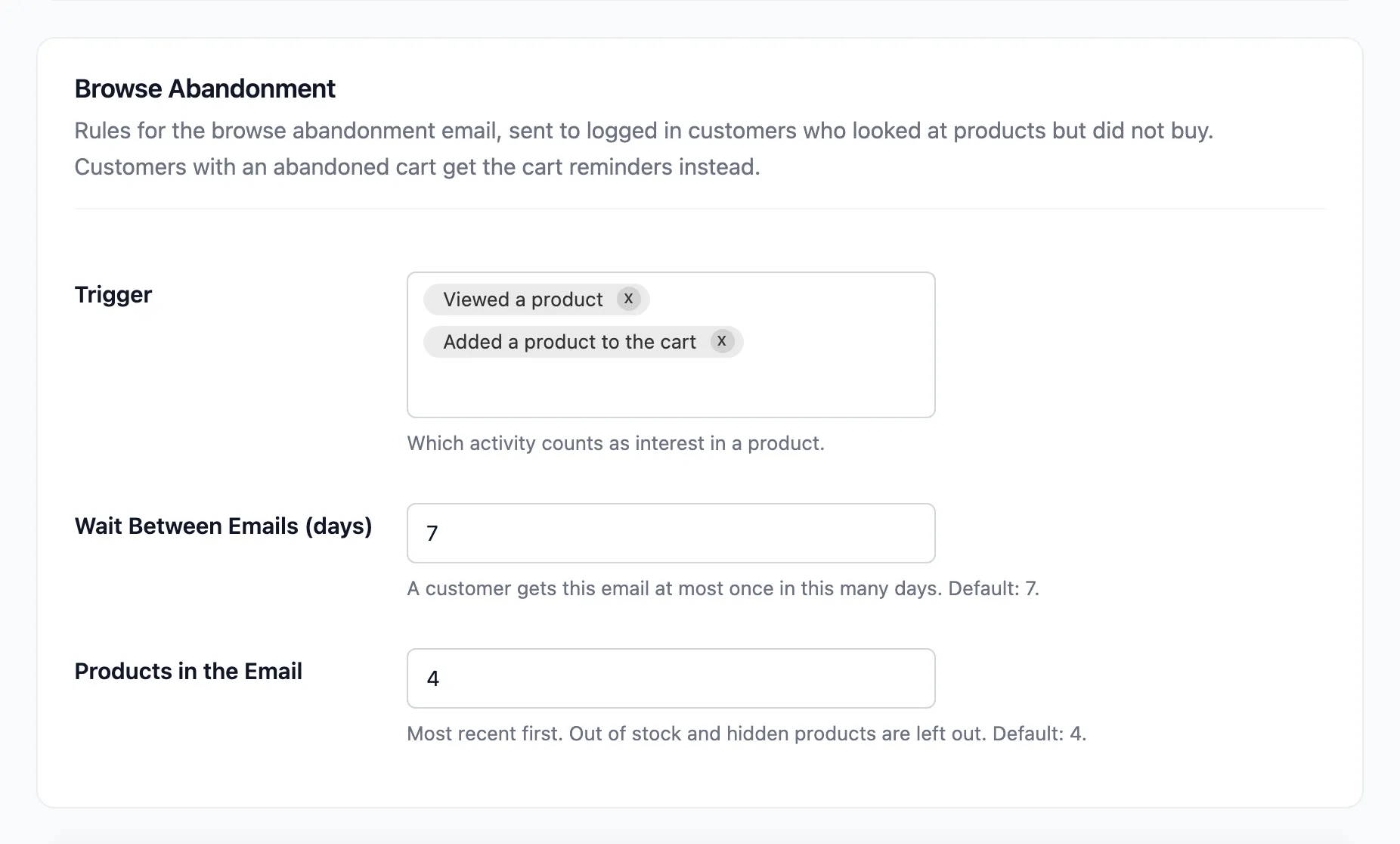
These rules shape the browse abandonment email, which goes to logged in customers who looked at products but did not buy. The email itself is off by default.
- Trigger: What counts as interest: Viewed a product, Added a product to the cart, or both. Both by default.
- Wait Between Emails (days): A customer gets this email at most once in this many days. Default 7.
- Products in the Email: How many products it shows, newest first. Default 4, from 1 to 12. Out of stock and hidden products are left out.
A customer with an abandoned cart gets the cart reminders instead. See How to Send Browse Abandonment Emails.
Click Save Changes at the bottom of the tab.