

License Activation
The license turns tracking on and brings plugin updates. Open DevDiggers Plugins → Customer Tracking → Configuration → License.
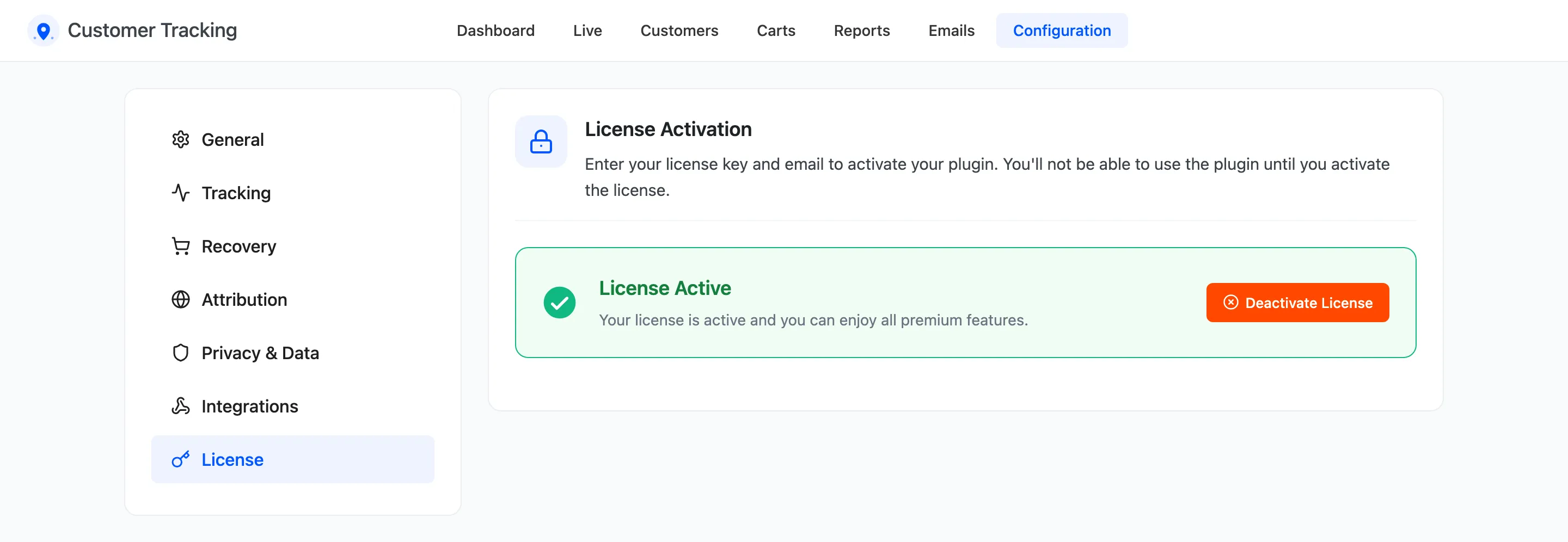
Activate
Section titled “Activate”- Enter the License Key you received after purchase.
- Enter the Purchase Email you bought with.
- Click Activate License.
The tab then reads License Active. The setup wizard’s License step does the same thing.
What the license controls
Section titled “What the license controls”Without an active license, the admin screens open, but nothing new is recorded:
- No page views, searches, carts or orders are tracked, and no cart is saved.
- No cart reminder or browse abandonment email is sent.
- The Dashboard and Live screens say “Activate your license under Configuration > License to start recording customer activity.”
Everything recorded before stays. Activate the license and tracking starts again from that moment.
Move it to another site
Section titled “Move it to another site”Click Deactivate License on the old site, then activate it on the new one.