

Email Templates
Customer Tracking sends five emails, each with its own screen. Open DevDiggers Plugins → Customer Tracking → Emails.
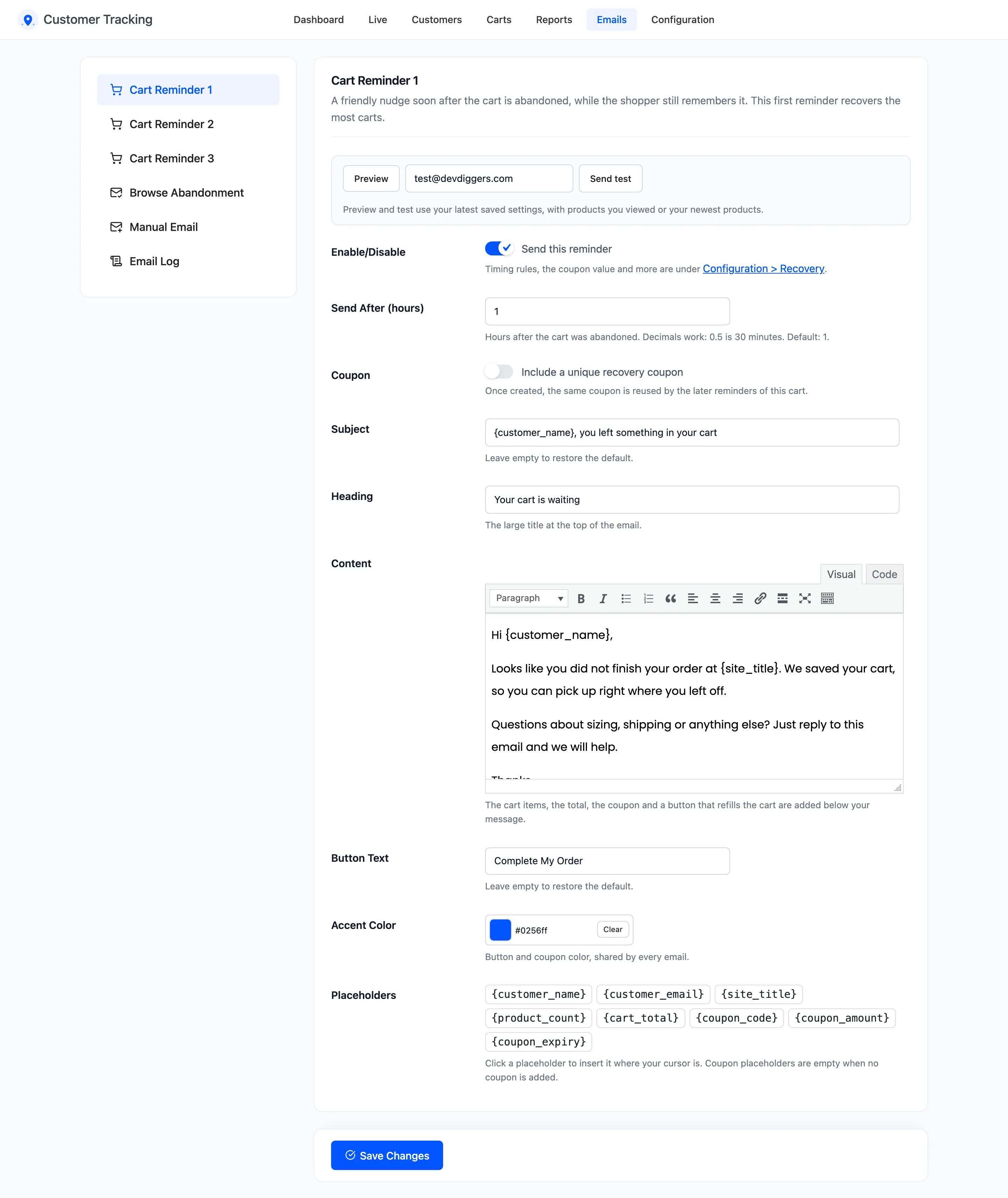
The five emails
Section titled “The five emails”| Sent | Default timing | Coupon | |
|---|---|---|---|
| Cart Reminder 1 | On | 1 hour after the cart is abandoned | Off |
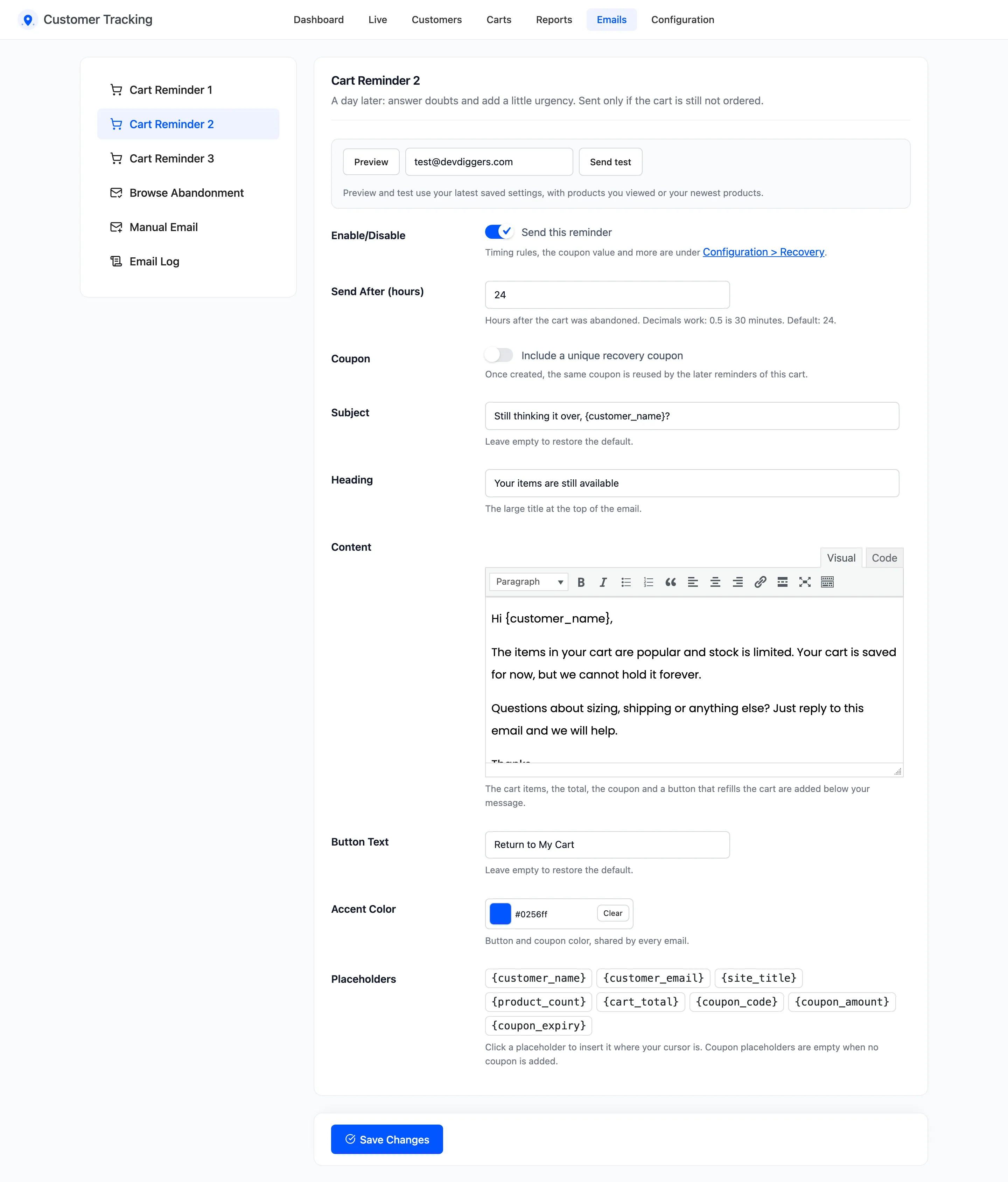
| Cart Reminder 2 | On | 24 hours after | Off |
| Cart Reminder 3 | On | 72 hours after | On |
| Browse Abandonment | Off | 4 hours after the last product view | Off |
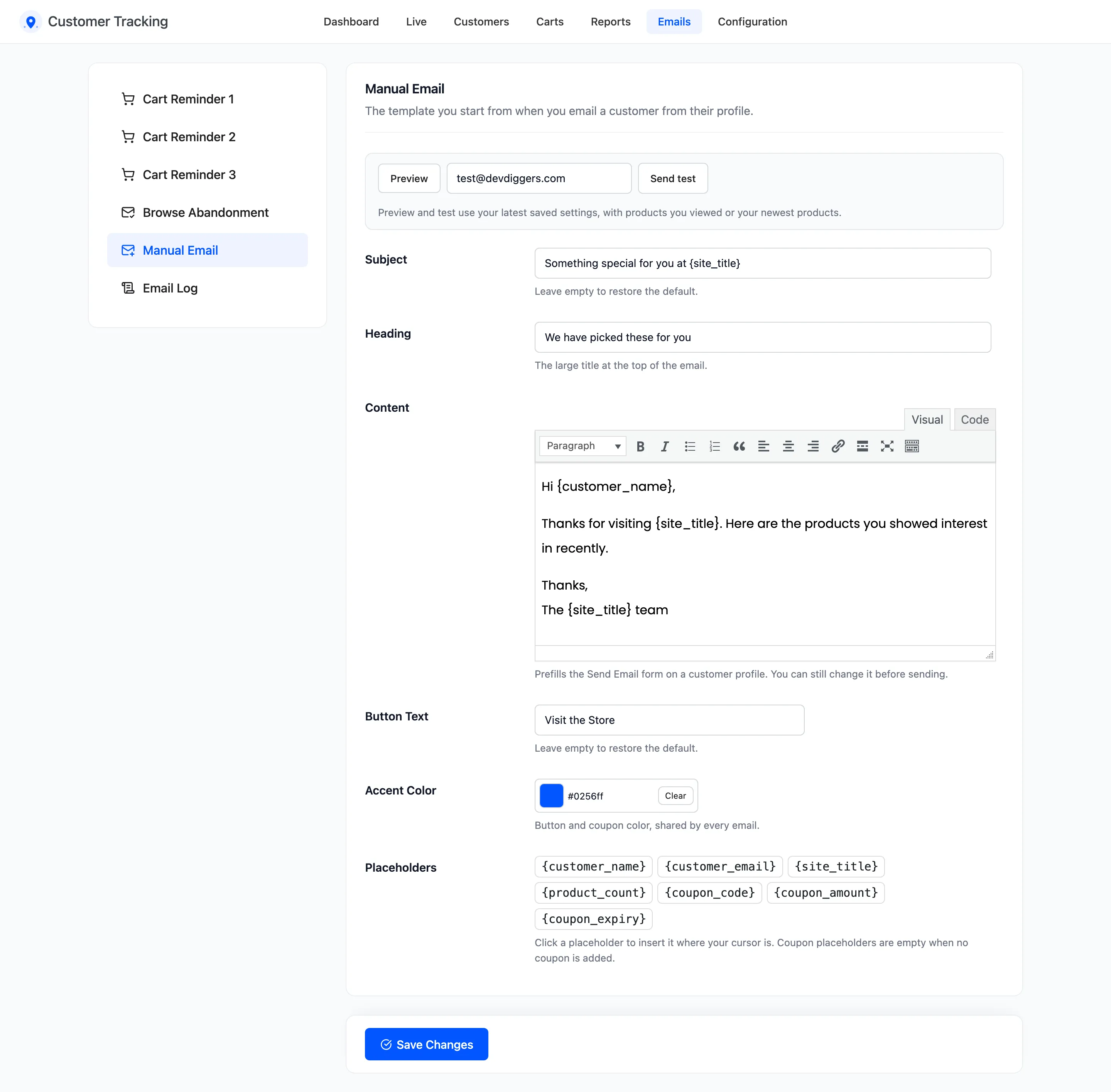
| Manual Email | When you send it | Your choice |
Each reminder counts from the moment the cart was abandoned, not from the reminder before it. A reminder switched off is skipped and the next one still goes out on time.
The fields
Section titled “The fields”- Enable/Disable: “Send this reminder”, or for Browse Abandonment “Automatically email customers who browse but do not buy”. The Manual Email has no switch.
- Send After (hours): Decimals work: 0.5 is 30 minutes. Up to 720.
- Coupon: “Include a unique recovery coupon”. On a reminder, the coupon is created once and reused by the later reminders of that cart.
- Subject and Heading: Leave either empty to restore the default.
- Content: Your message. The plugin adds the rest below it.
- Button Text: Leave it empty to restore the default.
- Accent Color: The button and coupon color, shared by every email. Default
#0256ff.
Below Content, a cart reminder adds the cart’s items, the cart total, the coupon and a button that refills the cart. Browse Abandonment adds the products looked at, the coupon and a shop button. Every automatic email ends with a Stop these reminders link. The Manual Email does not.
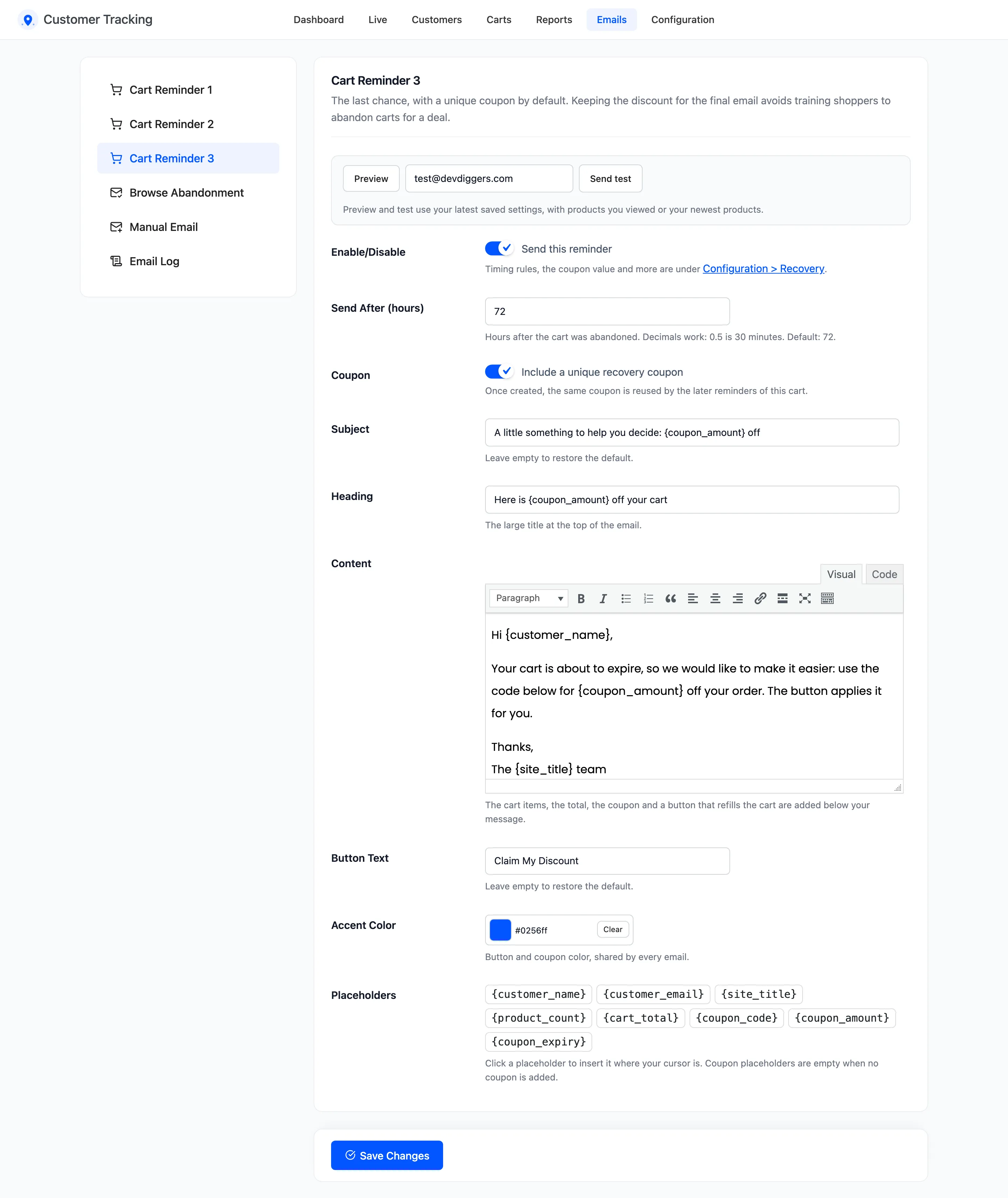
Cart Reminder 2 is the same screen with its own timing and wording:
The Manual Email has no switch, timing or coupon. It is the starting text of the form on a customer profile:
Placeholders
Section titled “Placeholders”Click a placeholder to insert it where your cursor is.
{customer_name}: First name, or the account’s display name. A guest who typed no name is “there”.{customer_email},{site_title}and{product_count}.{cart_total}: Cart reminders only.{coupon_code},{coupon_amount}and{coupon_expiry}: Empty when the email has no coupon.
Preview and test
Section titled “Preview and test”Preview opens the email in a window, with your saved settings. Send test sends it to the address
beside it. Both use products you looked at yourself, or your newest products. The test uses a sample coupon
CT-SAMPLE, so no real coupon is created, and it is logged as Test in the Email Log.
Save first: preview and test show the saved version, not what is typed on screen.
Where the WooCommerce settings are
Section titled “Where the WooCommerce settings are”These emails are one WooCommerce email, Customer Tracking Email, under WooCommerce → Settings → Emails. There you set only the email type (HTML or plain text). Its header, footer and colors follow your WooCommerce email settings.
Click Save Changes at the bottom of each screen.