

Introduction to Customer Tracking
Customer Tracking shows you what shoppers do in your WooCommerce store, where they came from, and who left without buying. It saves every cart, emails shoppers who abandon one, and credits the orders those emails bring back.
It is a paid plugin with no free edition, so every feature on these pages is part of the one plugin.
What it records
Section titled “What it records”- Visits: Page views, product views and searches, with the number of results each search found.
- Cart activity: Products added and removed, and coupons applied or removed.
- Accounts: Logins, logouts, registrations and product reviews.
- Orders: Every order placed, from the classic or the block checkout.
- Where each visitor came from: UTM campaigns, ad clicks, search engines, social networks, email and referring sites.
Each visit also notes the visitor’s device, browser and country. Everything is stored in your own database. See How Customer Tracking Works.
The screens
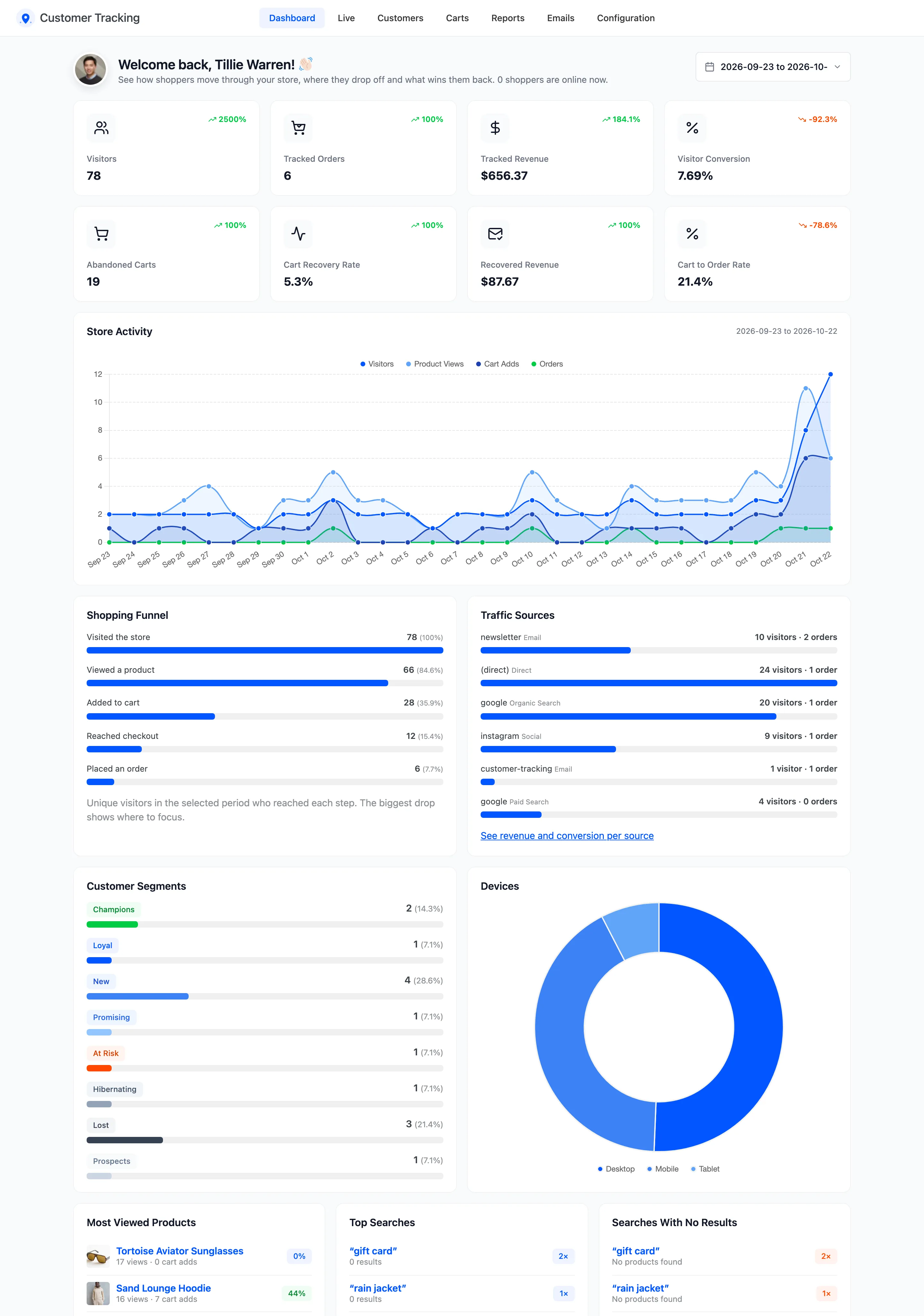
Section titled “The screens”- Dashboard: Visitors, orders, revenue and recovered carts against the period before, with a funnel, sources, segments and top products.
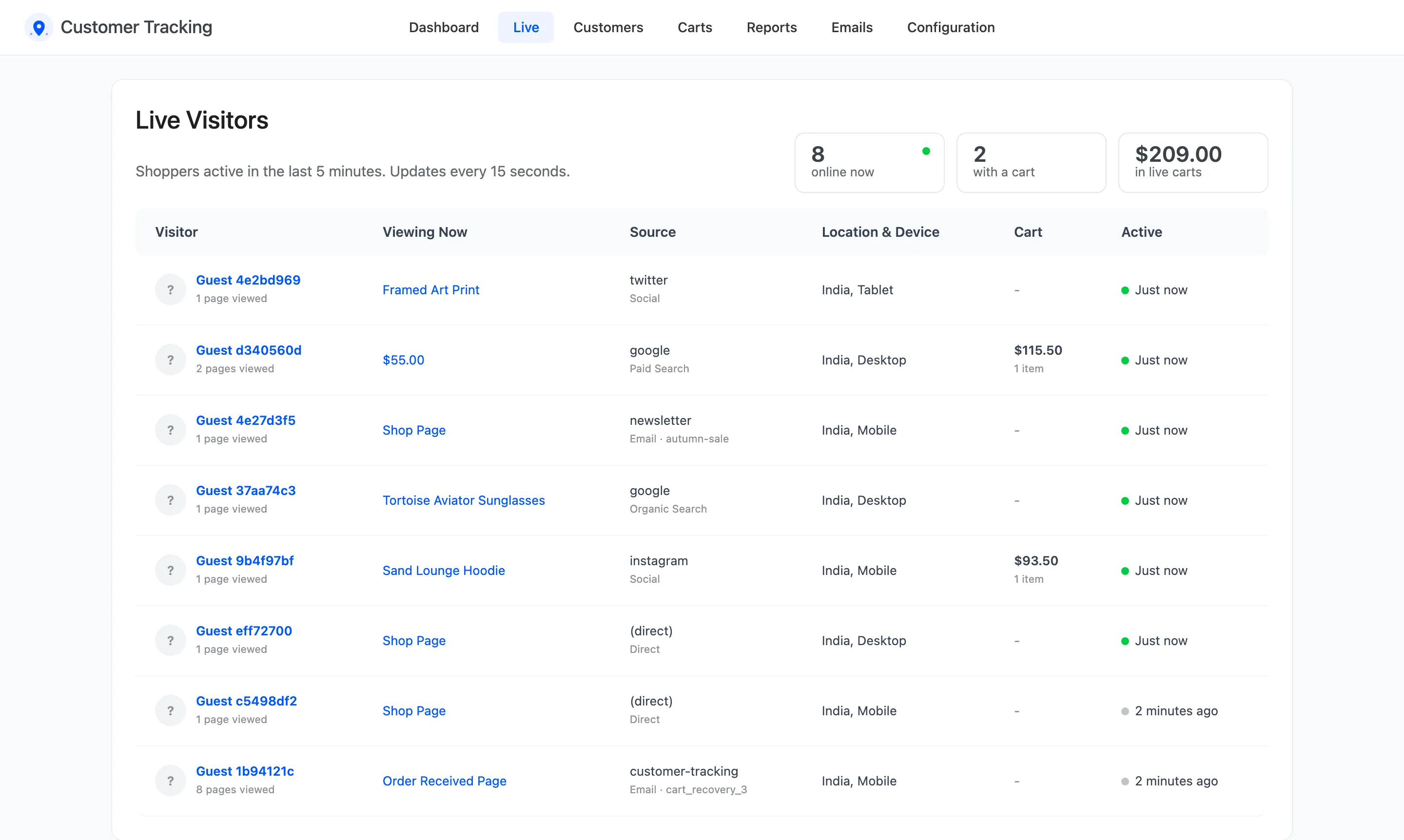
- Live: Who is in the store right now, the page they are on and what is in their cart.
- Customers: Every buyer with lifetime value and an RFM segment, and a profile per customer with their whole journey.
- Carts: Every saved cart, with its status and reminders.
- Reports: Traffic sources, campaigns, product insights and the activity log.
- Emails: The three cart reminders, the browse abandonment email, the manual email and the email log.
Cart recovery
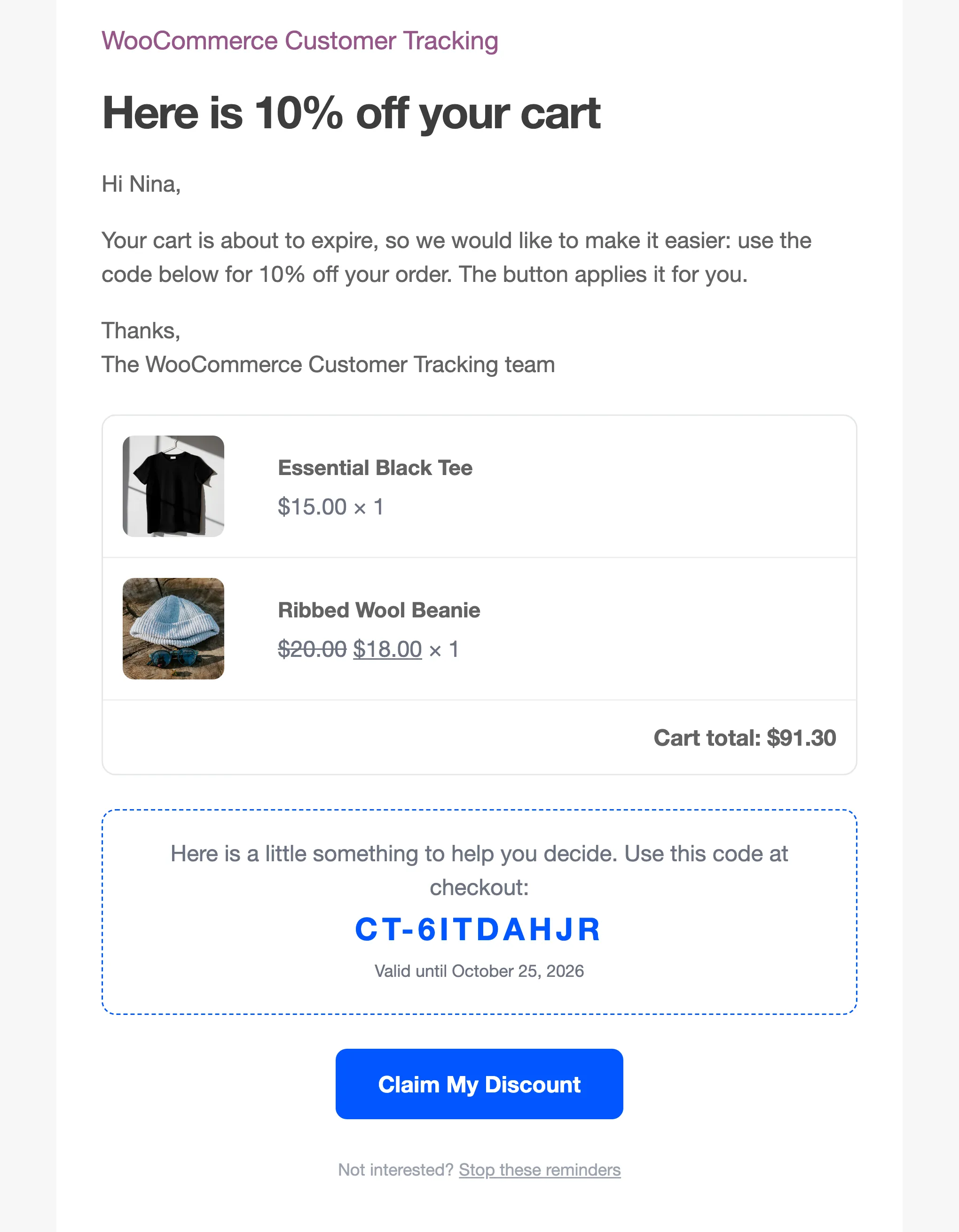
Section titled “Cart recovery”A cart left alone for 30 minutes is Abandoned. The shopper then gets up to three reminders, after 1 hour, 1 day and 3 days. The last adds a unique coupon. The email button refills the cart on any device and opens checkout. When they order, the cart turns Recovered and the email is credited with the revenue.
Guests are reminded too, because the plugin saves the email they type at checkout before they order.
Where things live
Section titled “Where things live”Everything is under DevDiggers Plugins → Customer Tracking. Configuration has seven tabs: General, Tracking, Recovery, Attribution, Privacy & Data, Integrations and License.
Two more places get a link:
- Each order’s edit screen gets a Path to Purchase box, with the order’s source and the steps before it.
- Each row on Users gets a Customer Profile link.
See The Order Screen.
Requirements
Section titled “Requirements”- WordPress 6.2 or newer and WooCommerce 8.0 or newer.
- PHP 7.4 or newer.
- An active license. Until it is active, nothing is recorded.
It works with the WooCommerce order tables (HPOS), legacy order storage, and the block cart and checkout. Page views are reported by the visitor’s browser, so pages served from a cache are counted too.
Where to go next
Section titled “Where to go next”- How Customer Tracking Works follows one shopper from first visit to recovered order.
- Installing and Activating gets the plugin running.
- How to Recover Abandoned Carts sets up the part that earns money first.