

How to Require Customers to Log In
B2B and member-only stores often want every alert tied to an account. Require Login turns the guest form into a login button.
Step 1: Turn on Require Login
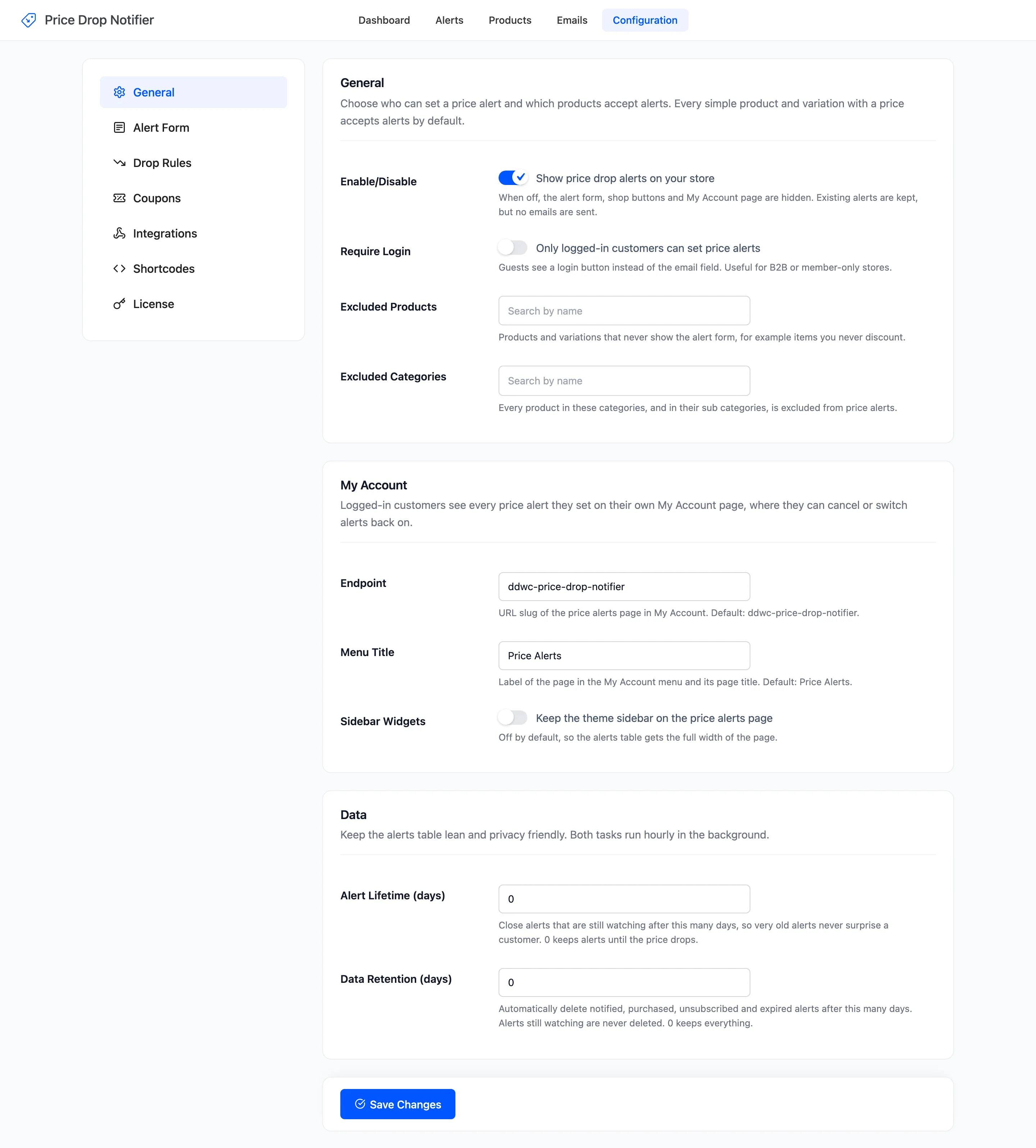
Section titled “Step 1: Turn on Require Login”Open Configuration → General, tick Require Login, “Only logged-in customers can set price alerts”, and click Save Changes. It is off by default.
Step 2: Check the form as a guest
Section titled “Step 2: Check the form as a guest”Open a product while logged out. The form keeps its title and description and shows Log in to set a price alert.
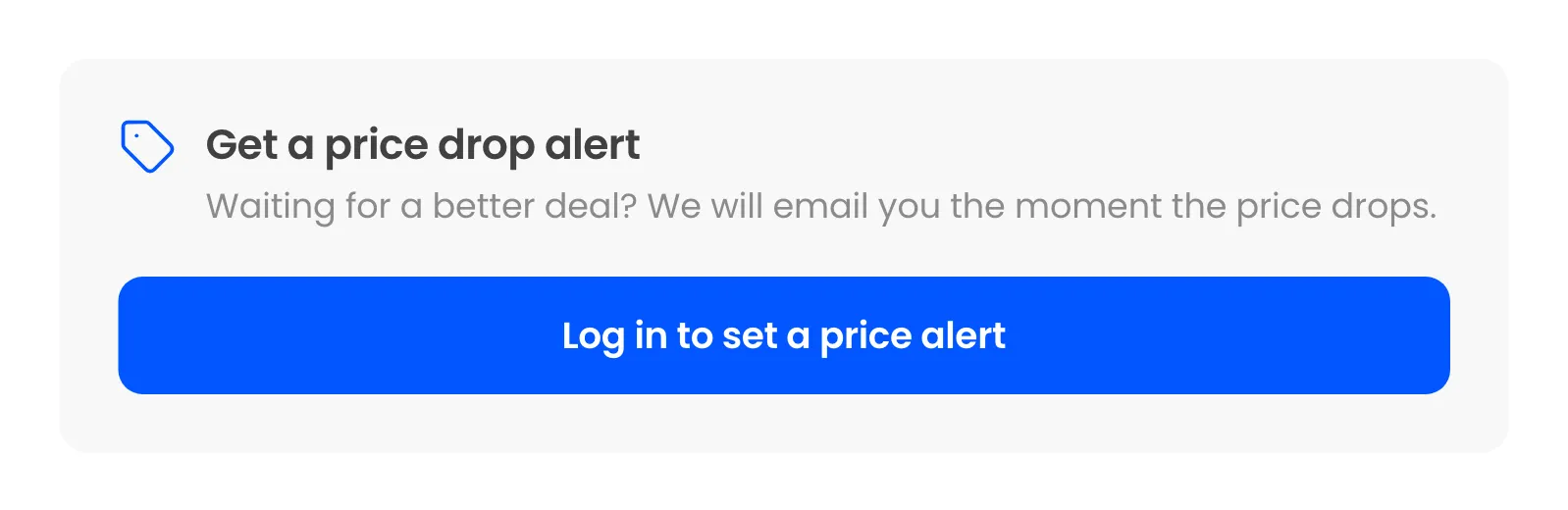
The shop window shows the same button. A guest who sends the form some other way is refused with “Please log in to set a price alert.”
Step 3: Log in
Section titled “Step 3: Log in”The button opens My Account, carrying the product’s address. After the shopper logs in, or registers there, they land back on the product and can set the alert with one click.
Good to know
Section titled “Good to know”- Logged-in customers never confirm by email, even with double opt-in on.
- Every alert then has an account behind it, so customers can manage all of them under My Account → Price Alerts.
- Alerts guests set before you switched it on keep working.