

How to Exclude Products from Price Alerts
Some products are never discounted: new releases, fixed price items, gift cards. An alert form there sets an expectation you will not meet.
Step 1: Pick the products
Section titled “Step 1: Pick the products”Open Configuration → General and search for products or single variations in Excluded Products.
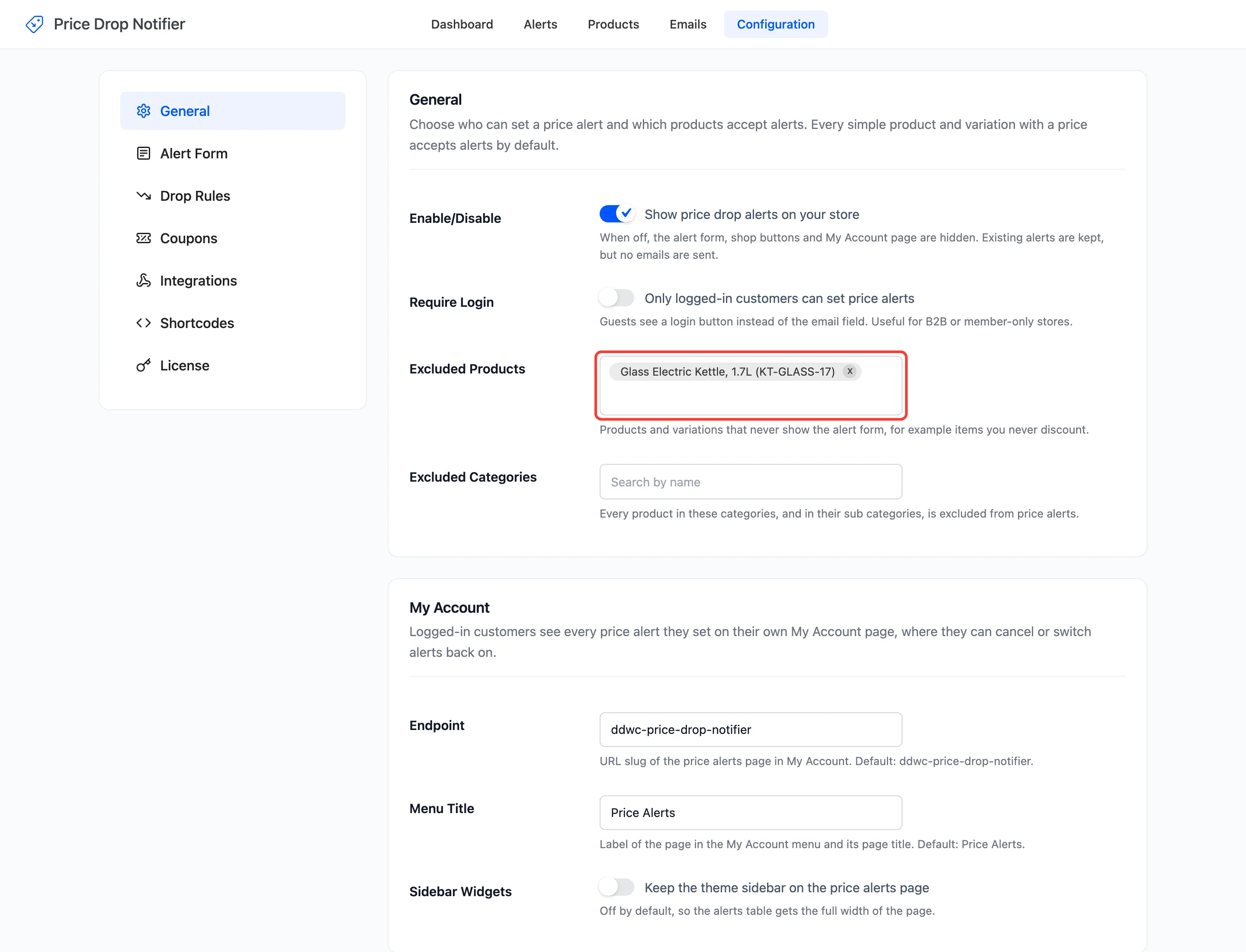
Excluding a variable product excludes all its variations. Excluding one variation leaves the others open.
Step 2: Pick the categories
Section titled “Step 2: Pick the categories”Add categories to Excluded Categories. Every product in them is left out, including products in their sub categories.
Step 3: Save and check
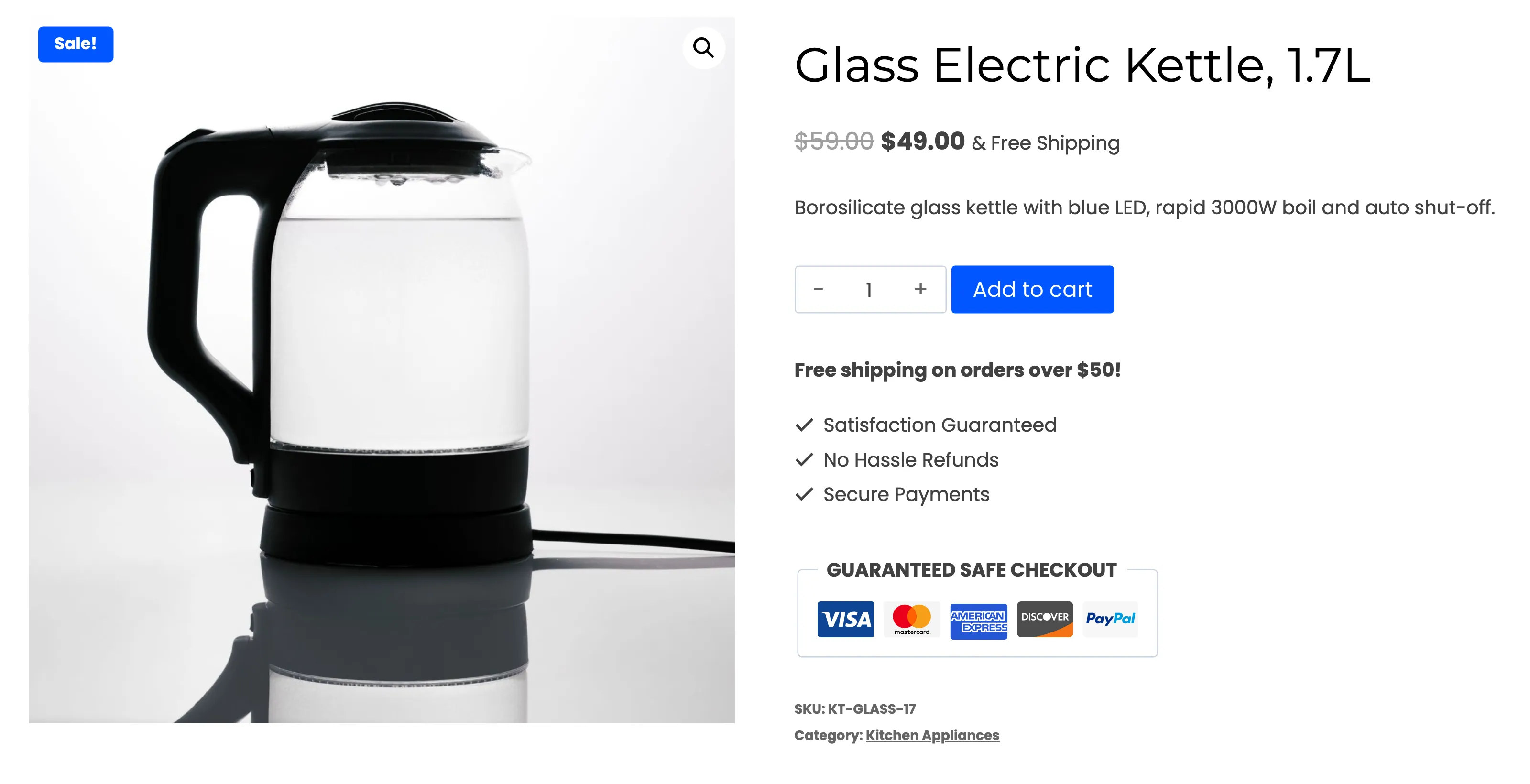
Section titled “Step 3: Save and check”Click Save Changes. An excluded product shows no form, no Price alert button on the shop page, and a shortcode for it prints nothing.
Step 4: Tidy existing alerts
Section titled “Step 4: Tidy existing alerts”Excluding hides the form. It does not delete alerts already set on the product, and those are still emailed when its price drops.
If you will never discount it, open Products, hover the product’s row and click Delete. That removes every alert on it.
Products that never accept alerts
Section titled “Products that never accept alerts”Grouped and external products, and products without a price, never show the form, excluded or not. A variable product’s alerts belong to its variations.