

License Activation
The license turns on the storefront and brings plugin updates. Open DevDiggers Plugins → Price Drop → Configuration → License.
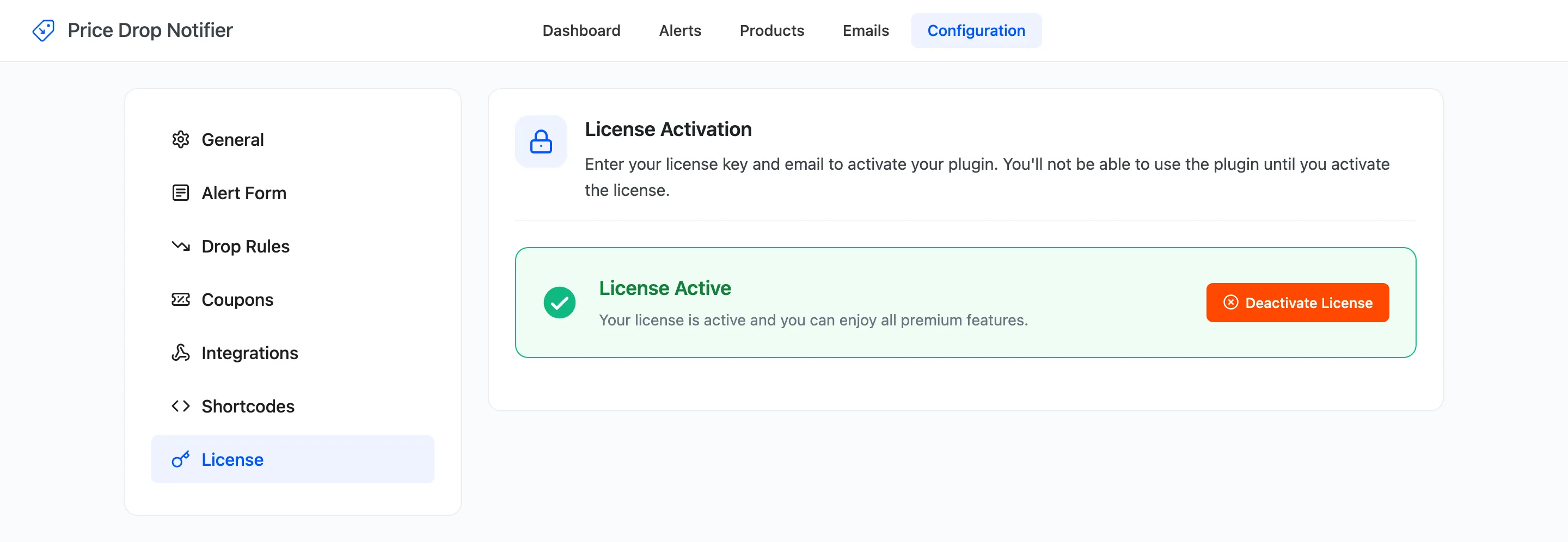
Activate
Section titled “Activate”- Enter the License Key you received after purchase.
- Enter the Purchase Email you bought with.
- Click Activate License.
The tab then reads License Active. The setup wizard’s License step does the same thing.
What the license controls
Section titled “What the license controls”Without an active license, the admin screens all work, but nothing reaches shoppers:
- No form on product pages, no shop buttons, and no Price Alerts page in My Account.
- The shortcode prints nothing.
- No automatic price drop email and no reminder.
Existing alerts are kept, and an email you send yourself from the Alerts or Products screen still goes out. Activate the license and the storefront comes back as it was. A price that already dropped meanwhile is emailed the next time it changes, or when you click Check now on the Products screen.
Move it to another site
Section titled “Move it to another site”Click Deactivate License on the old site, then activate it on the new one.