

How to Collect Your First Price Alerts
The plugin works from the moment it is active. This walk through sets one alert on the demo’s Dual-Boiler Espresso Machine, exactly as a shopper would, and follows it into the admin.
Step 1: Check the plugin is on
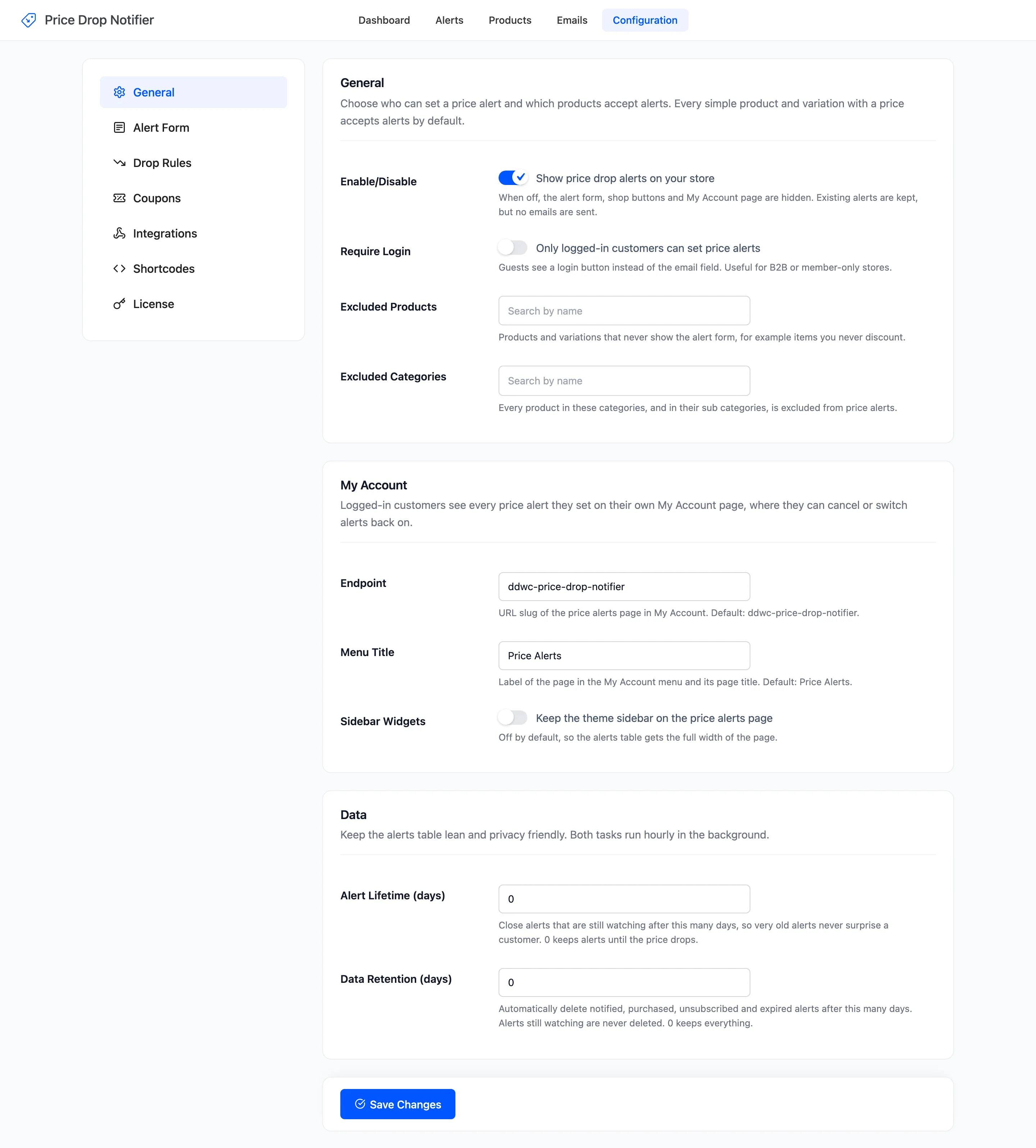
Section titled “Step 1: Check the plugin is on”Open Configuration → General. Enable/Disable is on by default. The license must be active too, under Configuration → License.
Step 2: Open a product page
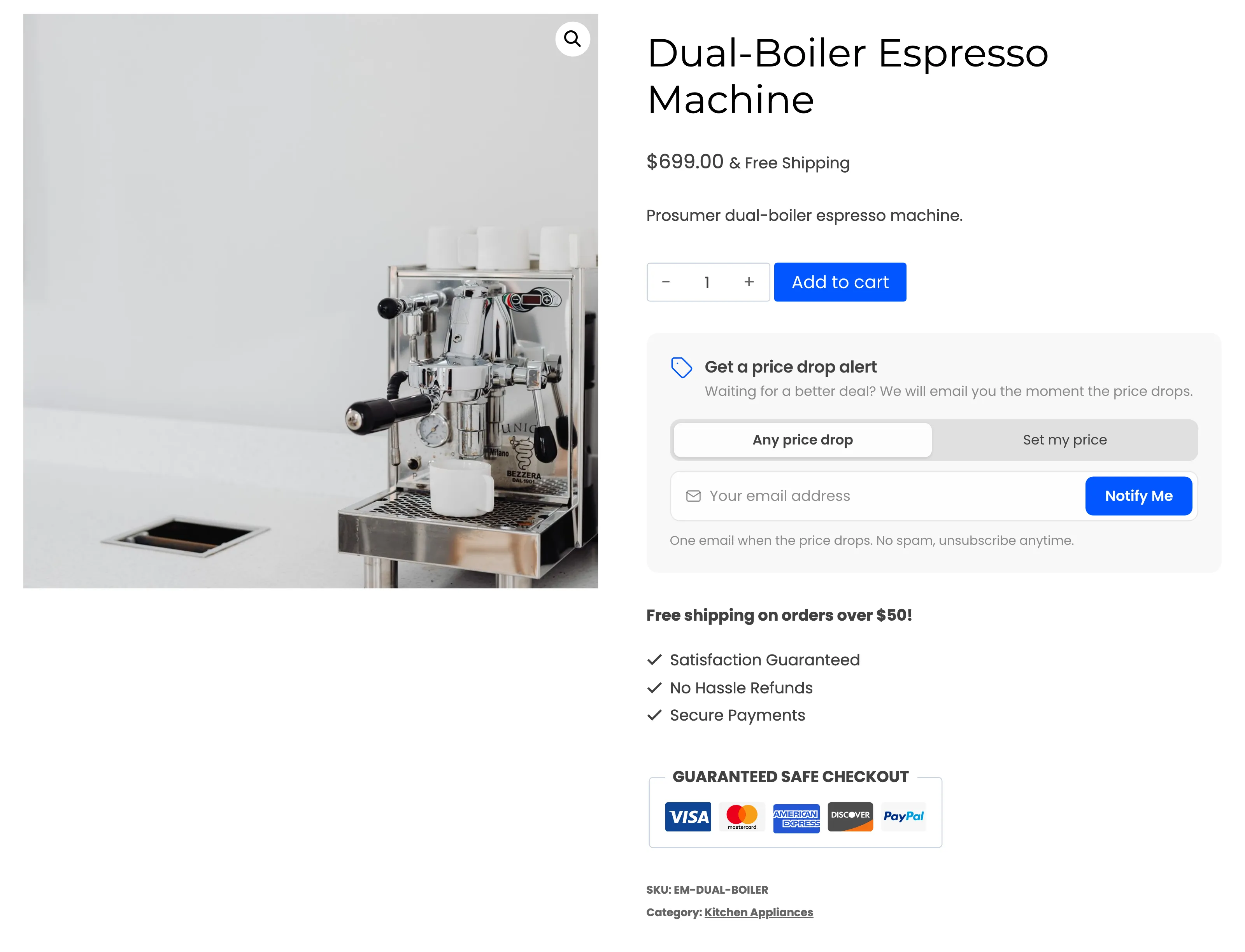
Section titled “Step 2: Open a product page”Open any simple product with a price. The form sits under Add to cart, at the default position.
Step 3: Set an alert
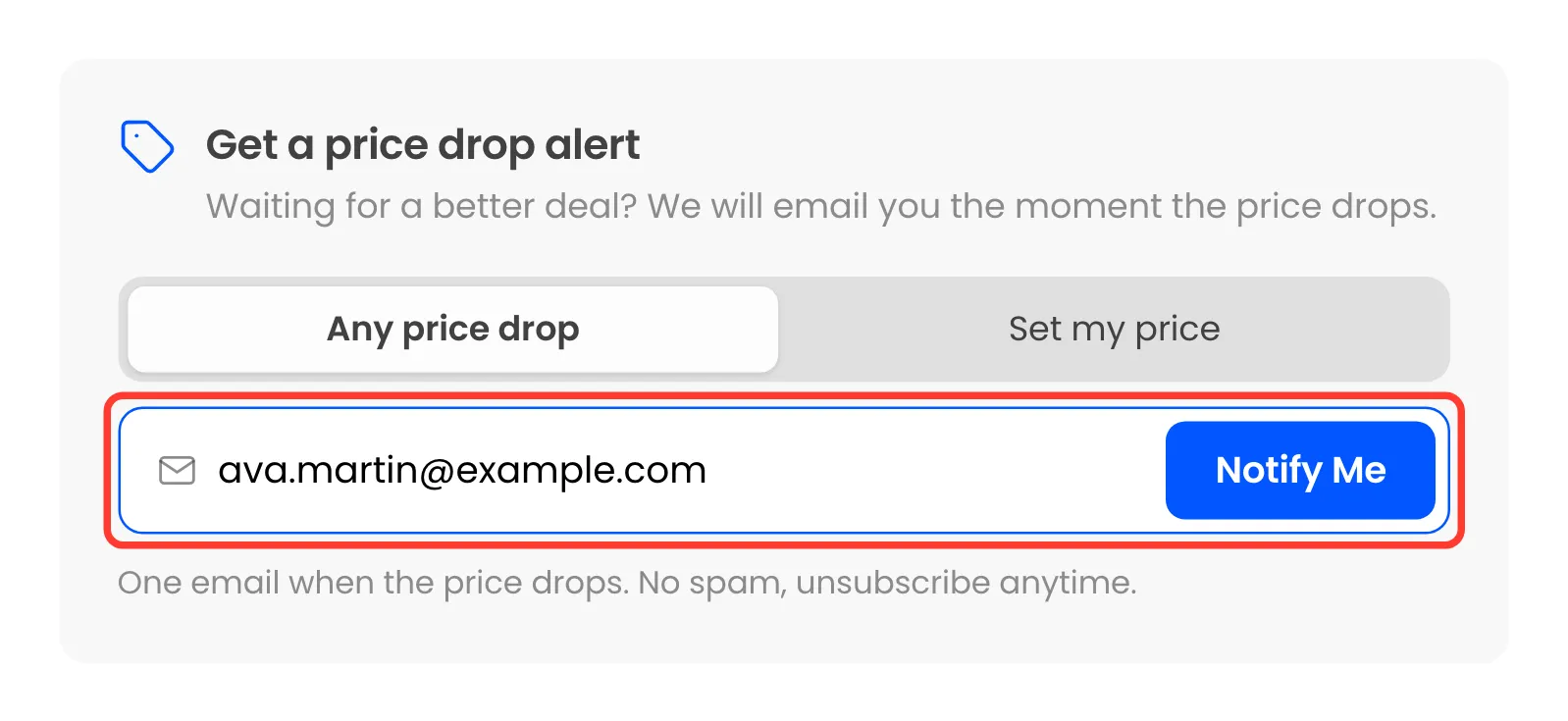
Section titled “Step 3: Set an alert”Log out, or use a private window, and type an email in the field. Leave Any price drop picked and click Notify Me.
Step 4: Check the confirmation
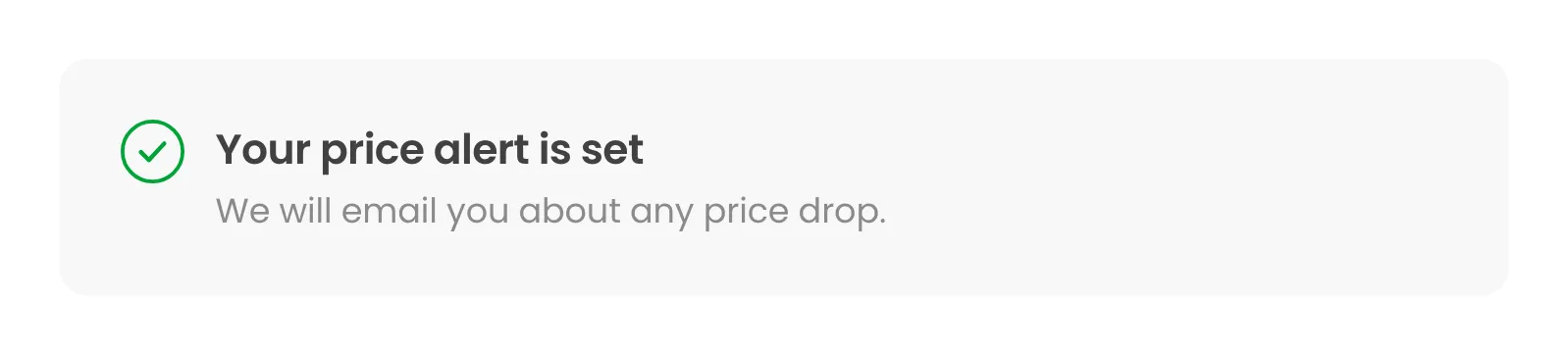
Section titled “Step 4: Check the confirmation”The form turns into Your price alert is set, with “We will email you about any price drop.”
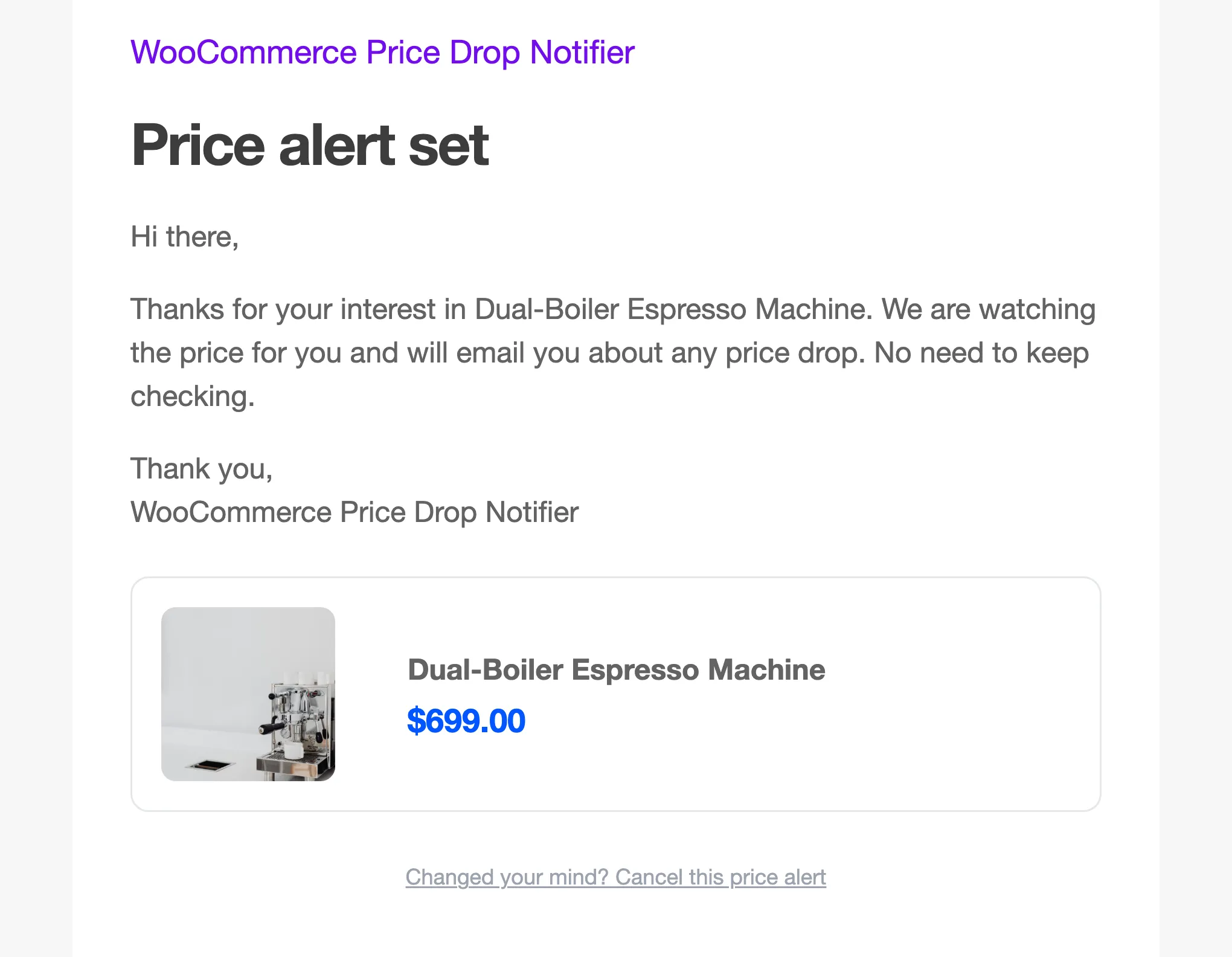
The shopper also gets the Alert Confirmation email, with a one-click way to cancel.
Step 5: Find it in the admin
Section titled “Step 5: Find it in the admin”Open Alerts. The new alert is Watching, with Any drop and From $699.00, the price the shopper saw.
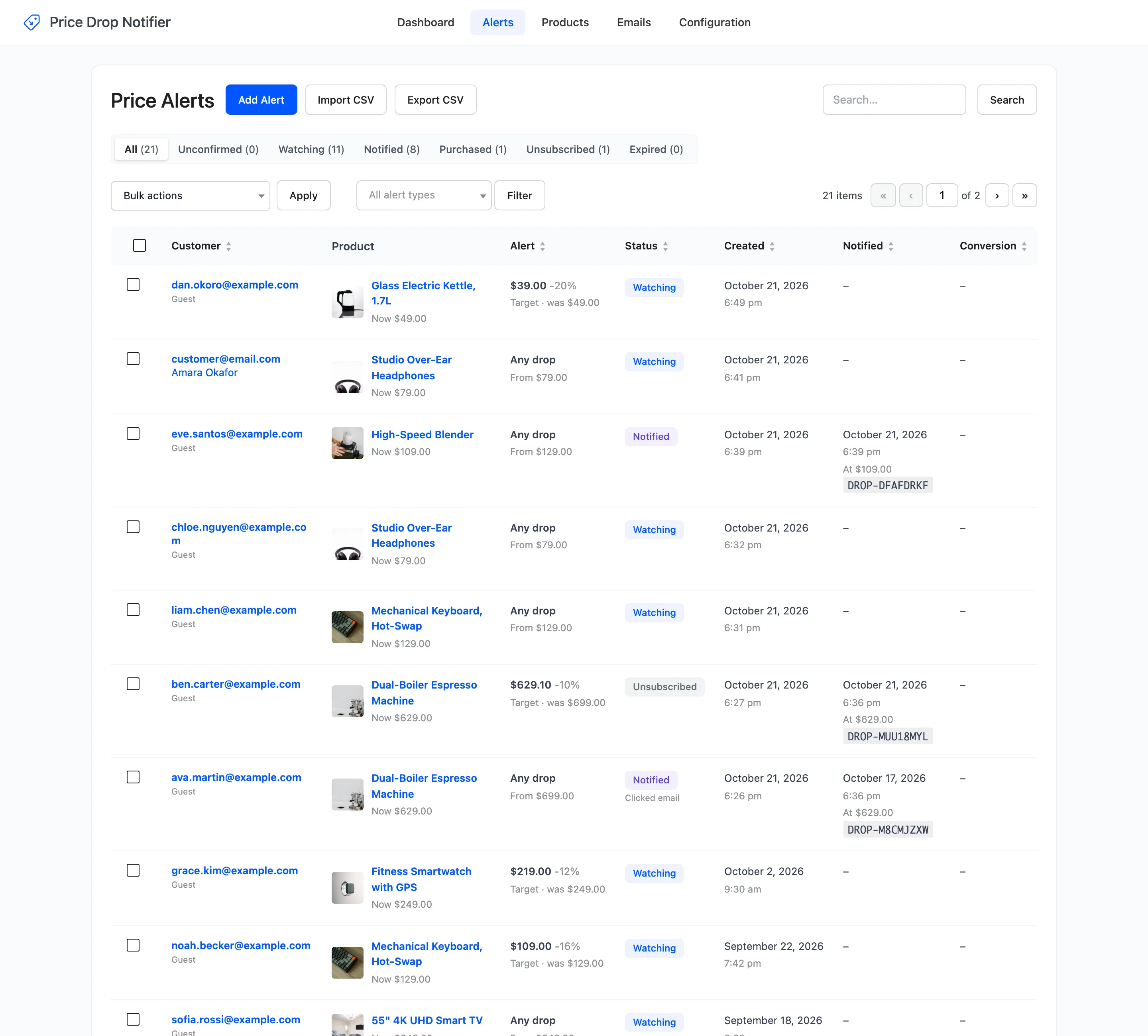
The product also appears on the Products screen, and its watchers count on the form goes up by one.
Where to go next
Section titled “Where to go next”- How to Lower a Price and Email Watchers sends the alert its price drop email.
- How to Let Shoppers Set a Target Price covers the second kind of alert.
- How to Add Price Alert Buttons to Shop Pages collects alerts from the shop grid too.