

How to Make PDFs Download Instantly
Some sites want the button to just give the file. Instant mode skips the reader.
Step 1: Change the download mode
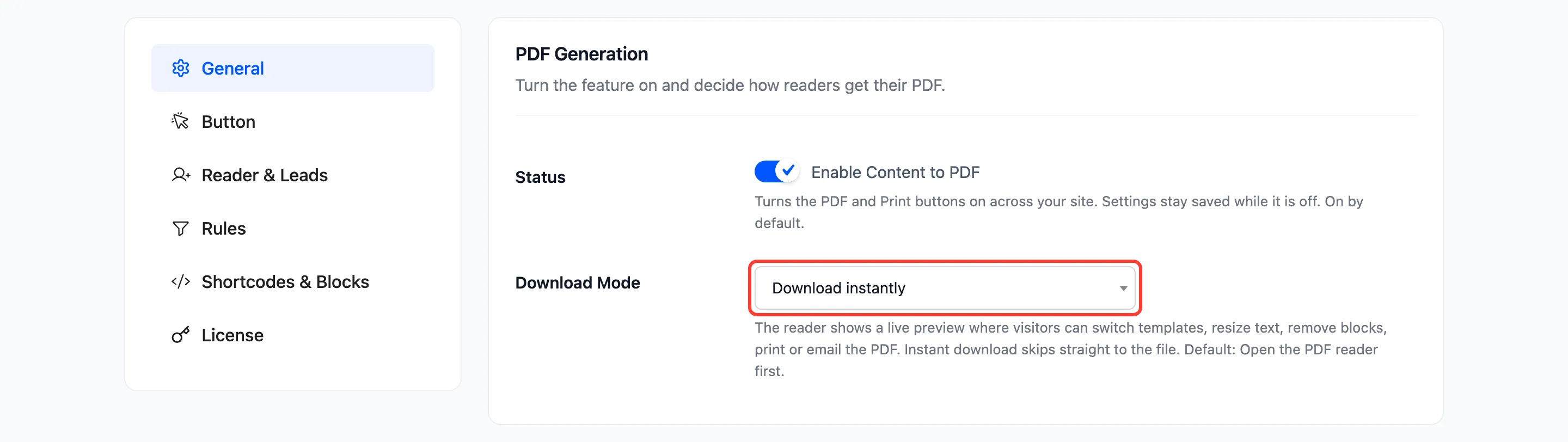
Section titled “Step 1: Change the download mode”Go to Content to PDF → Configuration → General and set Download Mode to Download instantly.
Step 2: Save
Section titled “Step 2: Save”Click Save Changes.
Step 3: Try it
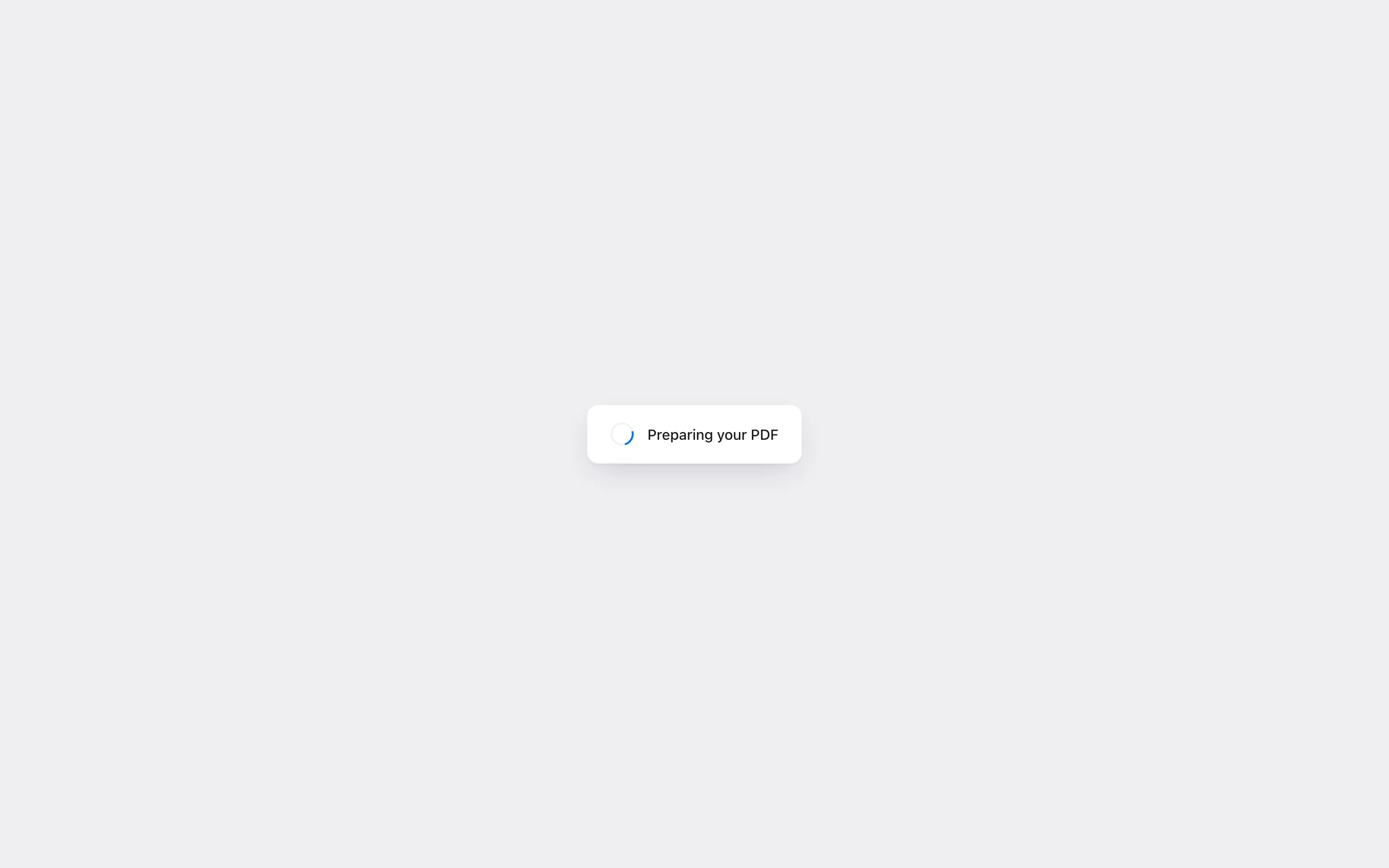
Section titled “Step 3: Try it”Press Download PDF on a post. “Preparing your PDF” shows briefly, then the file downloads.
What readers lose and keep
Section titled “What readers lose and keep”- Lost: The preview, the template menu, text size, image toggle, editing and the email form.
- Kept: The lead form, when it is on. Guests still fill it in before the file downloads.
- Kept: The Print button, if you show it. It still opens the clean print layout.
Downloads in instant mode are counted like any other.