

How to Add a Print Button
Printing a web page straight from the browser prints the theme too. The Print button prints the clean document layout instead.
Step 1: Turn on the Print button
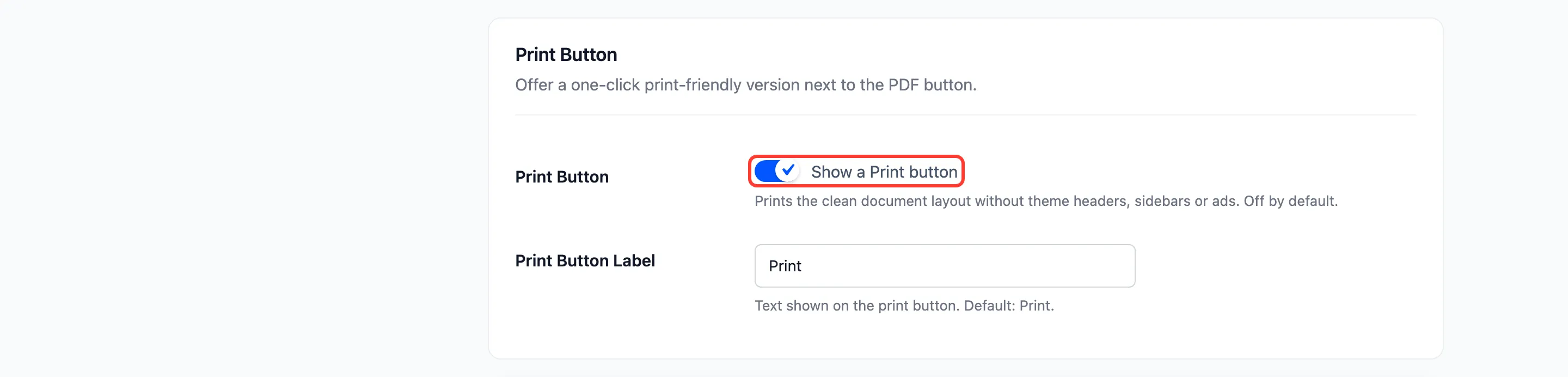
Section titled “Step 1: Turn on the Print button”Go to Content to PDF → Configuration → Button and tick Show a Print button under Print Button.
Step 2: Set its label
Section titled “Step 2: Set its label”Print Button Label defaults to Print. Click Save Changes.
Step 3: Try it
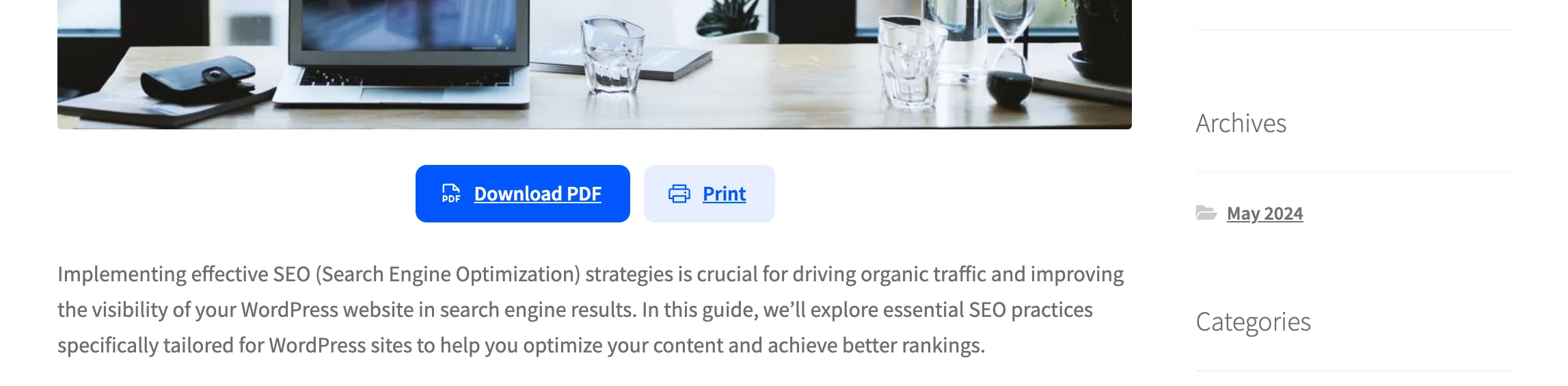
Section titled “Step 3: Try it”The Print button sits beside the PDF button, in the soft style. On the demo the buttons were also centred, with Alignment set to Center.
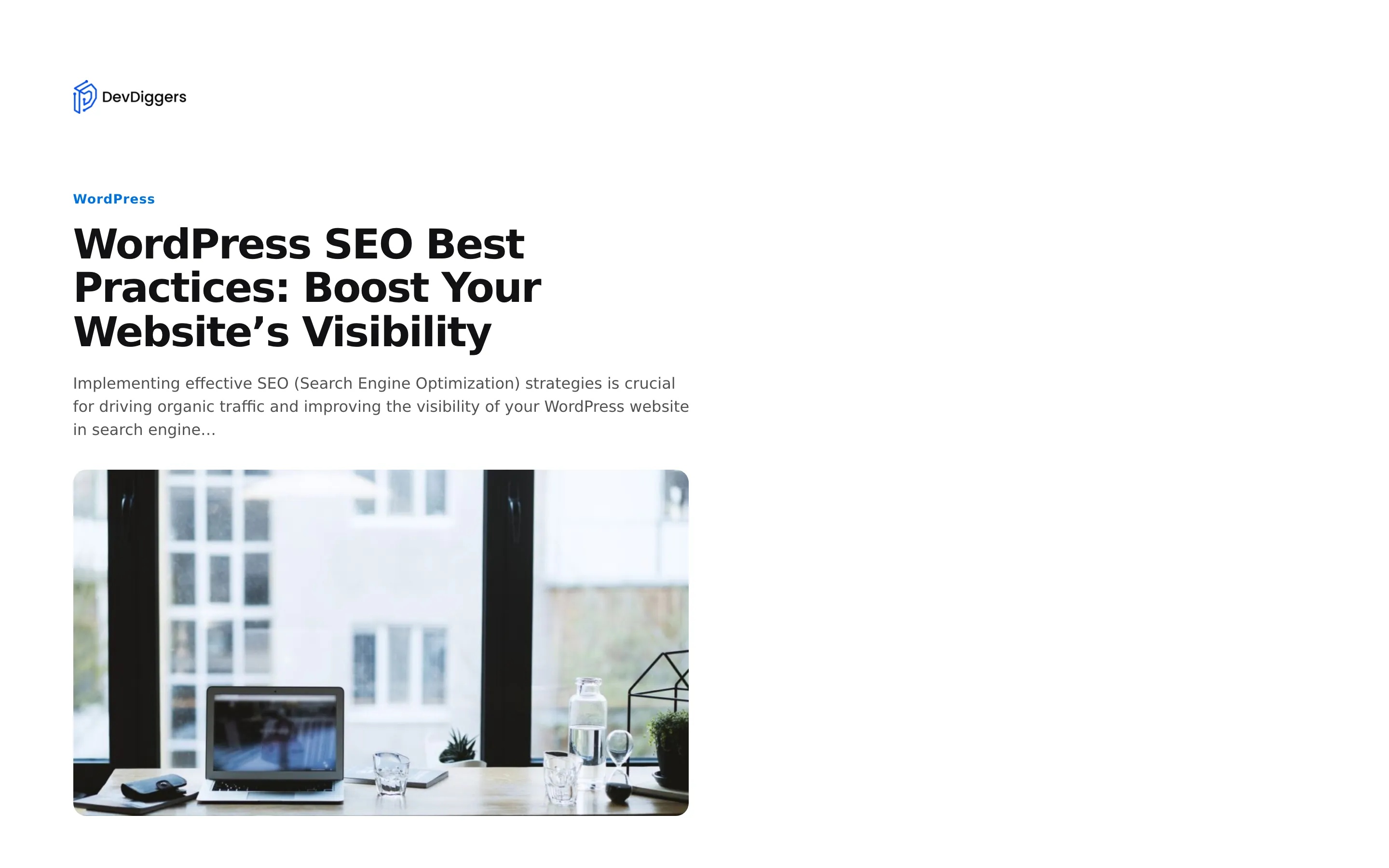
Press Print. The reader opens and the browser’s print dialog appears at once, with this layout:
Things to know
Section titled “Things to know”- Every print is counted on the Activity screen and the dashboard.
- With the lead form on, guests fill it in before printing.
- The reader’s own Print button works the same way, so the extra button is optional.
- The shortcode adds it with
print="yes", and the PDF Button block has a Show Print button switch.