

License Activation
Content to PDF needs an active license. Until it is active, no PDF button, reader or block shows on your site. Open Content to PDF → Configuration → License.
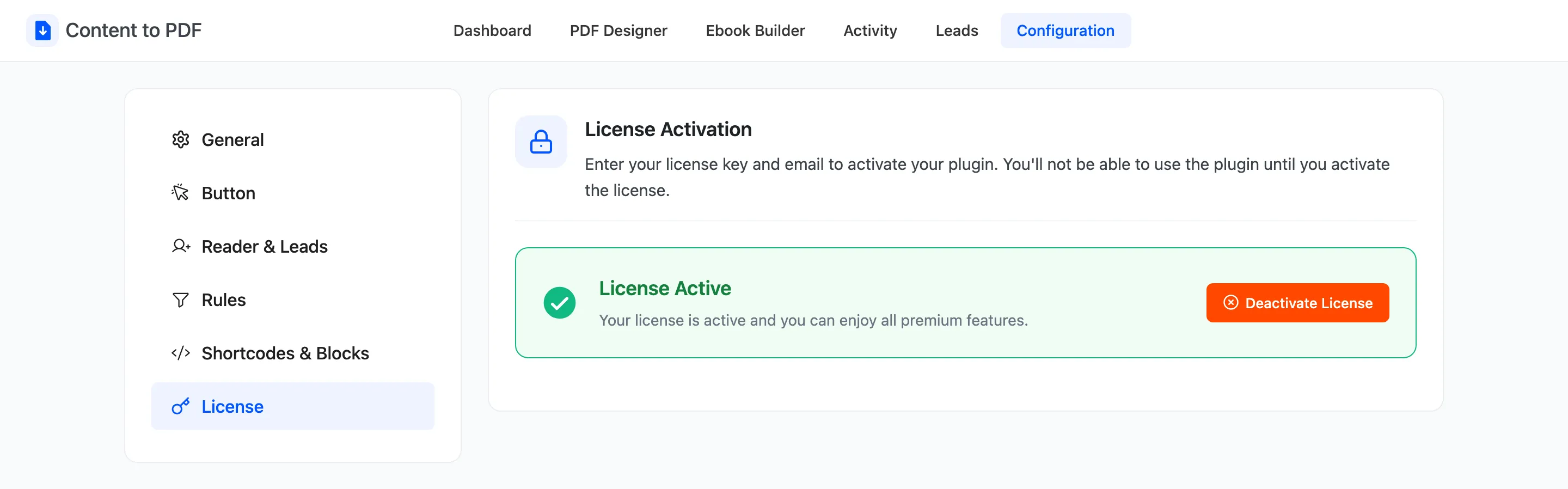
Until the license is active, the tab asks for your license key and the email you bought with. Enter both and activate.
Once it is active, the tab reads License Active with a Deactivate License button, as above. Deactivate here before you move the plugin to another site, then activate it there.
The setup wizard’s second step does the same job.