

How a PDF Is Made
Every PDF follows the same path: a button on the page, the reader, then a file made on your server. Knowing the path makes it clear which setting to change when something does not show.
1. Is the button allowed here?
Section titled “1. Is the button allowed here?”The button appears on a single post, page or product when all of these are true:
- Enable Content to PDF is on, under Configuration → General.
- The visitor may make PDFs. Guests can when Guest Access is on. Otherwise only signed-in users in Allowed User Roles can, or every signed-in user if that list is empty.
- The content’s type is in Allowed Post Types. Posts and pages by default.
- The content is published and public.
- It is not hidden by Excluded IDs, by Excluded Categories and Tags, or by its own Hide the PDF button on this content box.
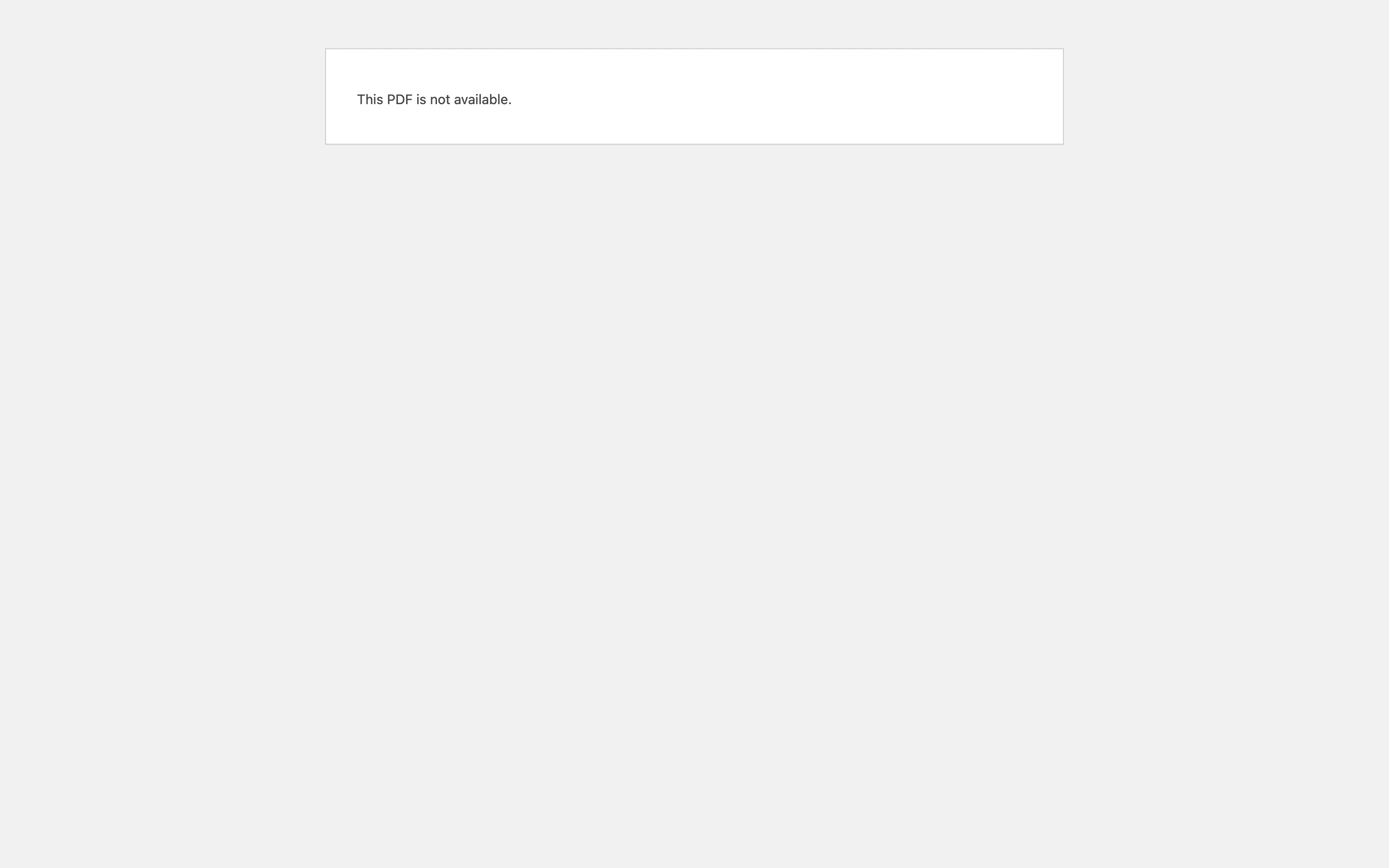
If any check fails, there is no button. Opening the reader address directly shows “This PDF is not available.” instead.
2. Where the button sits
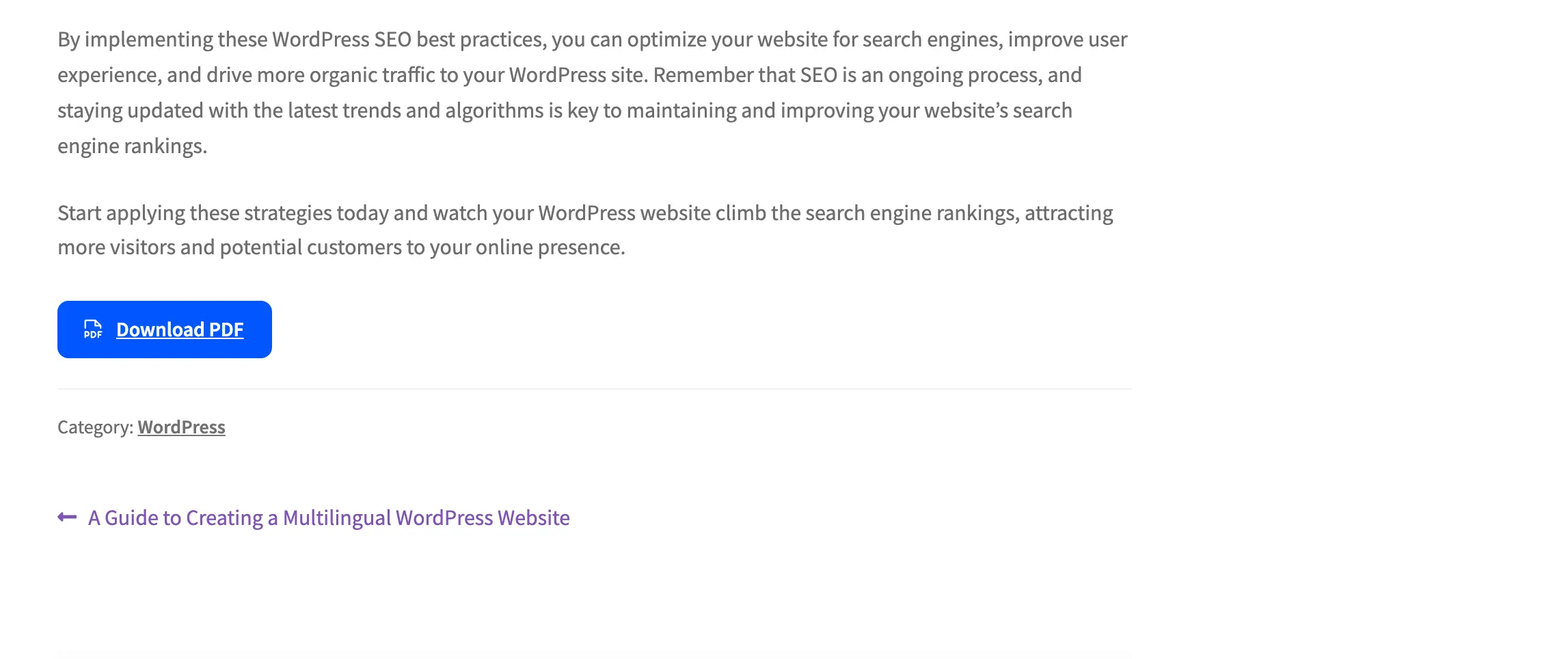
Section titled “2. Where the button sits”Position on the Button tab decides. The button can sit before the content, after it, or both. It can also float at the bottom of the screen, or appear only where you place a block or shortcode.
3. The reader opens
Section titled “3. The reader opens”The button opens the reader over the article. It is a preview of the PDF, drawn in the same template.
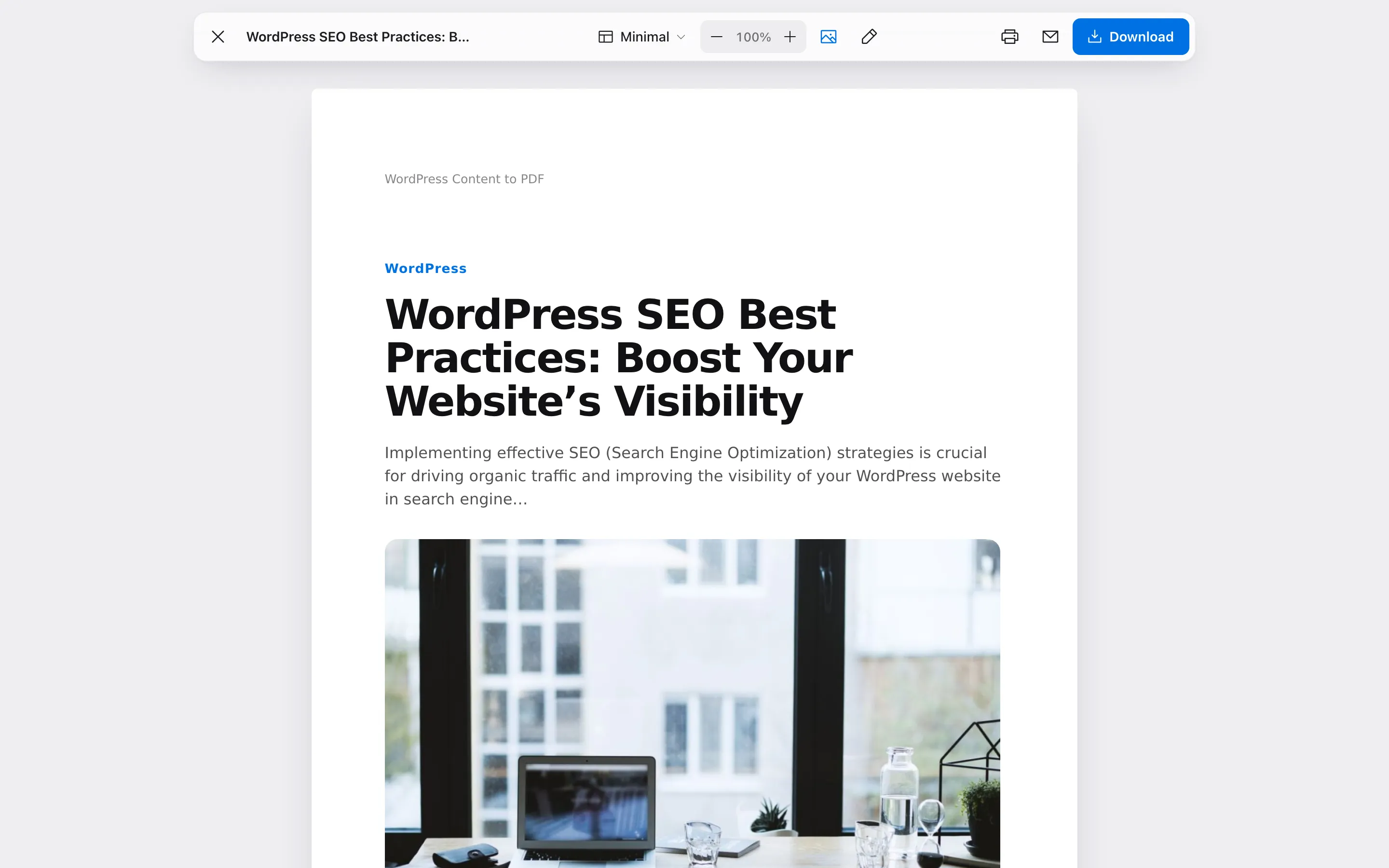
With Download Mode set to Download instantly, the reader is skipped and the file downloads straight away. See The Reader Experience for every tool in the reader.
4. Which template?
Section titled “4. Which template?”The plugin picks the template in this order:
- The template the reader picked in the reader’s menu, if template switching is allowed.
- The template set for this content type under Rules → Template by Content Type.
- Product Sheet for WooCommerce products.
- The template chosen in the PDF Designer. Minimal by default.
5. The file is made
Section titled “5. The file is made”The PDF is built on your server from the post’s content. On the way:
- Elements listed in Remove From PDF are stripped out.
- Embedded videos become a link, since a PDF cannot play them.
- The cover, contents page, header, footer, watermark and password come from the PDF Designer.
- The reader’s own edits, text size and image choice are applied to their copy only.
6. Saved and counted
Section titled “6. Saved and counted”Each download, print and email is added to the Activity log and the dashboard.
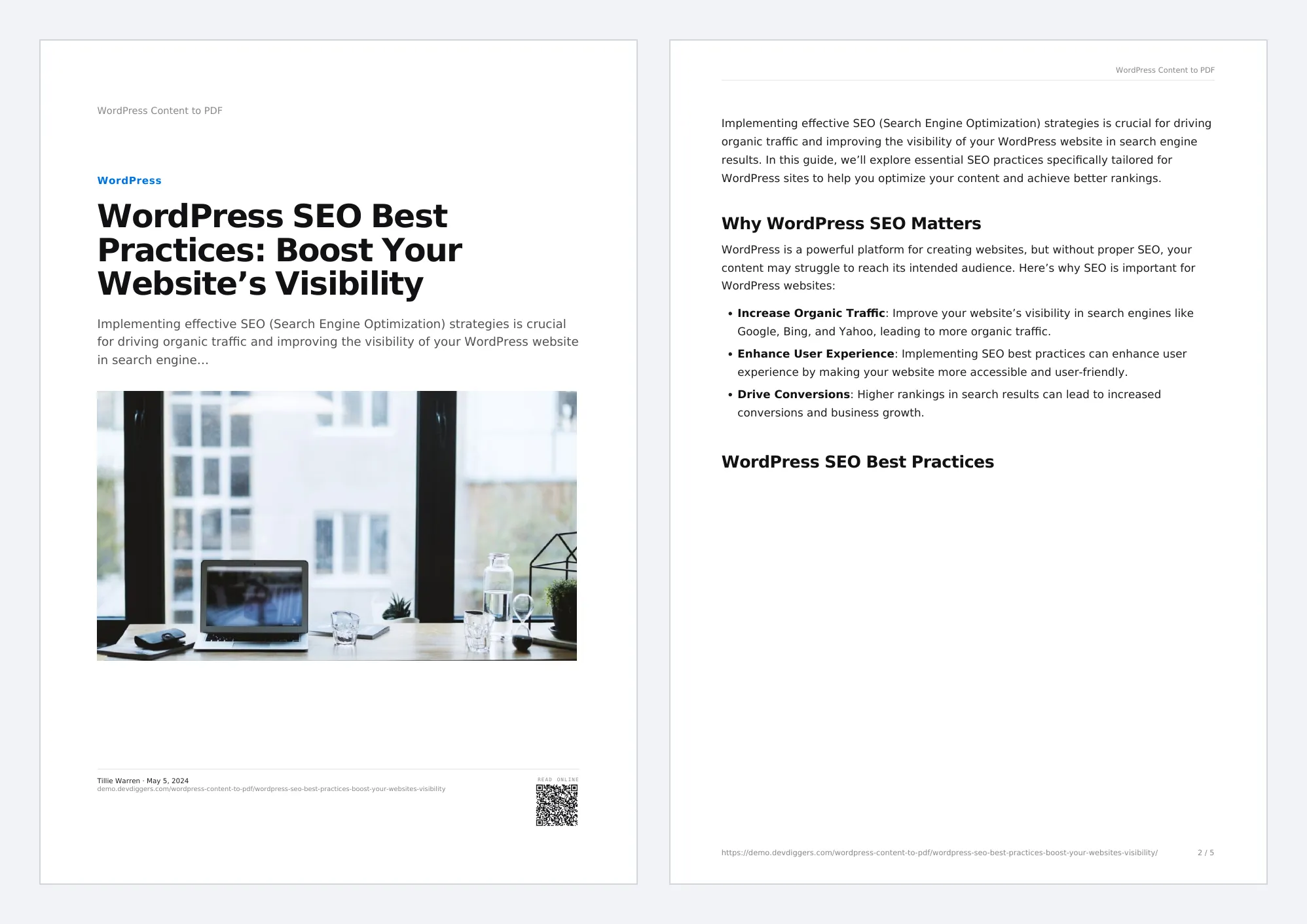
A finished PDF is kept on the server and reused for the next reader with the same choices. It is made again when the post is edited or a plugin setting changes. A copy the reader edited is never reused.