

The Setup Wizard
The setup wizard opens the first time you activate the plugin. It takes about a minute and leaves you with a working button on every post and page.
To run it again, go to Plugins → Installed Plugins and click Setup Wizard under Content to PDF.
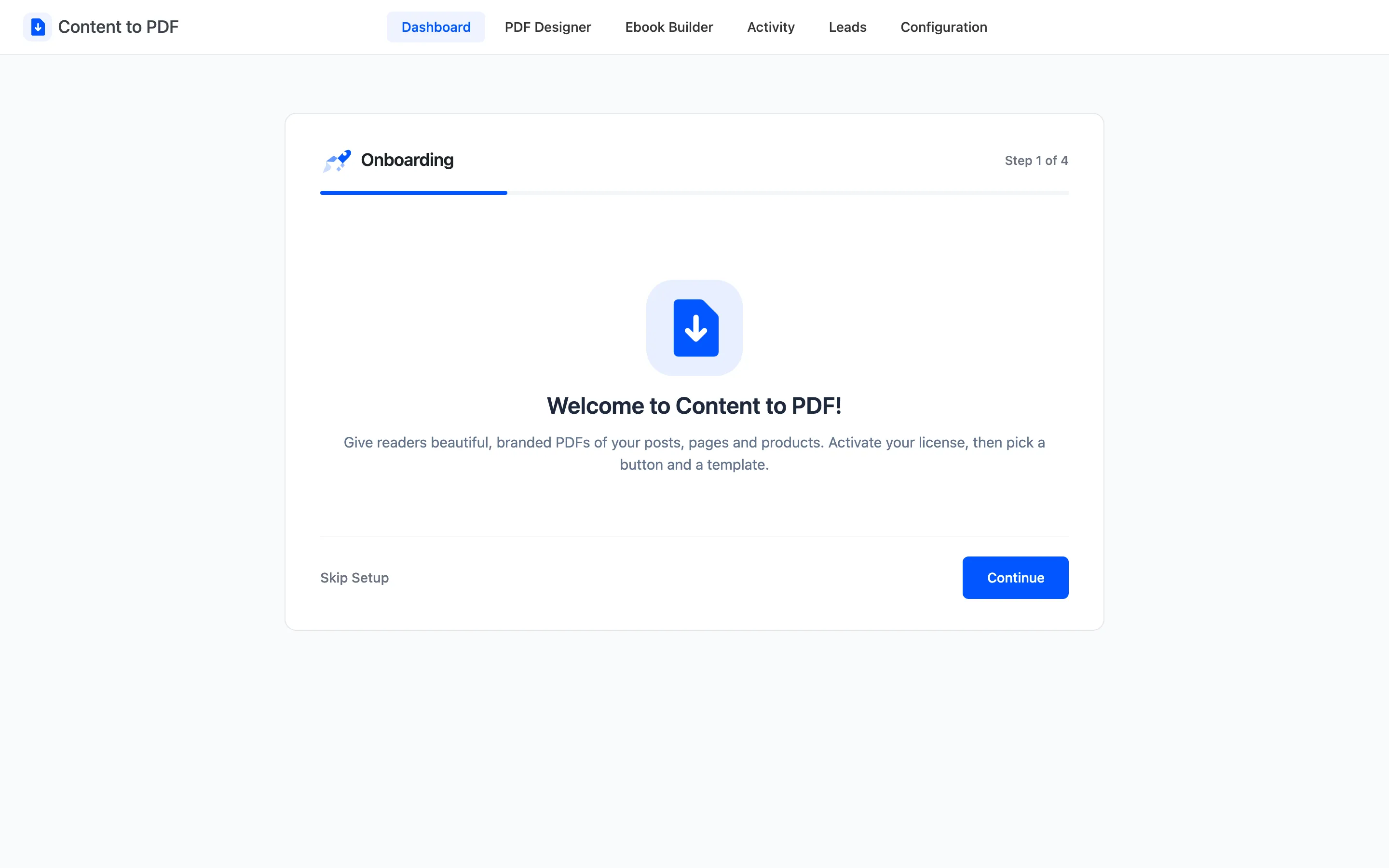
Step 1: Welcome
Section titled “Step 1: Welcome”A short introduction. Click Continue.
Step 2: License
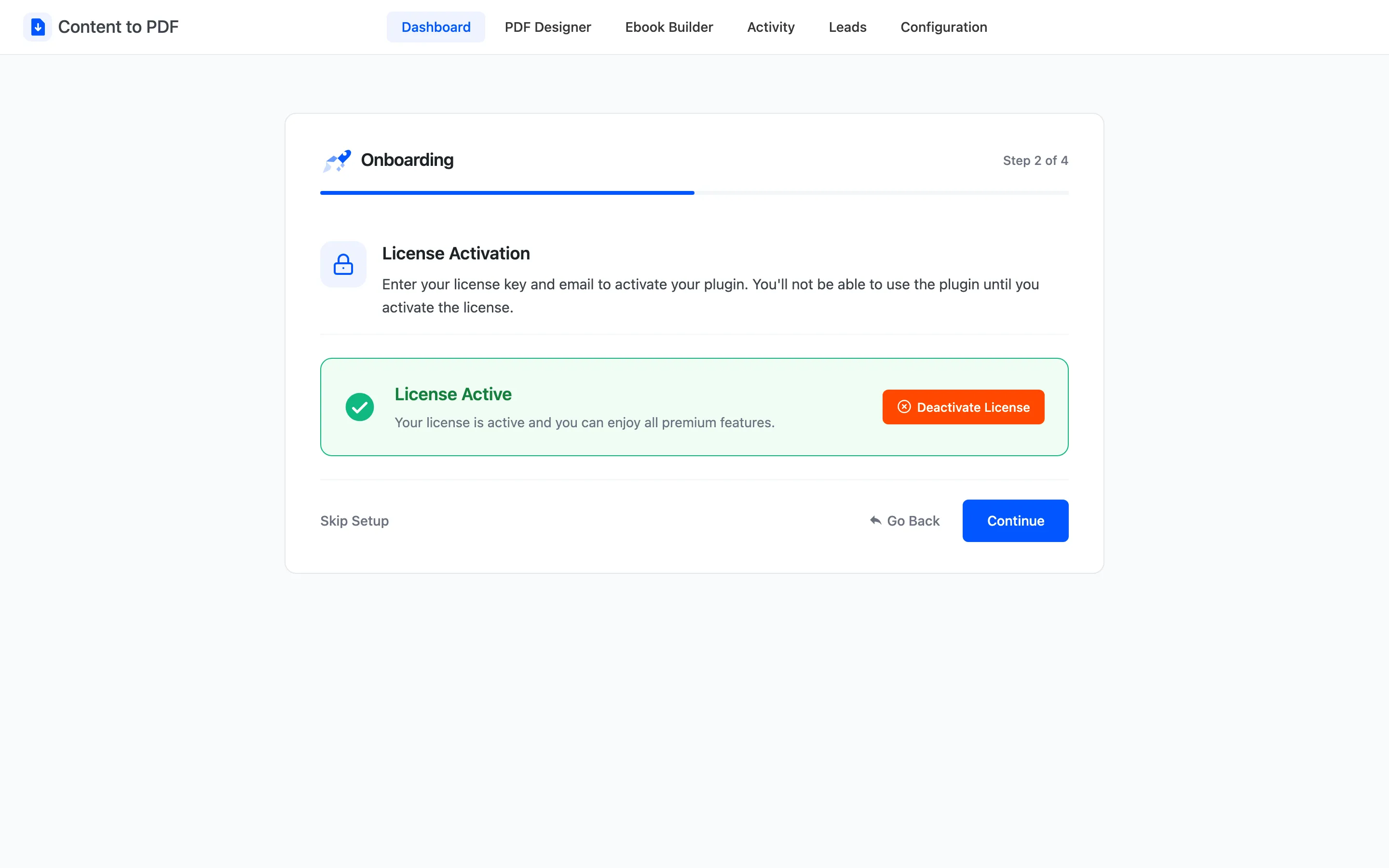
Section titled “Step 2: License”Enter your purchase code and the email used for the order, then activate. The wizard will not move on until the license is active, because the button and the reader stay off without it.
Step 3: Display
Section titled “Step 3: Display”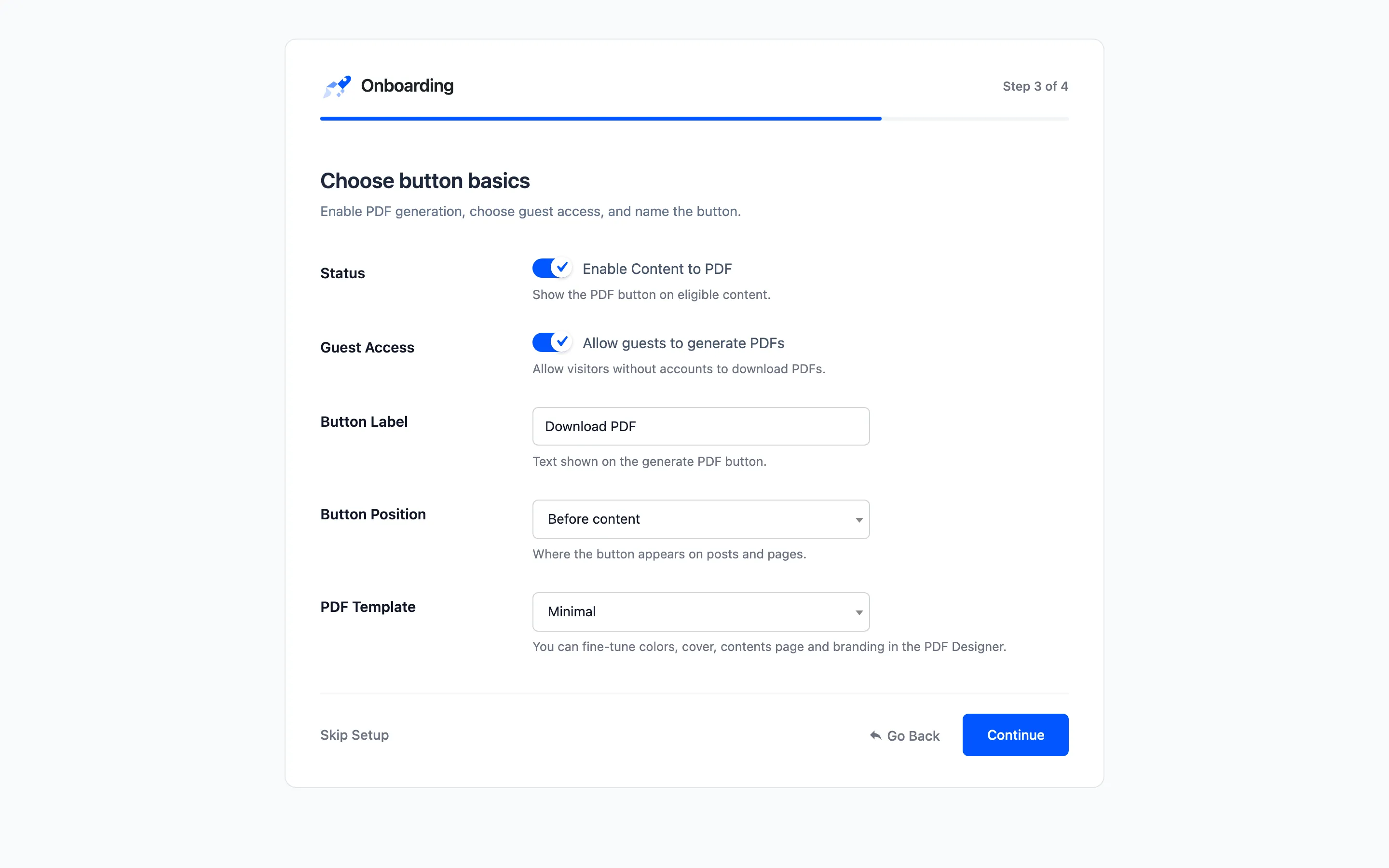
- Status: “Enable Content to PDF”. Turns the PDF button on across your site.
- Guest Access: “Allow guests to generate PDFs”. Visitors who are not signed in can download PDFs.
- Button Label: The text on the button. Default Download PDF.
- Button Position: Before content, after content, both, a floating bar, or manual placement. Default Before content.
- PDF Template: The starting look for every PDF. Default Minimal.
Click Continue to save. If no content types were chosen yet, the wizard turns the button on for Posts and Pages.
Step 4: Ready
Section titled “Step 4: Ready”The button now shows on your posts and pages.
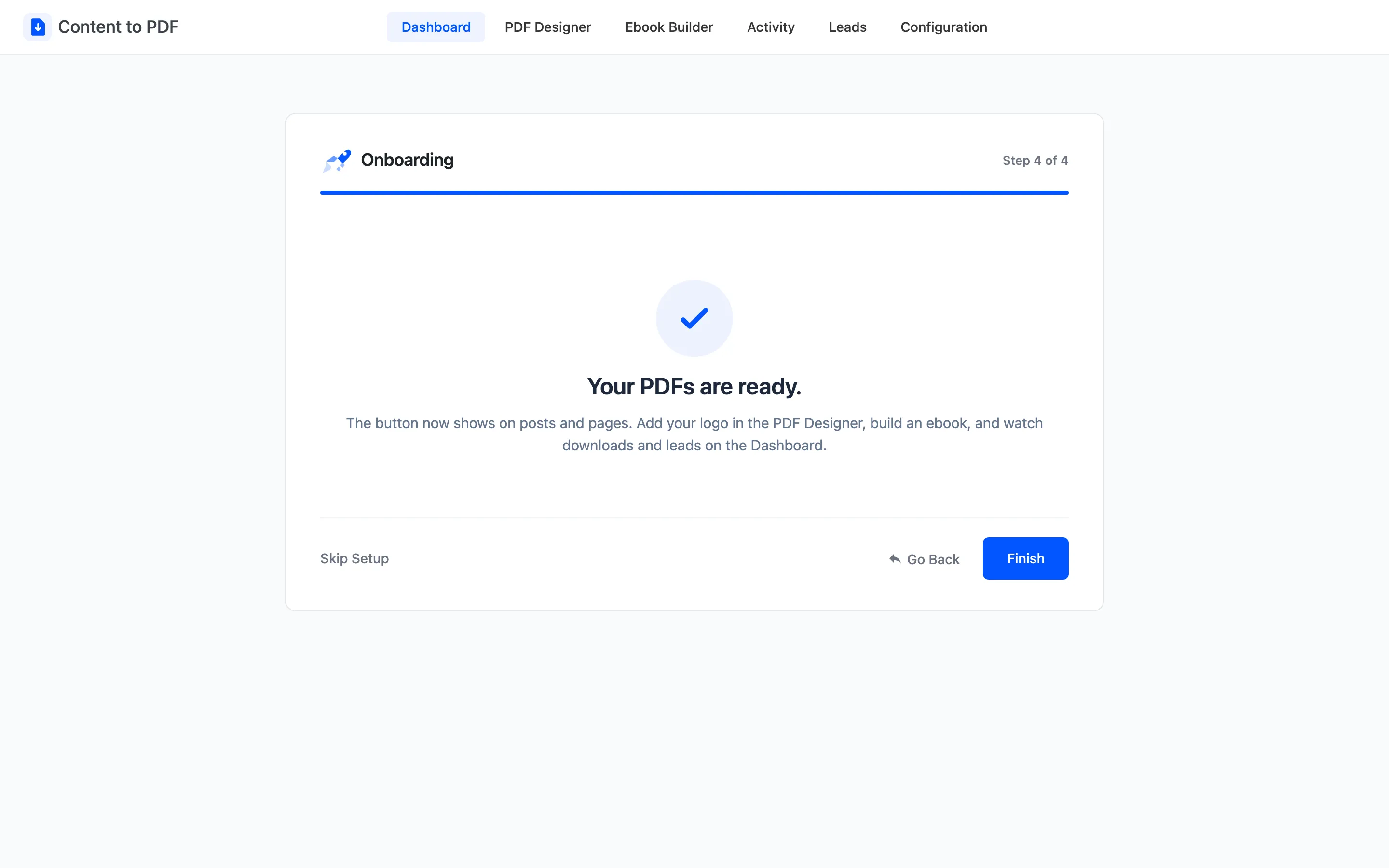
Three good next steps:
- Add your logo in the PDF Designer.
- Combine your best posts with the Ebook Builder.
- Watch downloads and leads on the Dashboard.
Every field in the wizard also lives on the Configuration tabs, so nothing here is final.