

The Activity Screen
The Activity screen lists every PDF action on your site. Open Content to PDF → Activity.
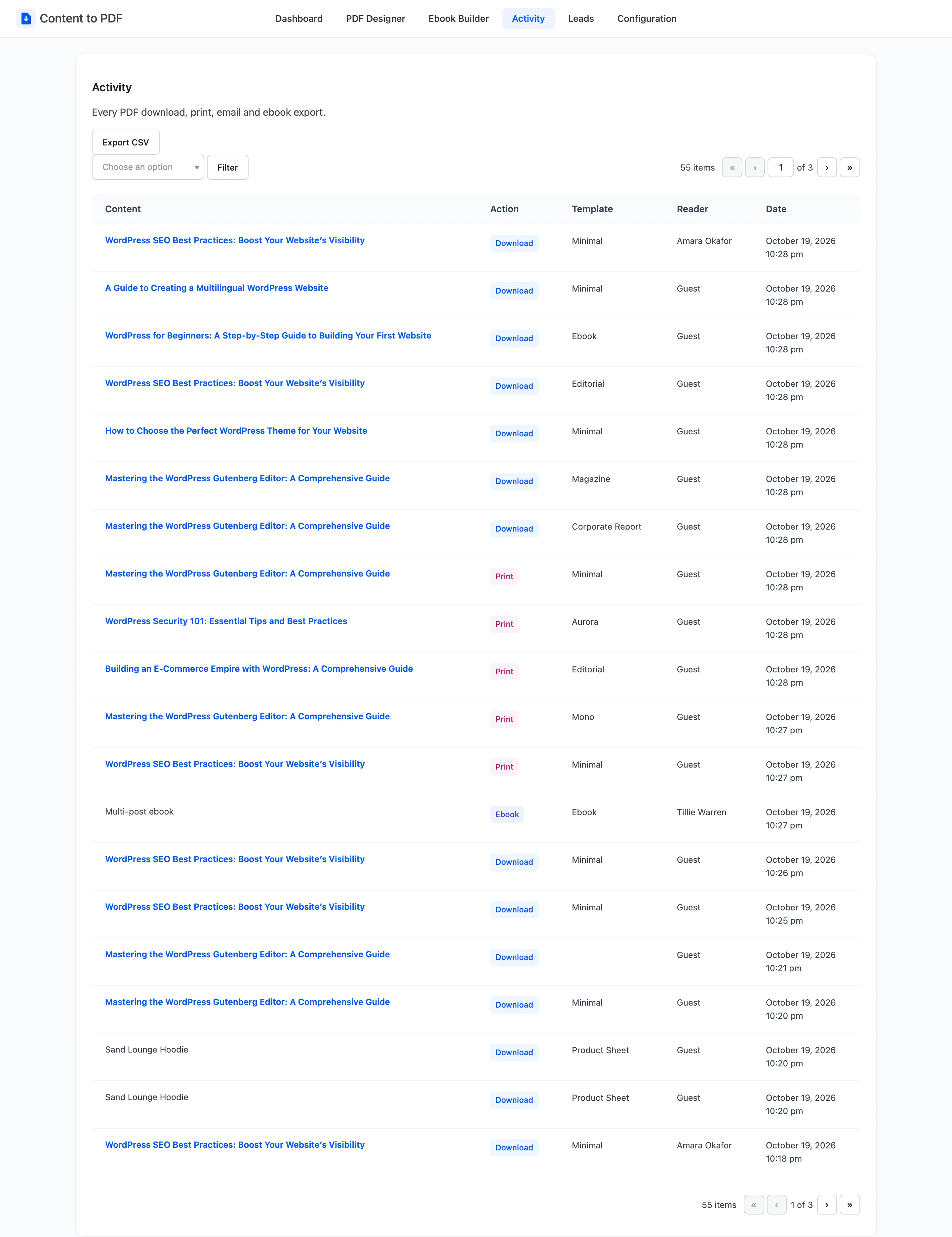
Columns
Section titled “Columns”- Content: The post exported. A deleted post shows as “Deleted content #405”. An ebook of several posts shows as Multi-post ebook.
- Action: Download, Print, Email or Ebook.
- Template: The template used for that file.
- Reader: The signed-in user, or Guest.
- Date: When it happened.
The list shows 20 rows per page, newest first.
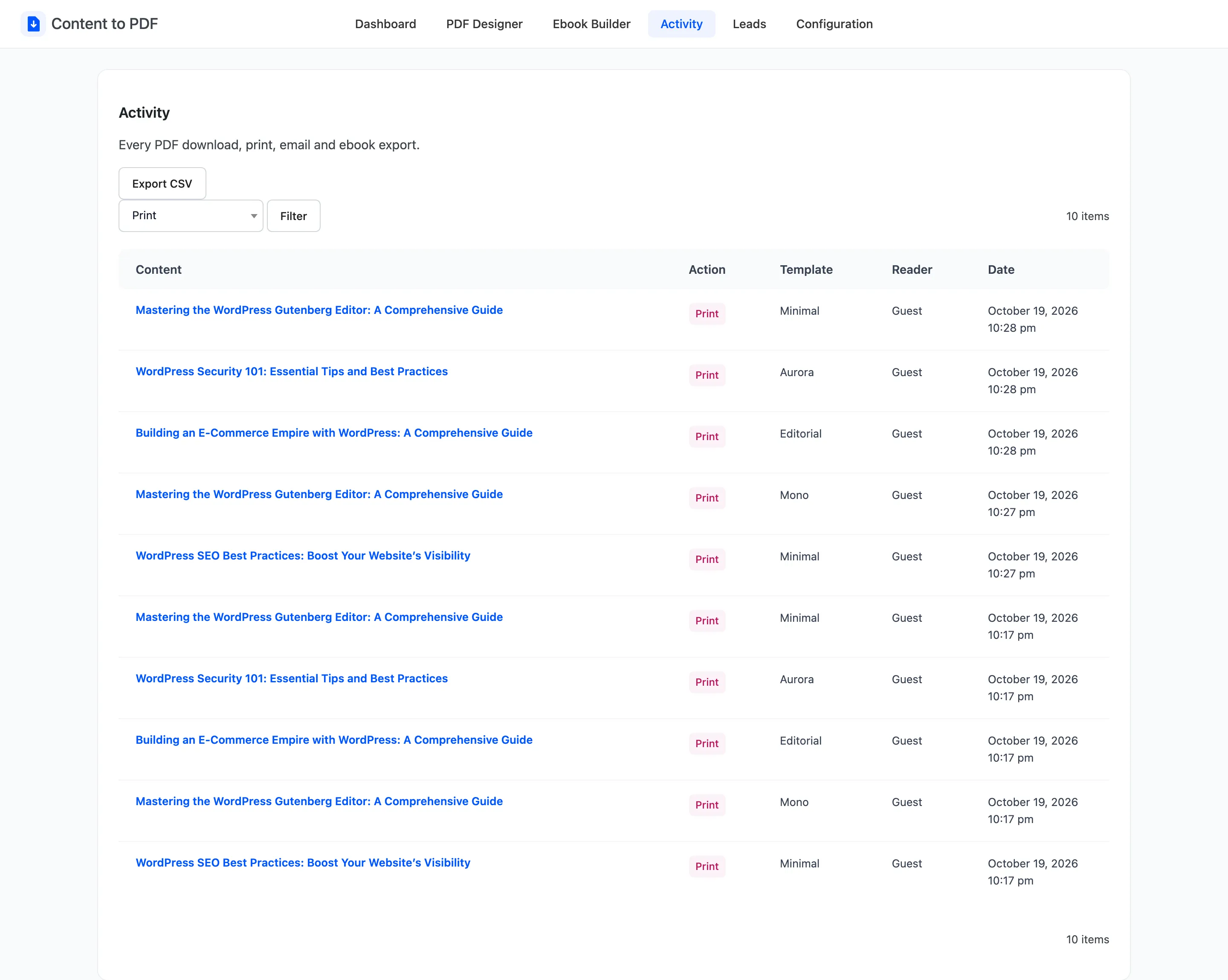
Filter
Section titled “Filter”Pick Download, Print, Email or Ebook in the action menu and click Filter.
Export CSV
Section titled “Export CSV”Export CSV downloads the whole log as content-to-pdf-logs-<date>.csv, with the columns Content,
Action, Template, User and Date. A signed-in reader is listed by their email address.
The per-post total is also shown in each post’s Content to PDF box.