

PDF Designer
The PDF Designer sets how every PDF looks. Open Content to PDF → PDF Designer. The settings sit on the left, and a live preview of a real post sits on the right.
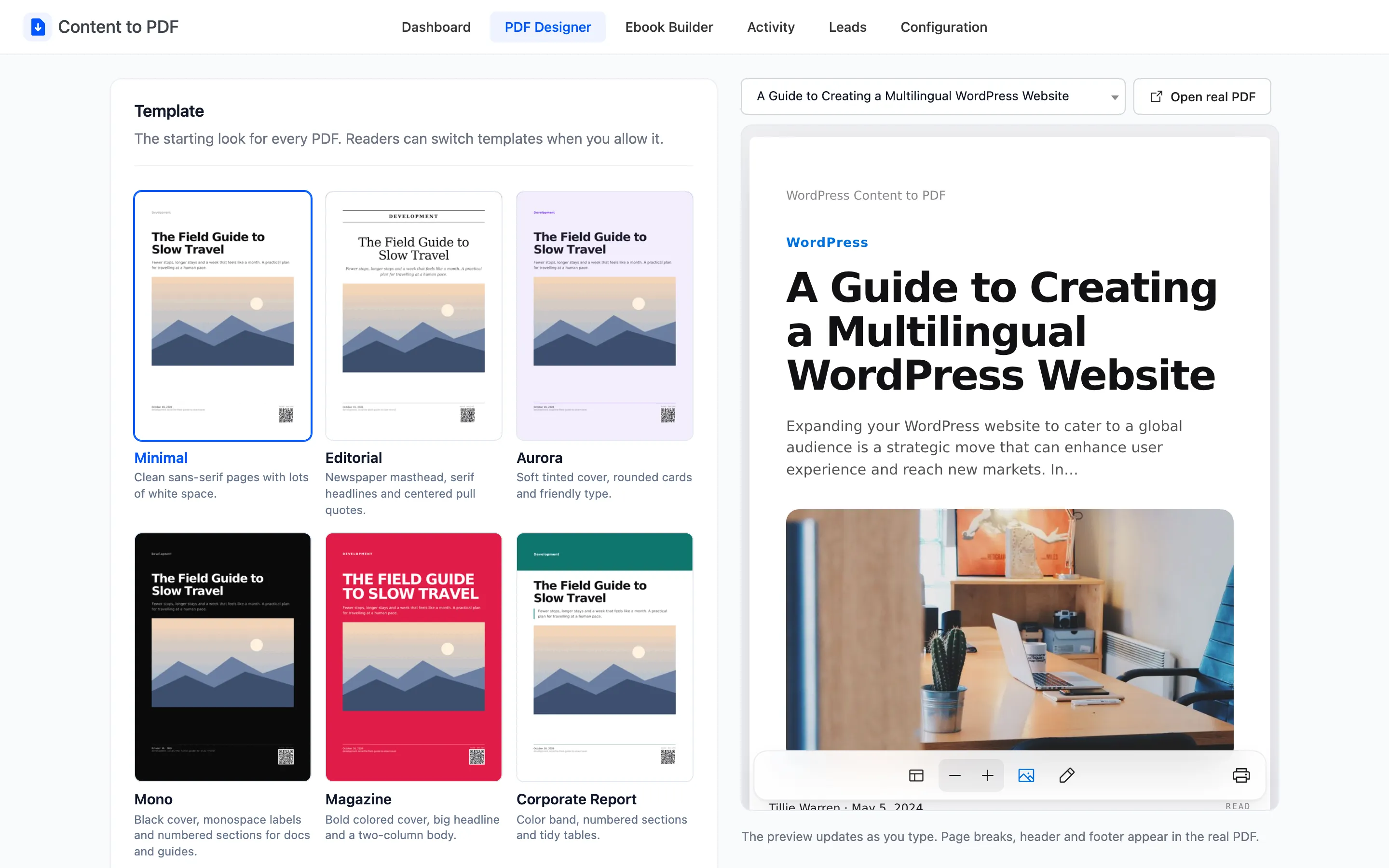
The live preview
Section titled “The live preview”The preview updates as you type, before you save. The menu above it picks which published post to preview with.
Open real PDF opens the actual PDF file with your unsaved settings, in a new tab. Use it to check page breaks, the header and footer, which the preview only approximates.

Nothing changes for readers until you click Save Changes.
Template
Section titled “Template”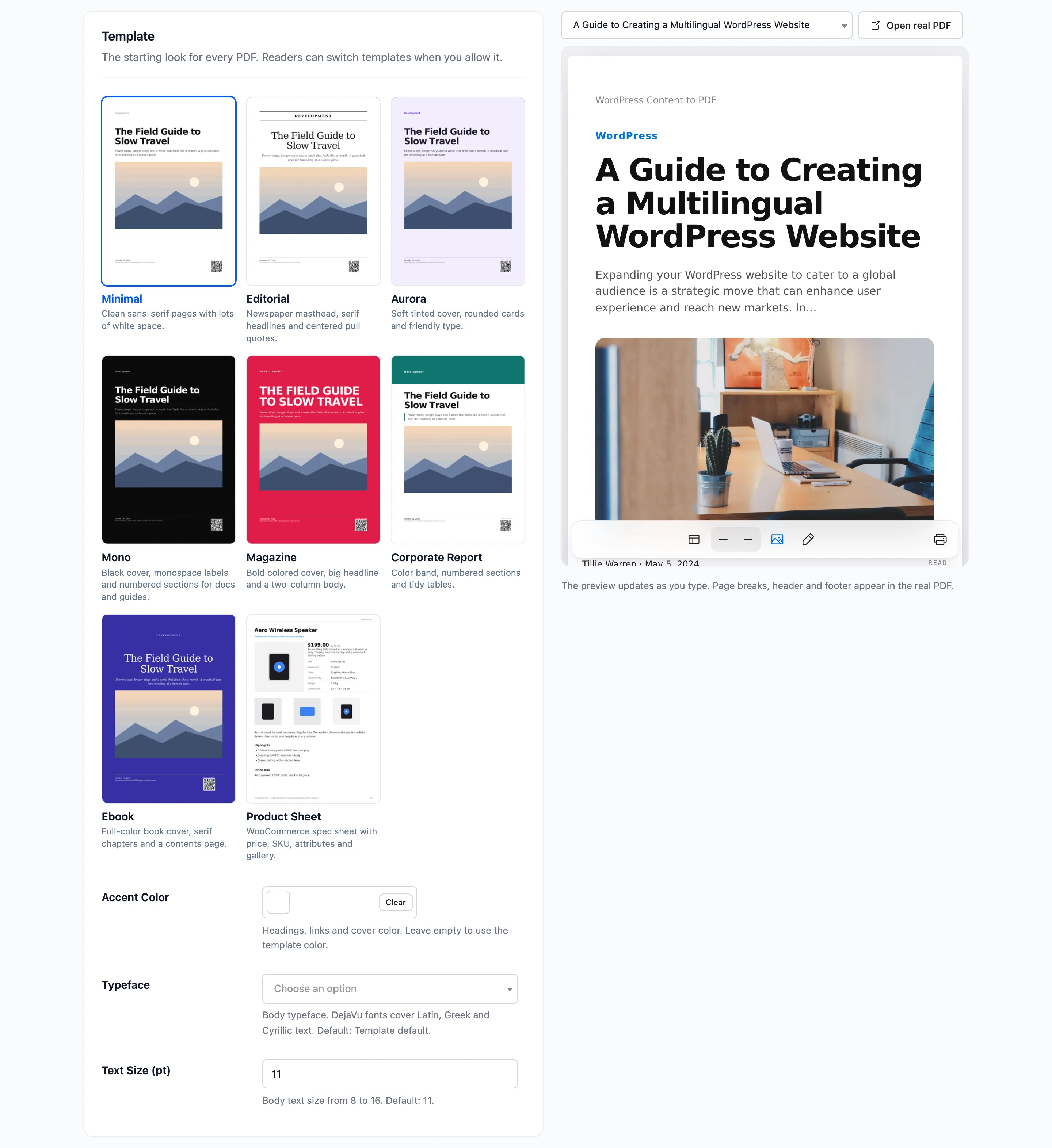
- Template: The starting look for every PDF. Eight cards, each with a real rendered thumbnail. Default Minimal. See How to Choose a PDF Template.
- Accent Color: Headings, links and the cover color. Leave empty to use the template’s own color.
- Typeface: Template default, Sans-serif or Serif. Default Template default.
- Text Size (pt): Body text size from 8 to 16. Default 11.
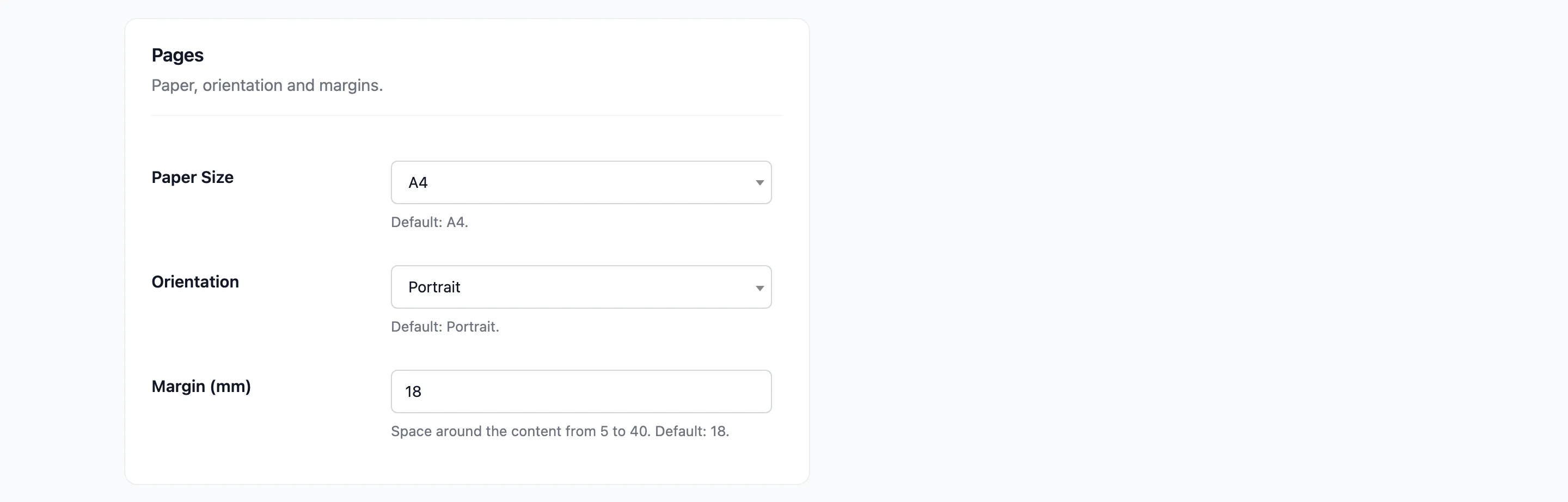
- Paper Size: A4, US Letter, US Legal, A3 or A5. Default A4.
- Orientation: Portrait or Landscape. Default Portrait.
- Margin (mm): Space around the content, from 5 to 40. Default 18.
Structure
Section titled “Structure”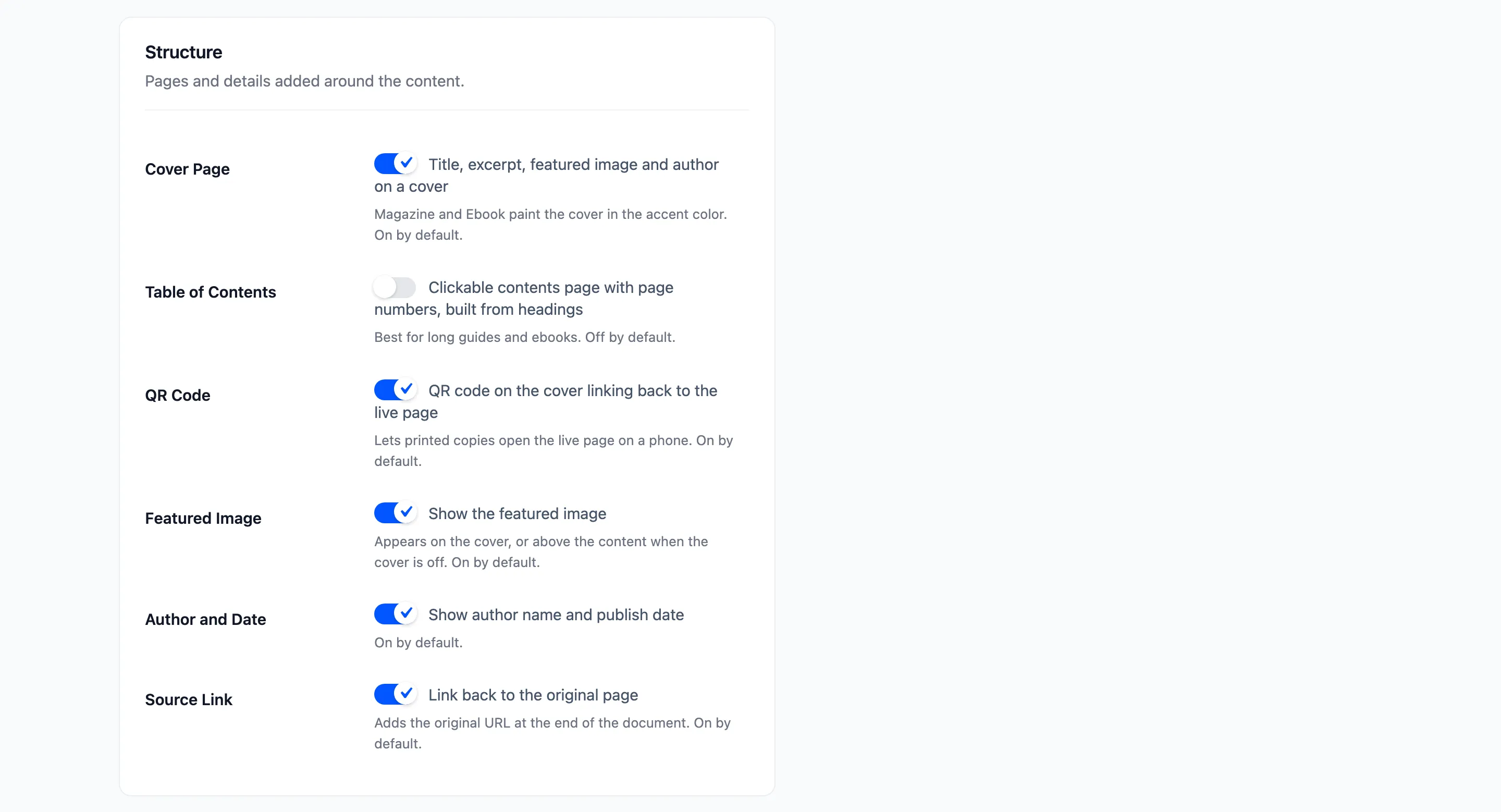
- Cover Page: Title, excerpt, featured image and author on a first page. On by default. Magazine and Ebook paint the cover in the accent color.
- Table of Contents: A clickable contents page with page numbers, built from the post’s headings. Off by default.
- QR Code: A QR code on the cover that opens the live page. On by default.
- Featured Image: On the cover, or above the content when the cover is off. On by default.
- Author and Date: The author’s name and the publish date. On by default.
- Source Link: The original page’s address at the end of the document. On by default.
Branding
Section titled “Branding”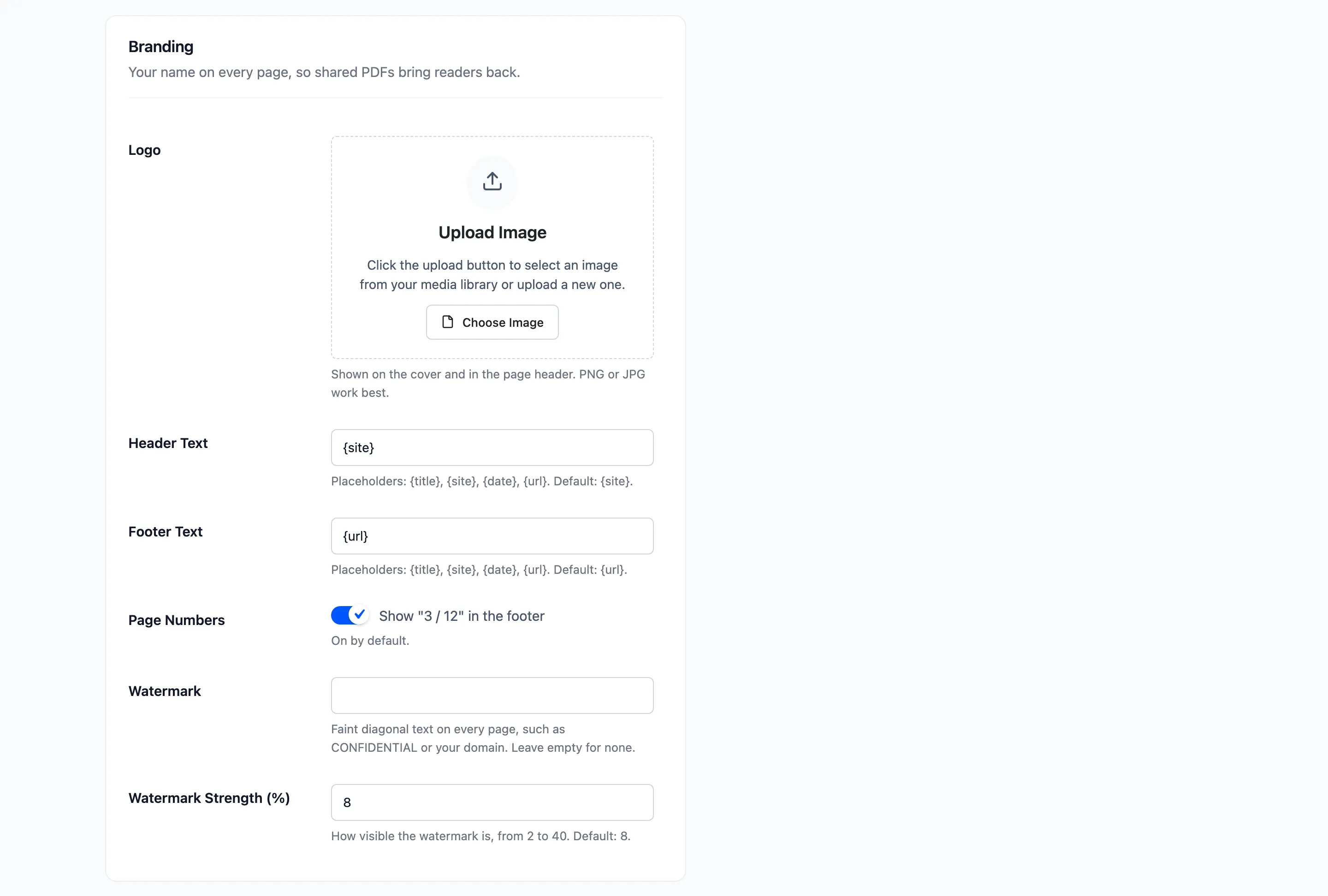
- Logo: Shown on the cover and in the page header. PNG or JPG work best.
- Header Text: Default {site}, your site name.
- Footer Text: Default {url}, the page’s address.
- Page Numbers: “3 / 12” in the footer. On by default.
- Watermark: Faint diagonal text on every page, such as CONFIDENTIAL. Empty by default.
- Watermark Strength (%): From 2 to 40. Default 8.
Header, footer and file name take four placeholders: {title}, {site}, {date} and {url}.
File and Protection
Section titled “File and Protection”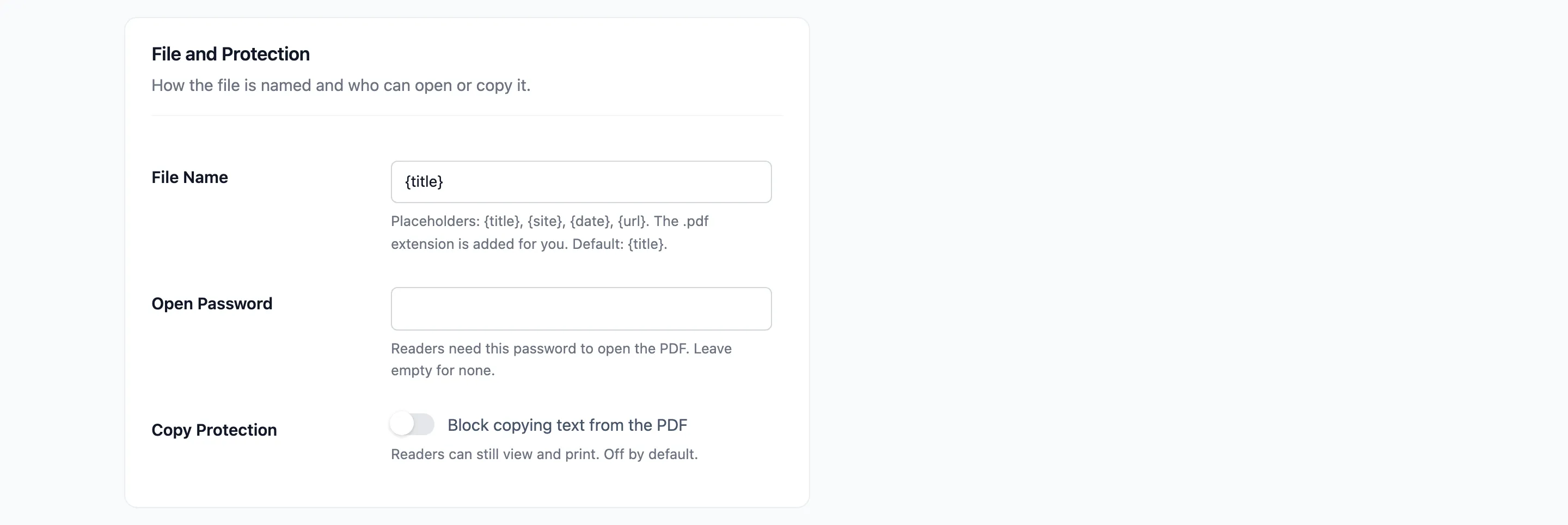
- File Name: The download’s name. The .pdf ending is added for you. Default {title}.
- Open Password: Readers need this password to open the PDF. Empty by default.
- Copy Protection: “Block copying text from the PDF”. Readers can still view and print. Off by default.
The Ebook Builder uses the same branding, header, footer and watermark.