

How to Create an Ebook from Posts
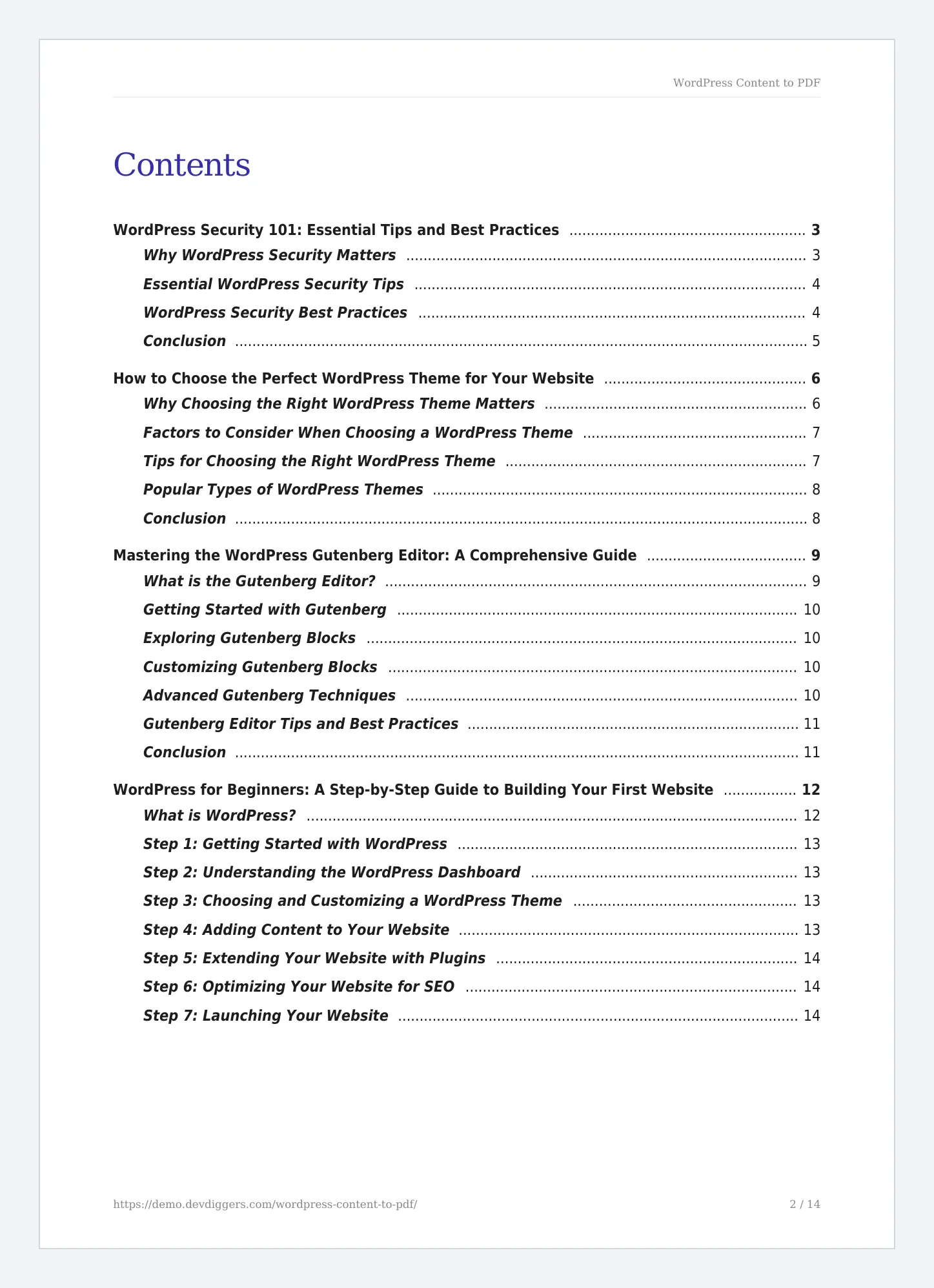
An ebook bundles a series of posts into one file. It makes a good lead magnet, a course handout or a client report. On the demo, four beginner guides became a 14-page ebook.
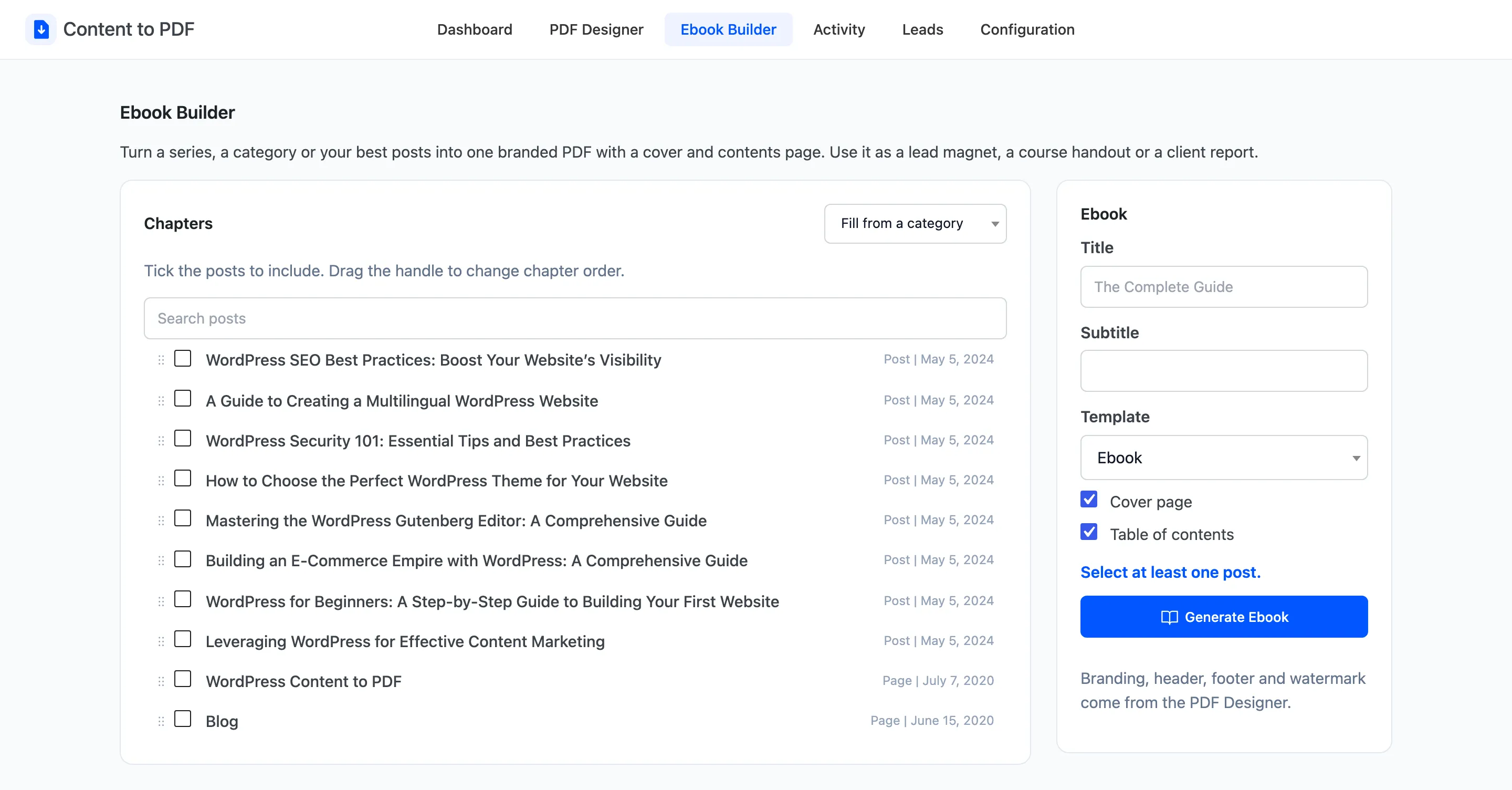
Step 1: Open the Ebook Builder
Section titled “Step 1: Open the Ebook Builder”Go to Content to PDF → Ebook Builder.
Step 2: Tick the chapters
Section titled “Step 2: Tick the chapters”Tick each post to include. To pull in a whole category, use Fill from a category. Search posts finds a post by title.
Drag the handle at the left of a row to move it. Chapters follow the order of the list, top to bottom.
Step 3: Name the ebook
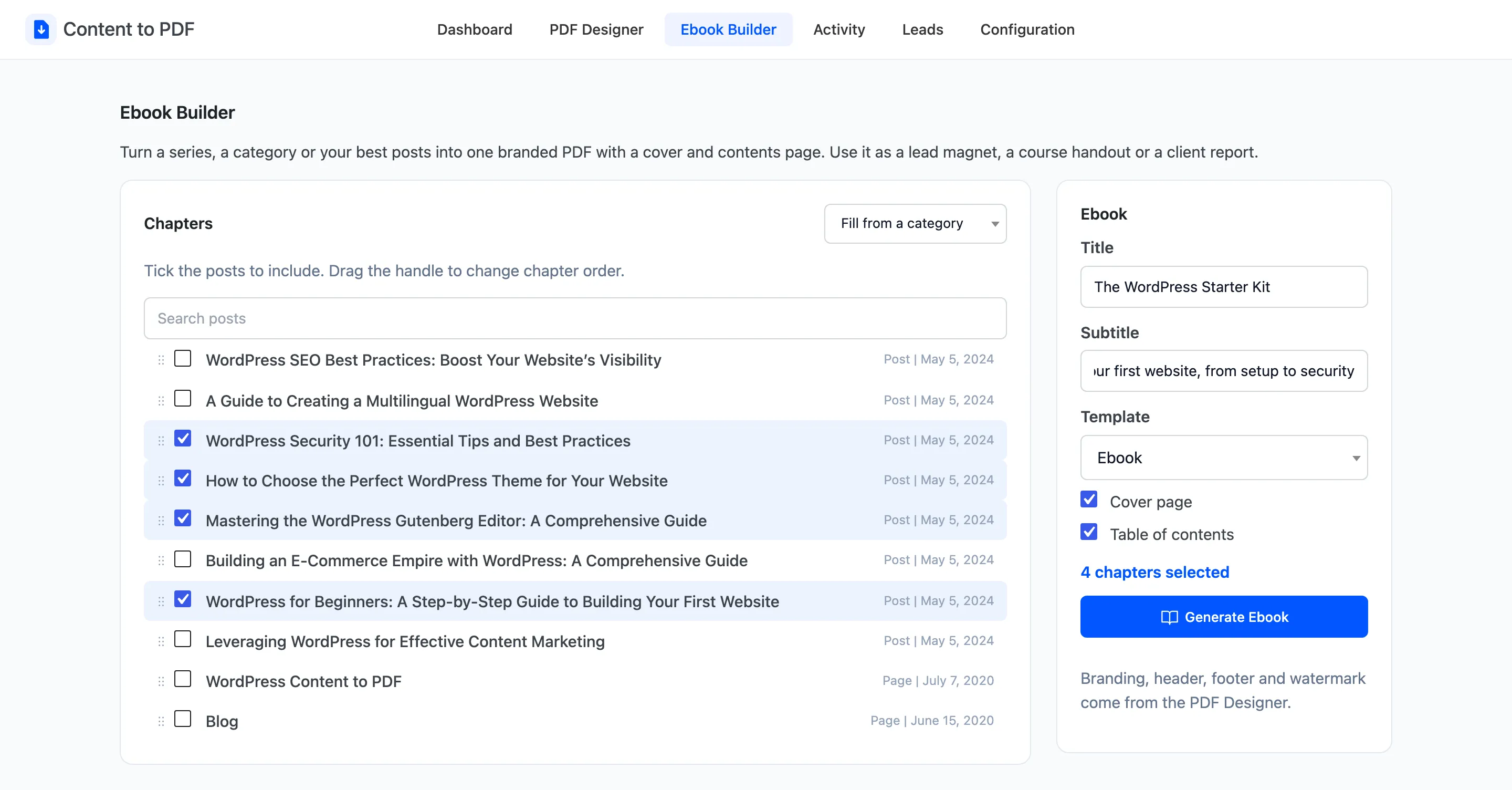
Section titled “Step 3: Name the ebook”- Title: Required. It goes on the cover and names the file.
- Subtitle: Optional, under the title.
- Template: Starts on Ebook.
- Cover page and Table of contents: Both ticked.
Step 4: Generate it
Section titled “Step 4: Generate it”Click Generate Ebook. The PDF downloads with the title as its file name.
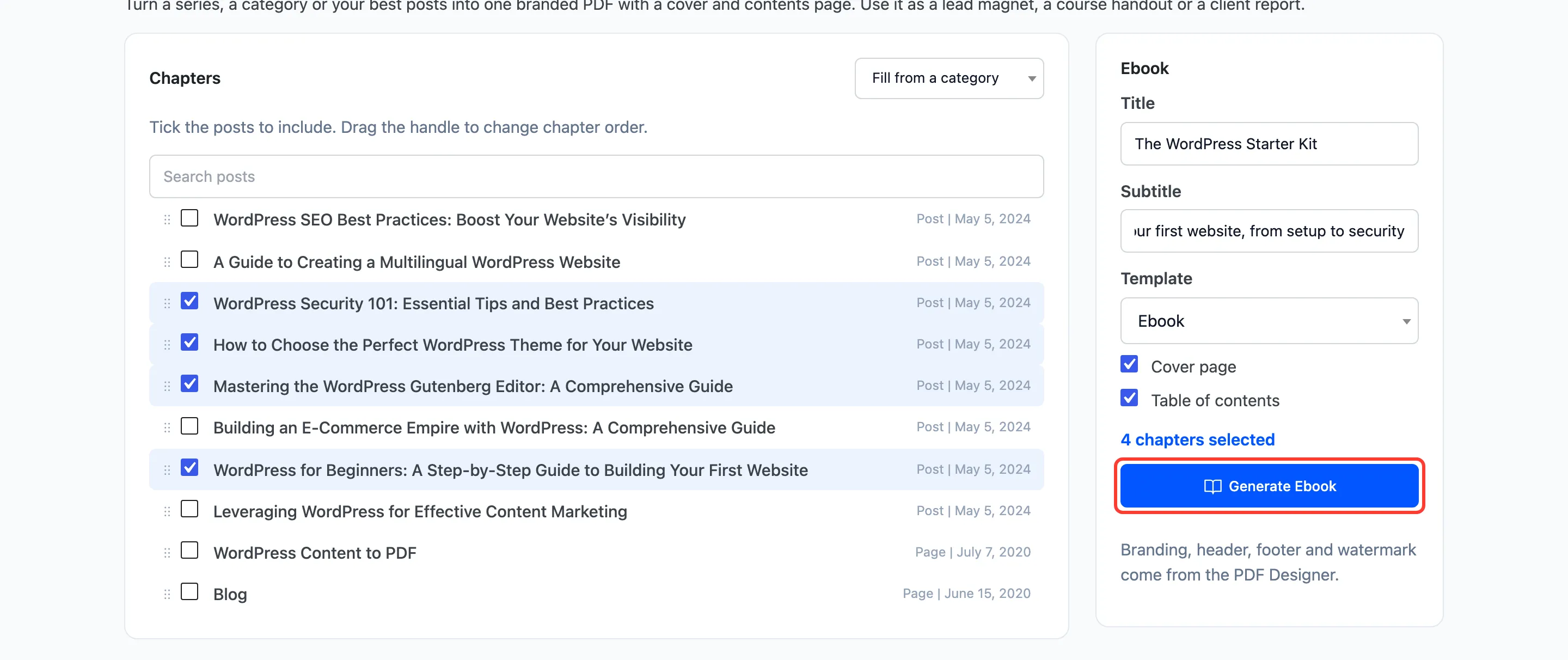
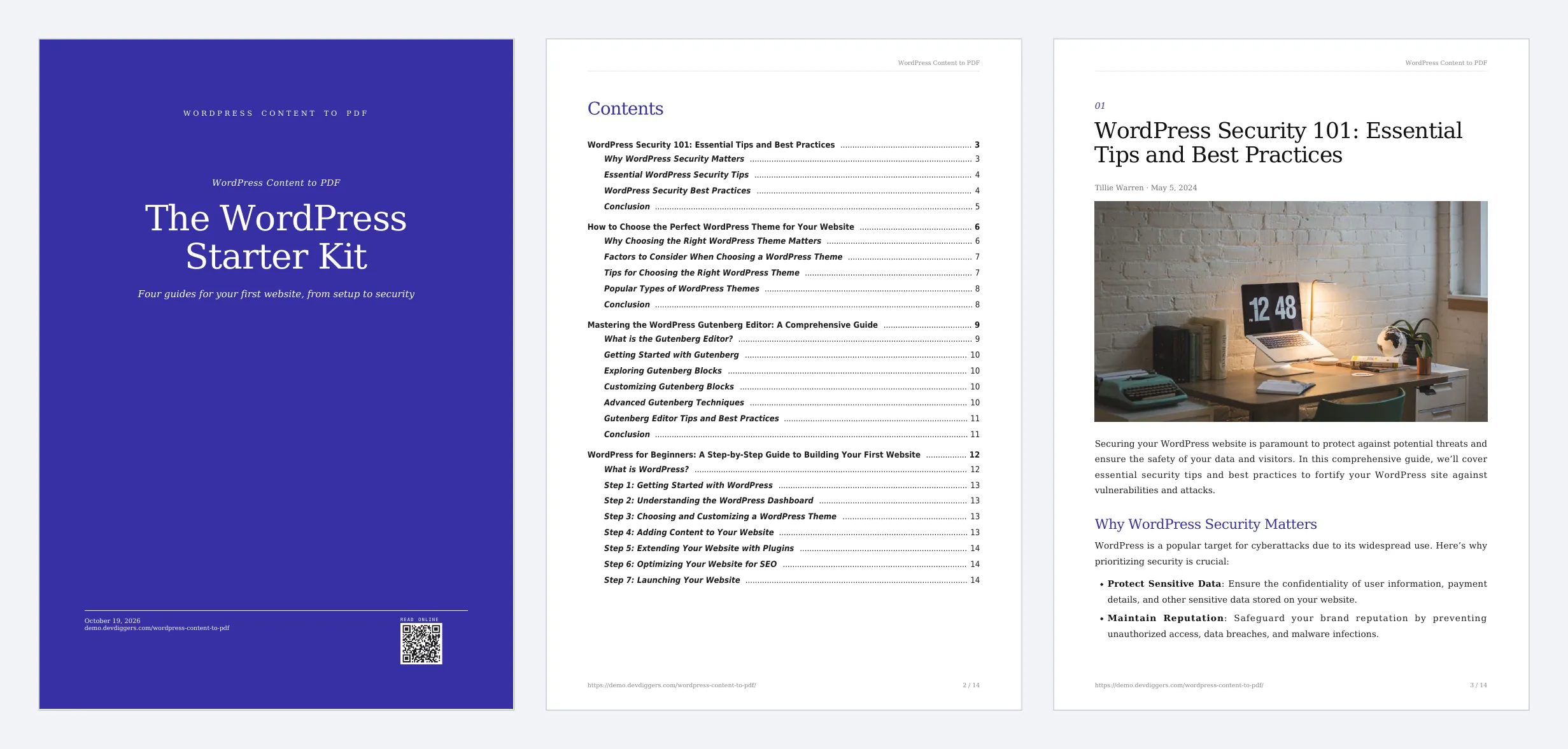
The contents page lists each chapter and its sections, with page numbers.
Things to know
Section titled “Things to know”- Logo, header, footer and watermark come from the PDF Designer.
- The ebook is counted on the Activity screen as Ebook.
- To offer it to readers, upload the PDF to your media library and link to it, or attach it to a lead magnet page.