The Post PDF Box
Every post, page or product in Allowed Post Types gets a Content to PDF box in the editor’s sidebar.
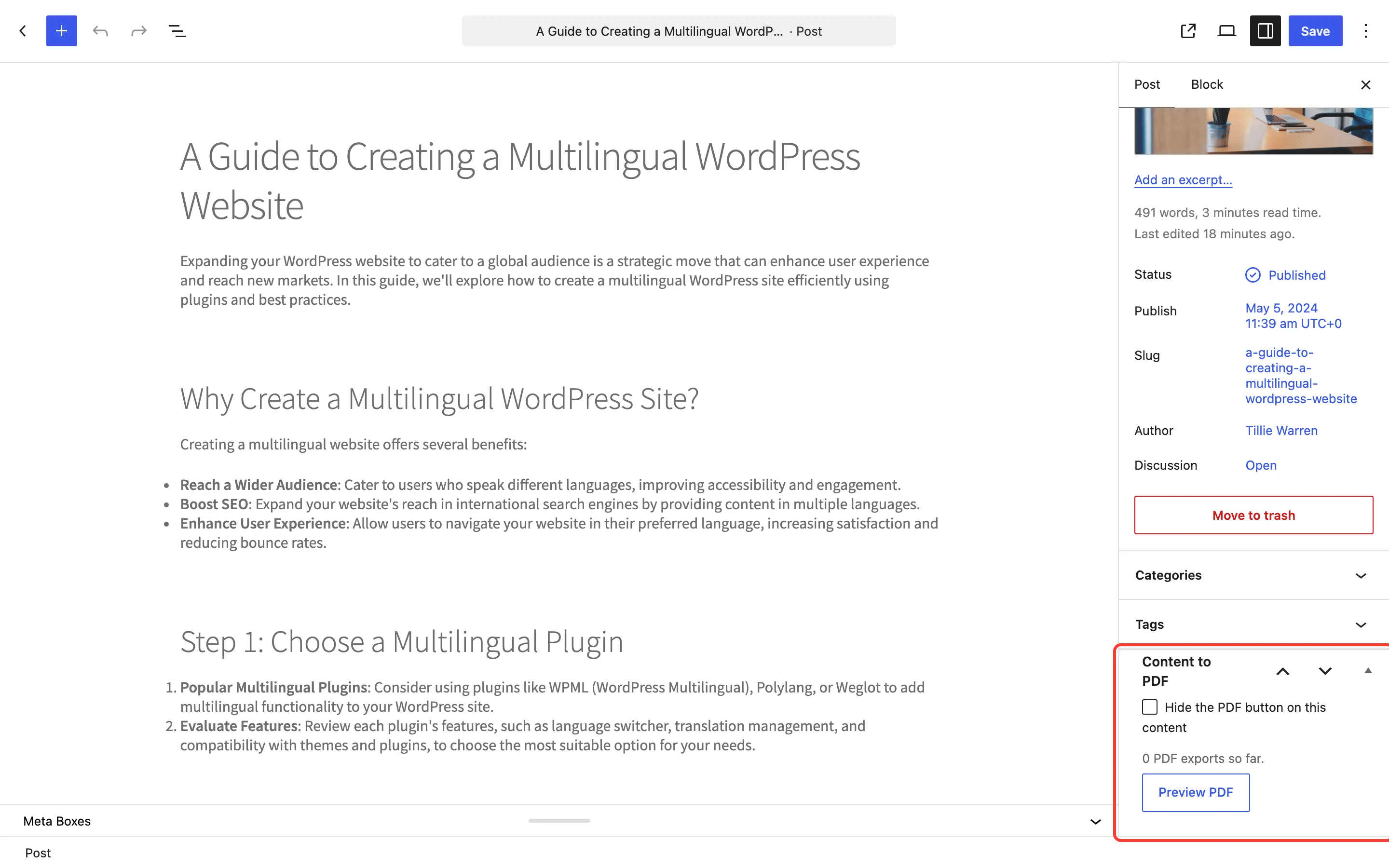
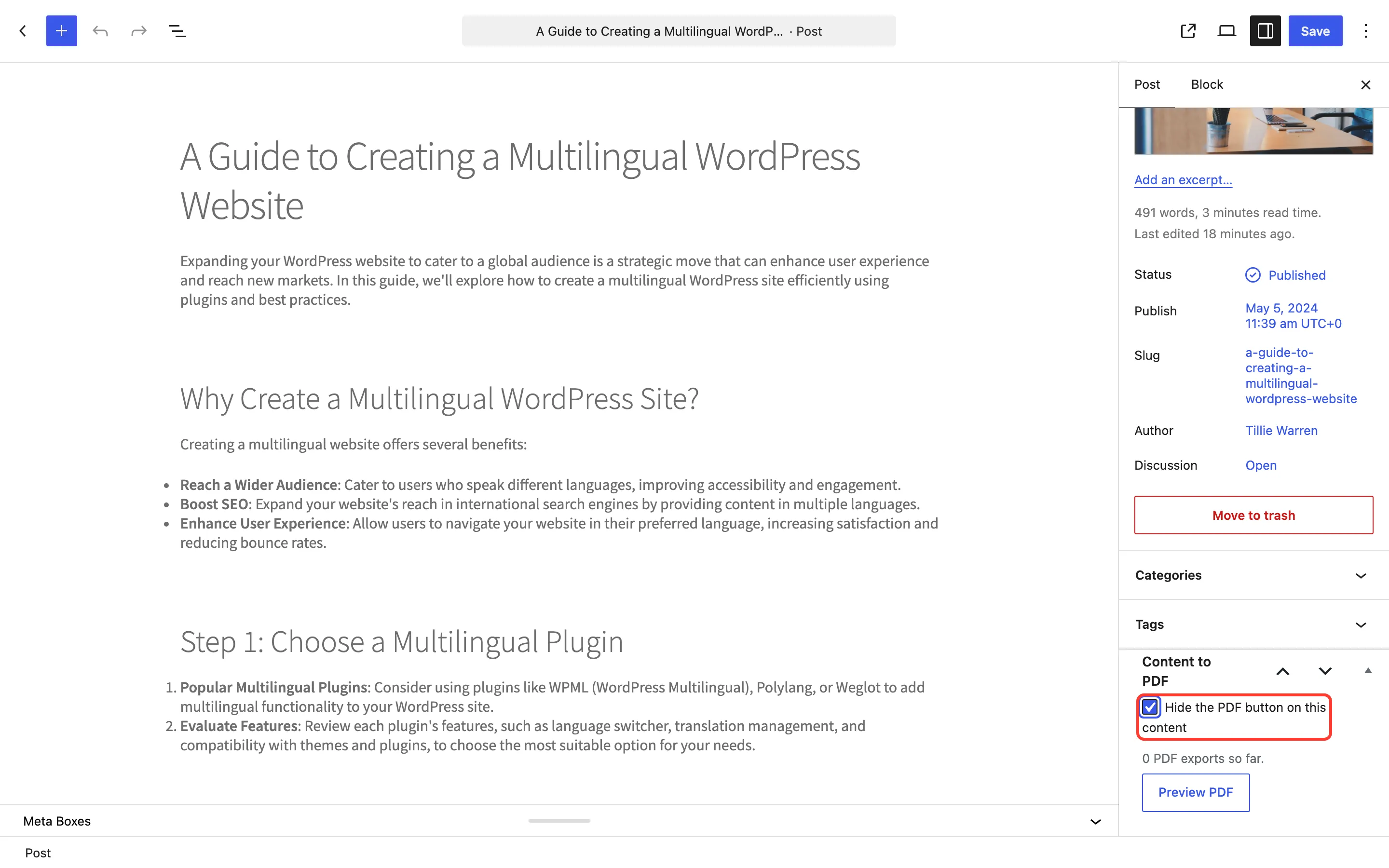
- Hide the PDF button on this content: Removes the button from this post only.
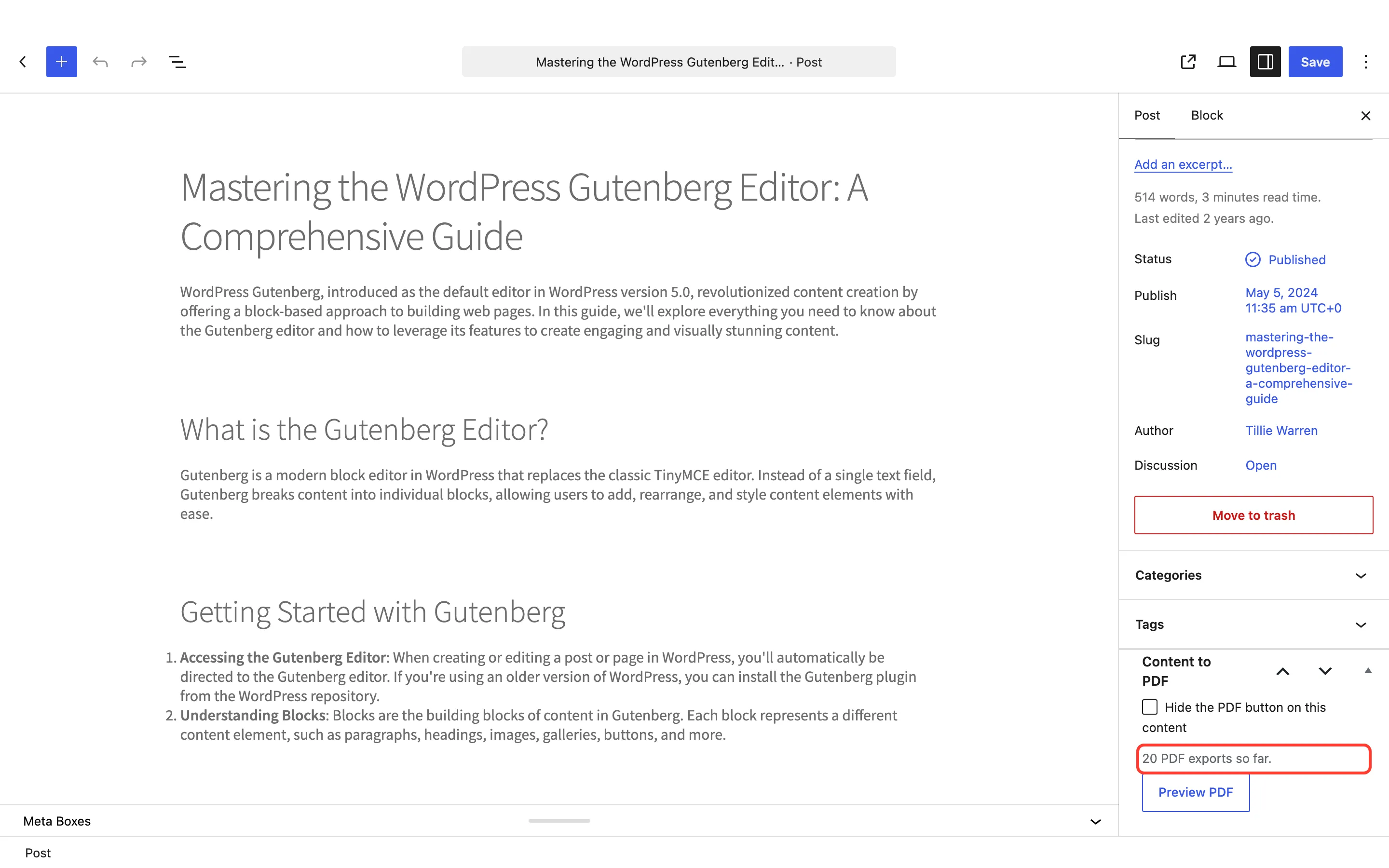
- PDF exports so far: The post’s total downloads, prints and emails.
- Preview PDF: Opens this post in the reader, in a new tab. Shown once the post is published.
Hide the button on one post
Section titled “Hide the button on one post”Tick Hide the PDF button on this content, then save the post. The button disappears from the post, and its reader link answers “This PDF is not available.”
To hide the button on many posts at once, use Excluded IDs or Excluded Categories and Tags on the Rules tab.
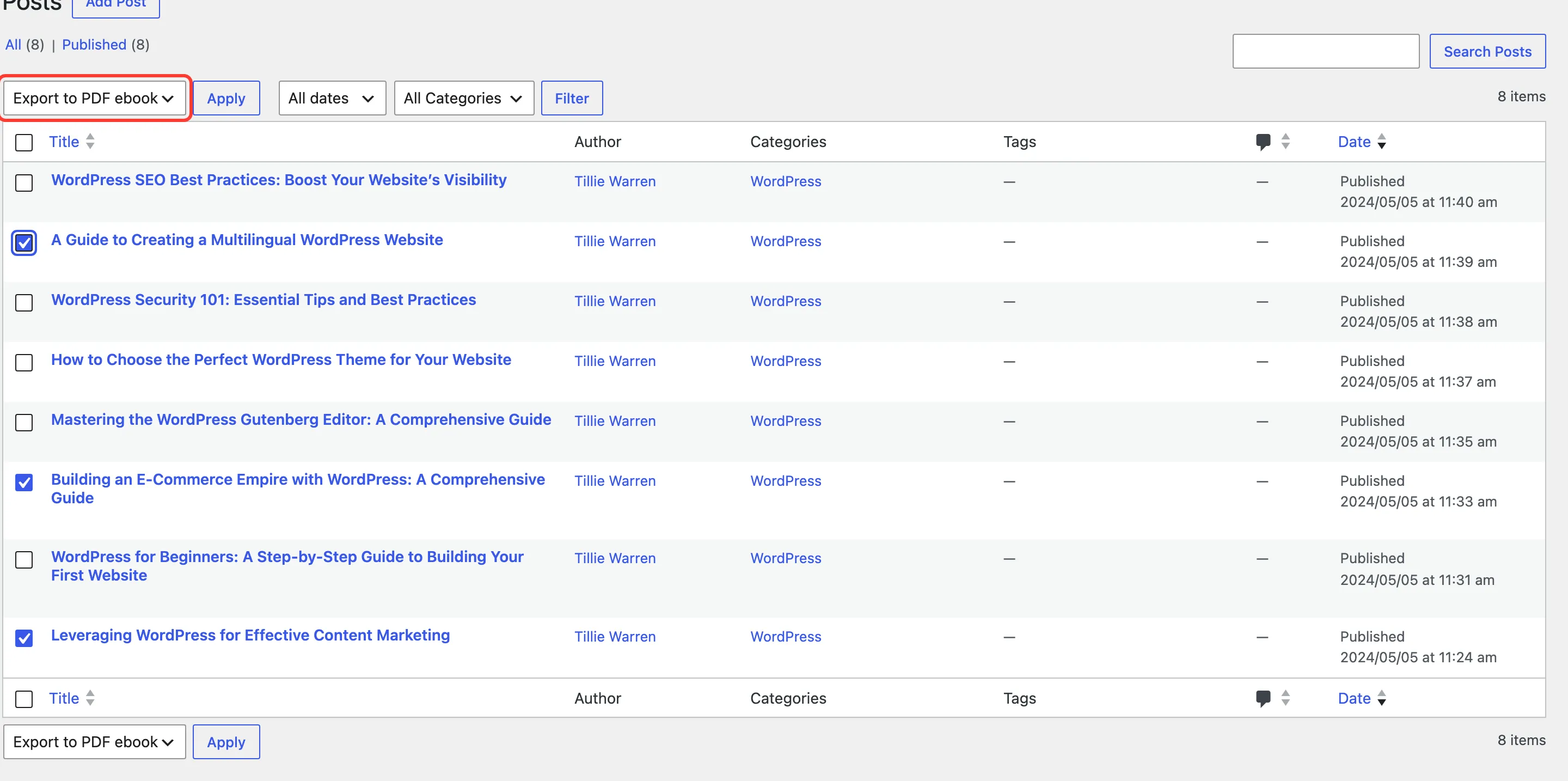
Export to PDF ebook
Section titled “Export to PDF ebook”The Posts, Pages and Products screens get an Export to PDF ebook bulk action. Tick posts, choose it, and click Apply. The Ebook Builder opens with those posts already ticked.