How to Upgrade to Pro
Pro is an add-on, so upgrading means adding a plugin, not swapping one. The free plugin stays installed and Pro takes over from it. Both read the same settings and the same list of subscribers.
Step 1: Upload Pro
Section titled “Step 1: Upload Pro”Go to Plugins → Add New Plugin → Upload Plugin, choose the Pro zip from your DevDiggers order, click Install Now and Activate Plugin.
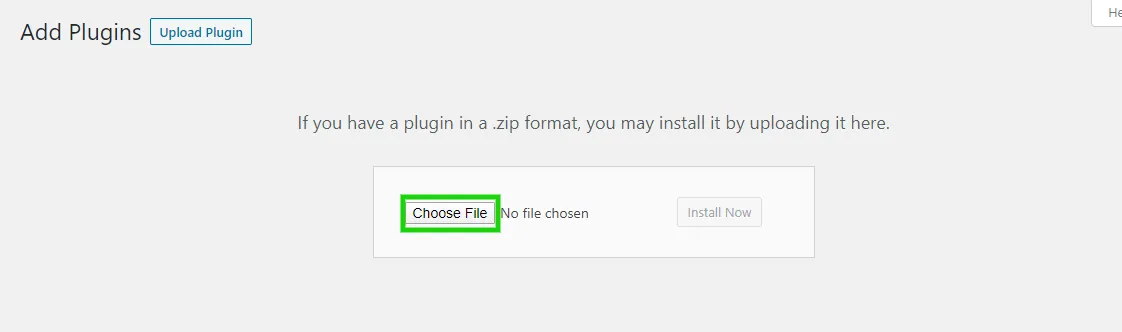
Do not deactivate the free plugin. Pro needs it active, and activates it for you if you switched it off.
Step 2: Activate the license
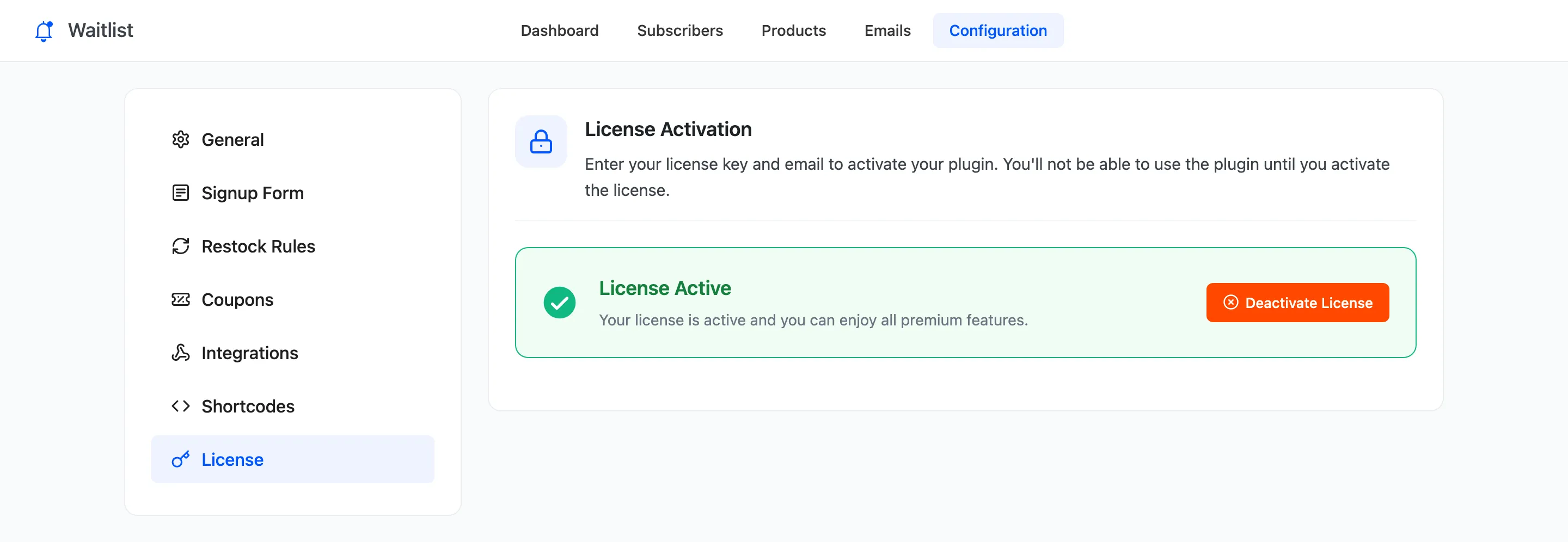
Section titled “Step 2: Activate the license”Pro shows nothing on the storefront until its license is active. Go to DevDiggers Plugins → Waitlist → Configuration → License, enter your purchase code and email, and click Activate License.
Step 3: Check what changed
Section titled “Step 3: Check what changed”- Everyone waiting is still waiting, in the same order, with the same place in line.
- Shop pages show Notify Me on sold out products, because Shop Pages is on by default in Pro.
- The form shows an expected restock date wherever you set one.
- The admin opens the Pro tabs, fields and columns: Coupons, Integrations, the Reminder and Email Confirmation emails, the Email Log, import and export, and the recovered sales figures.
Recovered sales count from now on. An order placed before Pro was active is not counted, but a customer the free version emailed who buys after the upgrade is.
Step 4: Turn on what you need
Section titled “Step 4: Turn on what you need”Pro’s extras start off, apart from the shop buttons and the reminder email. The most useful first steps:
- Add a restock coupon
- Give waiting customers early access
- Limit restock emails to the stock you have
- Send a reminder to customers who did not buy
Going back to the free version
Section titled “Going back to the free version”Deactivate Pro. The free plugin takes over again with the same settings and subscribers. Pro-only data stays in place and does nothing: coupon codes in old rows, phone numbers and quantities, recovered revenue. Shop pages go back to Read more.