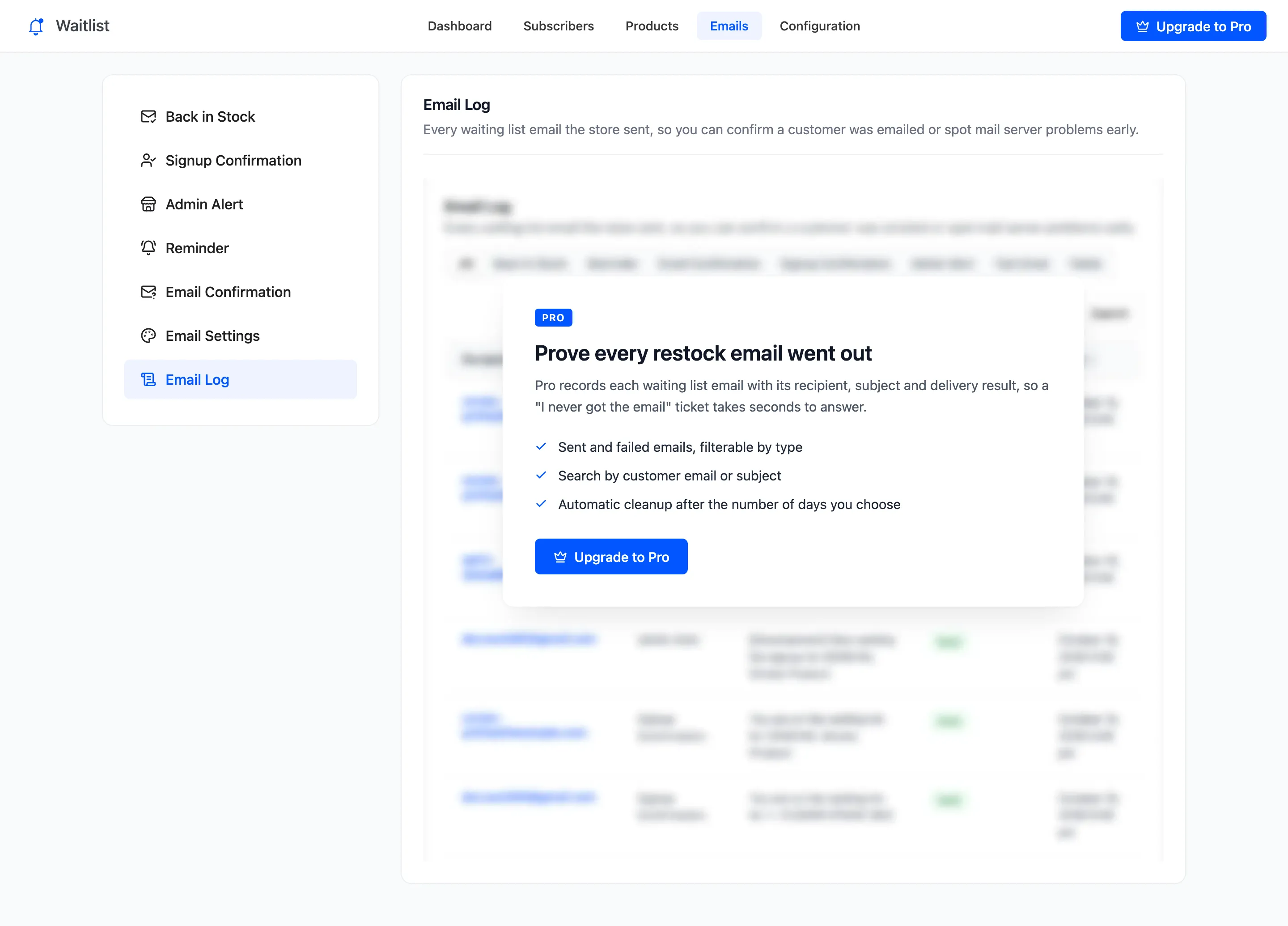
The Email Log (Pro)
The Email Log answers “did they get the email?” in seconds. Every waitlist email is recorded the moment it is handed to your mail server. Open DevDiggers Plugins → Waitlist → Emails → Email Log.
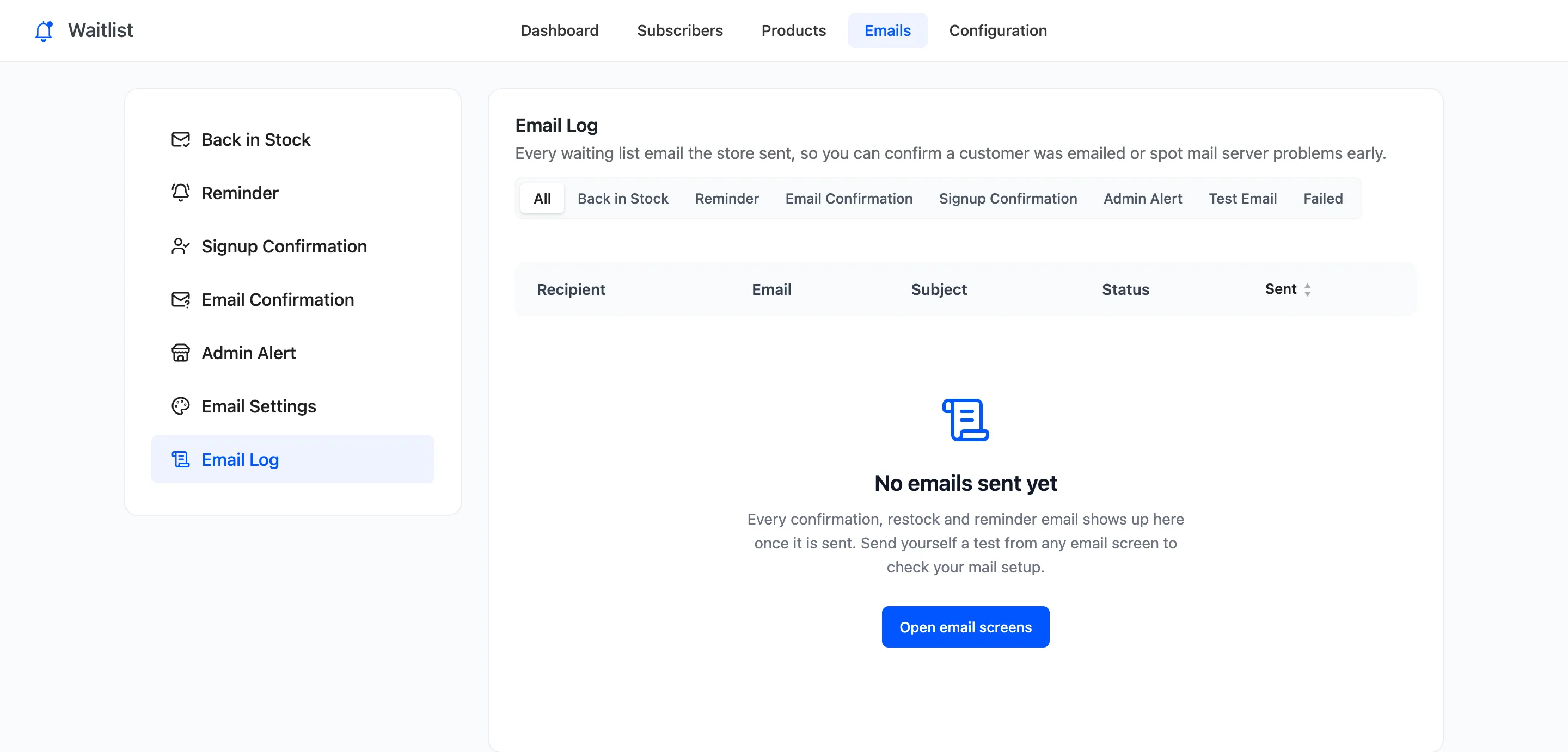
Before anything is sent it is empty, with a link to the email screens:
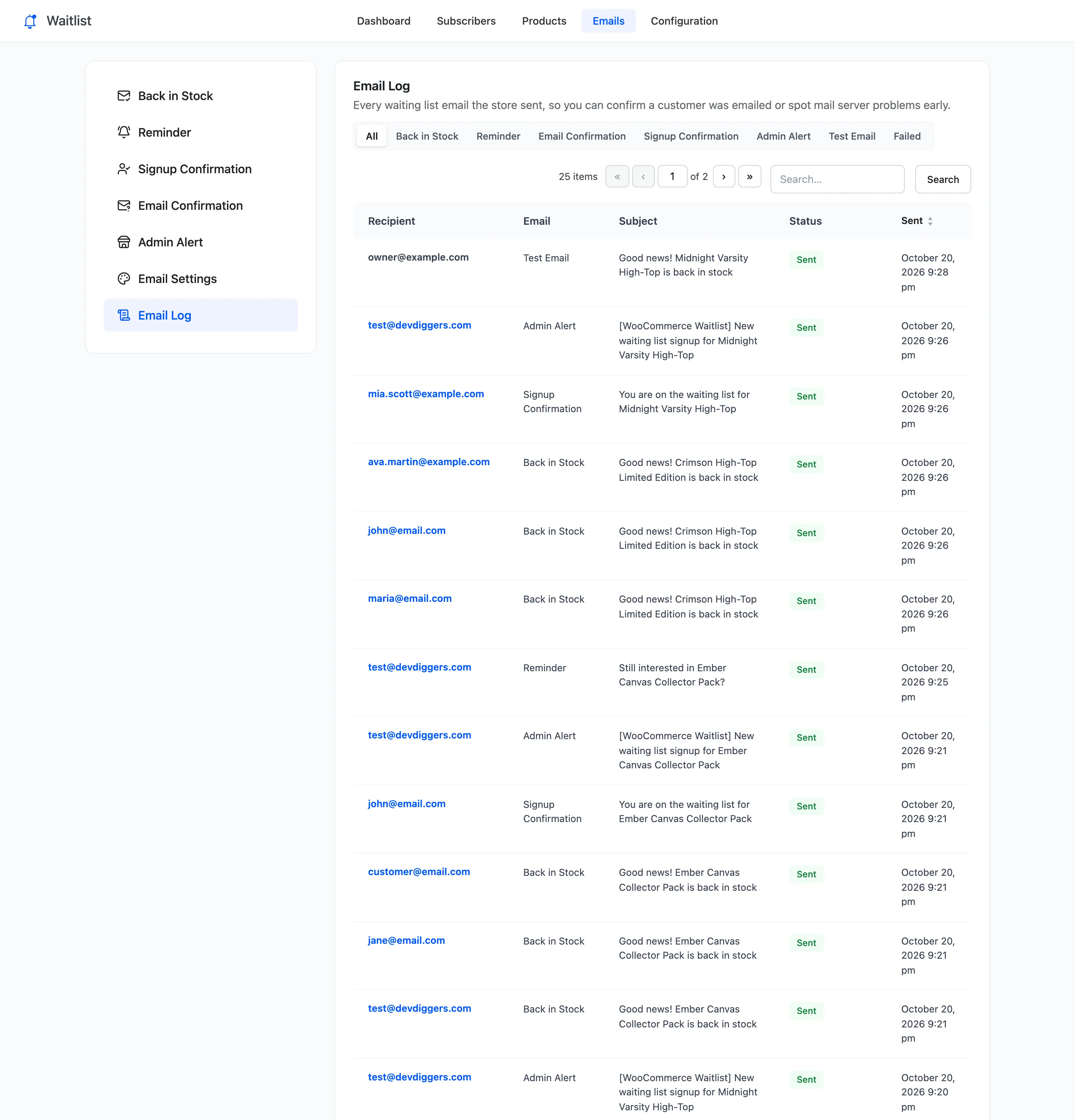
After a restock and a few signups:
Columns
Section titled “Columns”- Recipient: Who it went to.
- Email: Which email: Back in Stock, Reminder, Email Confirmation, Signup Confirmation, Admin Alert or Test Email.
- Subject: The subject as sent, with the placeholders filled in.
- Status: Sent when the mail server accepted it, Failed when it refused.
- Sent: When.
Filter and search
Section titled “Filter and search”The links above the list show one type at a time, or Failed for every email the server refused. Search matches the recipient and the subject.
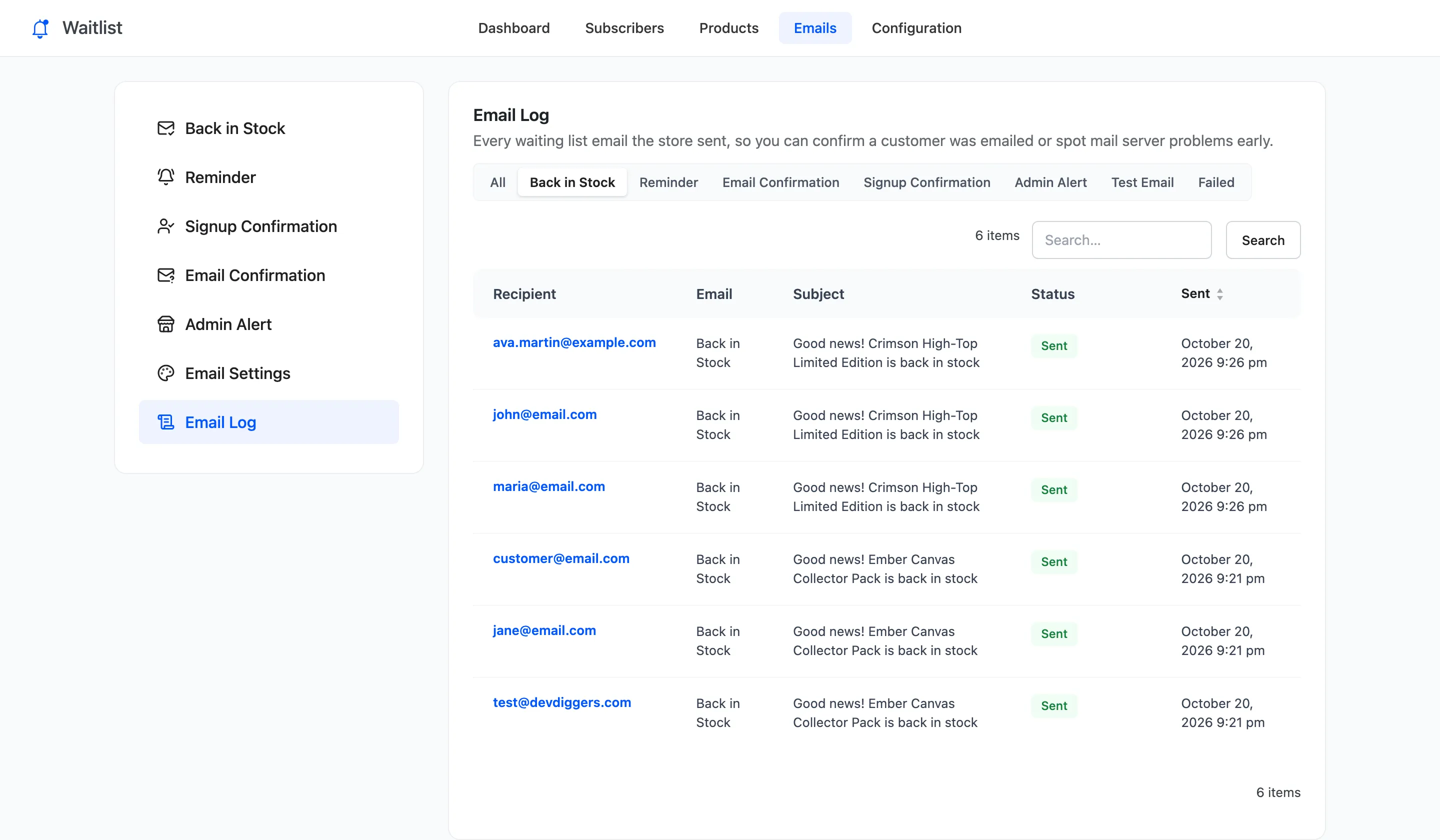
What Sent and Failed mean
Section titled “What Sent and Failed mean”Sent means your site handed the email to the mail server without an error. It does not prove the email reached the inbox: spam filters decide that later. Failed means it never left. A row of failures usually means the site cannot send mail at all. Send a test from any email screen, and install an SMTP plugin if the test fails too.
How long entries stay
Section titled “How long entries stay”Keep Email Log (days) under Emails → Email Settings deletes older entries once an hour. Default 90. 0 keeps everything. The WordPress personal data eraser removes a customer’s entries along with their signups.