

How to Require Customers to Log In to Join
Members-only stores, wholesale shops and stores that want every signup tied to an account can close the waitlist to guests. Both editions have this.
Step 1: Turn on Require Login
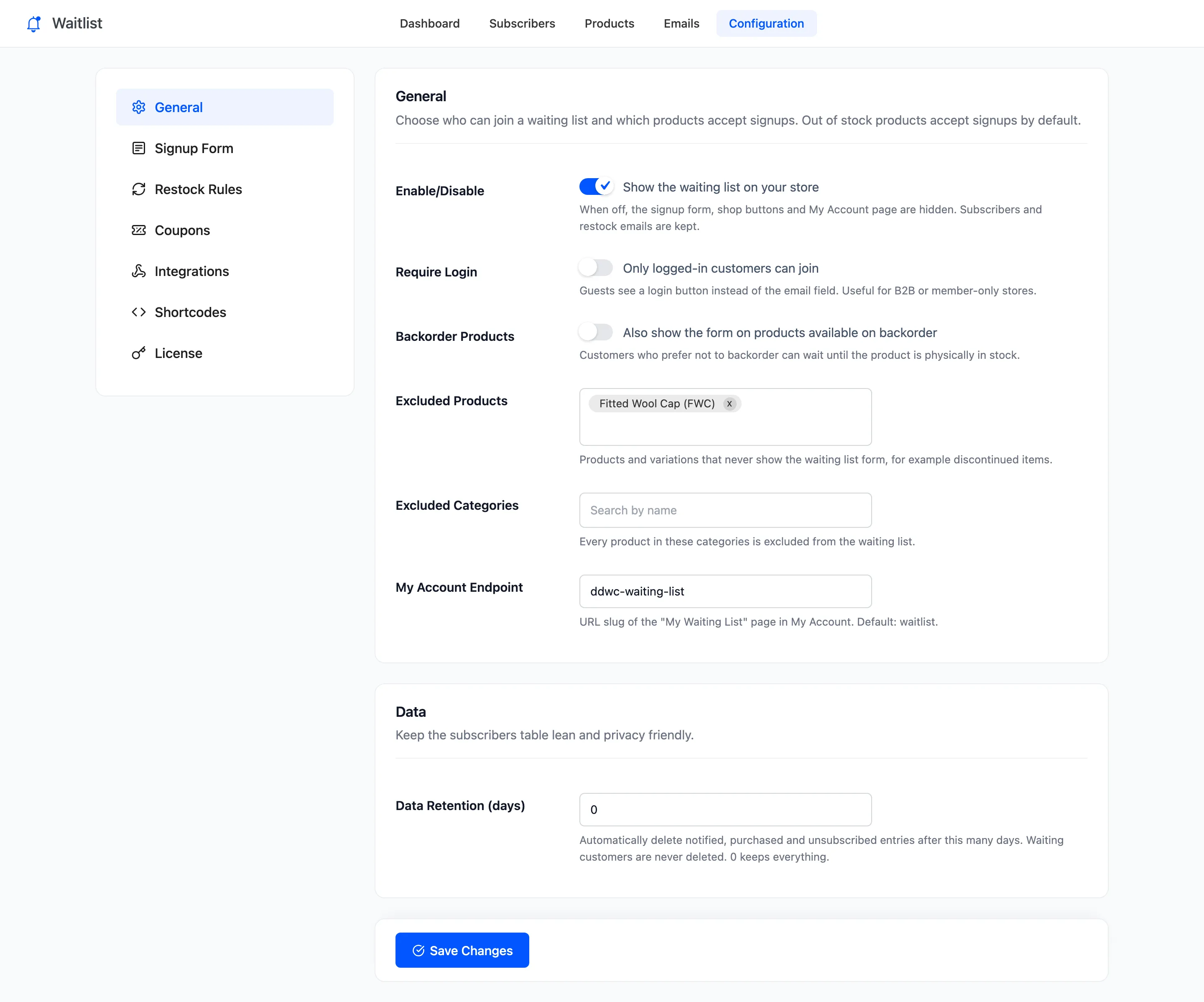
Section titled “Step 1: Turn on Require Login”Open Configuration → General, tick Require Login (“Only logged-in customers can join”) and click Save Changes.
Step 2: Check the product as a guest
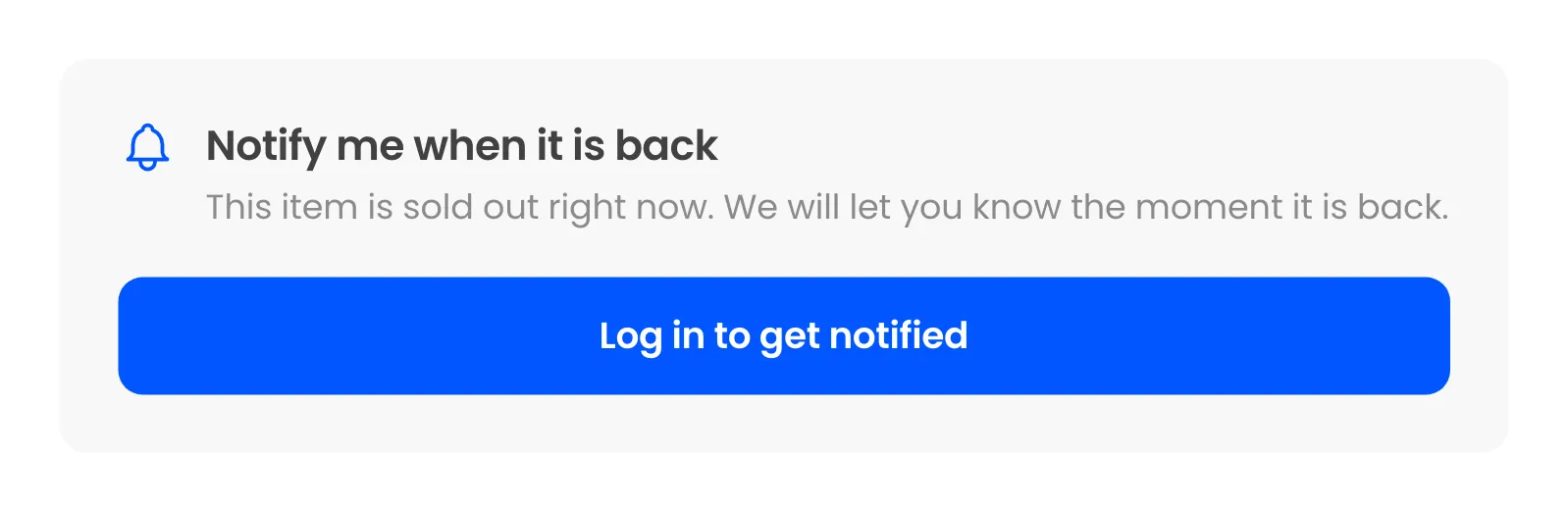
Section titled “Step 2: Check the product as a guest”In a private window, a sold out product shows the form’s title and waiting count. A Log in to get notified button sits where the email field was:
Step 3: Log in from the button
Section titled “Step 3: Log in from the button”The button opens your My Account page. After the customer logs in, or registers if your store allows it, they land back on the product they came from.
Step 4: Join with one click
Section titled “Step 4: Join with one click”Logged in, the customer sees the one-click form with their email under the button:
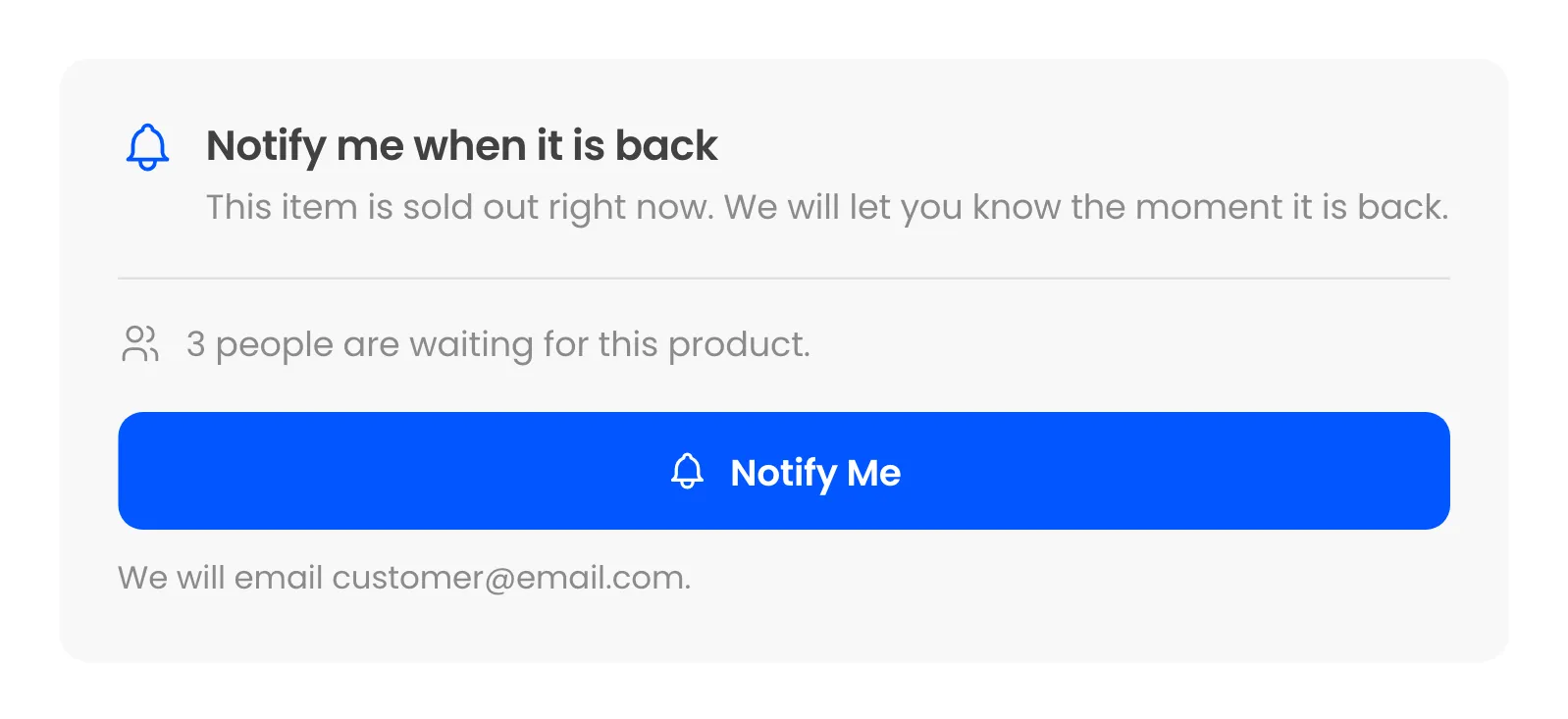
One press of Notify Me joins them.
Things to know
Section titled “Things to know”- Guests already on the list stay on it and are still emailed. The setting only stops new guest signups.
- Pro’s shop page window shows the same login button to guests.
- A guest who submits the form some other way, for example with JavaScript off, gets “Please log in to join the waiting list.” and is not added.