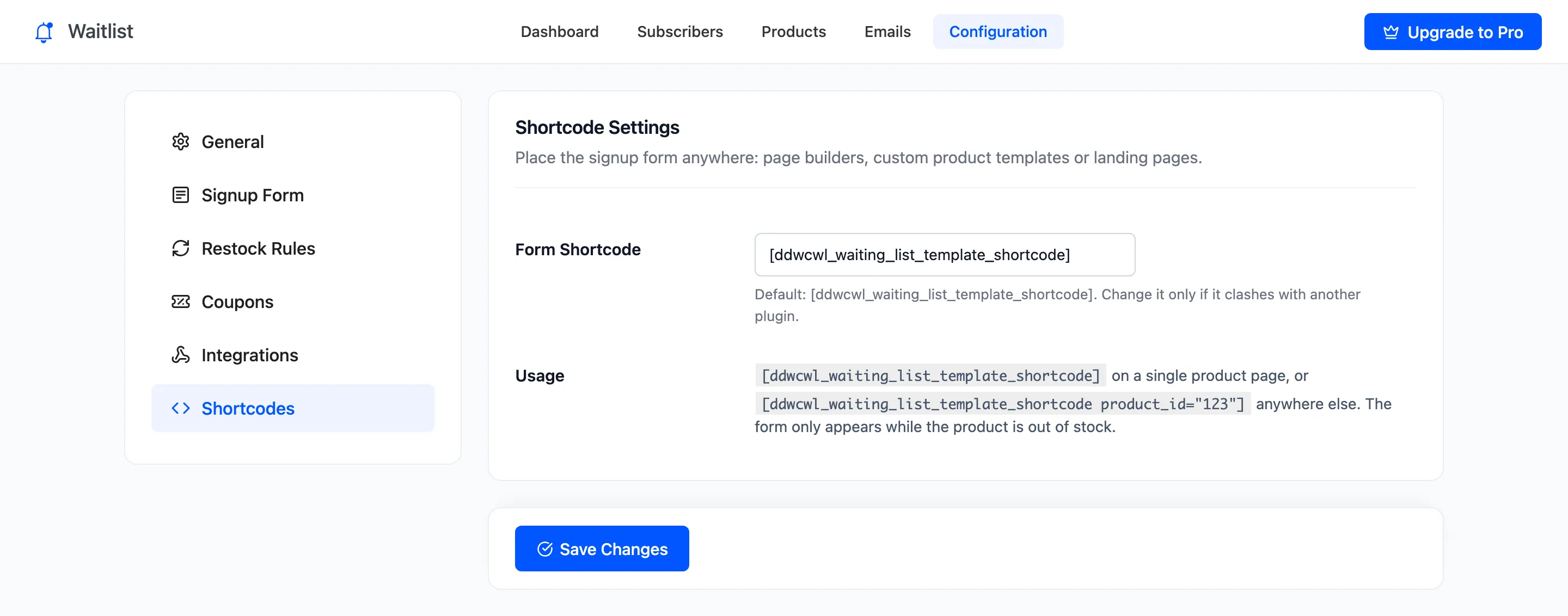
Shortcode Settings
The shortcode puts the waitlist form anywhere a shortcode runs: a page builder layout, a custom product template or a landing page. Open DevDiggers Plugins → Waitlist → Configuration → Shortcodes.
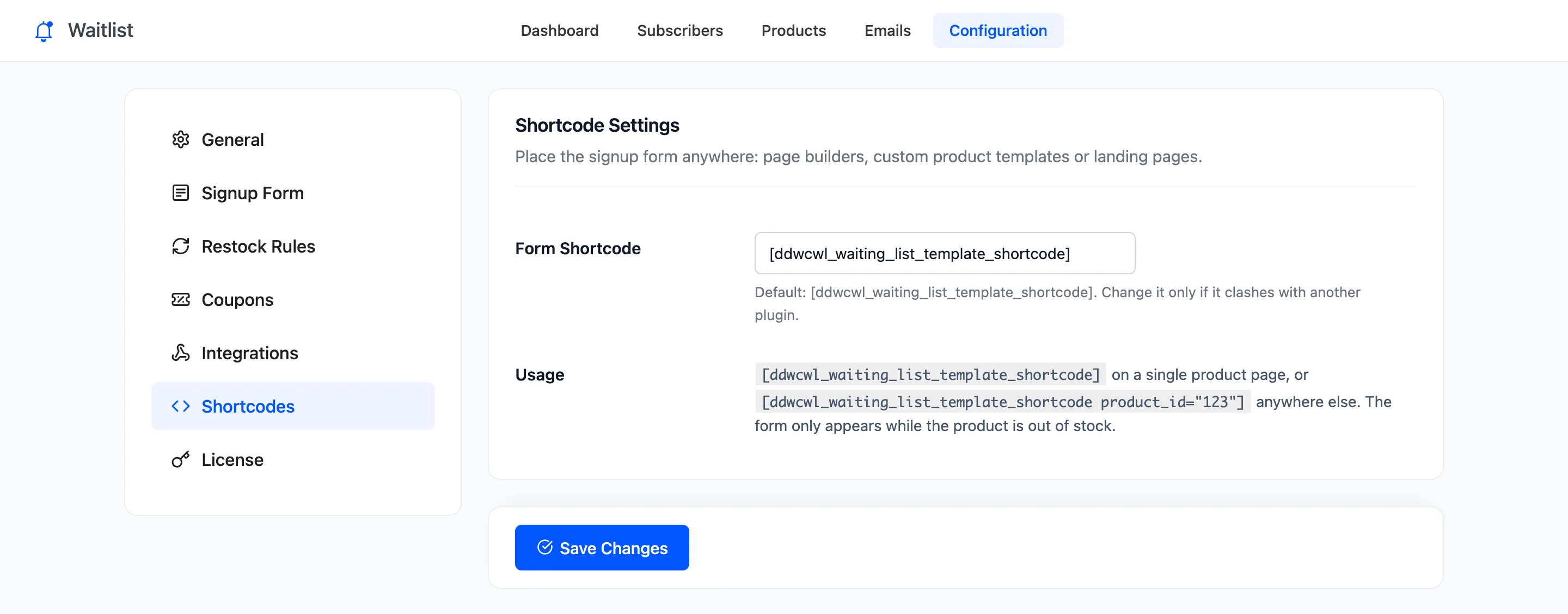
Shortcode Settings
Section titled “Shortcode Settings”- Form Shortcode: The tag. Default
[ddwcwl_waiting_list_template_shortcode]. Change it only if another plugin uses the same name. The new tag replaces the old one, so update pages that use it. - Usage: The two ways to write it, shown for reference.
Using it
Section titled “Using it”On a single product page, or in a product template, use it bare:
[ddwcwl_waiting_list_template_shortcode]Anywhere else, name the product by its ID. A variation ID works too:
[ddwcwl_waiting_list_template_shortcode product_id="13"]The shortcode follows the same rules as the form on the product page. It shows only while the product is sold out (or on backorder, if you allow it), and prints nothing for an in-stock or excluded product. A variable product’s ID gives the variation picker form, which appears once a sold out variation is chosen on that page.
Both editions have the shortcode.