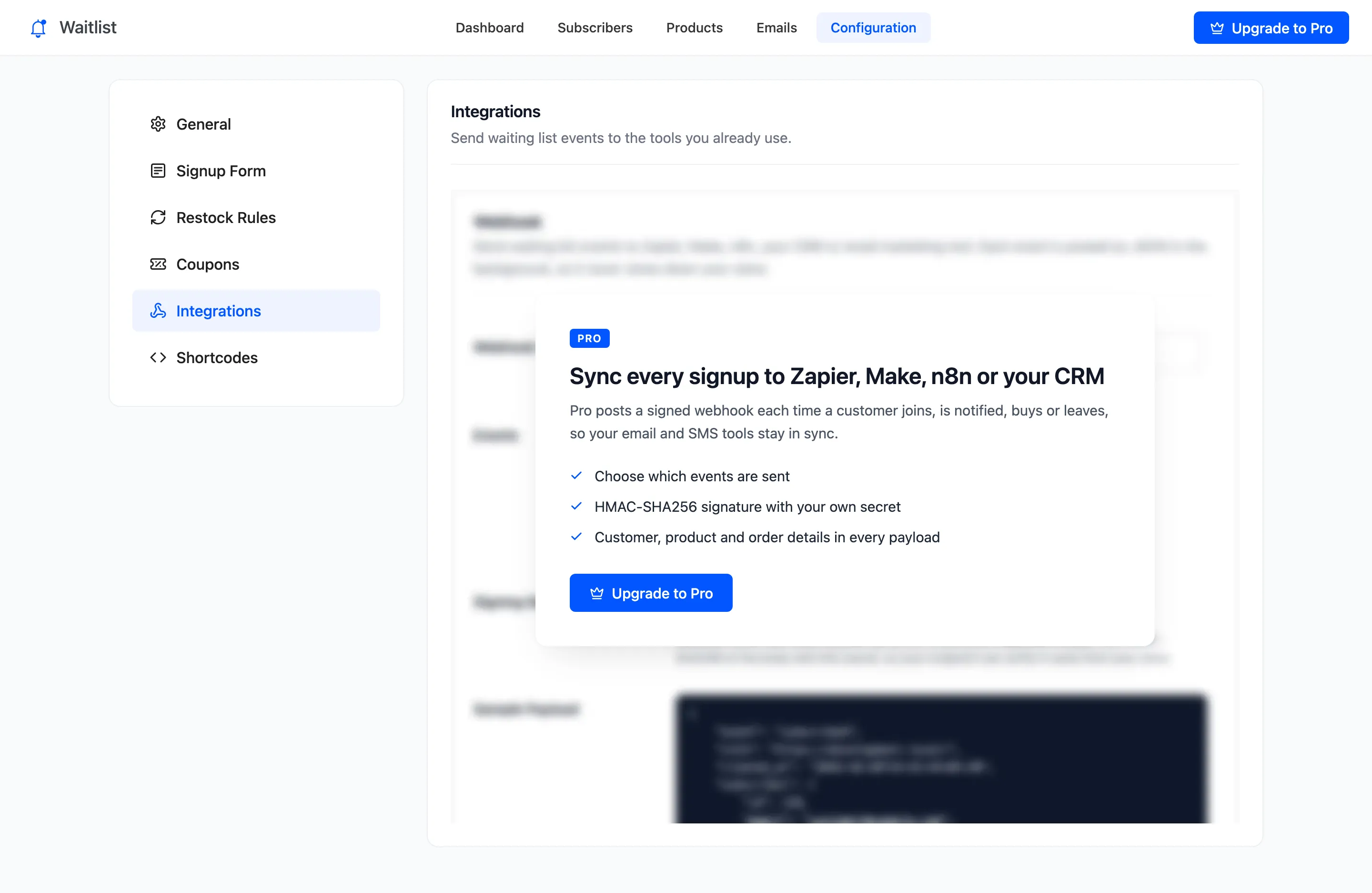
Integration Settings (Pro)
The Integrations tab posts waitlist events to another tool as they happen. A new signup can reach your email marketing list, a sale your CRM, and a notification an SMS service. Open DevDiggers Plugins → Waitlist → Configuration → Integrations.
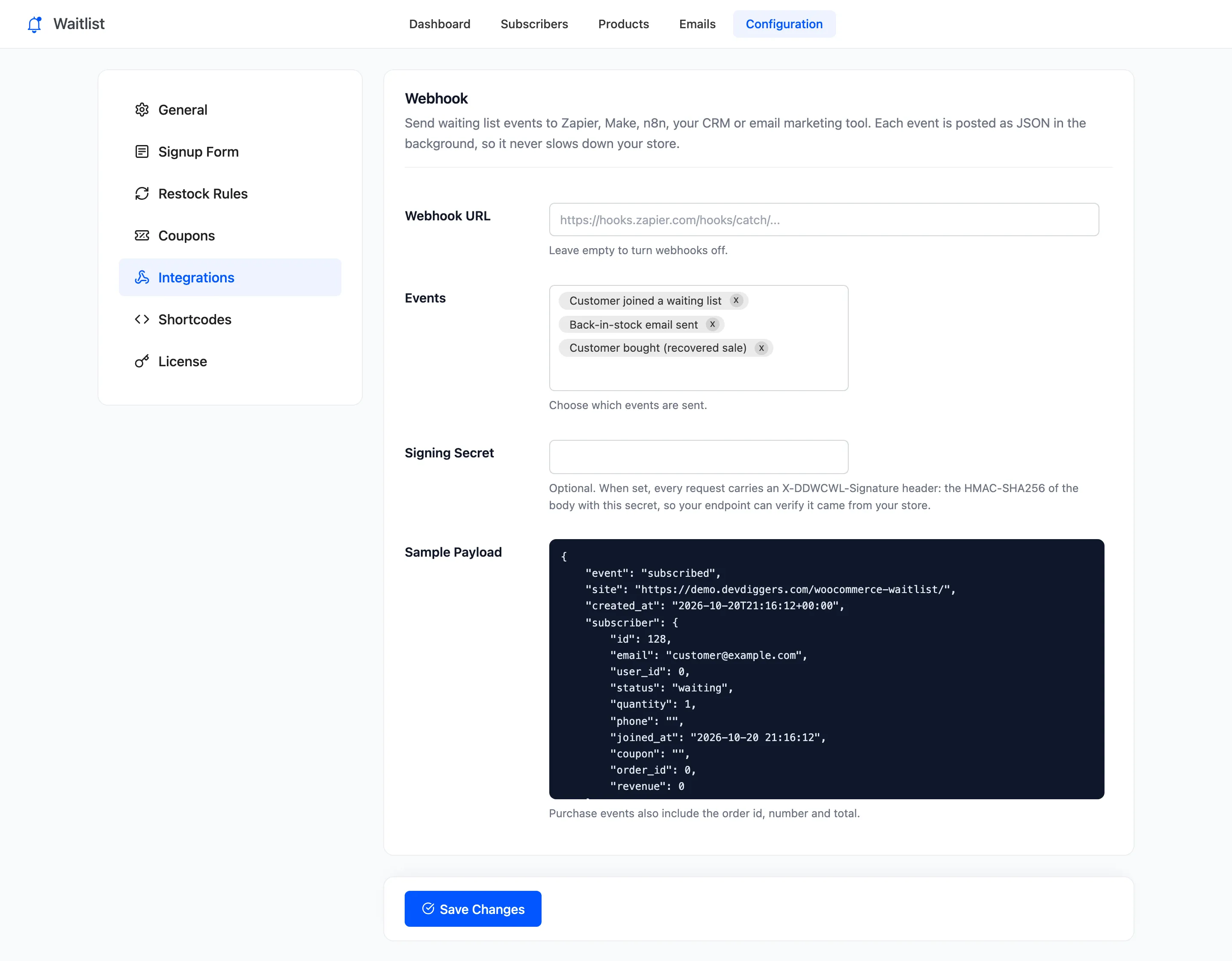
Webhook
Section titled “Webhook”- Webhook URL: Where events are posted. Empty turns webhooks off, which is the default.
- Events: Which events are sent. Customer joined a waiting list, Back-in-stock email sent and Customer bought (recovered sale) are on by default. Customer left a waiting list is off.
- Signing Secret: Optional. When set, every request carries an
X-DDWCWL-Signatureheader: the HMAC-SHA256 of the request body with this secret. - Sample Payload: What a request looks like.
Click Save Changes at the bottom of the tab.
The events
Section titled “The events”| Event | Sent when |
|---|---|
subscribed |
A customer joins, or a double opt-in guest confirms |
notified |
A back in stock email is sent |
purchased |
An emailed customer’s order reaches Processing or Completed |
unsubscribed |
A customer leaves from the form, My Account or an email link |
A customer you add by hand on the Subscribers screen sends subscribed too. Imported rows send nothing.
The request
Section titled “The request”Each event is a POST with a JSON body and two headers: X-DDWCWL-Event with the event name, and
X-DDWCWL-Signature when a secret is set. It is sent in the background with a five-second limit.
Your store does not wait for the answer, so a slow or broken endpoint never slows a signup.
This is the purchased event the demo sent when Amara Okafor’s order became Processing:
{ "event": "purchased", "site": "https://demo.devdiggers.com/woocommerce-waitlist/", "created_at": "2026-10-20T21:24:41+00:00", "subscriber": { "id": 5, "email": "customer@email.com", "user_id": 3, "status": "purchased", "quantity": 1, "phone": "", "joined_at": "2026-09-29 05:30:41", "coupon": "BACK-P3CI9XKX", "order_id": 1289, "revenue": 198 }, "product": { "id": 22, "parent_id": 0, "name": "Ember Canvas Collector Pack", "sku": "ECCP", "url": "https://demo.devdiggers.com/woocommerce-waitlist/product/polo/" }, "order": { "id": 1289, "number": "1289", "total": 272.8 }}revenue is what this product earned after discounts. order.total is the whole order, shipping and tax
included. order is null on every other event. parent_id is the parent product for a variation, and 0
otherwise.
Checking the signature
Section titled “Checking the signature”Compute the HMAC-SHA256 of the raw request body with your secret and compare it with the header. In PHP:
$body = file_get_contents( 'php://input' );$expected = hash_hmac( 'sha256', $body, 'your-secret' );$valid = hash_equals( $expected, $_SERVER['HTTP_X_DDWCWL_SIGNATURE'] ?? '' );See How to Send Waitlist Events to Zapier With Webhooks (Pro).
In the free version
Section titled “In the free version”