

General Settings
The General tab decides whether the waitlist runs and which products accept signups. Open DevDiggers Plugins → Waitlist → Configuration → General.
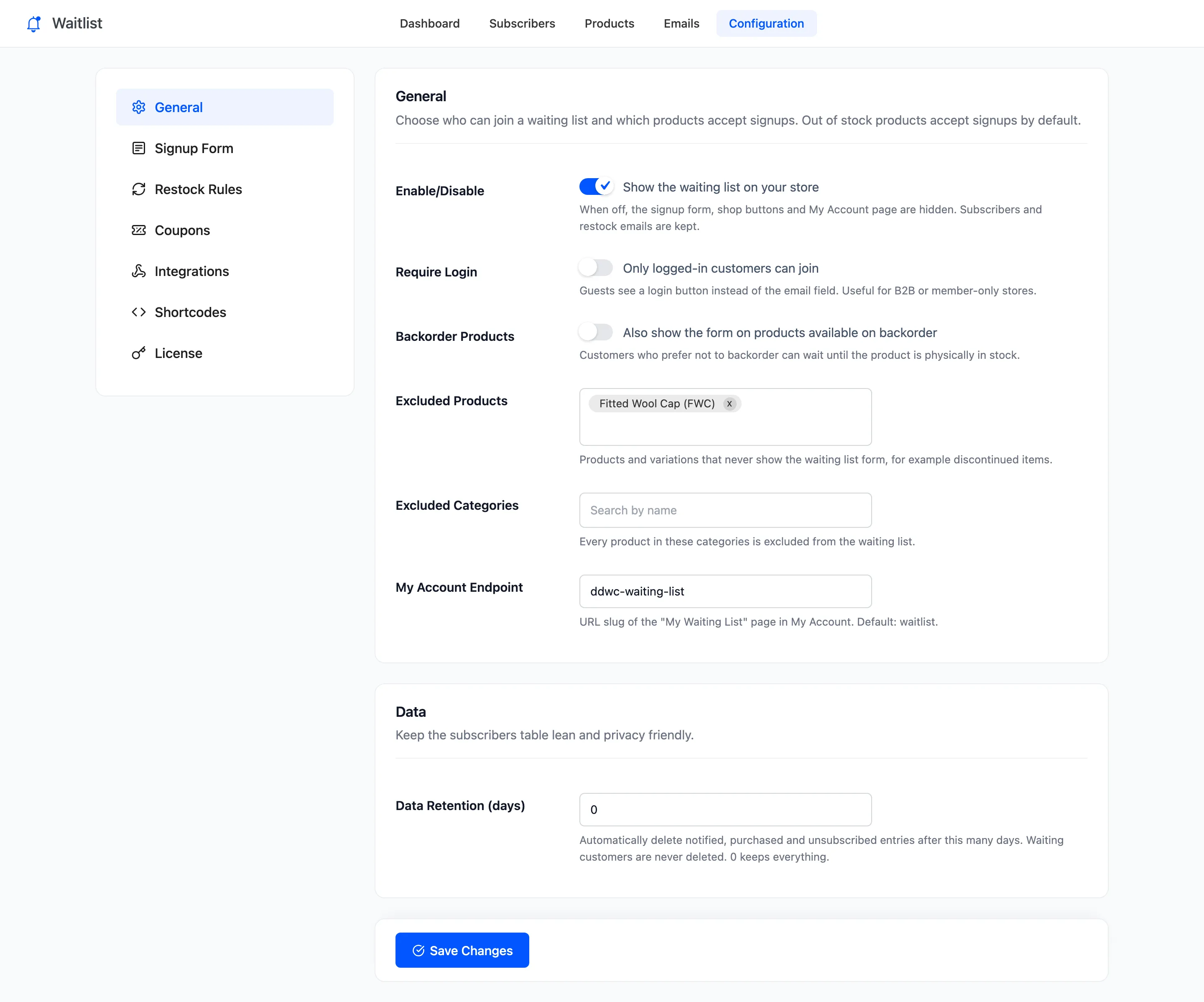
General
Section titled “General”- Enable/Disable: “Show the waiting list on your store”. On by default. Off, the form, the shop buttons and the My Account page disappear. Everyone already waiting stays on the list, and restock emails still go out.
- Require Login: “Only logged-in customers can join”. Off by default. On, guests see a Log in to get notified button in place of the email field. See How to Require Customers to Log In to Join.
- Backorder Products: “Also show the form on products available on backorder”. Off by default. On, a product that can still be ordered on backorder also takes signups, for customers who would rather wait until it is physically in stock.
- Excluded Products: Products and variations that never show the form. Empty by default. Excluding a variable product excludes all its variations.
- Excluded Categories: Every product in these categories is excluded. Empty by default.
- My Account Endpoint: The URL slug of the My Waiting List page in My Account. waitlist by
default, so the page is
/my-account/waitlist/. A store that ran version 1 of Pro keeps its old slug, ddwc-waiting-list, so existing links keep working.
The demo excludes Fitted Wool Cap, so that product never shows the form even when it sells out.
After changing the endpoint, visit Settings → Permalinks and click Save Changes if the new My Account link shows a “page not found”.
Data (Pro)
Section titled “Data (Pro)”- Data Retention (days): Delete Notified, Purchased and Unsubscribed signups after this many days. 0 by default, which keeps everything. Waiting customers are never deleted. The cleanup runs once an hour and goes by each signup’s latest date: its purchase, else its email, else when it joined.
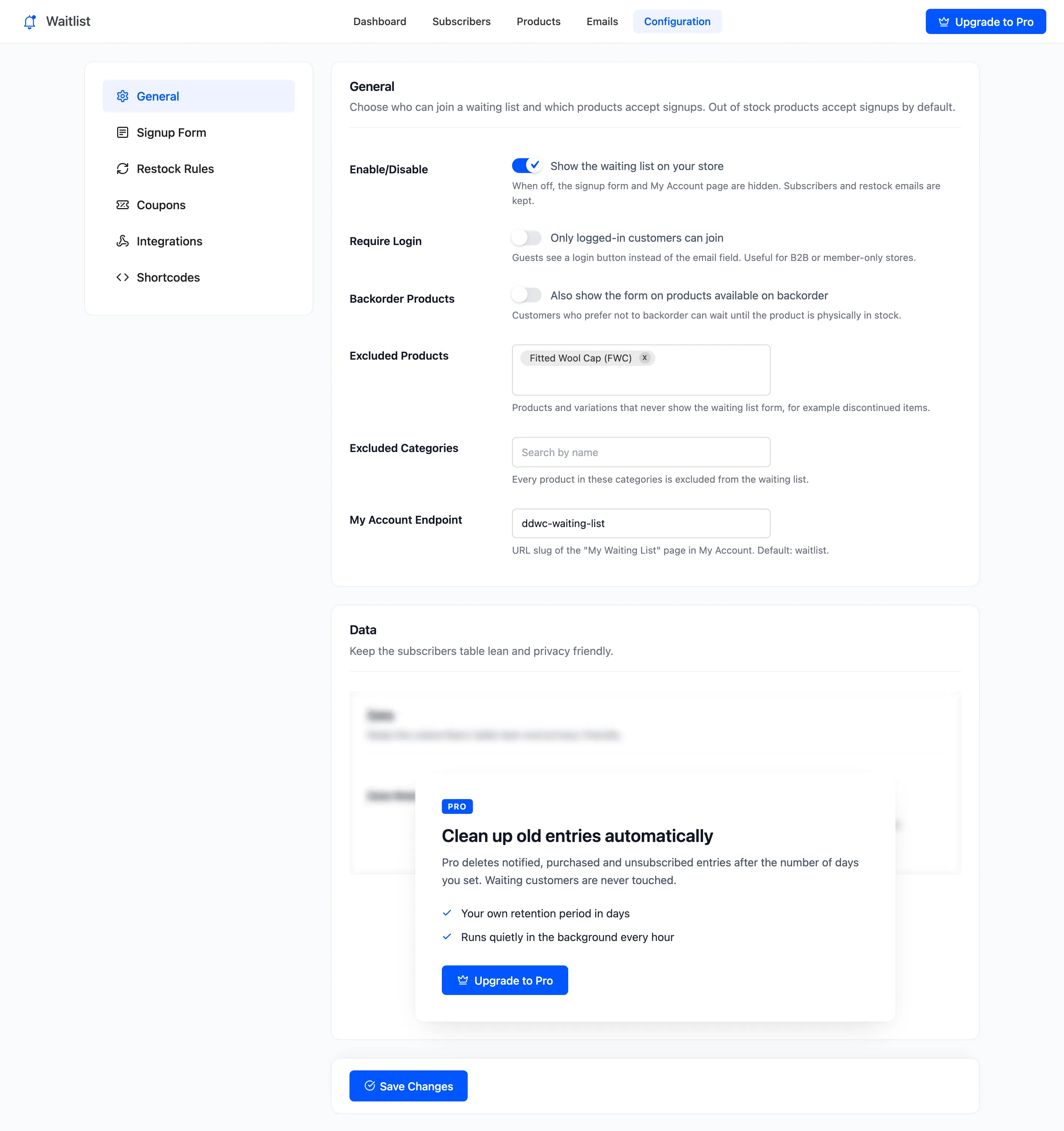
Click Save Changes at the bottom of the tab.
Which products accept signups
Section titled “Which products accept signups”A product shows the form when all of these are true:
- It is a simple product or a variation. A variable product’s form belongs to its variations.
- It is Out of stock, or On backorder with Backorder Products on.
- Neither it, its parent nor its category is excluded.
- The waitlist is enabled, and in Pro the license is active.
Grouped and external products never show the form, because they are not bought directly.