

How to Place the Form With a Shortcode
The form appears on sold out product pages on its own. The shortcode is for everywhere else, such as a launch page for an upcoming drop, a page builder layout, or a product template without WooCommerce’s usual hooks. Both editions have it.
Step 1: Copy the shortcode
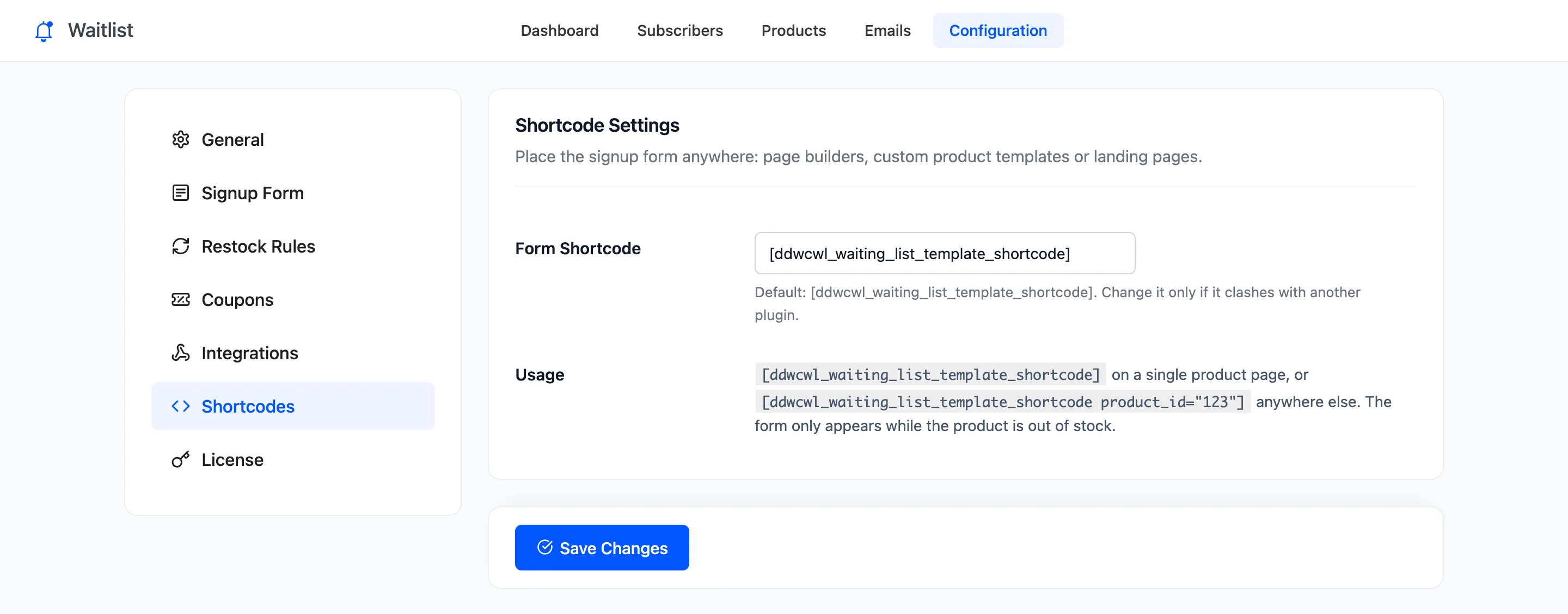
Section titled “Step 1: Copy the shortcode”Open Configuration → Shortcodes. The tag is [ddwcwl_waiting_list_template_shortcode].
Step 2: Add a product ID outside product pages
Section titled “Step 2: Add a product ID outside product pages”On a product page, or in a product template, the shortcode finds the product itself. Anywhere else, name it:
[ddwcwl_waiting_list_template_shortcode product_id="13"]Find the ID by hovering the product in Products, or on the waitlist’s Products screen. A variation’s ID joins customers to that variation.
Step 3: Place it and check
Section titled “Step 3: Place it and check”Paste it into a Shortcode block, a text widget or your page builder’s shortcode element, and view the page while the product is sold out. It is the same form, with the same words, waiting count and confirmation.
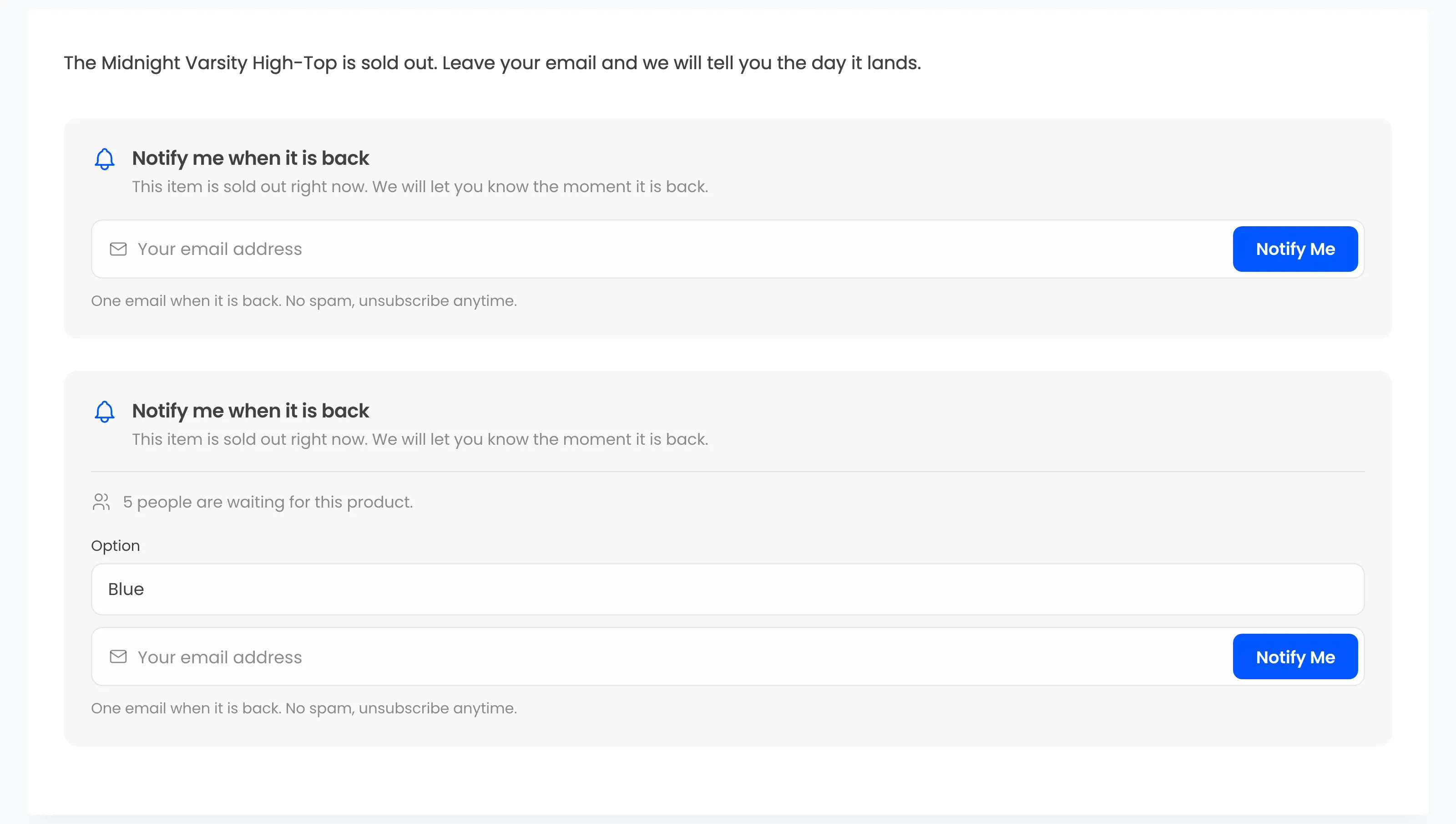
The demo page below carries two: one for the Midnight Varsity High-Top, and one for the variable Retro Court Low Sneaker.
Variable products
Section titled “Variable products”On the product’s own page, the shortcode follows the variation the customer picks, like the built-in form. Anywhere else it adds an Option menu listing the sold out variations, and joins the customer to the one they choose.
What it shows
Section titled “What it shows”The shortcode follows the product page’s rules. It shows the form only while the product is out of stock, or on backorder if you allow it, and only if the product is not excluded. For a product in stock it prints nothing, so a launch page can carry it before and after a drop without edits.
Renaming the tag
Section titled “Renaming the tag”If another plugin uses the same tag, set a new one in Form Shortcode and save. The old tag stops working, so update the pages that use it.