

License Activation (Pro)
Pro needs an active license to run on the storefront. Until it is active, sold out products show no form, shop pages show no Notify Me buttons and My Account has no My Waiting List page. The admin screens still open, and restock emails for people already waiting still go out.
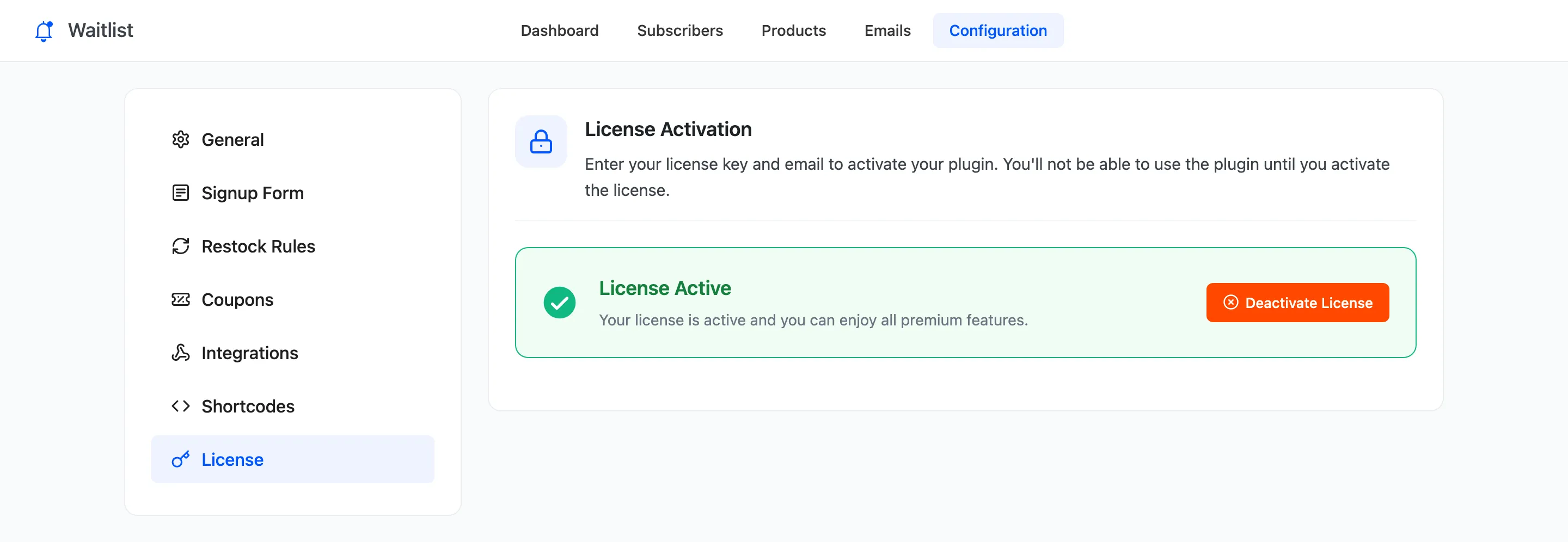
Open DevDiggers Plugins → Waitlist → Configuration → License.
Activate
Section titled “Activate”- Enter the purchase code from your DevDiggers order email.
- Enter the email you bought with.
- Click Activate License.
The tab then reads License Active. You can also do this on the setup wizard’s License step.
Move to another site
Section titled “Move to another site”Click Deactivate License on the old site first, then activate on the new one. The license also brings Pro’s updates to the Plugins screen.