

How to Verify a Prescription With the Prescriber (Pro)
When a prescription does not look right, the usual answer is to ring the surgery. A verification link does the same in writing: the doctor opens one page, clicks one button, and their answer is on the order.
Step 1: Create the verification link
Section titled “Step 1: Create the verification link”Open the prescription in the review workspace. Below the decision, the Prescriber verification panel says what it is for. Click Create verification link.
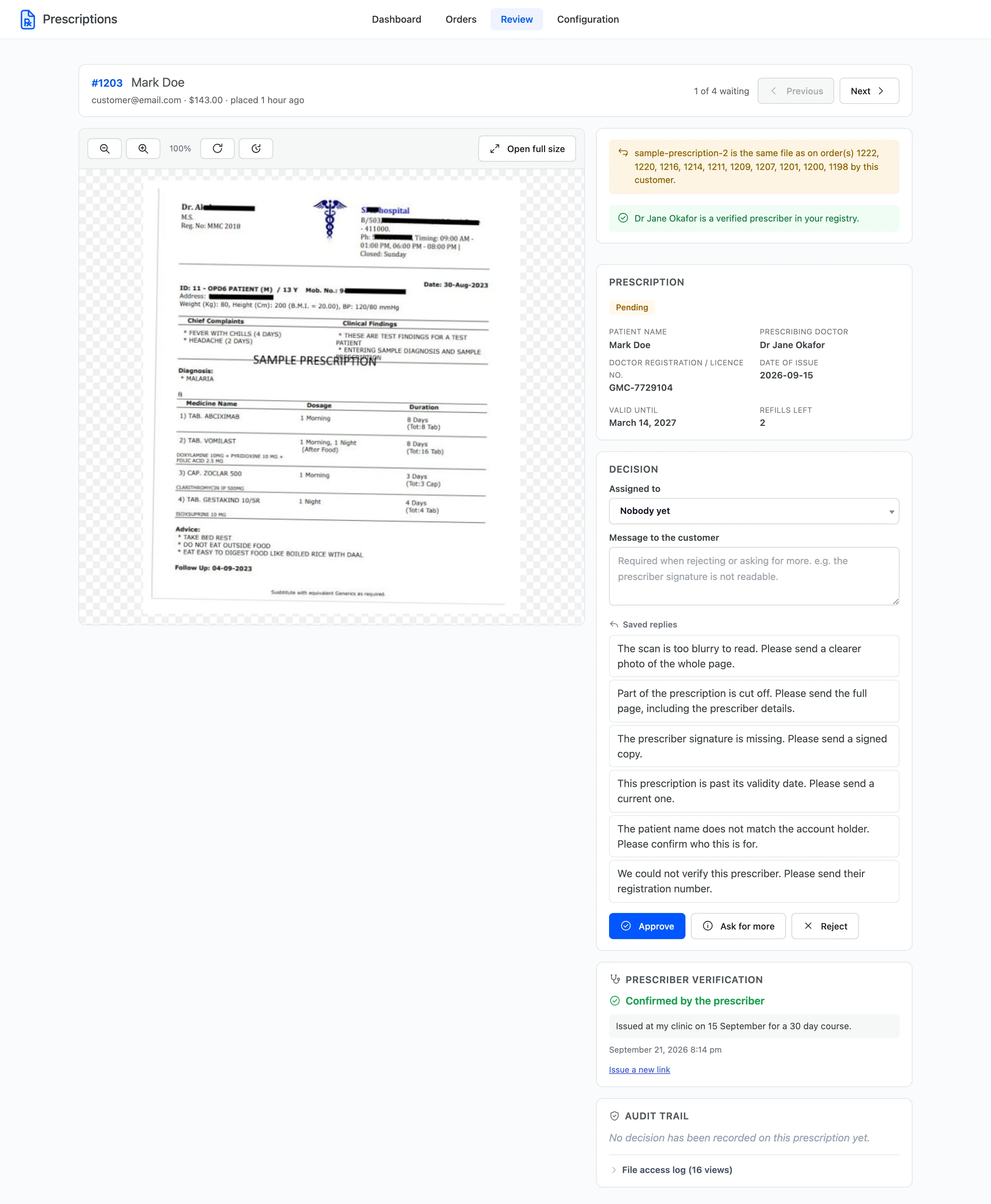
Step 2: Copy the link and send it
Section titled “Step 2: Copy the link and send it”The panel now reads Awaiting the prescriber and shows the link.
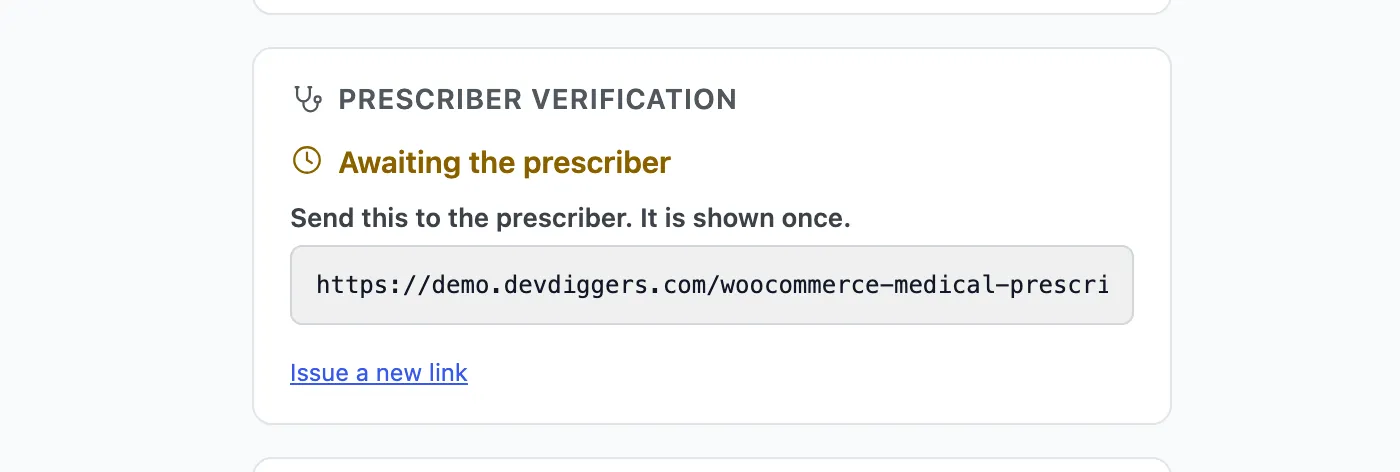
Copy it now. It is shown once. The plugin keeps only a fingerprint of the link, so nobody can read it back later, from the screen or from the database.
Send it to the prescriber the way you would normally contact them: an email to the surgery, a message to their secretary. The plugin does not send it for you.
Lost the link, or sent it to the wrong address? Click Issue a new link. The old one stops working.
Step 3: The prescriber answers
Section titled “Step 3: The prescriber answers”The link opens a page on your site with no login. The prescriber sees the prescription file and the details the customer gave, and nothing else from the order: no address, no basket, no payment.
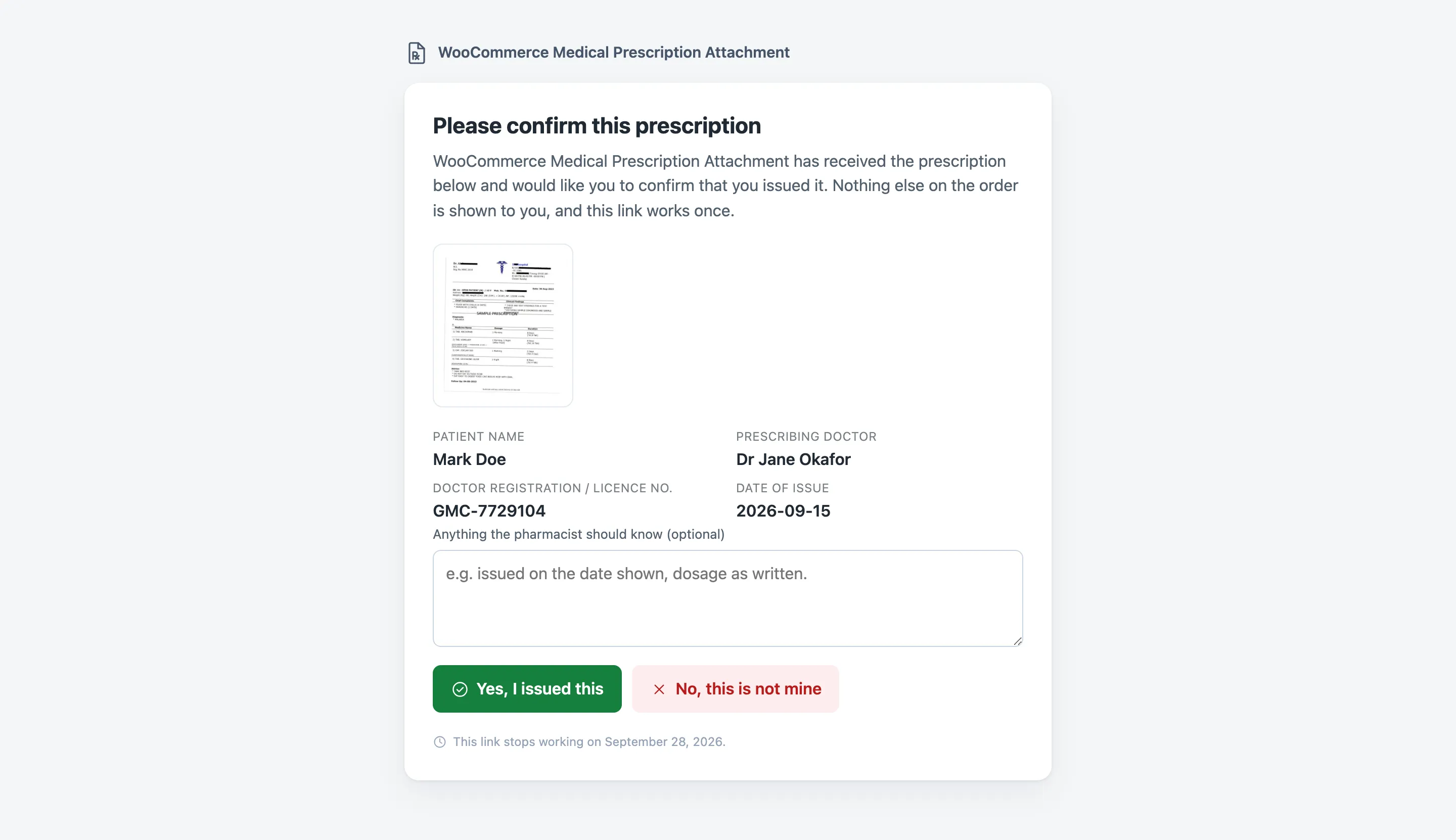
They can add a note, then click Yes, I issued this or No, this is not mine.

The link then stops working. Opening it again, or forwarding it, shows This link is no longer valid. The same page appears after 7 days if nobody answers.

Step 4: Read the answer
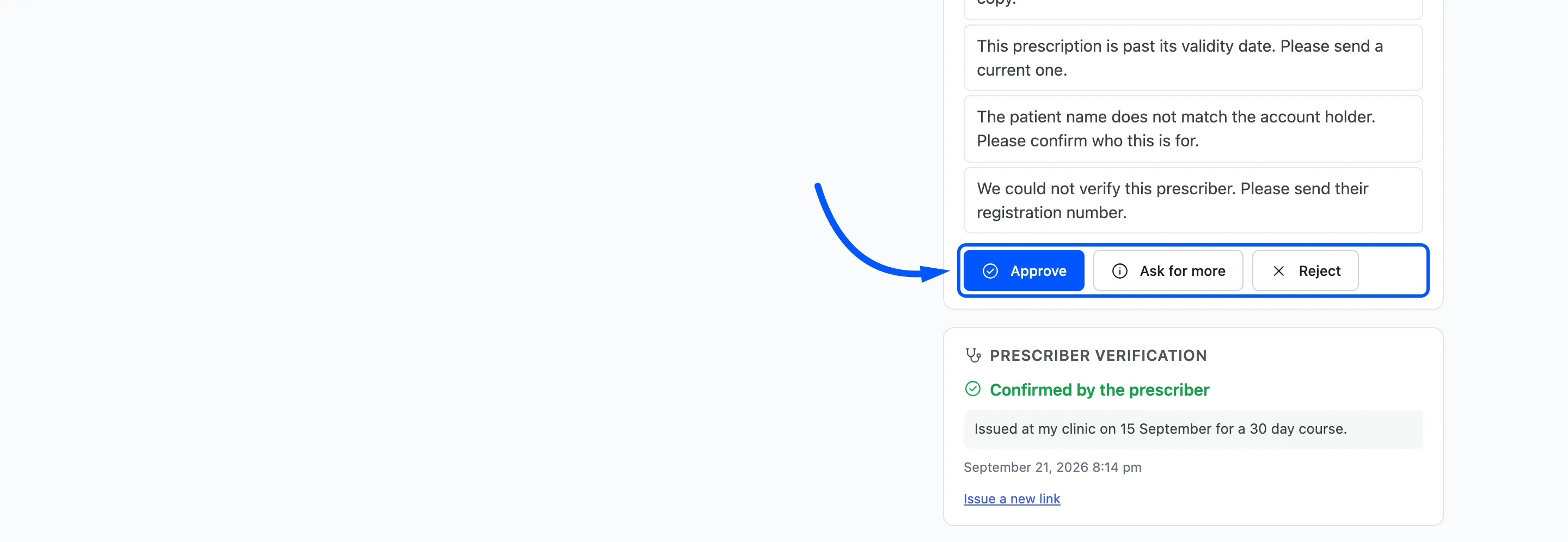
Section titled “Step 4: Read the answer”Back in the workspace, the panel shows Confirmed by the prescriber or Denied by the prescriber, their note and when they answered.
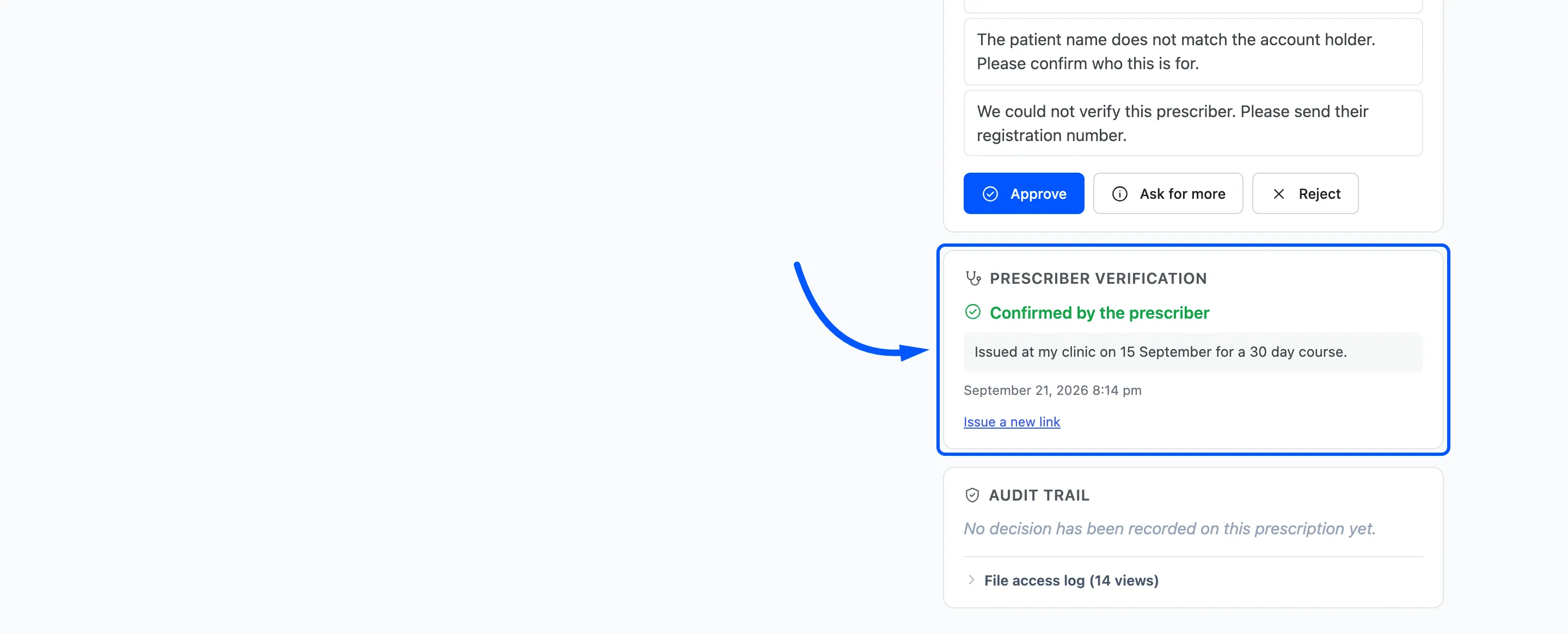
The answer is also added to the order notes, and shown as a chip on the order review panel.
Step 5: Decide
Section titled “Step 5: Decide”The answer informs the decision; it does not make it. Approve or reject as normal.
 A denial is a
strong reason to reject, and the prescriber’s note is often the right reason to give.
A denial is a
strong reason to reject, and the prescriber’s note is often the right reason to give.
A note on page caching
Section titled “A note on page caching”If your host or CDN caches every page, the verification page can be served from the cache. A prescriber reopening the link would then see the form again rather than This link is no longer valid. A second answer is still refused. Exclude URLs containing ddwcmpa_verify from your
page cache.