

How to Hold Orders Until a Prescription Is Approved
A prescription order must not ship before a pharmacist has looked at it. That sounds automatic, and in WooCommerce it is not. A card payment or Cash on delivery sends an order straight to Processing, where most stores start picking.
The plugin’s hold stops that. This guide sets it and proves it works.
Step 1: Open the Review Workflow tab
Section titled “Step 1: Open the Review Workflow tab”Go to DevDiggers Plugins → Prescriptions → Configuration → Review Workflow.
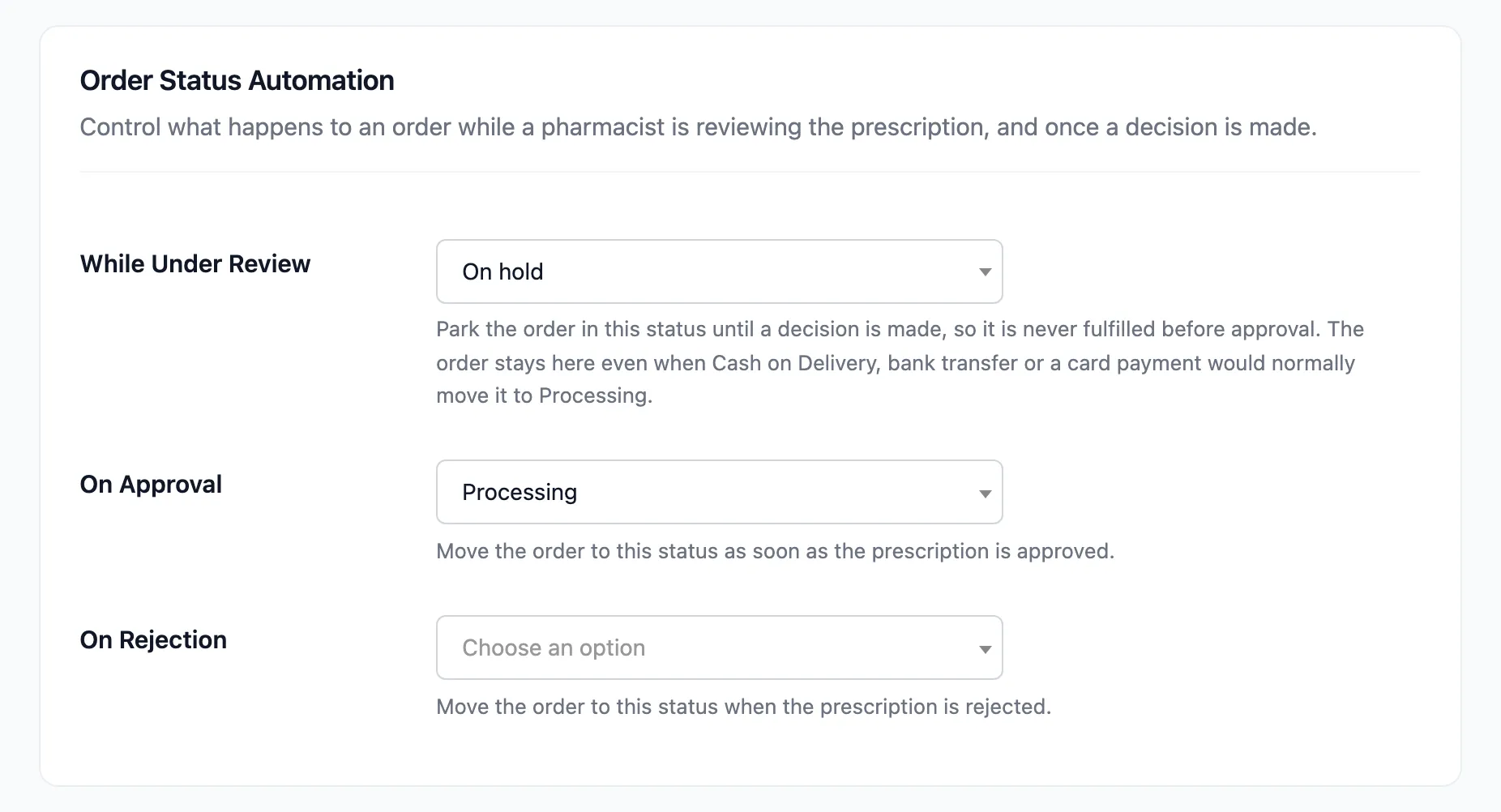
Step 2: Set the holding status
Section titled “Step 2: Set the holding status”Set While Under Review to On hold. This is the default.
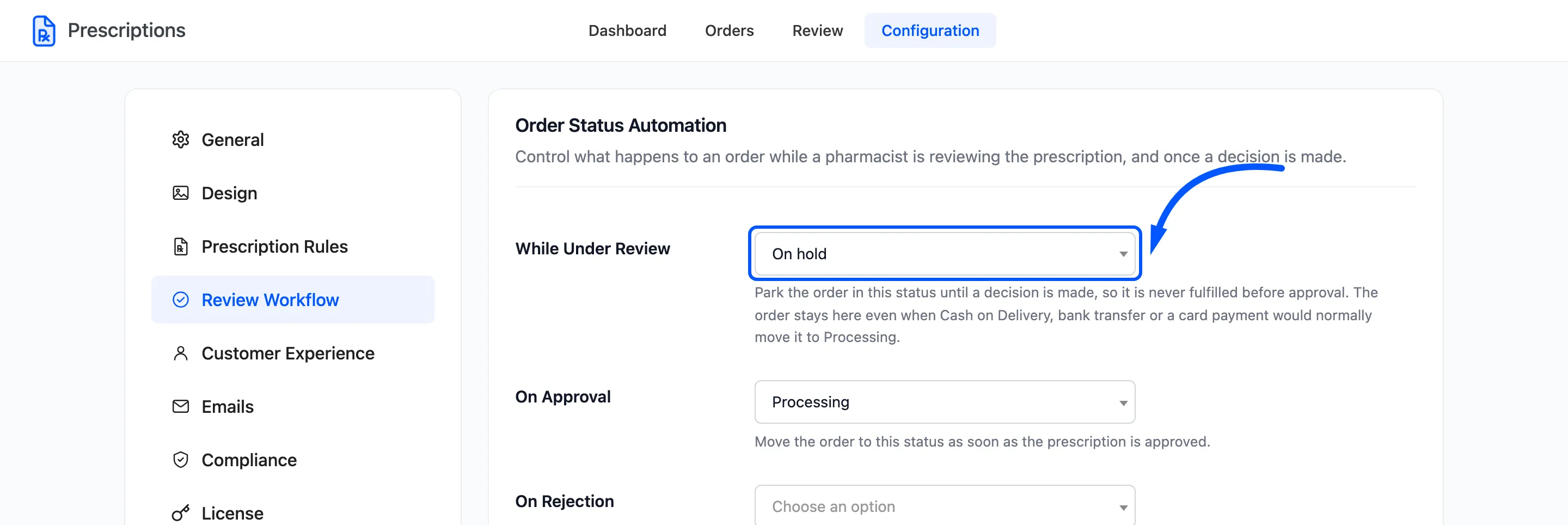
The hold is applied the moment the order is placed. It also overrides the status the payment method would choose, for these methods:
- Cash on delivery
- Direct bank transfer
- Check payments
- Card and other gateways that mark an order paid on completion
It holds orders whose prescription is Pending, Attachment Pending or Information Requested. An order with no prescription product is never touched.
Step 3: Set the approval status
Section titled “Step 3: Set the approval status”Set On Approval to the status your fulfilment starts from. For most stores that is Processing, the default.
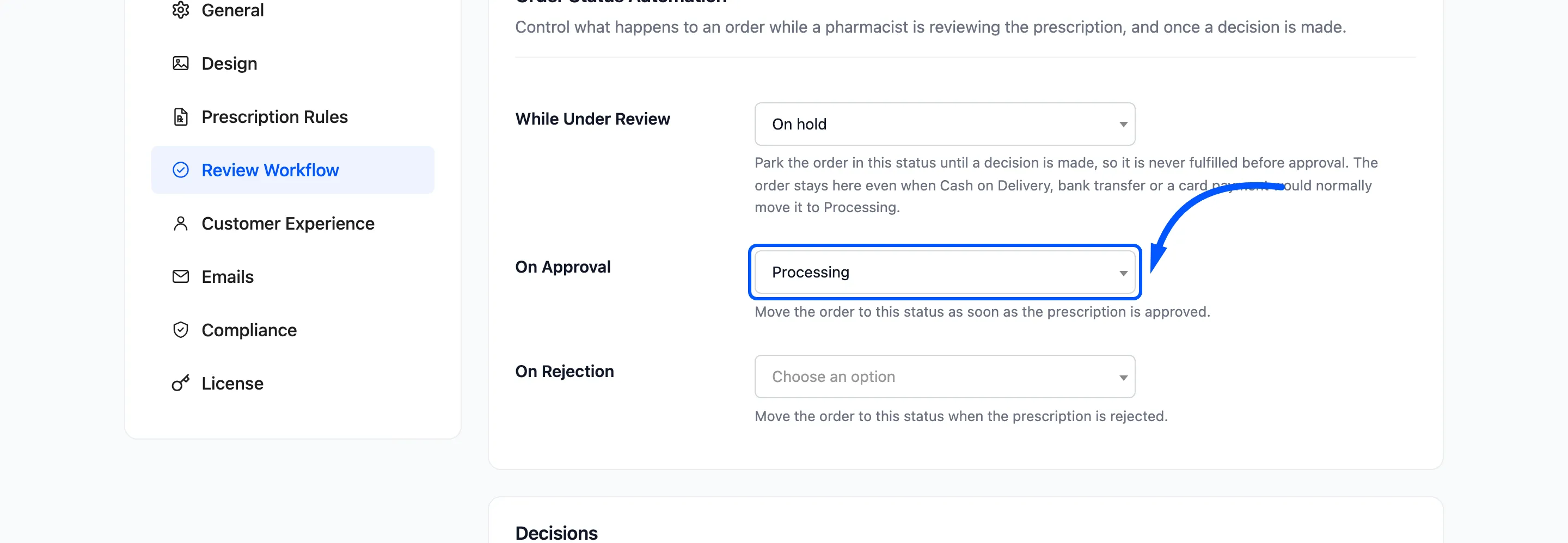
On approval the order moves there, and WooCommerce sends its usual processing email alongside the prescription email.
Step 4: Set the rejection status
Section titled “Step 4: Set the rejection status”On Rejection defaults to Leave the order unchanged, which keeps a refused order on hold.
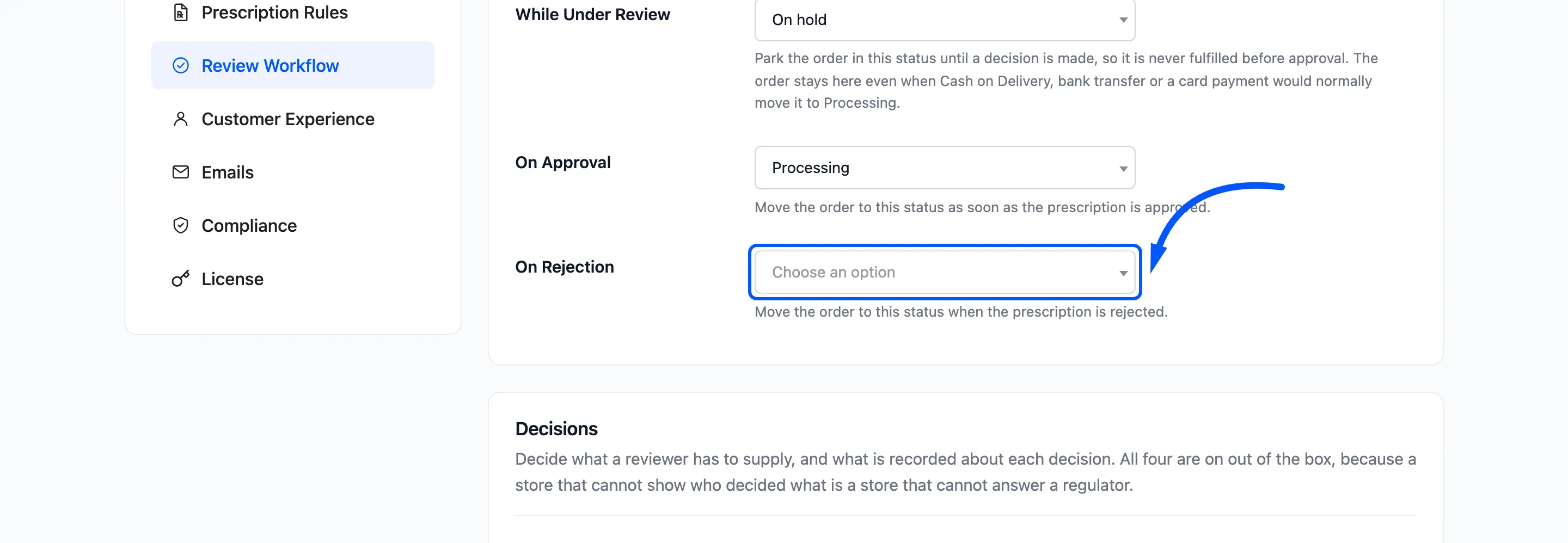
- Leave it unchanged if a customer may send a replacement. The order is still there when they do.
- Choose Cancelled if a refusal ends the order. Refund the payment yourself; the plugin does not.
Click Save Changes.
Step 5: Check a real order
Section titled “Step 5: Check a real order”Place a test order for a prescription product, pay with Cash on delivery, and open it in Prescriptions → Orders. It shows On hold, where Cash on delivery would normally mean Processing.
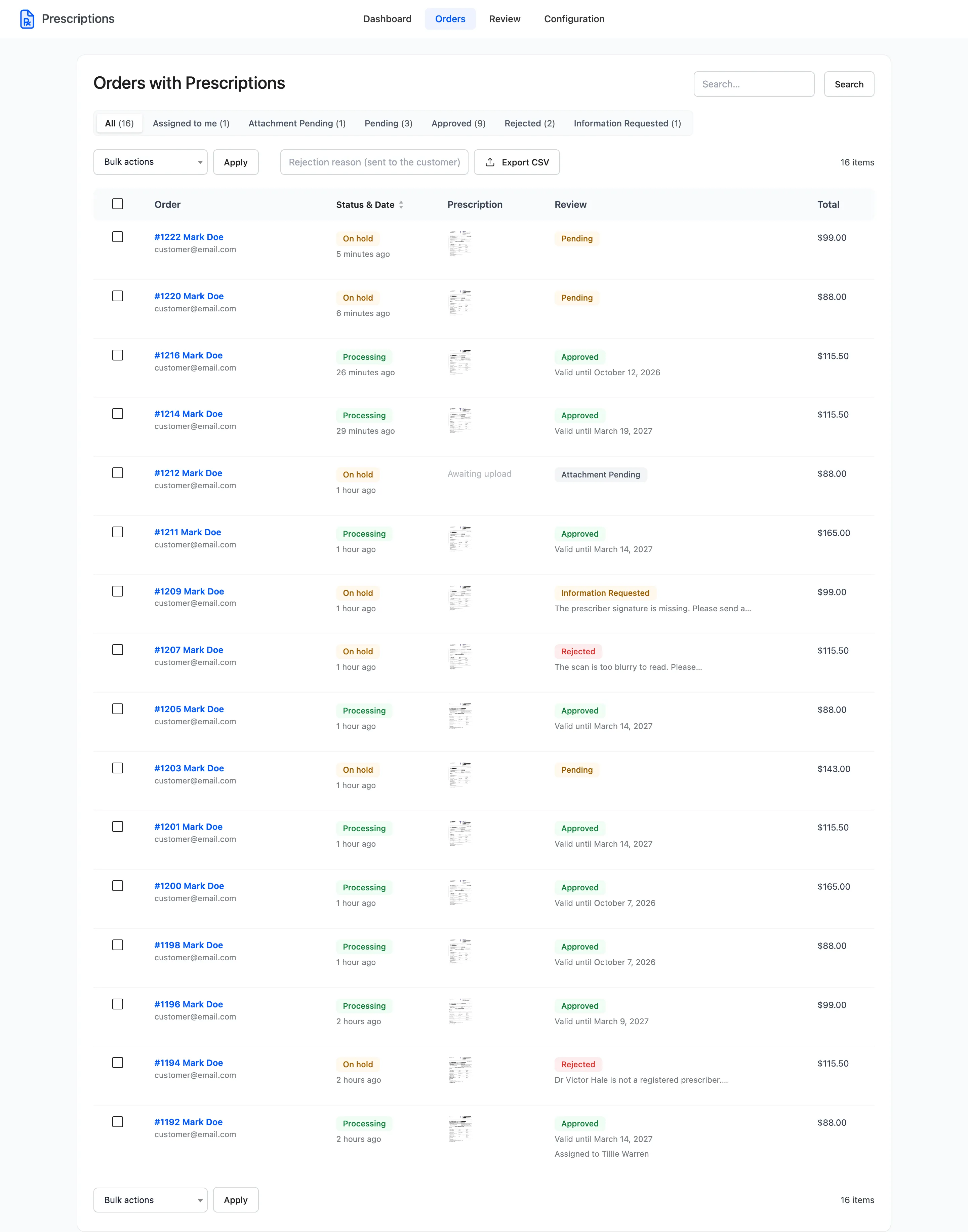
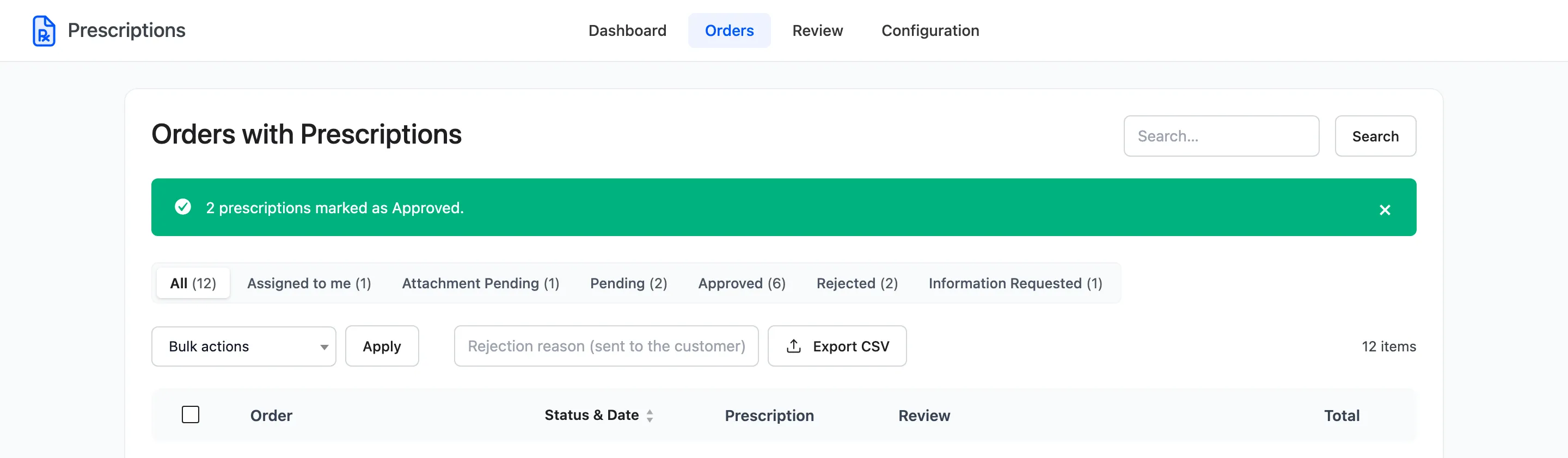
Approve it. The order moves to Processing.
Things that release a held order
Section titled “Things that release a held order”- Approval: The normal route.
- Reuse: An order placed with a reused, approved prescription is approved on arrival and is never held. It follows its payment method, like any other order.
- You: Changing the order status by hand in WooCommerce is not blocked. The prescription status stays Pending, so the order still shows in the review queue.