

How to Limit the Quantity per Order (Pro)
Some medicines should only ever leave in small amounts. A per-order cap stops a customer putting a year’s supply in one basket, whatever the prescription says.
Step 1: Set the cap
Section titled “Step 1: Set the cap”Go to Products → All Products and open the product. In the Product data box, on the General tab, find Maximum quantity per order. Enter the limit, then click Update. On the demo, Linezolid is capped at 2.
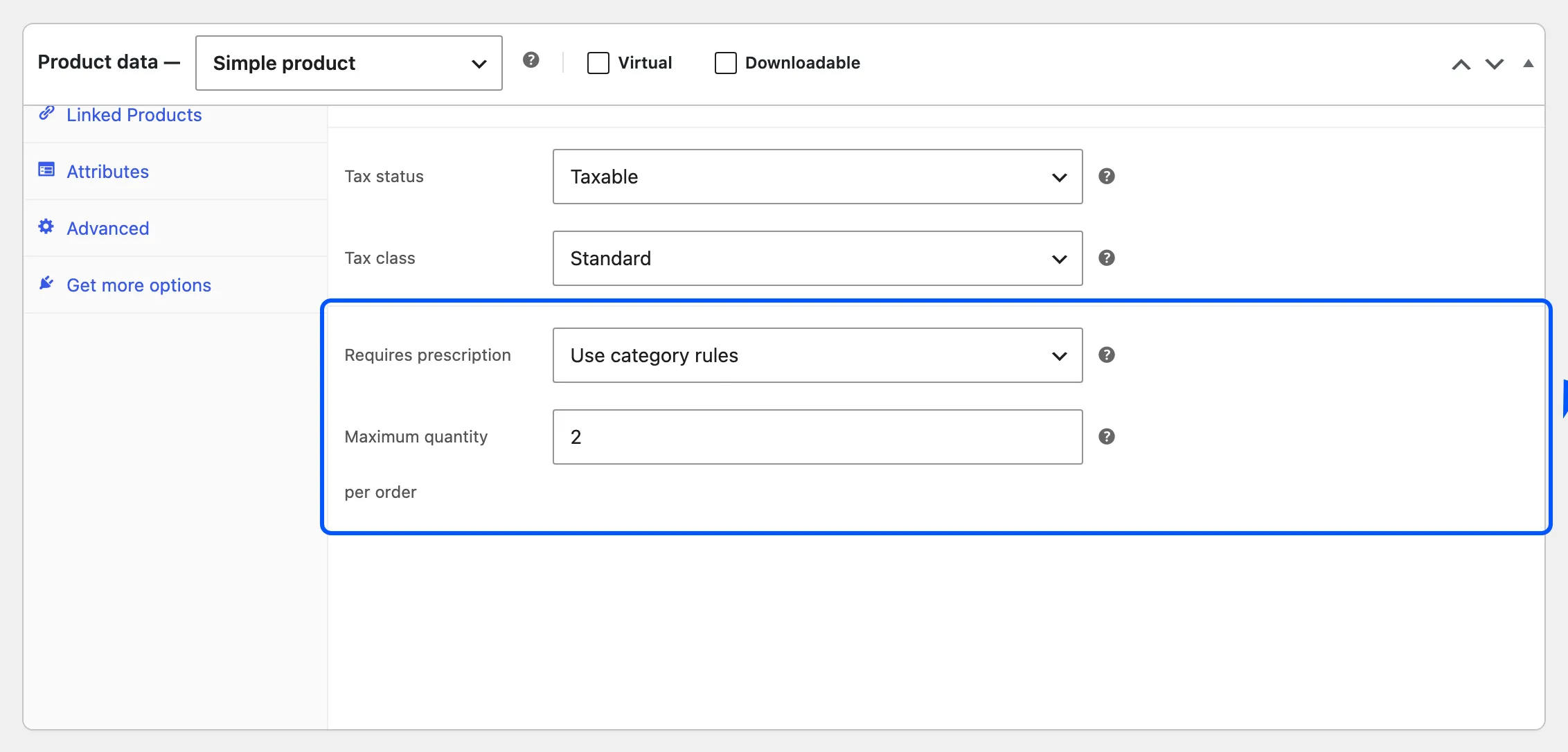
Leave it empty for no limit. The cap applies whether or not the product needs a prescription. On a variable product it applies to each variation separately.
Step 2: Try to add more than the cap
Section titled “Step 2: Try to add more than the cap”On the product page, adding more than the cap is refused. Nothing is added, and a notice names the product and the limit.
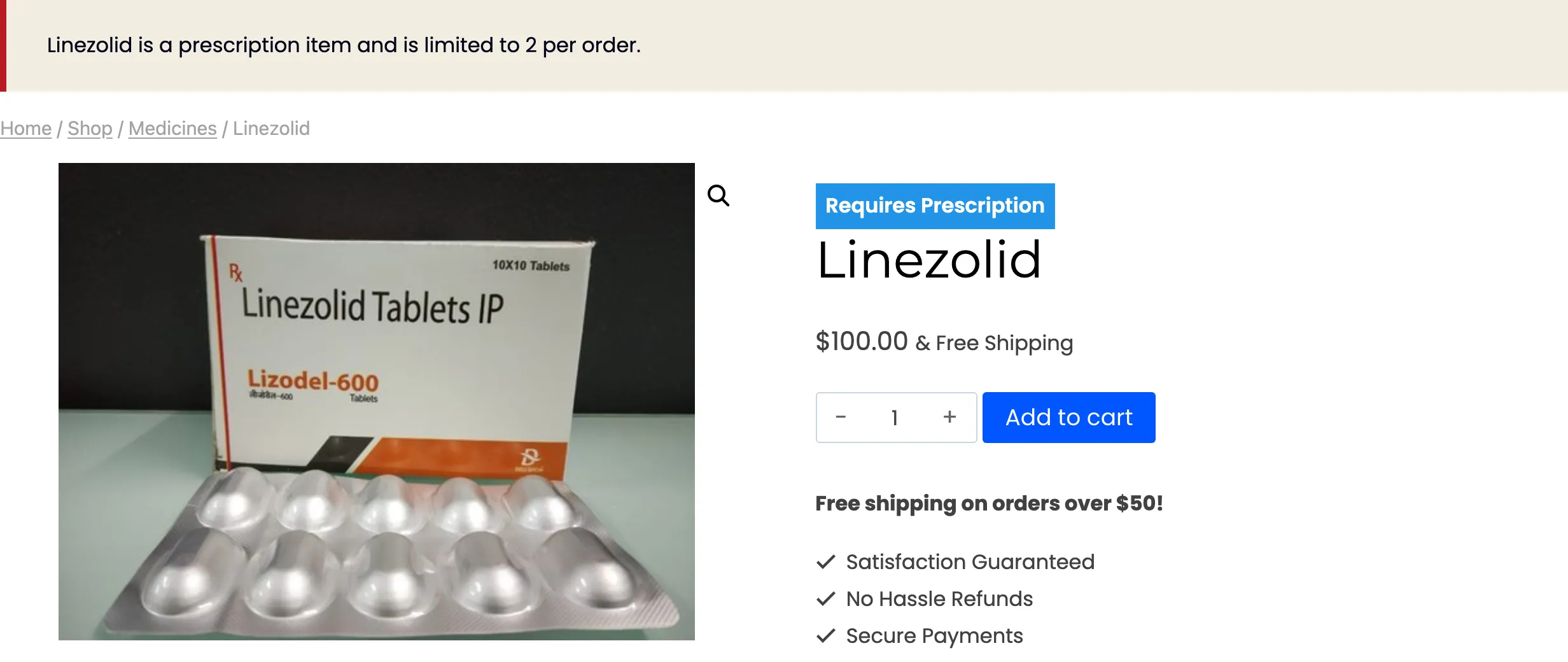
The check counts what is already in the cart. With 2 in the cart, adding 1 more is refused too.
In the cart
Section titled “In the cart”A cart can still end up over the cap, for example when the quantity box in the cart is raised. The cart then shows the same notice, and WooCommerce refuses to go to checkout until the quantity is lowered.
The notice calls the product “a prescription item” even when it does not need a prescription. Keep that in mind before capping ordinary products with this field.