

License Activation (Pro)
The License tab connects your copy of Pro to your DevDiggers purchase.
Go to DevDiggers Plugins → Prescriptions → Configuration → License.
Activating
Section titled “Activating”- Enter the purchase code from your order.
- Enter the email address you bought with.
- Click Activate License.
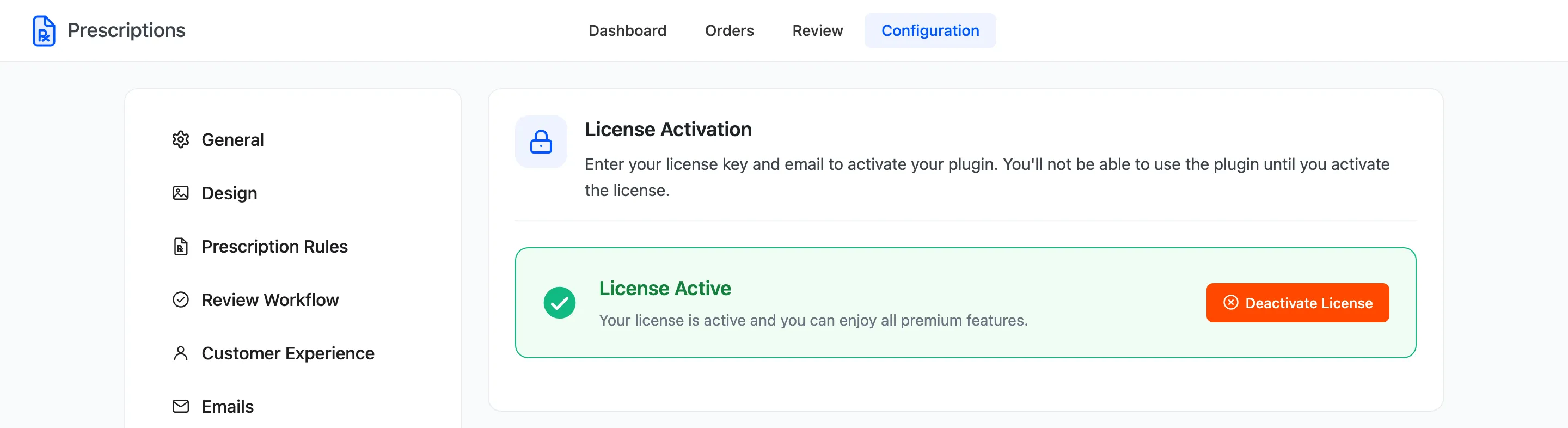
The box turns green and reads License Active.
What the licence switches on
Section titled “What the licence switches on”Until the licence is active, the plugin’s storefront side does not load at all. There is no badge, no upload box and no checkout check, so prescription products can be bought like any other. The admin screens keep working, which makes this easy to miss on a fresh install.
An active licence also delivers plugin updates to Dashboard → Updates.
Deactivating
Section titled “Deactivating”Deactivate License frees the licence for another site. Use it when you move from a staging copy to the live store. The storefront features stop on this site straight away.