How to Assign Prescriptions to Pharmacists (Pro)
One pharmacist can clear a queue alone. Two or more need to know who is doing what, and a manager needs to know when something has been left too long.
Step 1: Give each pharmacist the Pharmacist role
Section titled “Step 1: Give each pharmacist the Pharmacist role”Pro adds a Pharmacist role. A pharmacist can open the prescription screens, see the files, make decisions and edit orders. They cannot reach your products, settings or reports the way a shop manager can.
Go to Users, open the person’s profile, and set Role to Pharmacist. For someone new, pick it in Add New User.
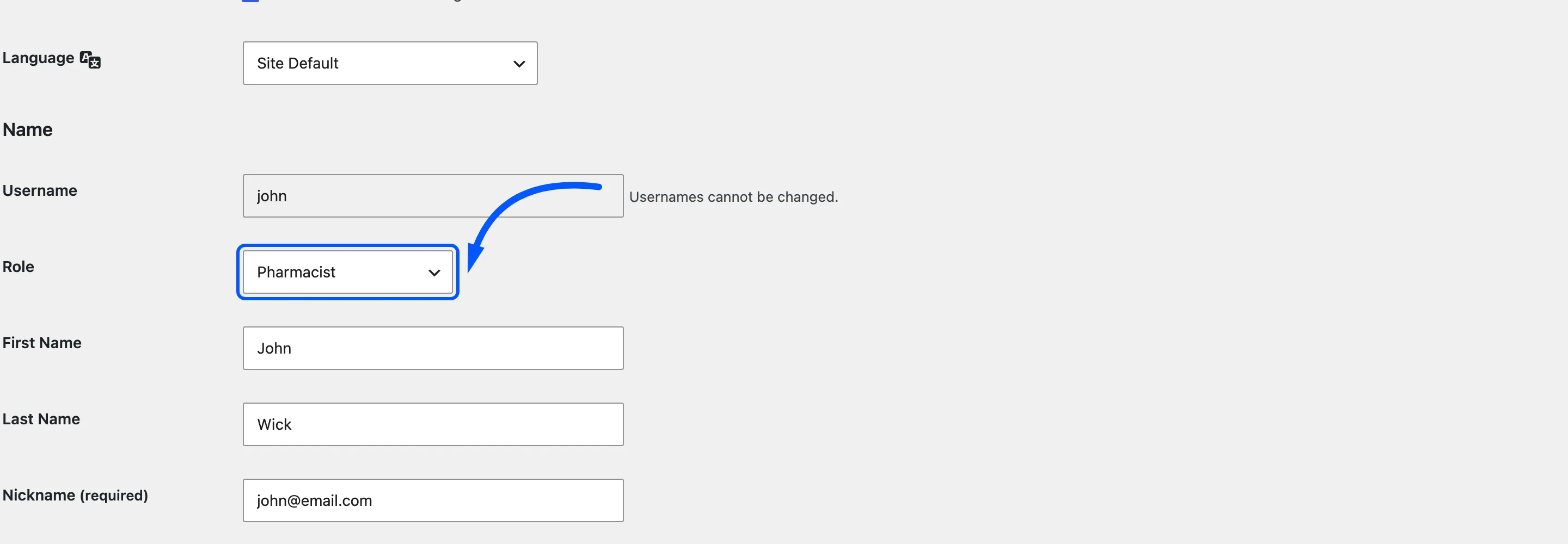
Administrators and shop managers can review prescriptions as well. Keep the Pharmacist role for people who should see prescriptions and nothing else.
Step 2: Switch assignment on and set a review target
Section titled “Step 2: Switch assignment on and set a review target”Go to DevDiggers Plugins → Prescriptions → Configuration → Review Workflow.
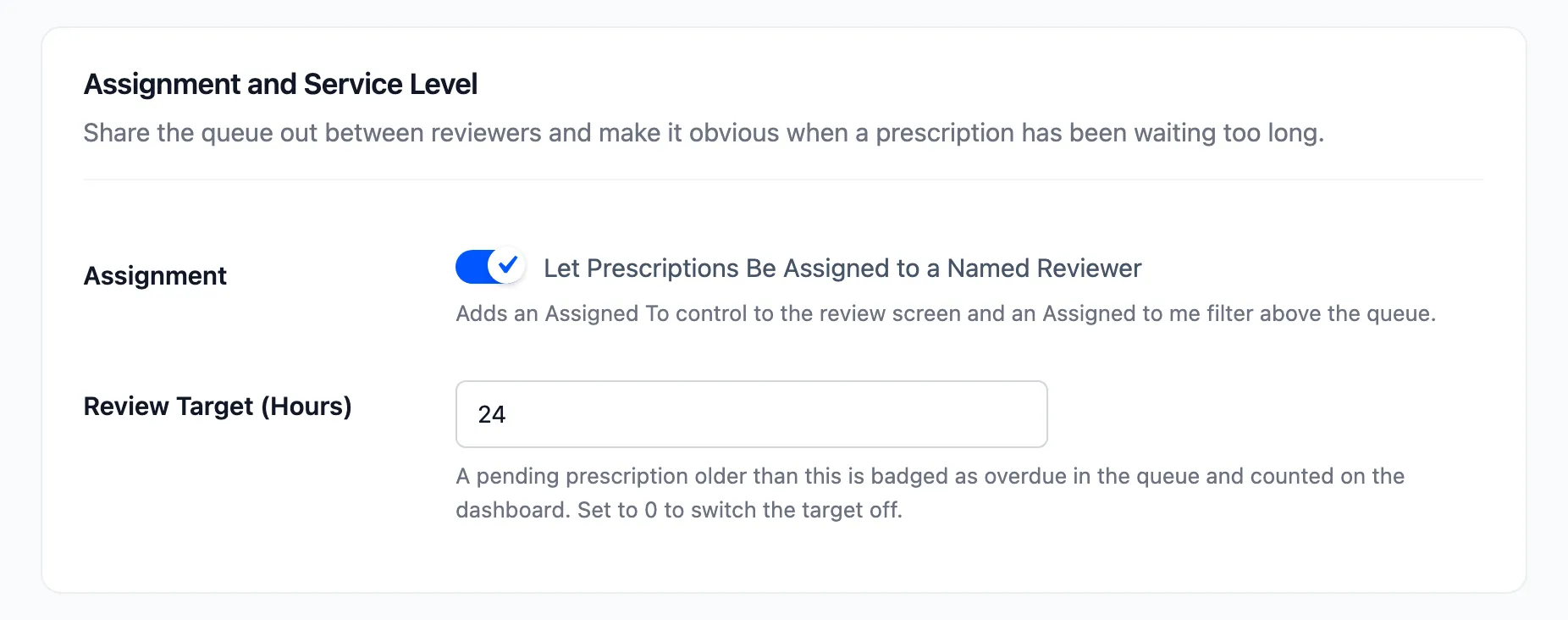
- Tick Assignment. It is on by default.
- Set Review Target (Hours), the time you promise customers a decision within. The default is 24.
Click Save Changes.
Step 3: Assign a prescription
Section titled “Step 3: Assign a prescription”In the review workspace, the Decision panel now starts with Assigned to. It lists everyone who can review prescriptions.
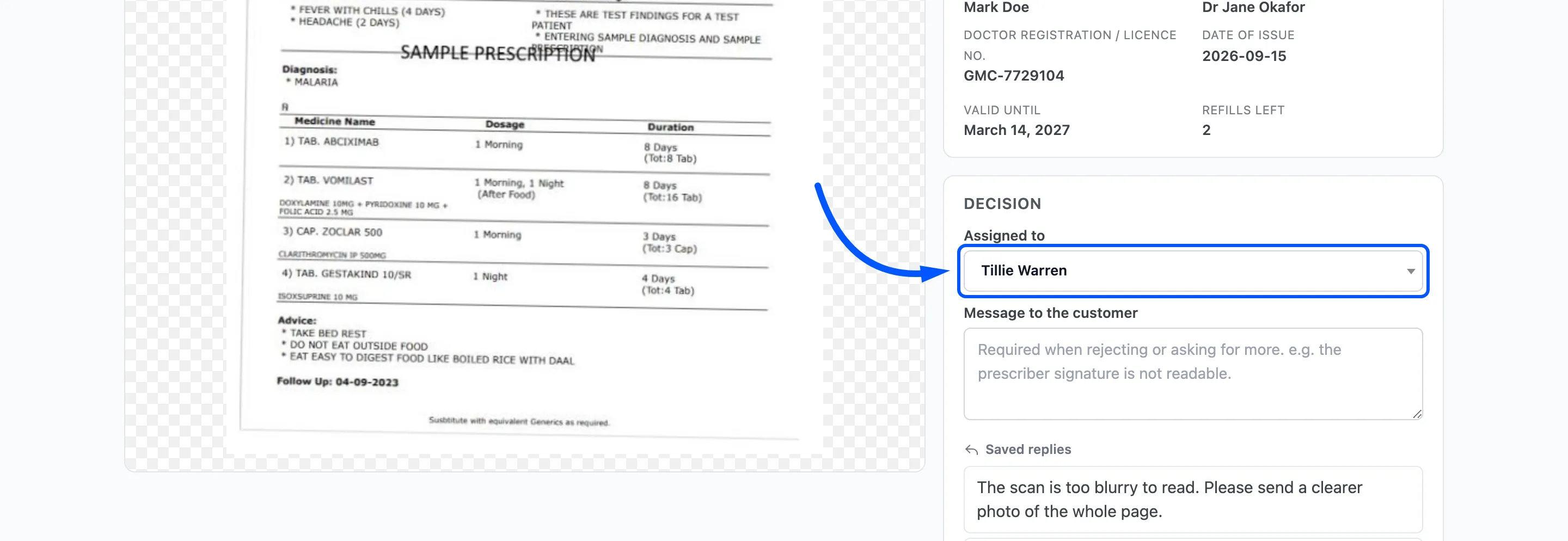
Pick a name. It is saved together with the decision you make on the same screen, so assign and decide, or assign and click Ask for more.
The Orders screen shows Assigned to and the name under the review status.
Step 4: Work your own queue
Section titled “Step 4: Work your own queue”Each reviewer opens Prescriptions → Orders and clicks Assigned to me.
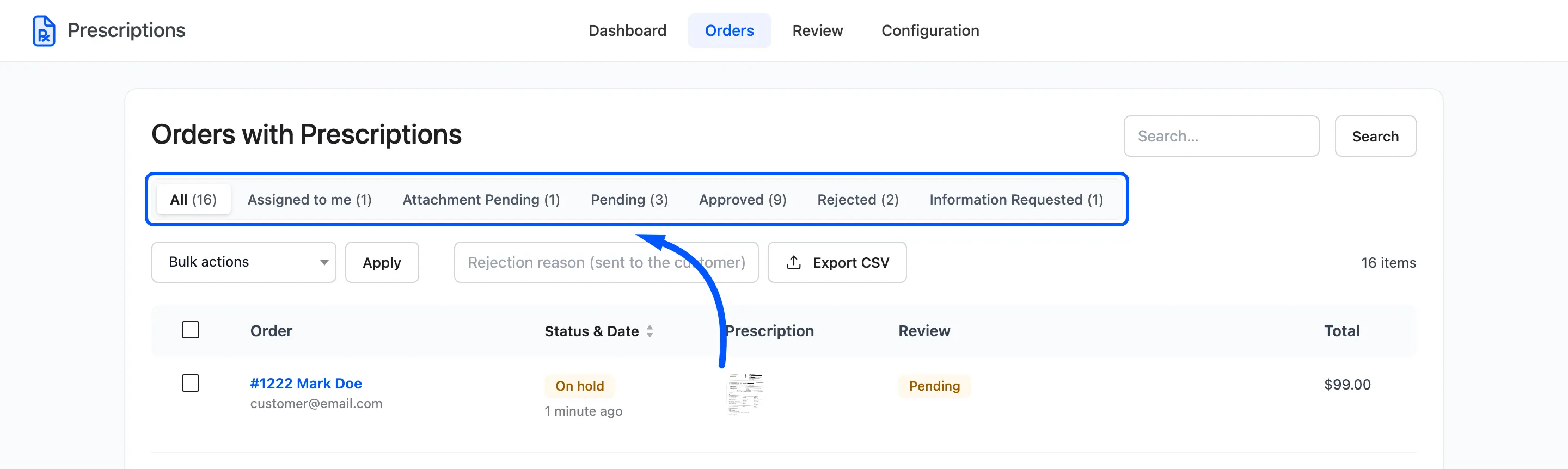
The tab lists every prescription assigned to the person logged in, whatever its status.
Step 5: Watch for overdue prescriptions
Section titled “Step 5: Watch for overdue prescriptions”A pending prescription that has waited longer than the review target is badged Overdue by so many hours or days in the Orders list.
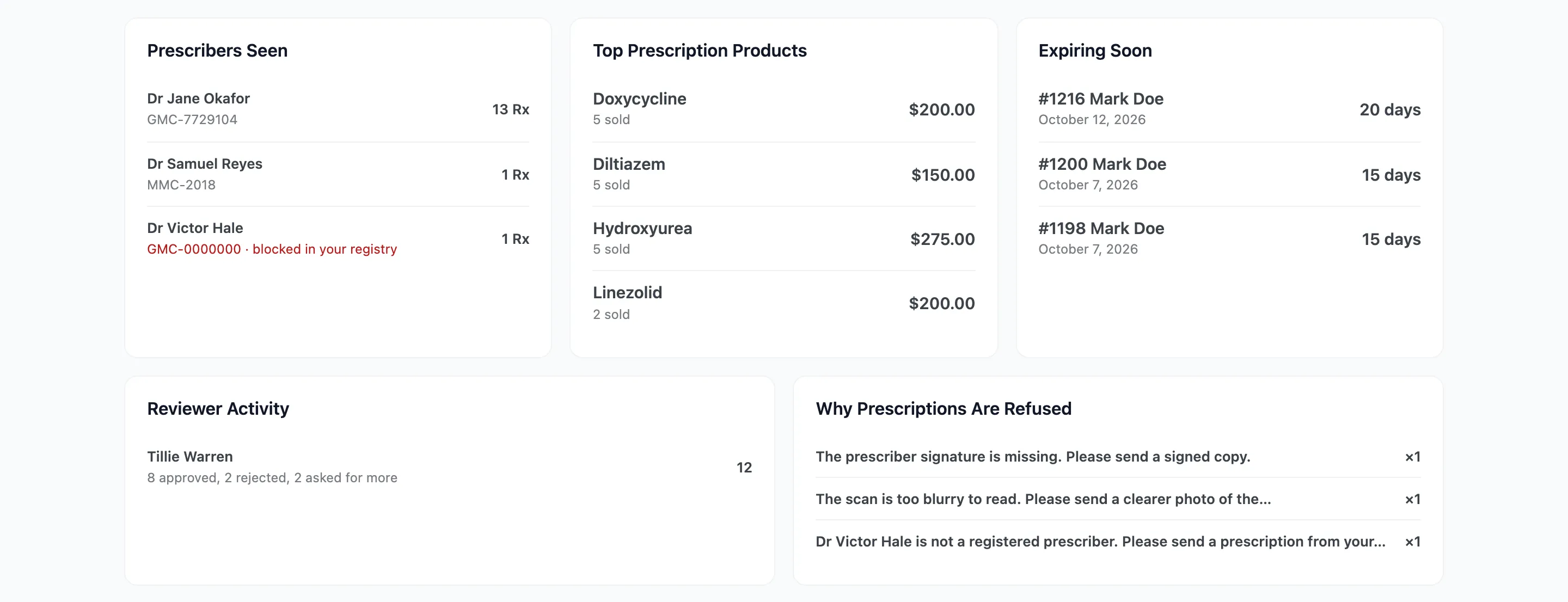
The dashboard counts Missed Review Target for the period, and Reviewer Activity shows how many decisions each person made.