

How to Spot a Prescription File Used Twice (Pro)
One paper prescription, photographed once and uploaded on three orders, or sent by two different customers. Both are easy to miss when each order is reviewed on its own. The duplicate warning compares every upload with every prescription already on your site.
Step 1: Switch the duplicate warning on
Section titled “Step 1: Switch the duplicate warning on”Go to DevDiggers Plugins → Prescriptions → Configuration → Review Workflow and tick Duplicate Warning. It is on by default.
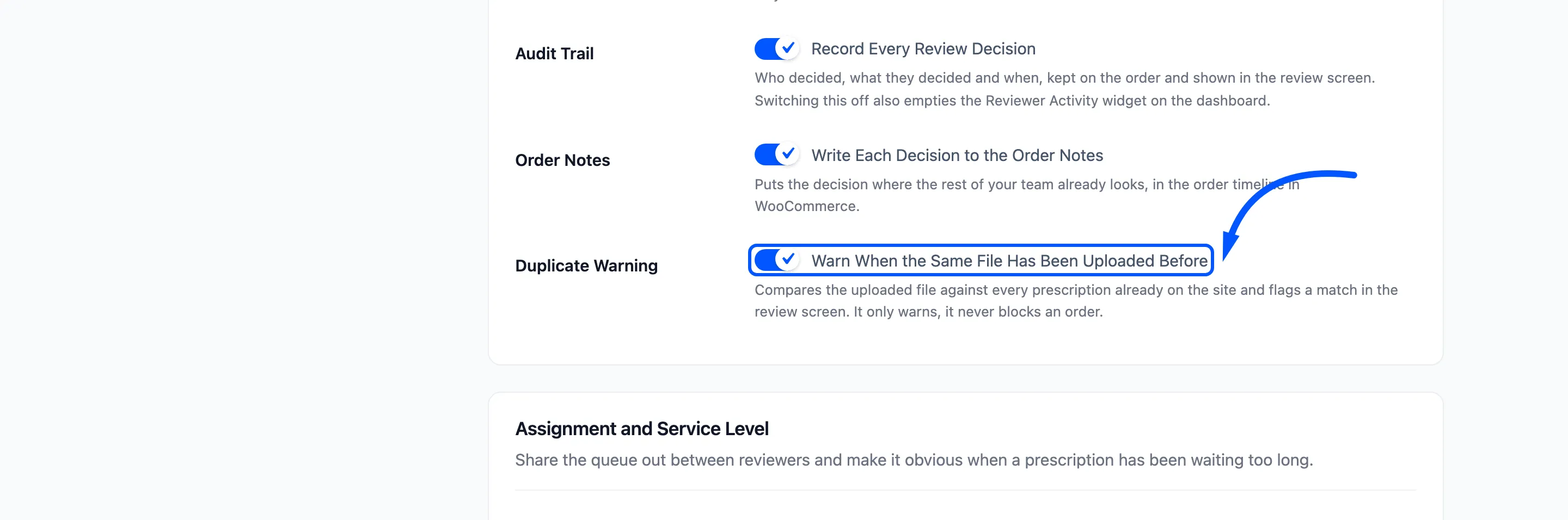
Each file is fingerprinted as it is uploaded, and the fingerprint is what is compared.
Step 2: Open a prescription
Section titled “Step 2: Open a prescription”Open the prescription in the review workspace, or look at the Medical Prescription Review panel on the order.
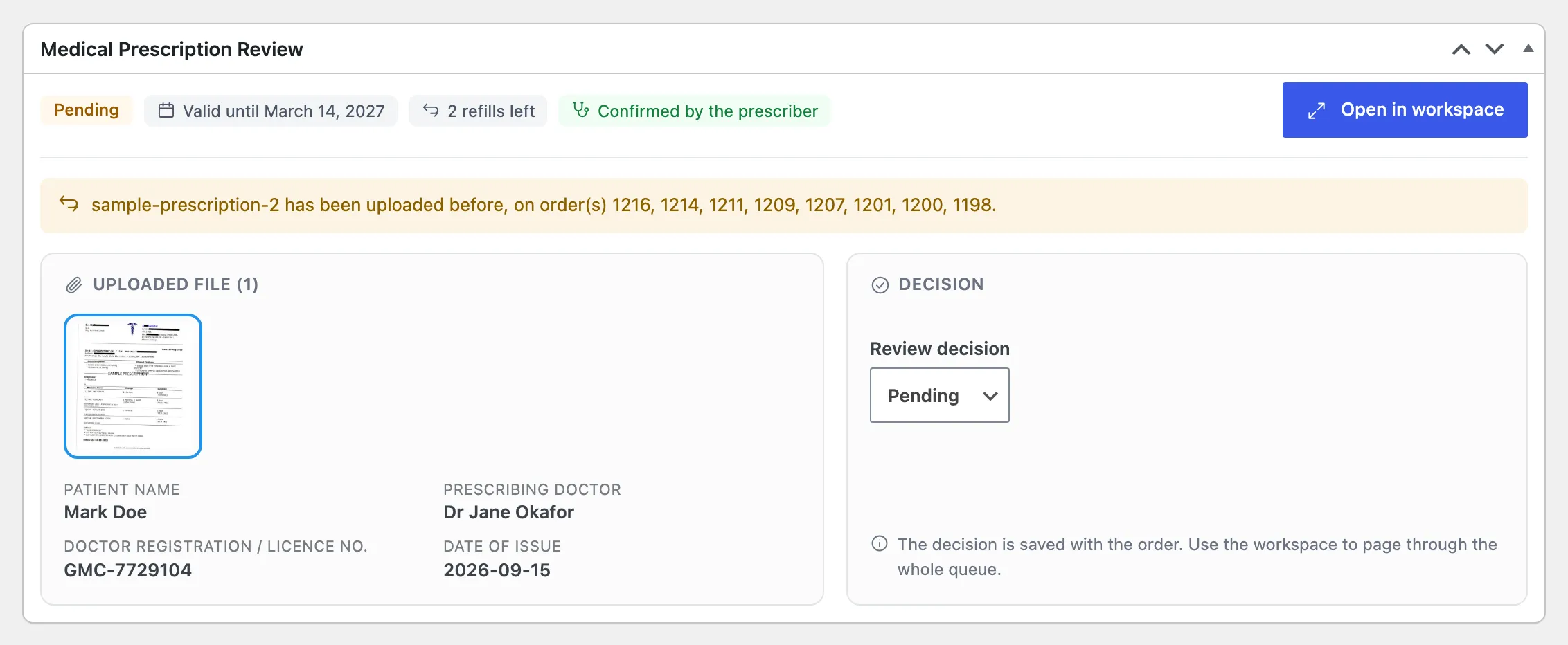
Step 3: Read the warning
Section titled “Step 3: Read the warning”A repeated file shows a warning at the top of the right column.
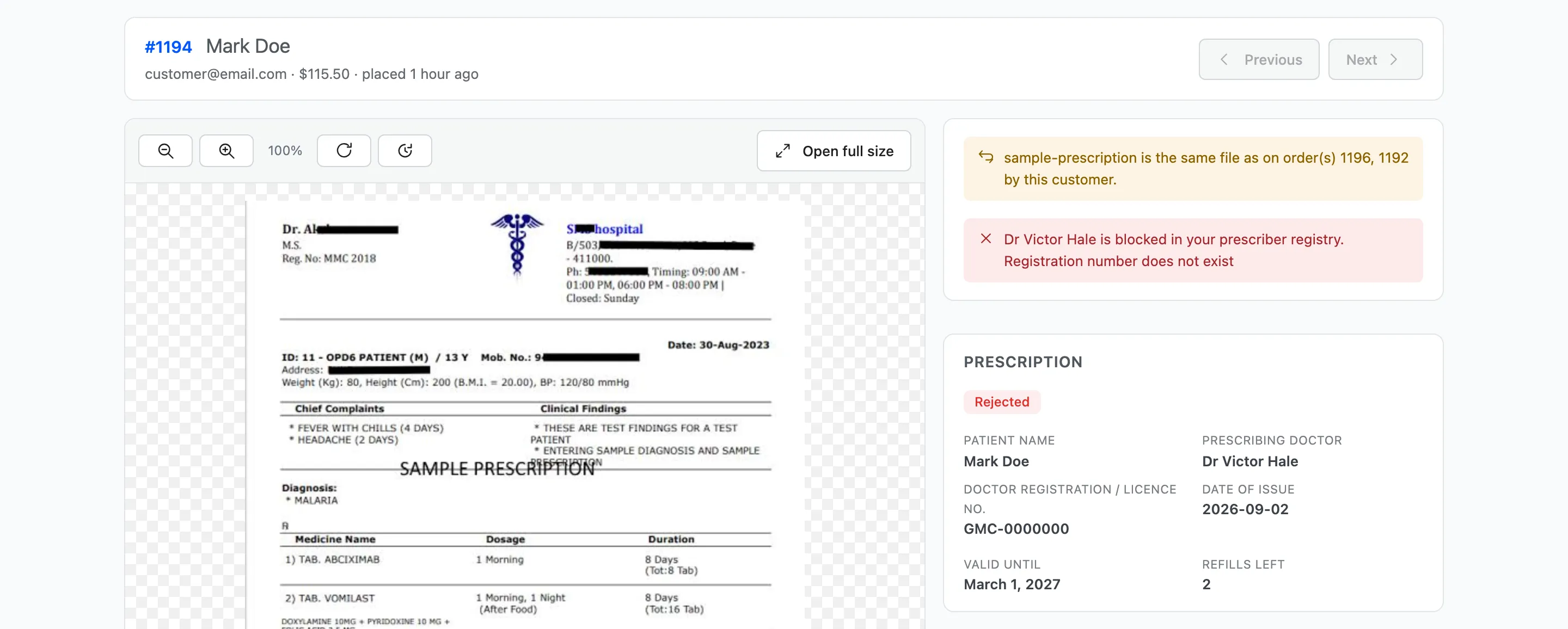
- Amber: “…is the same file as on order(s) … by this customer.” The customer sent the same file before.
- Red: “…has already been submitted by a different customer on order(s) …”. Someone else’s account sent it.
The match is on the file’s content, not its name. Renaming a photo does not hide it; taking a new photo of the same paper does, because it is a different file.
Step 4: Look up the earlier orders
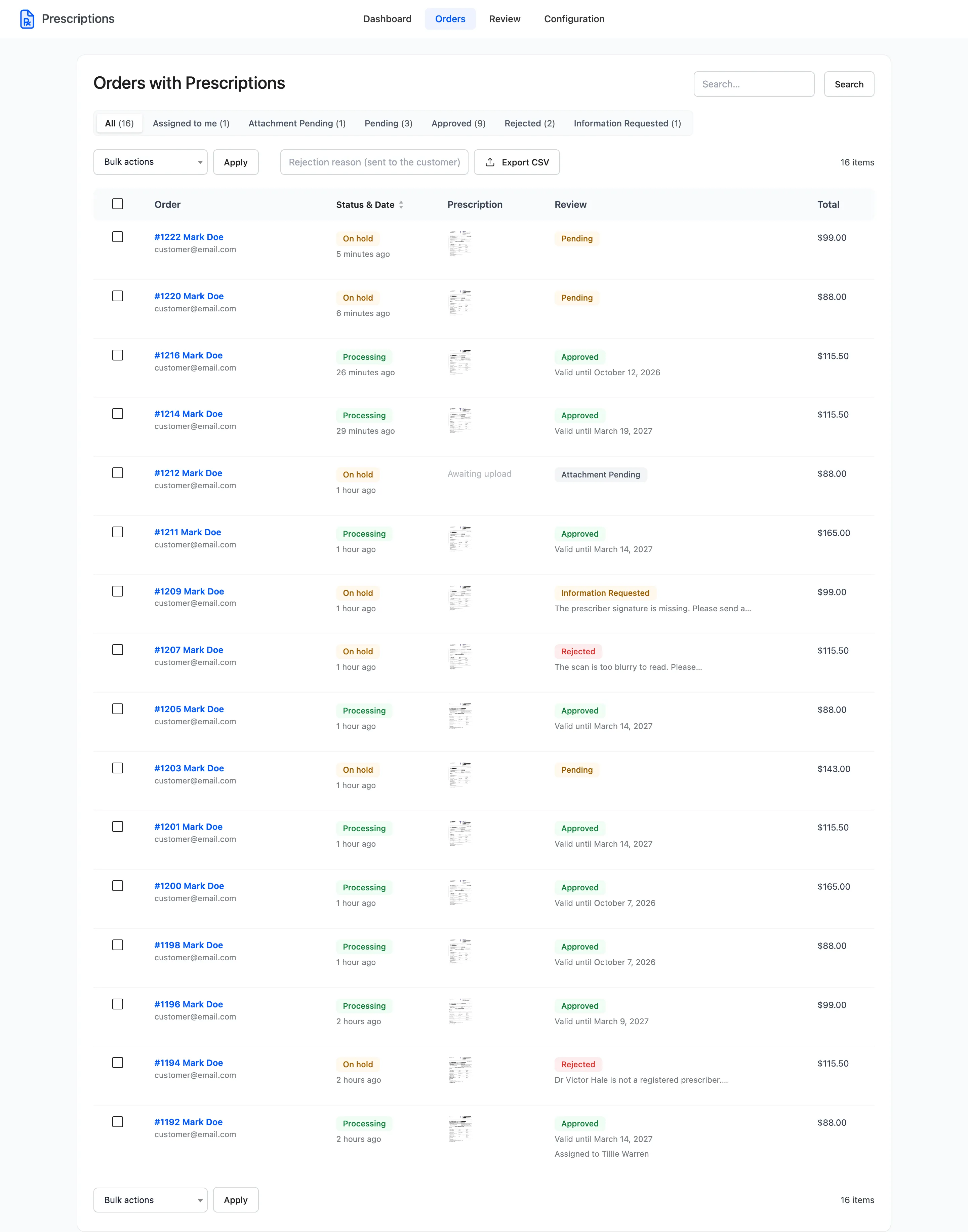
Section titled “Step 4: Look up the earlier orders”The warning lists the order numbers. Open them from Prescriptions → Orders and compare the files, the patients and the decisions.
Step 5: Decide
Section titled “Step 5: Decide”The warning never blocks the order. The decision buttons work as normal.
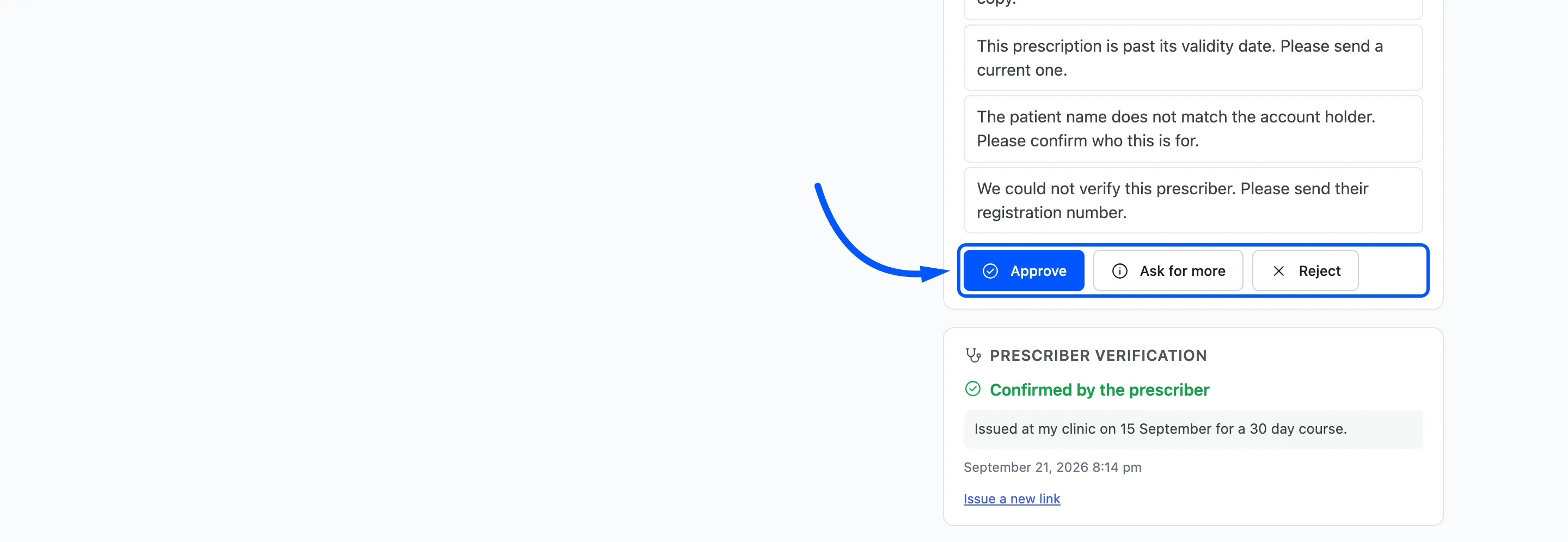
What the warning means depends on the story:
- The same customer, a repeat medicine: Usually fine. Reuse exists for this, and pointing the customer to it saves them uploading next time.
- The same customer, the first order was rejected: A refused prescription sent again unchanged. Reject with the same reason.
- A different customer: Treat with care. Ask for more, or reject.