

What a Cancelled or Refunded Contribution Does
A contribution counts once its order is paid. If that changes, the plugin undoes the count. This page shows what moves, using a contribution that was cancelled on the demo store.
What reverses a contribution
Section titled “What reverses a contribution”An order moving to any of these statuses takes its contribution back out:
- Cancelled
- Refunded, which WooCommerce sets after a full refund
- Failed
Only a counted contribution is reversed, and only once. Cancelling an order that was never paid changes nothing.
What moves
Section titled “What moves”On the demo store a customer gave $255 to Maya’s campaign, with the $250 ward wall reward. Cancelling the order:
- took the campaign’s raised total from $9,590 back to $9,235,
- took the supporters from 19 back to 18,
- returned the ward wall reward, from 7 claimed back to 6,
- and set the order to Not counted on the Contributions screen.
Any fee the supporter covered comes out too.
Step by step
Section titled “Step by step”- On Contributions, click the order number.
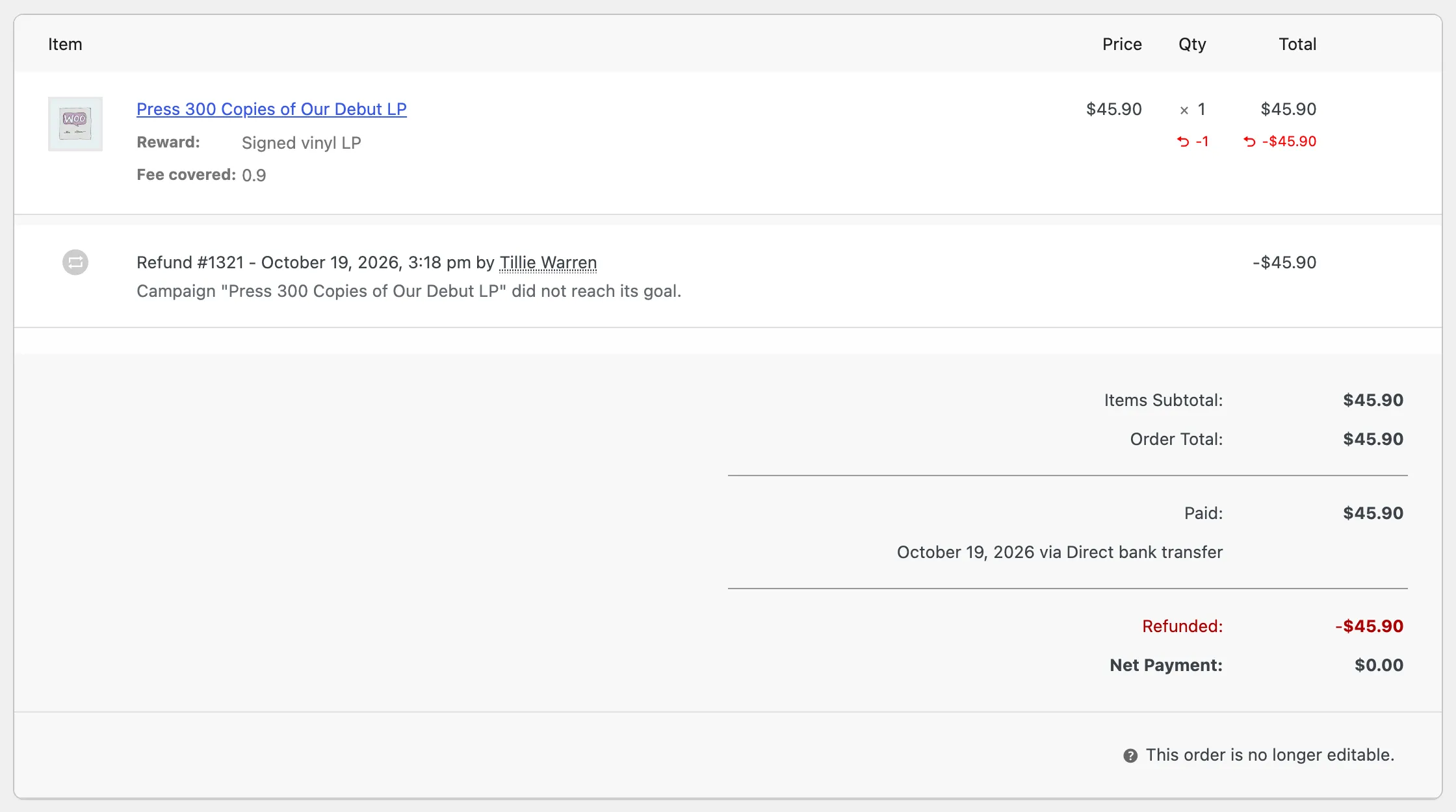
- Set Status to Cancelled and click Update. Or click Refund, refund the whole order and confirm. A refund through the gateway also returns the money to the supporter.
- Back on Contributions, the row reads Not counted.
Partial refunds
Section titled “Partial refunds”A partial refund leaves the order Completed, so WooCommerce’s status does not change and the contribution stays counted. If you need it out of the total, refund the full order.
The one exception is the all or nothing refund button, which takes each refunded contribution out whether the refund was full or partial. See How to Refund Supporters When a Goal Is Missed.
A goal that is no longer met
Section titled “A goal that is no longer met”If a reversal takes a funded campaign back below its goal, its badge returns to Active or Ended. The Goal Reached email is not sent twice unless the goal is reached again.