

License Activation
Open Configuration → License. This tab is part of Pro. The free plugin needs no license.
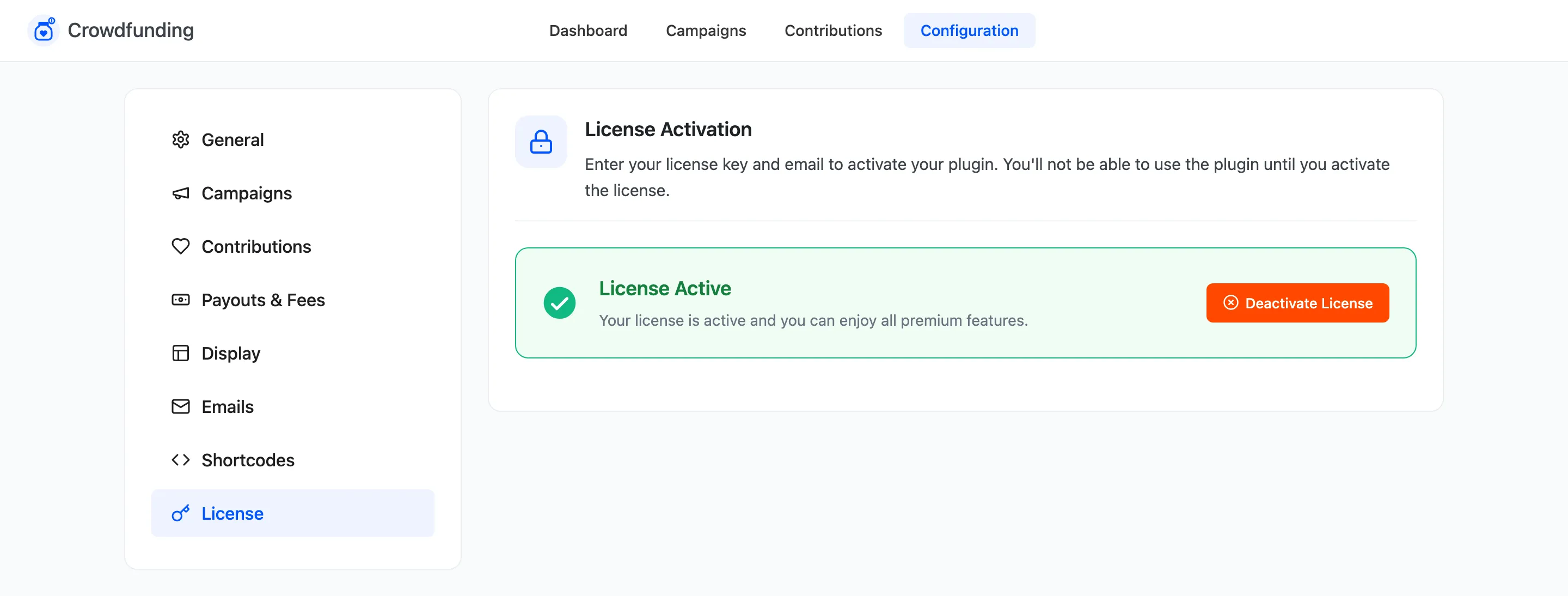
- Enter your purchase code and the email you bought with.
- Click to activate. The tab shows the license as active.
The setup wizard asks for the same details, so you may have done this already.
Without an active license
Section titled “Without an active license”Pro’s admin screens still open, but its storefront features do not run until the license is active. Activate it before you announce a campaign that uses Pro features, such as all or nothing funding or customer campaigns.
The license also delivers Pro updates to your Plugins screen.