

General Settings
Open DevDiggers Plugins → Crowdfunding → Configuration → General.
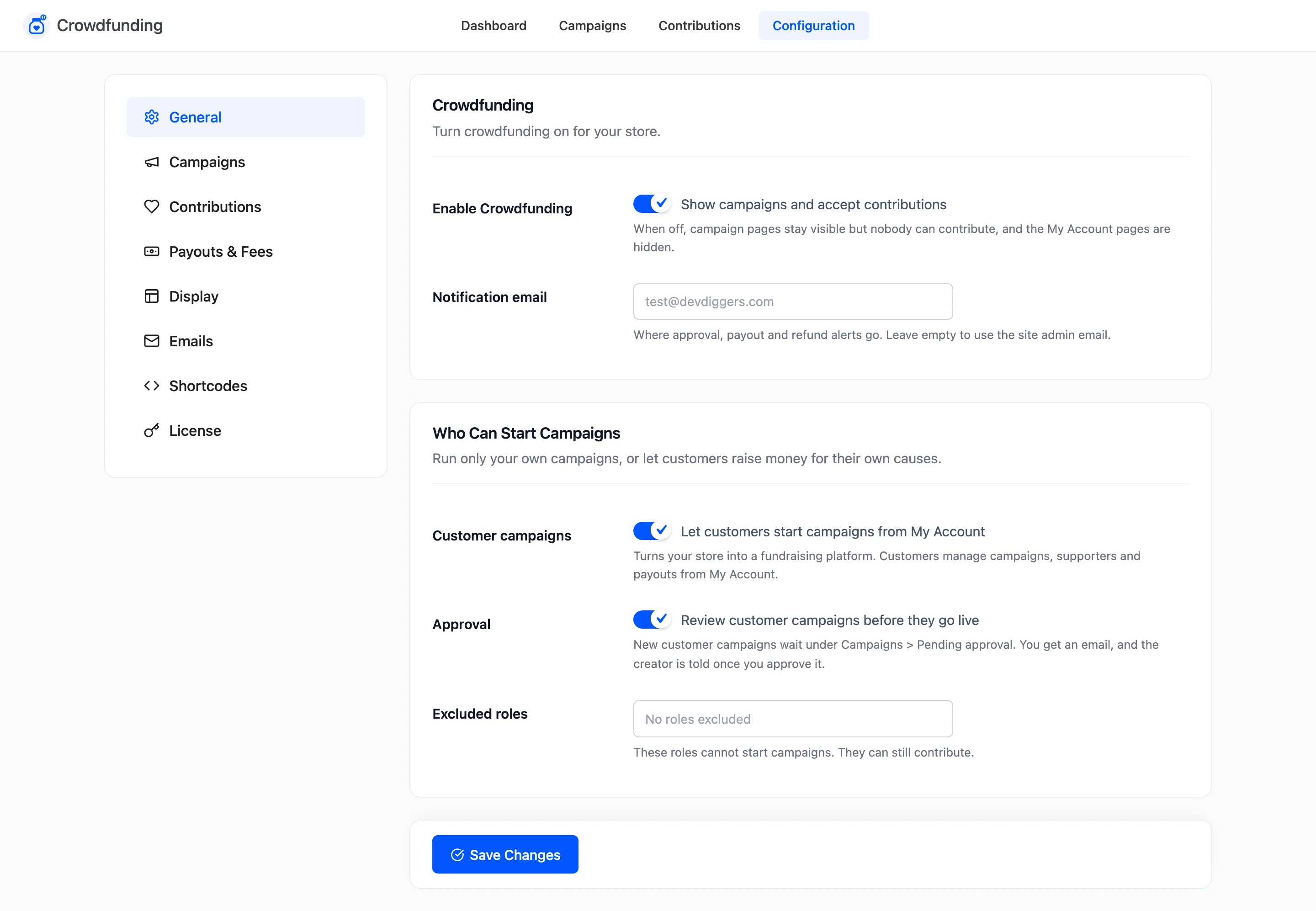
Crowdfunding
Section titled “Crowdfunding”- Enable Crowdfunding: “Show campaigns and accept contributions”. On by default. When off, campaign pages stay visible but nobody can contribute, and the My Account pages are hidden.
- Notification email: Where approval, payout and refund alerts go, and the copy of the Goal Reached and Campaign Ended emails. Empty uses the site admin email, which is the default.
Who Can Start Campaigns
Section titled “Who Can Start Campaigns”- Customer campaigns: “Let customers start campaigns from My Account”. On by default in Pro. Customers then manage campaigns, supporters and payouts from My Account.
- Approval: “Review customer campaigns before they go live”. On by default. New customer campaigns wait under Campaigns → Pending approval. You get an email, and the creator is told once you approve.
- Excluded roles: Roles that cannot start campaigns. They can still contribute. Empty by default, shown as “No roles excluded”. Administrators are never listed.
A customer who already has a campaign keeps access to it in My Account even if you turn Customer campaigns off later. They just cannot start a new one.
Click Save Changes at the bottom of the tab.
Related: How to Let Customers Start Campaigns.