

How to Limit Payment Methods for Contributions
You may want contributions paid one way and products another. Card only makes donations count at once. Bank transfer only avoids card fees.
Step 1: Open the Contributions tab
Section titled “Step 1: Open the Contributions tab”Go to DevDiggers Plugins → Crowdfunding → Configuration → Contributions.
Step 2: Pick the methods
Section titled “Step 2: Pick the methods”In Payment gateways, pick one or more. The list shows the payment methods enabled under WooCommerce → Settings → Payments. Empty, the default, allows every enabled method.
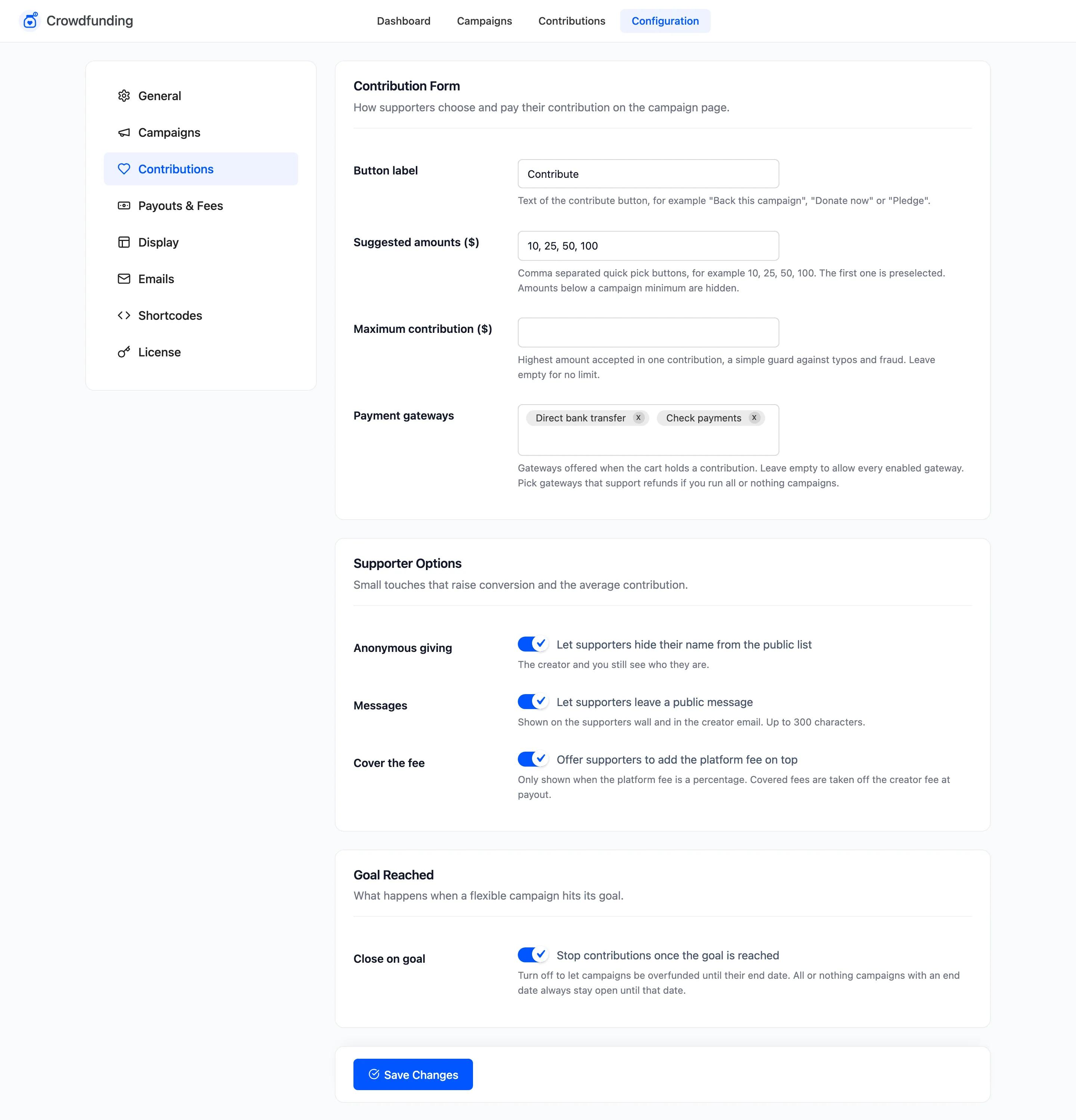
The demo store allows Direct bank transfer and Check payments.
Step 3: Save and test
Section titled “Step 3: Save and test”Click Save Changes, add a contribution to the cart and go to checkout. Only the chosen methods are offered.
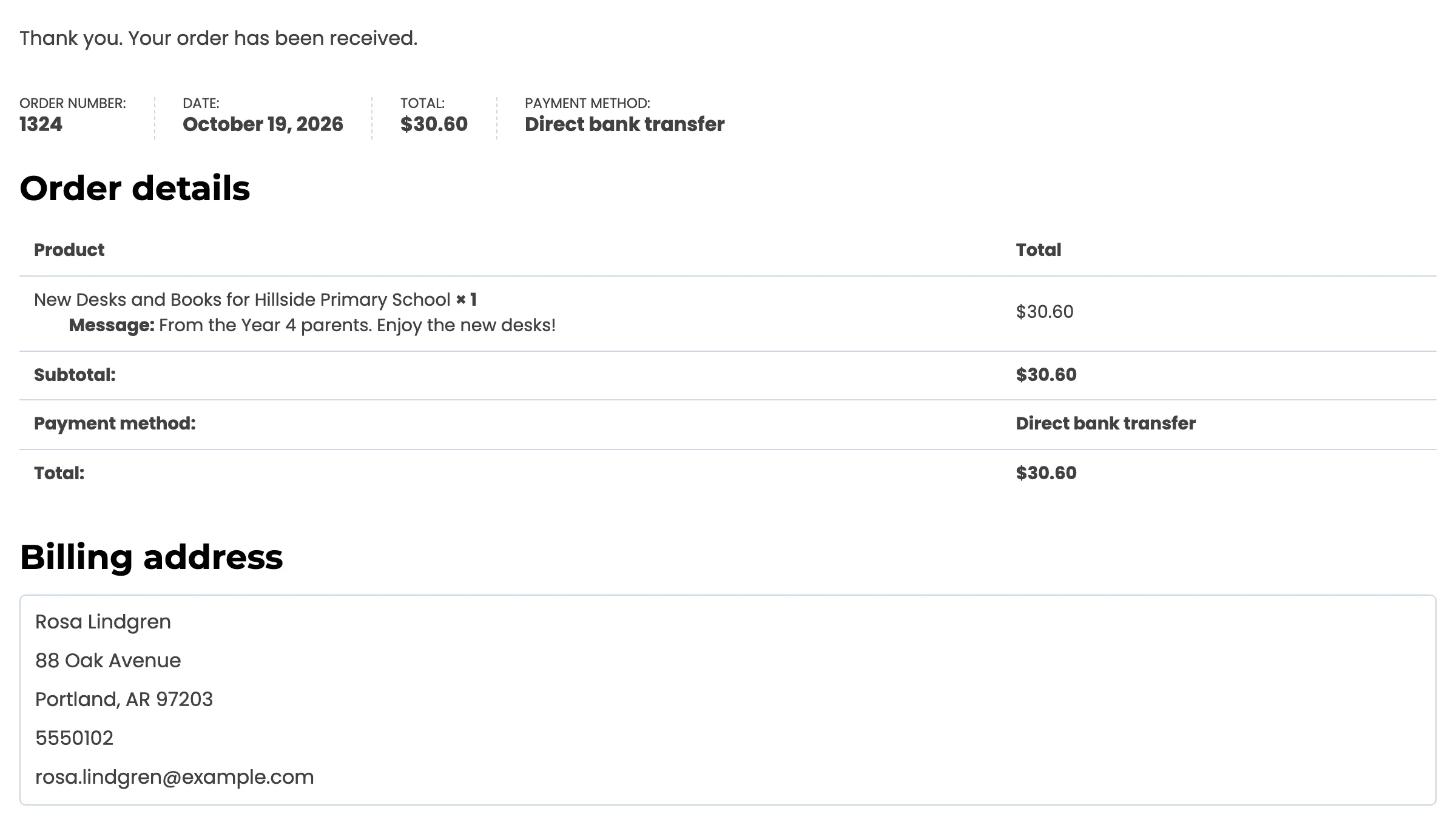
The limit applies whenever the cart holds a contribution, and on the pay for order page of an order that contains one. Carts without a contribution are not affected.
Choosing well
Section titled “Choosing well”- Card or wallet payments mark the order paid at once, so the contribution counts at once.
- Bank transfer, cheque and cash on delivery wait for you to mark the order paid. See How to Mark a Bank Transfer Contribution as Paid.
- All or nothing campaigns need refunds when they miss their goal. A gateway that cannot refund through WooCommerce leaves you to send each refund by hand.