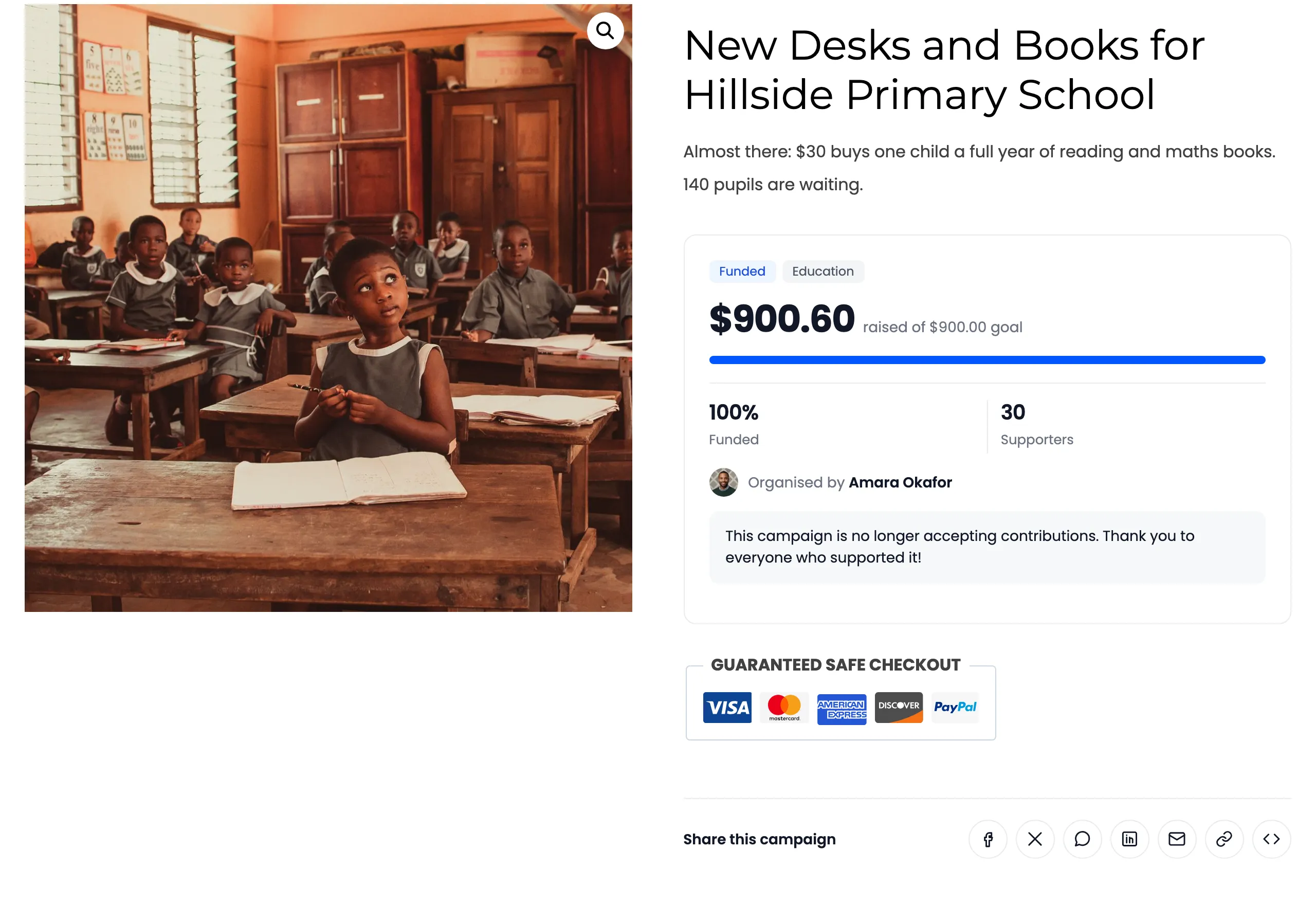
Contribution Settings
Open Configuration → Contributions. These decide how supporters choose and pay their contribution.
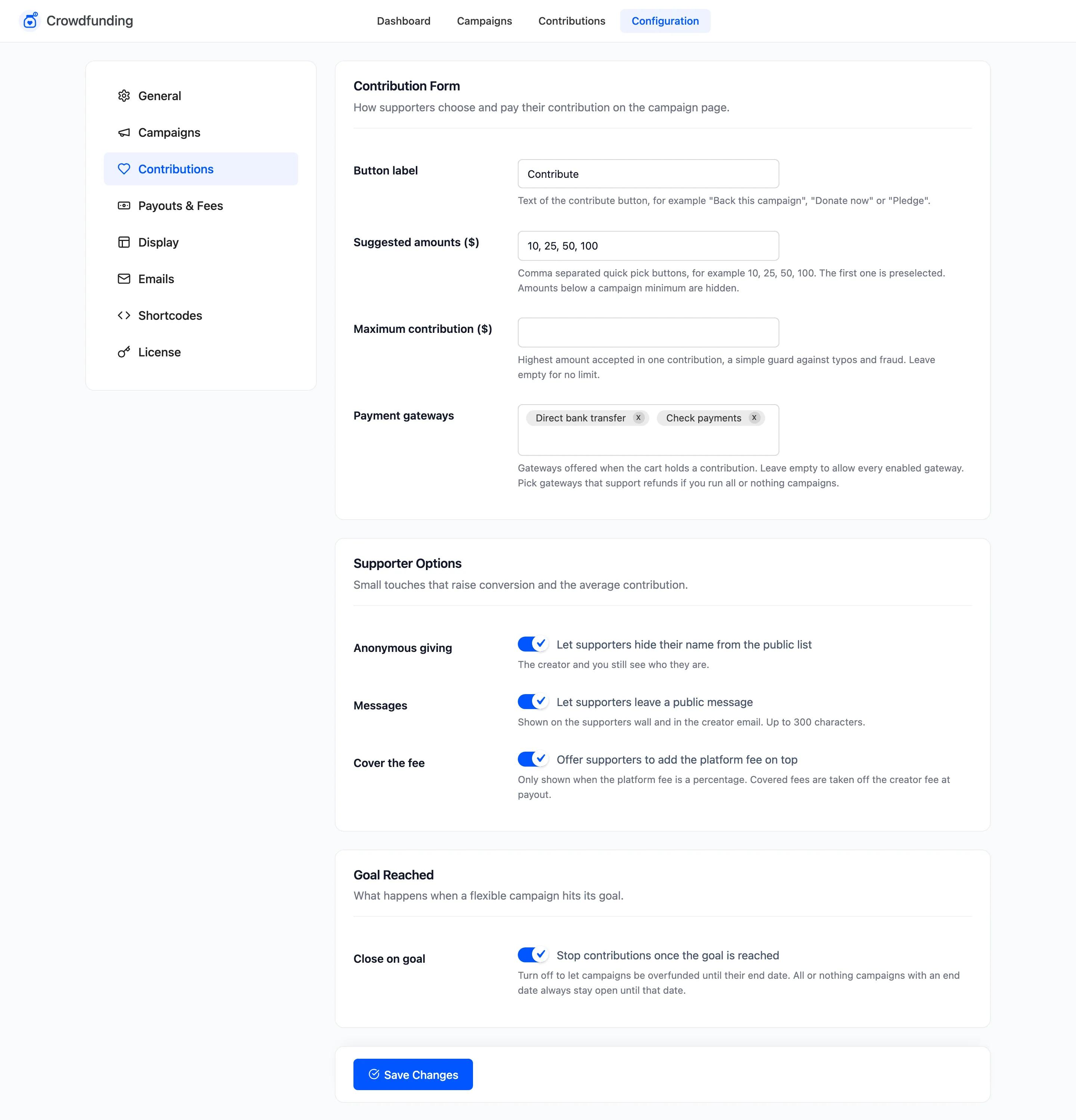
Contribution Form
Section titled “Contribution Form”- Button label: The contribute button’s text. Default “Back this campaign”. The demo store uses “Contribute”. An empty field falls back to the default.
- Suggested amounts: Quick pick buttons, separated by commas. Default “10, 25, 50, 100”. The first is preselected, and amounts below a campaign’s minimum are hidden.
- Maximum contribution: The most one contribution can be, a guard against typos and fraud. Empty means no limit, the default. A larger amount is refused with “Contribution amount cannot be more than $X.”
- Payment gateways: Which enabled payment methods are offered when the cart holds a contribution. Empty allows all of them. If you run all or nothing campaigns, pick methods that support refunds.
Supporter Options
Section titled “Supporter Options”- Anonymous giving: “Let supporters hide their name from the public list”. On by default. The creator and you still see who they are.
- Messages: “Let supporters leave a public message”. On by default. Shown on the supporters wall and in the creator’s email, up to 300 characters.
- Cover the fee: Pro. “Offer supporters to add the platform fee on top”. On by default. Only shown on the campaign page when the fee is a percentage. Covered fees are taken off the creator’s fee at payout.
Goal Reached
Section titled “Goal Reached”- Close on goal: “Stop contributions once the goal is reached”. On by default. Turn it off to let campaigns raise more than their goal until their end date. An all or nothing campaign with an end date always stays open until that date.