

Shortcodes
Campaigns are hidden from the shop, so shortcodes give them a home. Open Configuration → Shortcodes for the reference, with a Copy button for each.
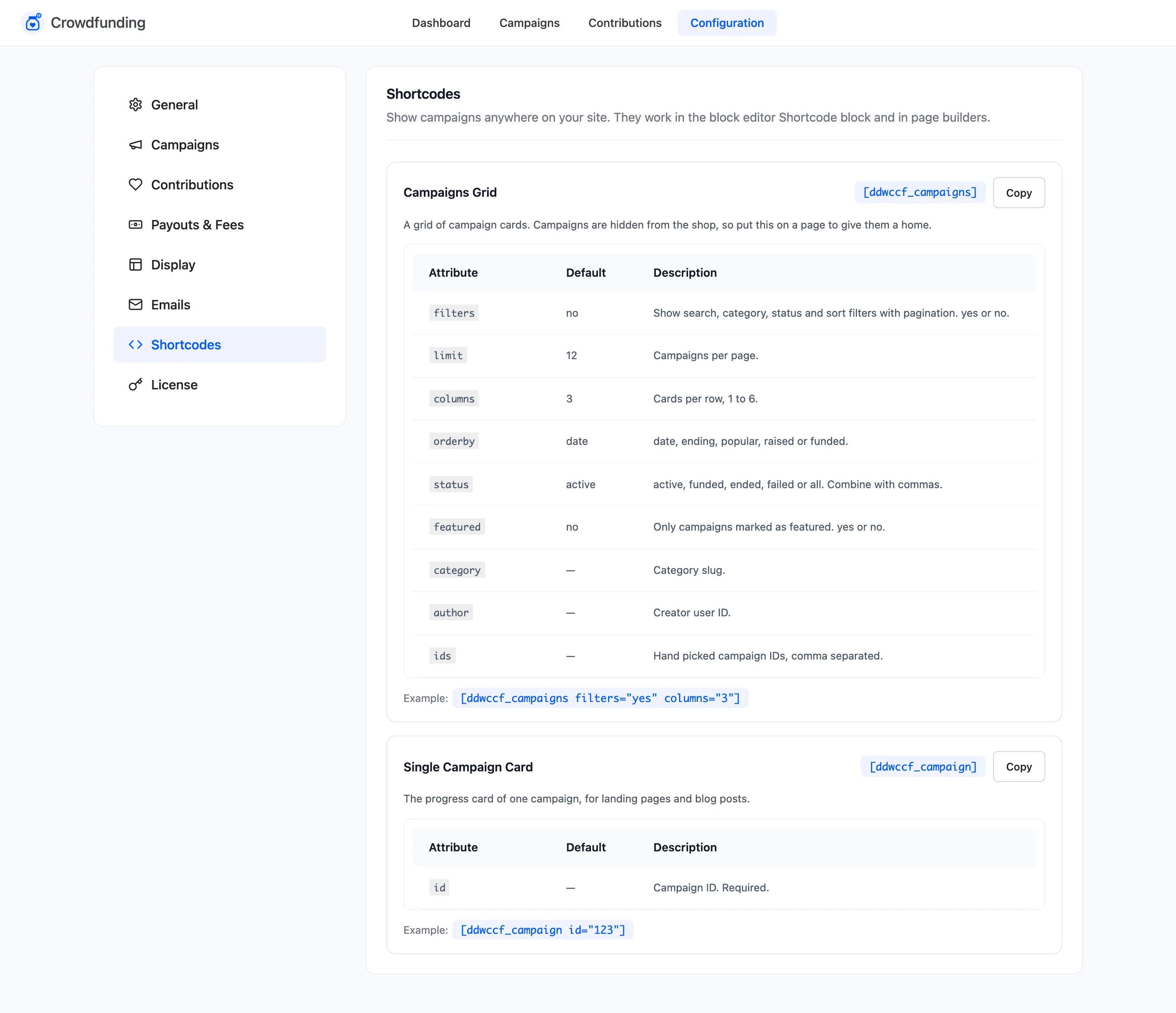
Both shortcodes work in the block editor’s Shortcode block and in page builders.
Campaigns Grid
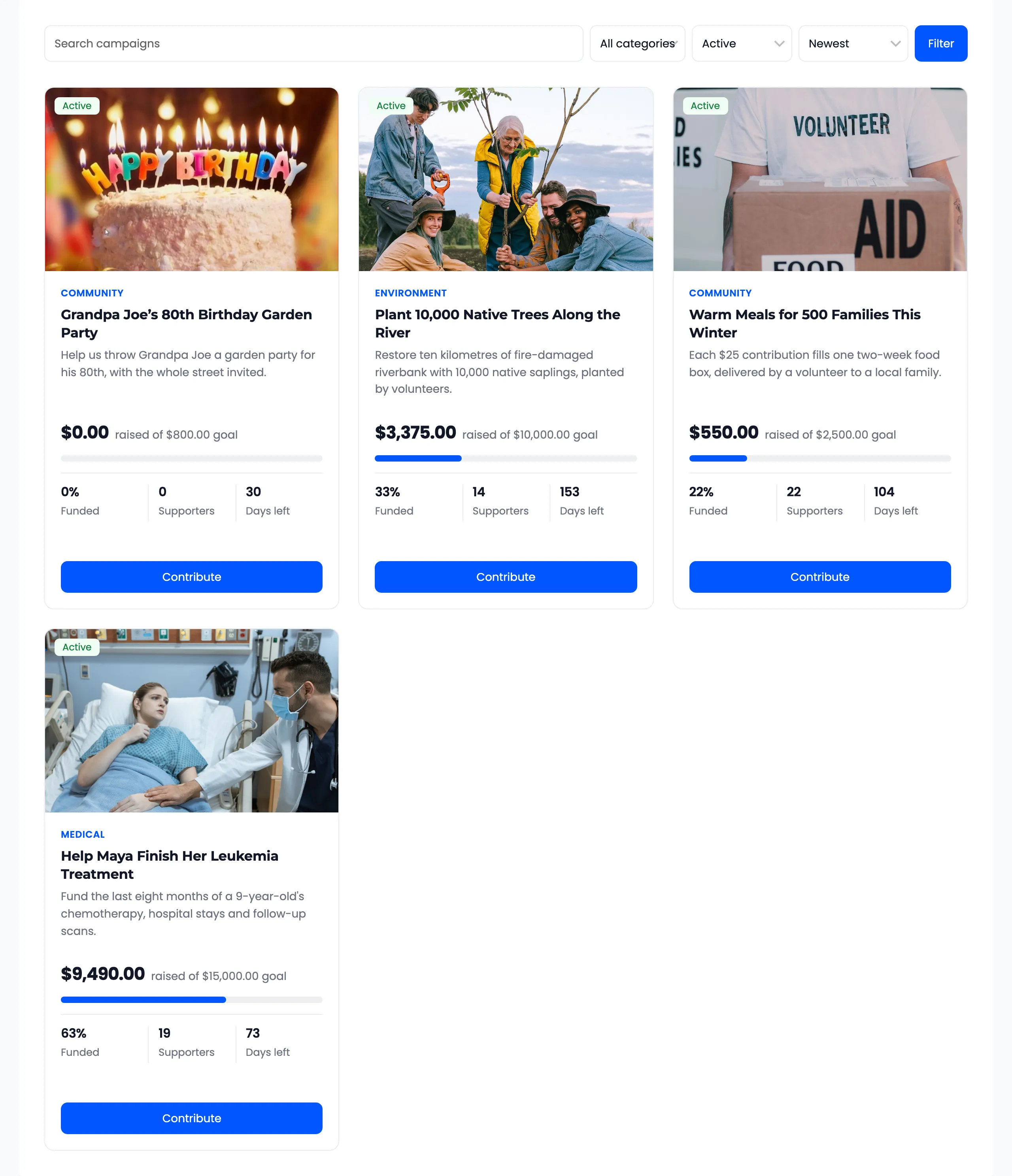
Section titled “Campaigns Grid”[ddwccf_campaigns] shows a grid of campaign cards.
| Attribute | Default | What it does |
|---|---|---|
limit |
12 | Campaigns per page. |
columns |
3 | Cards per row, 1 to 6. |
orderby |
date | date, ending, popular, raised or funded. |
status |
active | active, funded, ended, failed or all. Combine with commas. |
ids |
none | Hand picked campaign IDs, separated by commas. |
filters |
no | Pro. Search, category, status and sort filters with pagination. |
featured |
no | Pro. Only campaigns marked as featured. |
category |
none | Pro. A campaign category slug. |
author |
none | Pro. A creator’s user ID. |
For example [ddwccf_campaigns filters="yes" columns="3"].
Single Campaign Card
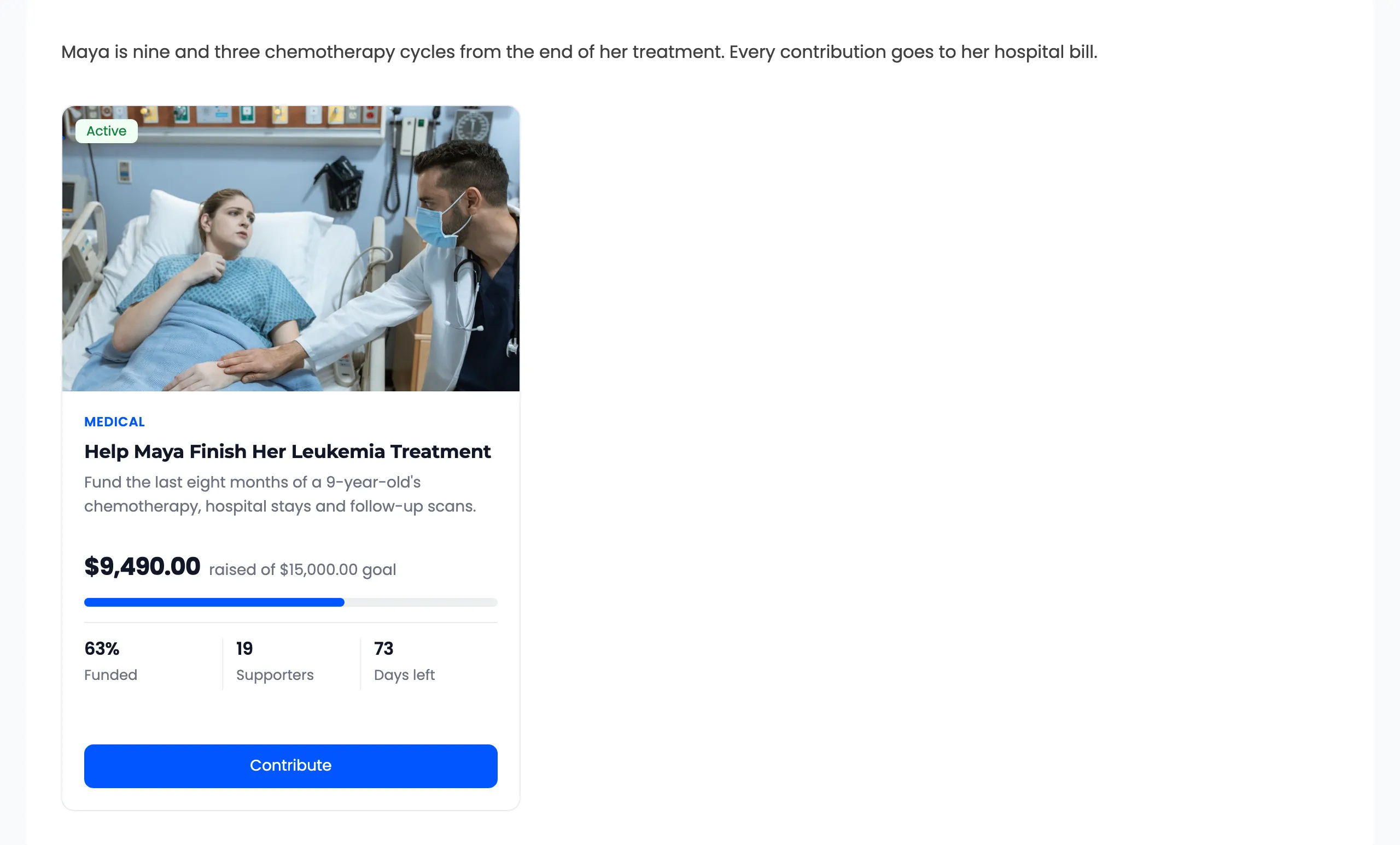
Section titled “Single Campaign Card”[ddwccf_campaign id="123"] shows one campaign’s progress card, for a landing page or a blog post. The
id is required.
To find a campaign’s ID, hover its name on the Campaigns screen and read id= in the Edit link.
Related: How to Show Campaigns on a Page.