

Campaign Categories (Pro)
Campaign categories are separate from product categories. They group campaigns for the campaign filters, the
grid shortcode’s category option and the Campaigns screen’s filter.
Add categories
Section titled “Add categories”Click Categories at the top of the Campaigns screen, or Manage categories under the Category field in the editor.
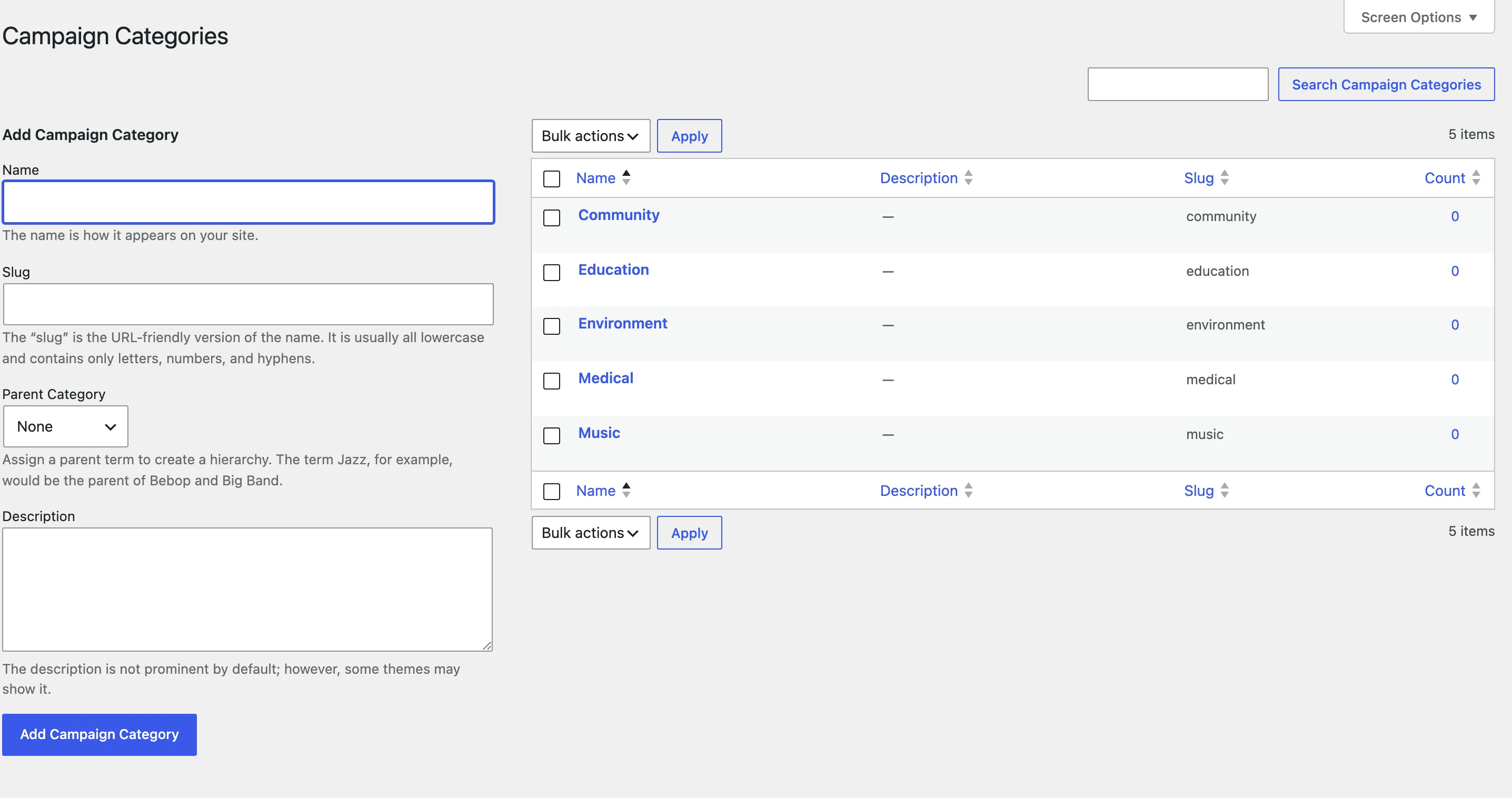
Type a Name, optionally a slug, a parent and a description, and click Add Campaign Category. The demo store has Medical, Education, Environment, Community and Music.
Use them
Section titled “Use them”- On a campaign: pick it in the editor’s Category field. A campaign has one category. Customers pick one in their own form too.
- On a page:
[ddwccf_campaigns category="education"]shows one category, using its slug. - In the grid filters:
filters="yes"adds a category dropdown for visitors. - On the campaign: the category shows as a badge on its page and its card.