

How to Protect a Custom Form
For a form the plugin does not know, such as one your theme built, you place the widget and check the answer yourself. It takes a shortcode and a few lines of PHP.
Step 1: Place the shortcode
Section titled “Step 1: Place the shortcode”Put the shortcode inside your <form>, above its submit button:
[ddwcac_captcha]In a PHP template, use echo do_shortcode( '[ddwcac_captcha]' );. The shortcode prints the current
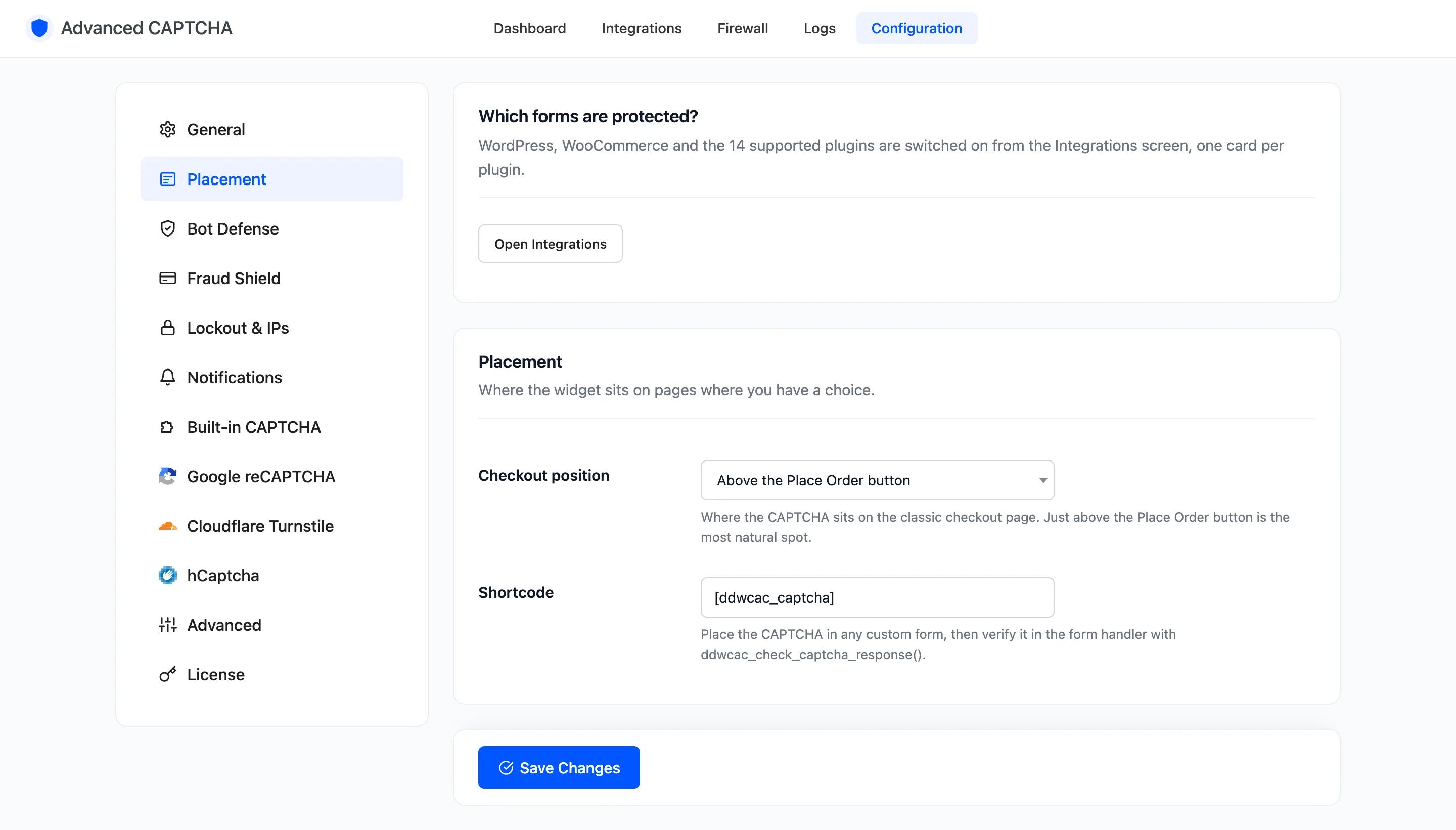
provider’s widget and the honeypot. You can rename the shortcode under Configuration → Placement.
Step 2: Check the answer in your handler
Section titled “Step 2: Check the answer in your handler”Where your form is processed, call the plugin’s check before you do anything else:
$result = ddwcac_check_captcha_response( 'my_form' );
if ( ! $result['success'] ) {  // Stop here and show $result['message'].}
The first argument names the form in the log. The function reads the posted fields itself. If your handler gets its data another way, such as a JSON request, pass the fields as the second argument.
It returns three keys:
success:trueorfalse.reason: the reason code, such asbuiltin-wrongorhoneypot.message: the visitor-facing message, already worded for the reason.
Step 3: Show the message
Section titled “Step 3: Show the message”Print message to the visitor in your form’s own error style. Draw the form again so they get a fresh
challenge.
Step 4: Test it
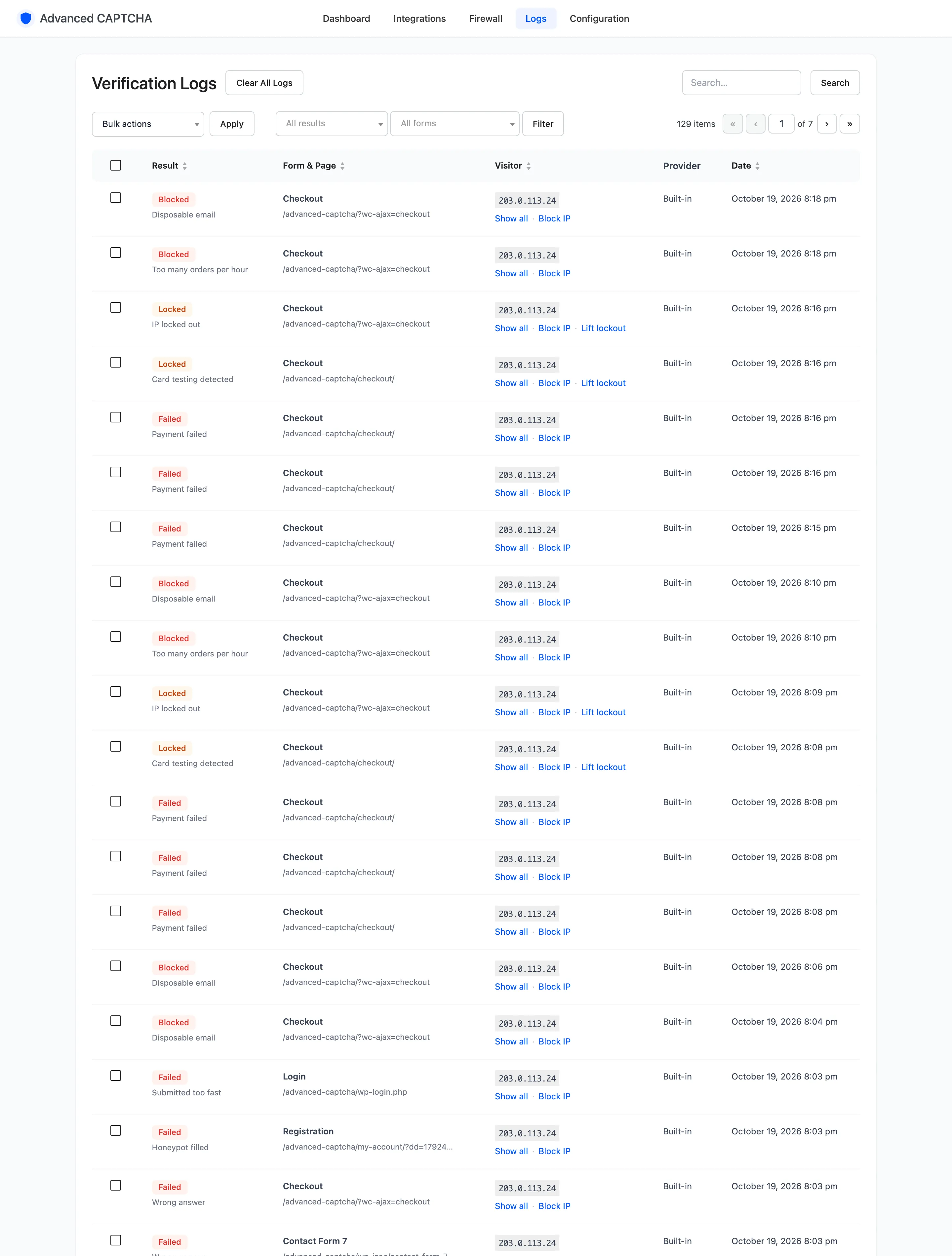
Section titled “Step 4: Test it”Submit your form with a wrong answer. It should be refused, and the Logs screen should show a
Failed row under the form name you passed. Give that name a readable label with the
ddwcac_form_labels filter below.
Filters and actions for developers
Section titled “Filters and actions for developers”ddwcac_should_protect_request(filter): returnfalseto switch protection off for the current request.ddwcac_verification_result(filter): change a result before it is returned. Receives the result and the form name.ddwcac_ip_locked_out(action, Pro): runs when an IP is locked out, with the IP, form and reason.ddwcac_form_labels(filter): add a label for your form name so the log and charts show it nicely.ddwcac_modify_admin_menu_capability(filter): change who can open the plugin’s screens. The default ismanage_woocommerce, ormanage_optionswithout WooCommerce.
Things to know
Section titled “Things to know”- Every protection applies. A custom form gets the honeypot, smart mode, the block list and the lockout like any other.
- The check runs once per answer. Calling it twice in one request returns the first result instead of checking again.