

Lockout & IP Settings
The Lockout & IPs tab decides when a visitor who keeps failing is shut out, and how the plugin reads a visitor’s IP. Open Configuration → Lockout & IPs.
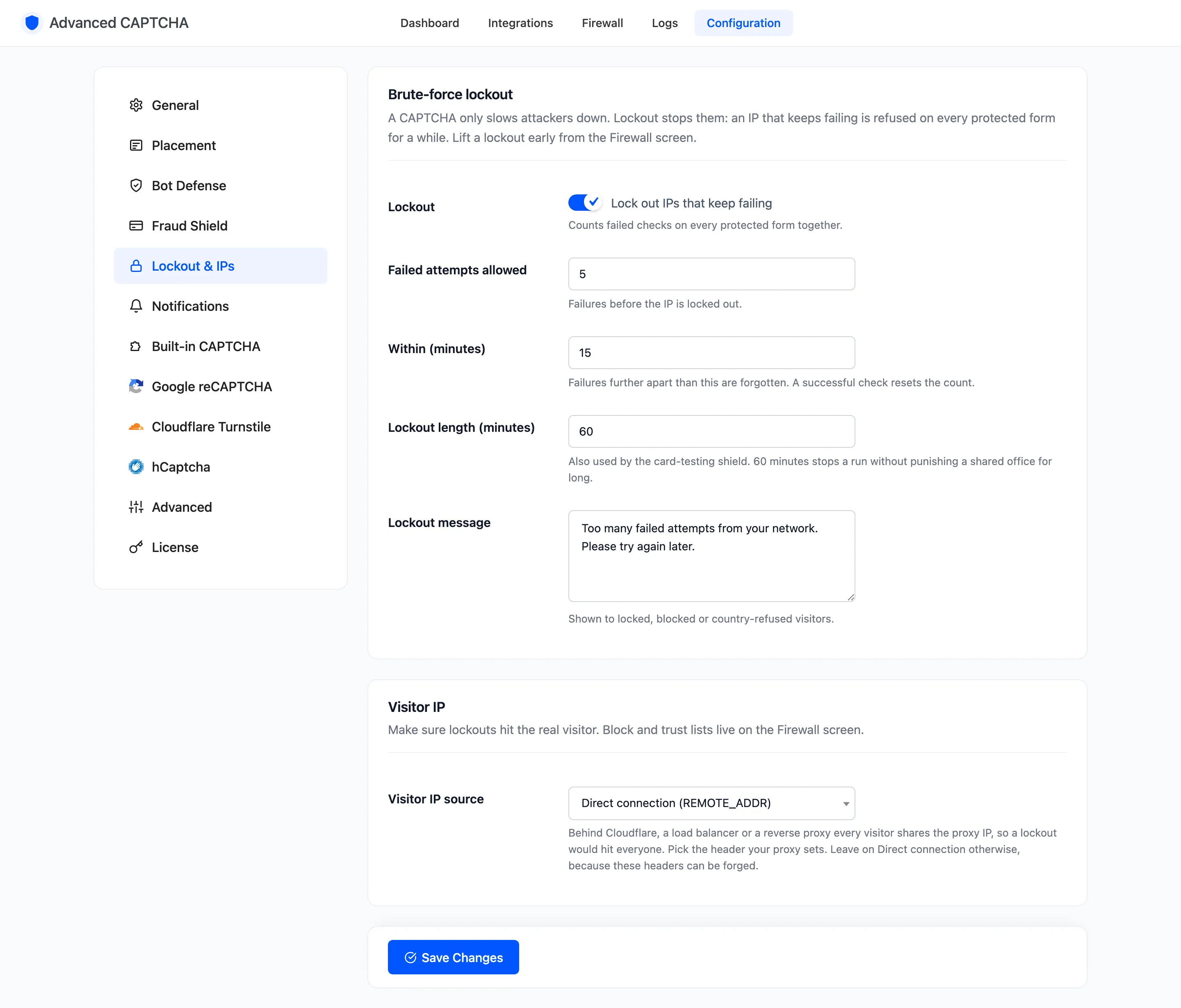
Brute-force lockout (Pro)
Section titled “Brute-force lockout (Pro)”A CAPTCHA only slows attackers down. Lockout stops them: an IP that keeps failing is refused on every protected form for a while.
- Lockout: “Lock out IPs that keep failing”. On by default. Counts failed checks on every protected form together.
- Failed attempts allowed: default
5, from 1 to 100. Failures before the IP is locked out. - Within (minutes): default
15, from 1 to 1440. Failures further apart than this are forgotten. Each failure restarts the window, and a passed check resets the count. - Lockout length (minutes): default
60, up to 43200 (30 days). The card-testing shield uses it too. - Lockout message: shown to locked, blocked and country-refused visitors. Default “Too many failed attempts from your network. Please try again later.”
Lift a lockout early from the Firewall.
Visitor IP
Section titled “Visitor IP”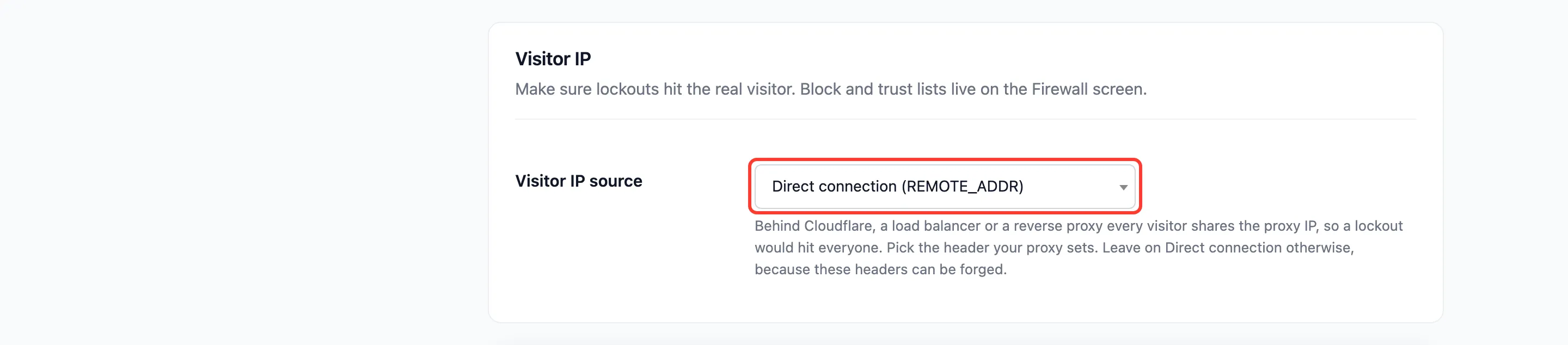
- Visitor IP source: where the visitor’s IP is read from. Default Direct connection (REMOTE_ADDR). The others are Cloudflare (CF-Connecting-IP), Proxy or load balancer (X-Forwarded-For) and Nginx proxy (X-Real-IP).
Behind Cloudflare, a load balancer or a reverse proxy, every visitor can arrive from the proxy’s IP. A lockout would then hit everyone at once, and the logs would show one address. Pick the header your proxy sets.
Leave it on Direct connection otherwise. These headers come from the visitor’s browser when no proxy replaces them, so a bot can send any IP it likes. On the demo store, switching to X-Forwarded-For let one browser appear as eight different attackers.
See How to Set the Visitor IP Behind a Proxy.
Click Save Changes at the bottom of the tab.