

Notifications Settings (Pro)
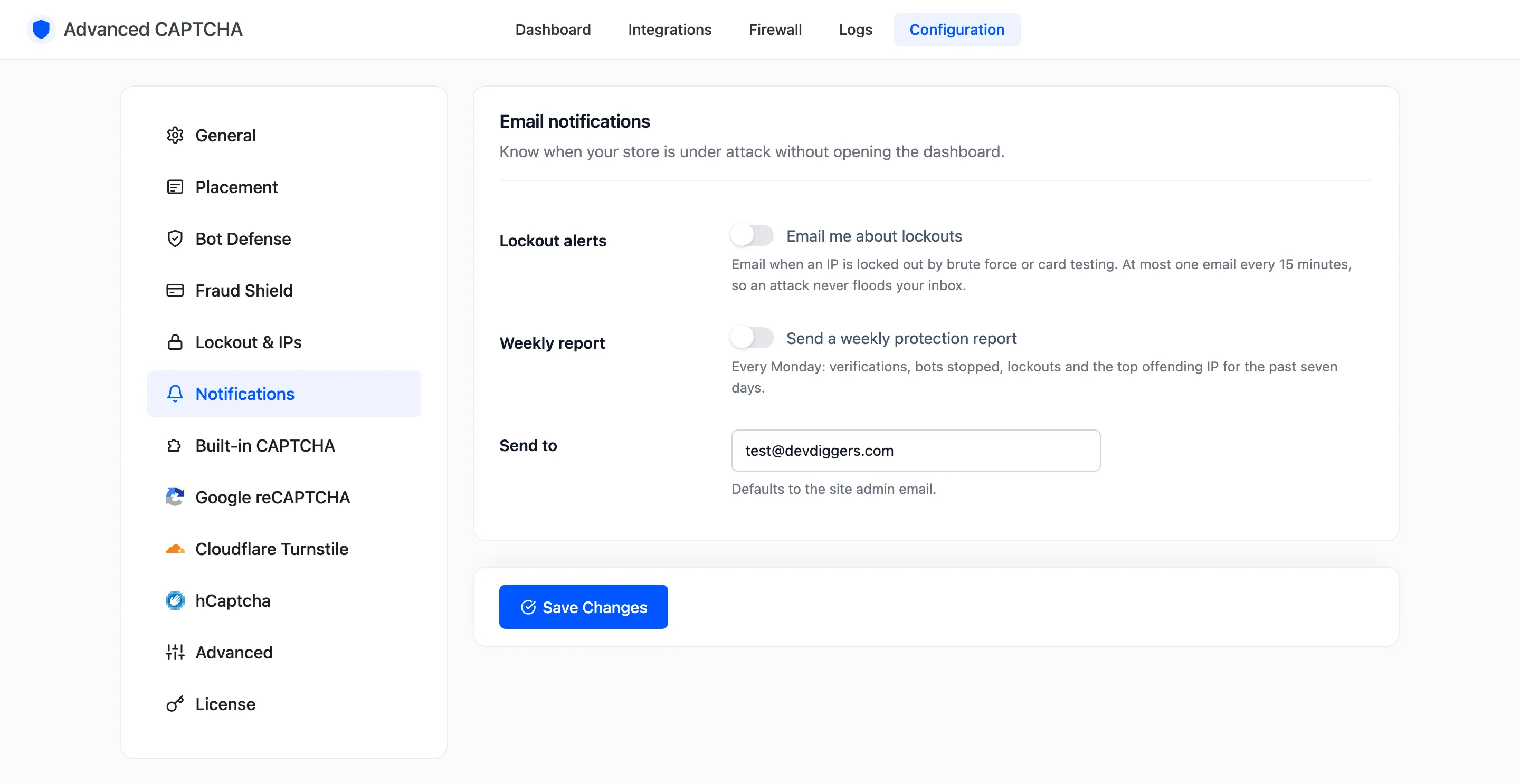
The Notifications tab emails you about attacks, so you do not have to open the dashboard to know. Open Configuration → Notifications.
Fields
Section titled “Fields”- Lockout alerts: “Email me about lockouts”. Off by default. Emails you when an IP is locked out by the brute-force lockout or the card-testing shield. At most one email every 15 minutes, so an attack never floods your inbox.
- Weekly report: “Send a weekly protection report”. Off by default. Every Monday: verifications, bots stopped, humans passed, lockouts and the top offending IP for the past seven days.
- Send to: the address both go to. Defaults to the site admin email.
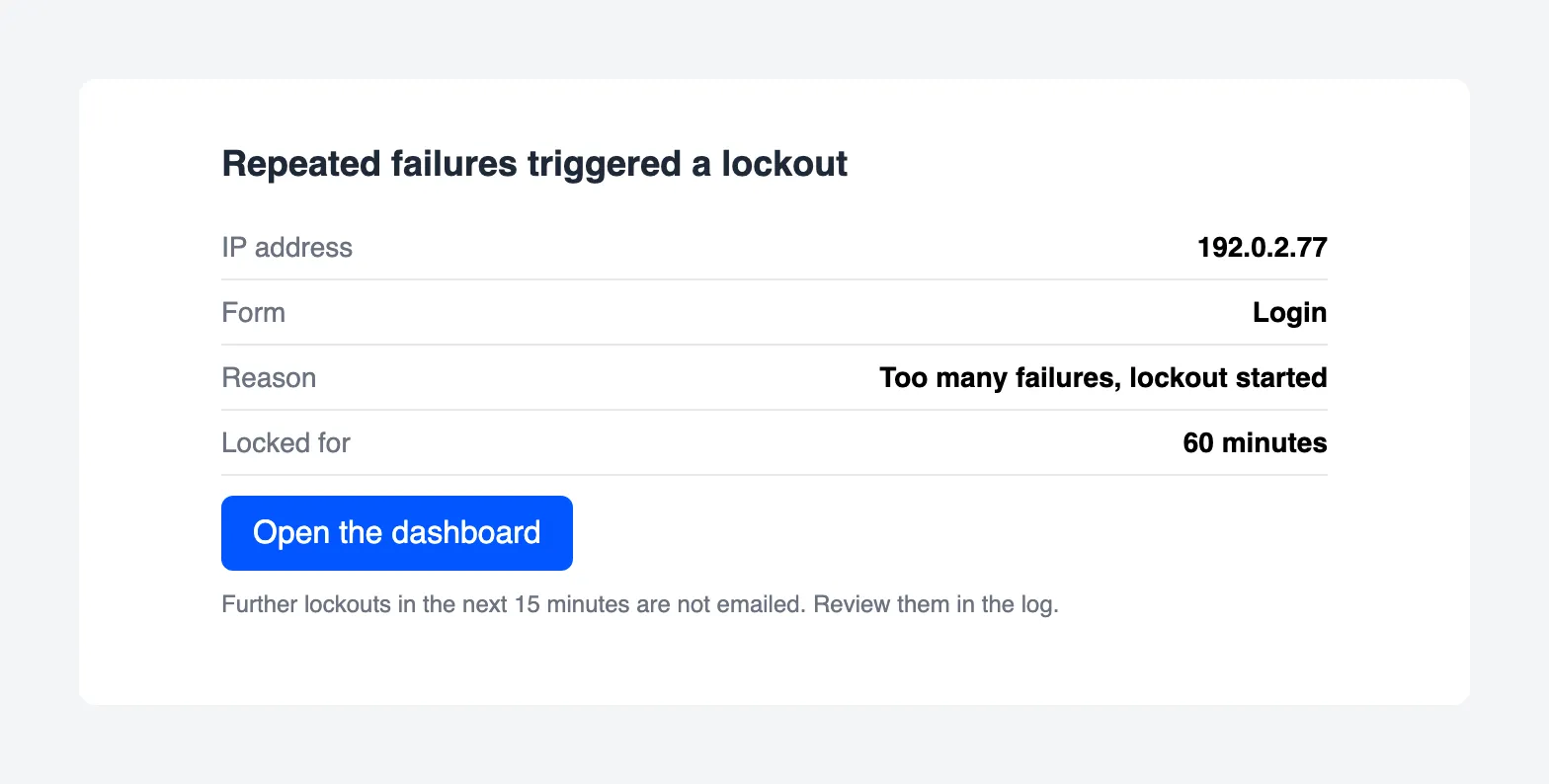
Both are plain HTML emails sent through WordPress, so they arrive only if your site can send mail. The report is sent by WP-Cron, which needs visits to the site (or a real cron job) to run on time.
See How to Get Emailed About Attacks for both emails in full.
Click Save Changes at the bottom of the tab.