

How Protection Works
Every protected form runs the same checks, in the same order, when it is submitted. The order matters: the first check that fails decides what the visitor is told and what the log records.
Before anything is checked
Section titled “Before anything is checked”Three things switch the checks off for a request completely. Nothing is shown and nothing is logged.
- No usable provider. The Built-in CAPTCHA is always ready. A hosted provider needs both its site key and secret key. Without them no widget can render, so the plugin enforces nothing rather than lock everyone out, wp-admin included. Every plugin screen then shows “CAPTCHA protection is paused”, and the dashboard checklist flags it.
- A trusted role. Signed-in users with a role from Trusted user roles skip every check.
- A trusted IP. Visitors on the Firewall’s Trusted List skip every check.
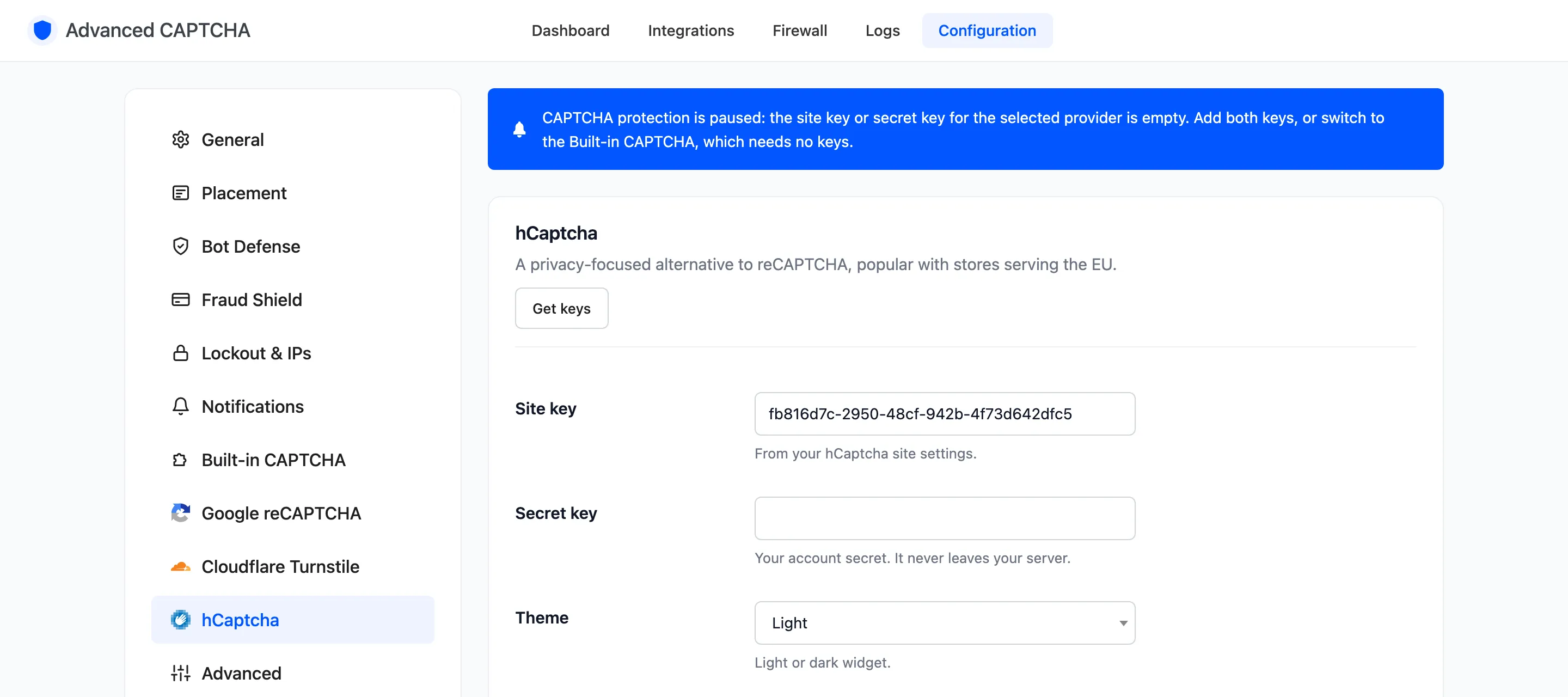
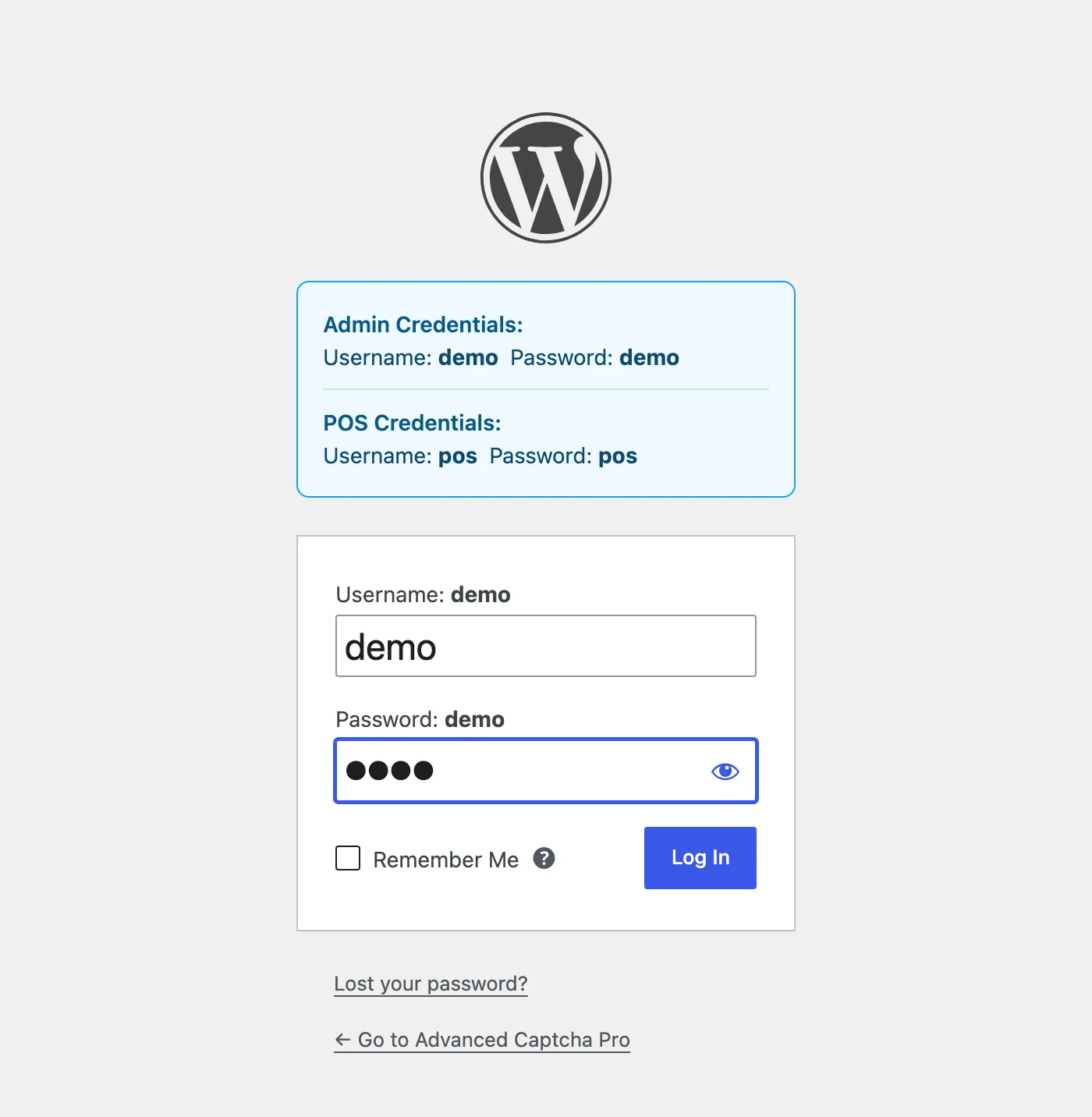
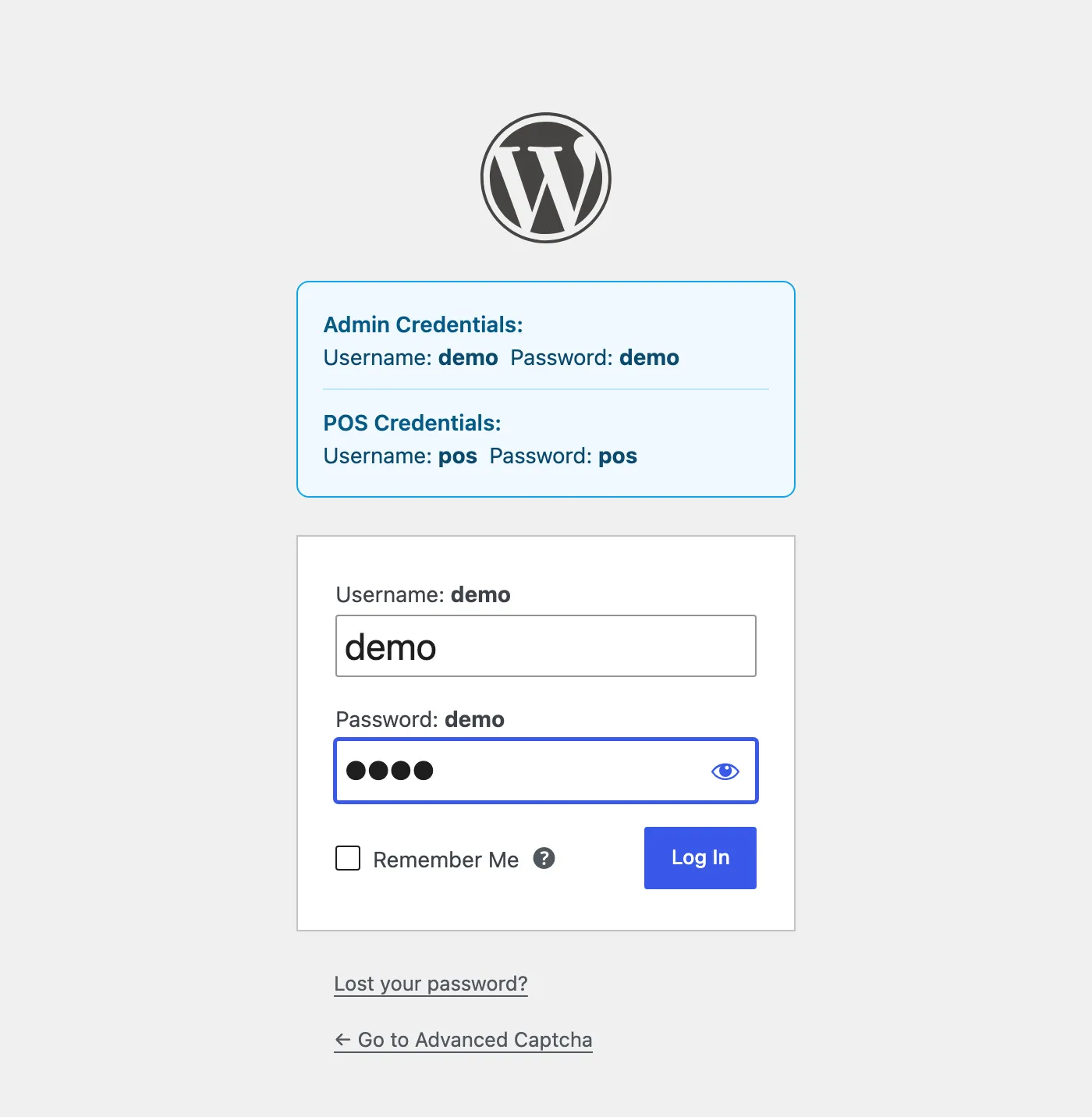
With hCaptcha selected and its secret key emptied, the demo store’s login page showed no widget at all:
Requests that cannot show a widget are never checked either: XML-RPC, the REST API (application passwords), WP-Cron and WP-CLI. A comment or reply posted from wp-admin is not checked.
The checks, in order
Section titled “The checks, in order”When a protected form is submitted, the plugin stops at the first of these that fails.
- Block list (Pro). The IP is on the block list: refused, logged Blocked, “IP on block list”.
- Lockout (Pro). The IP is locked out: refused, logged Locked, “IP locked out”.
- Country rules (Pro). The visitor’s country is refused: logged Blocked, “Country not allowed”.
- Honeypot. The hidden field was filled (“Honeypot filled”), or the form came back faster than the minimum fill time (“Submitted too fast”). Logged Failed.
- Smart mode (Pro). If smart mode is on and this IP has no recent failure, the visitor passes here without a challenge. Logged Passed, “Trusted visitor (smart mode)”.
- The CAPTCHA. No answer is “CAPTCHA not completed”. A wrong Built-in answer is “Wrong answer”. A hosted provider’s own refusal is logged with its reason, such as “Invalid or expired token”. On reCAPTCHA v3, a score below Minimum score is “reCAPTCHA v3 score too low”.
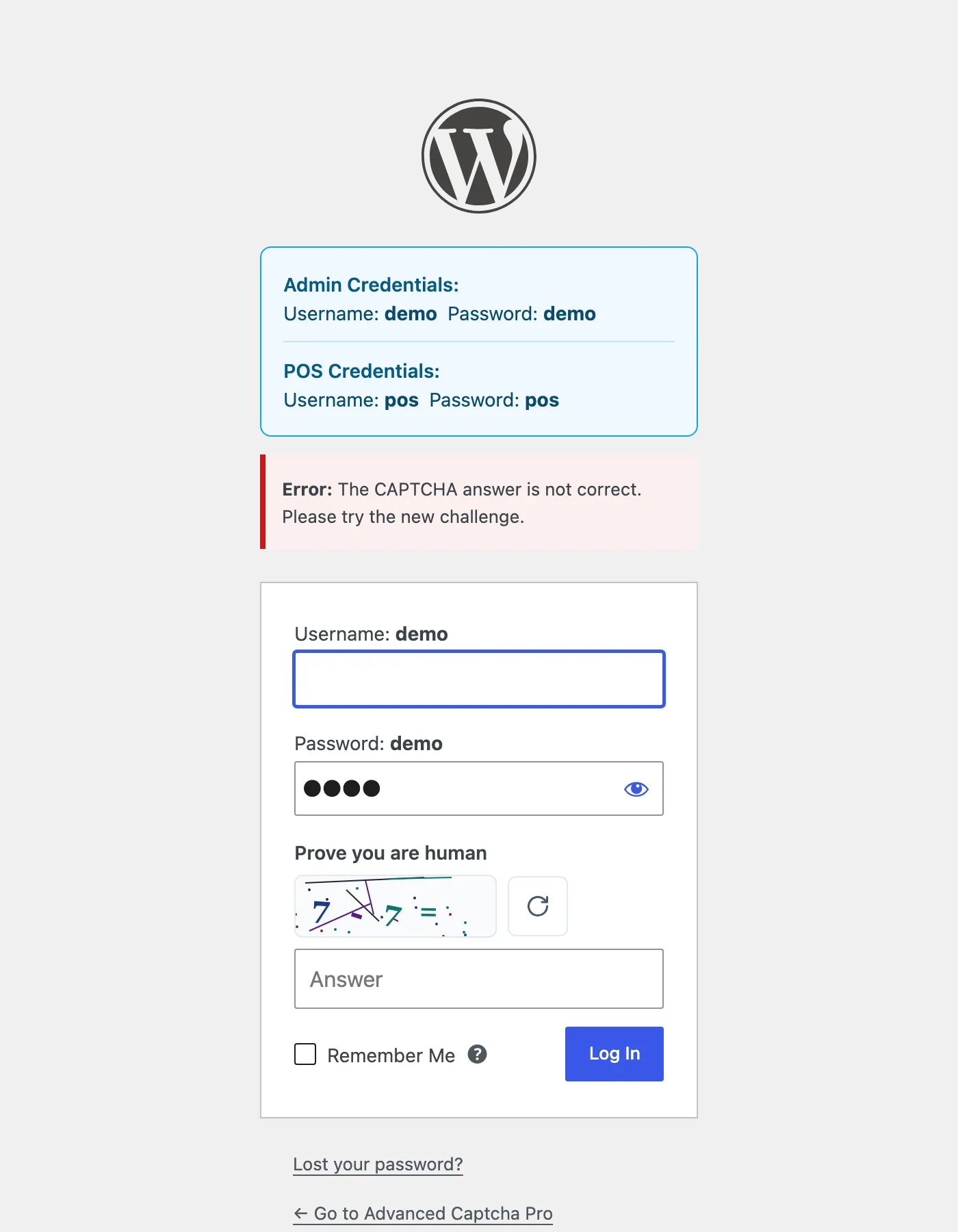
The first three use the Lockout message. Everything from the honeypot on uses the Error message. The Built-in CAPTCHA has two wordings of its own: “The CAPTCHA answer is not correct. Please try the new challenge.” and “The CAPTCHA expired. Please answer the new challenge.”
When a hosted provider is down
Section titled “When a hosted provider is down”If Google, Cloudflare or hCaptcha cannot be reached, the check cannot be completed. With Provider outage on (the default), the visitor is let through and the attempt is logged as Provider Error. The honeypot, lockout and fraud shield still run. With it off, the form is refused.
The Built-in CAPTCHA never calls anyone, so it has no outage.
The Built-in CAPTCHA’s challenge
Section titled “The Built-in CAPTCHA’s challenge”Each challenge is signed by your server and good for 30 minutes. It can be solved once: the same answer posted twice is “Challenge reused”. The refresh button next to it fetches a new challenge. A page served from a cache swaps an old challenge for a fresh one when it loads.
What a failure does next
Section titled “What a failure does next”Every Failed check has two consequences.
- The IP becomes suspect for 24 hours. In smart mode, a suspect IP gets the full CAPTCHA. A wrong password on the login form does this too, even when the CAPTCHA itself passed.
- It counts toward a lockout (Pro). With the defaults, 5 failures within 15 minutes lock the IP out for 60 minutes. Failures from every protected form count together. Each new failure restarts the 15 minutes, and a passed check clears the count.
Blocked checks (block list, country, disposable email, rate limit) do not count toward a lockout. The visitor is already being refused.
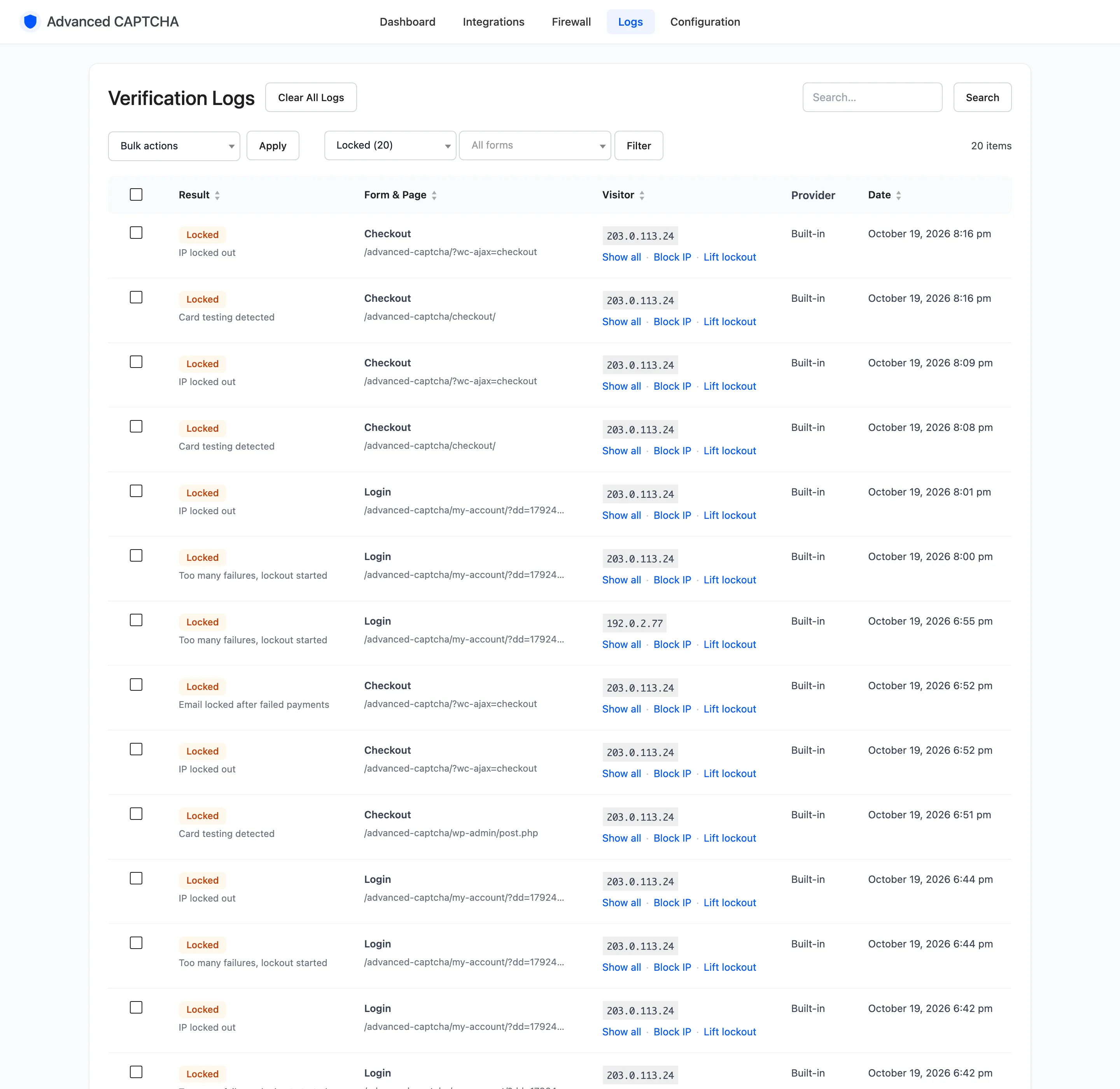
A lockout is logged Locked, “Too many failures, lockout started”, and can send a lockout alert. Staff can lift it early from the Firewall.
Checks that are not the CAPTCHA (Pro)
Section titled “Checks that are not the CAPTCHA (Pro)”Two Pro layers run on their own hooks, alongside the CAPTCHA rather than inside it:
- The card-testing shield counts failed payments per IP and per billing email at checkout. See How to Stop Card Testing.
- The disposable email guard refuses throwaway addresses on registration, checkout and comments. See How to Block Disposable Email Addresses.
Both respect trusted roles and trusted IPs, and both use your own message rather than the CAPTCHA error.