

Advanced Settings
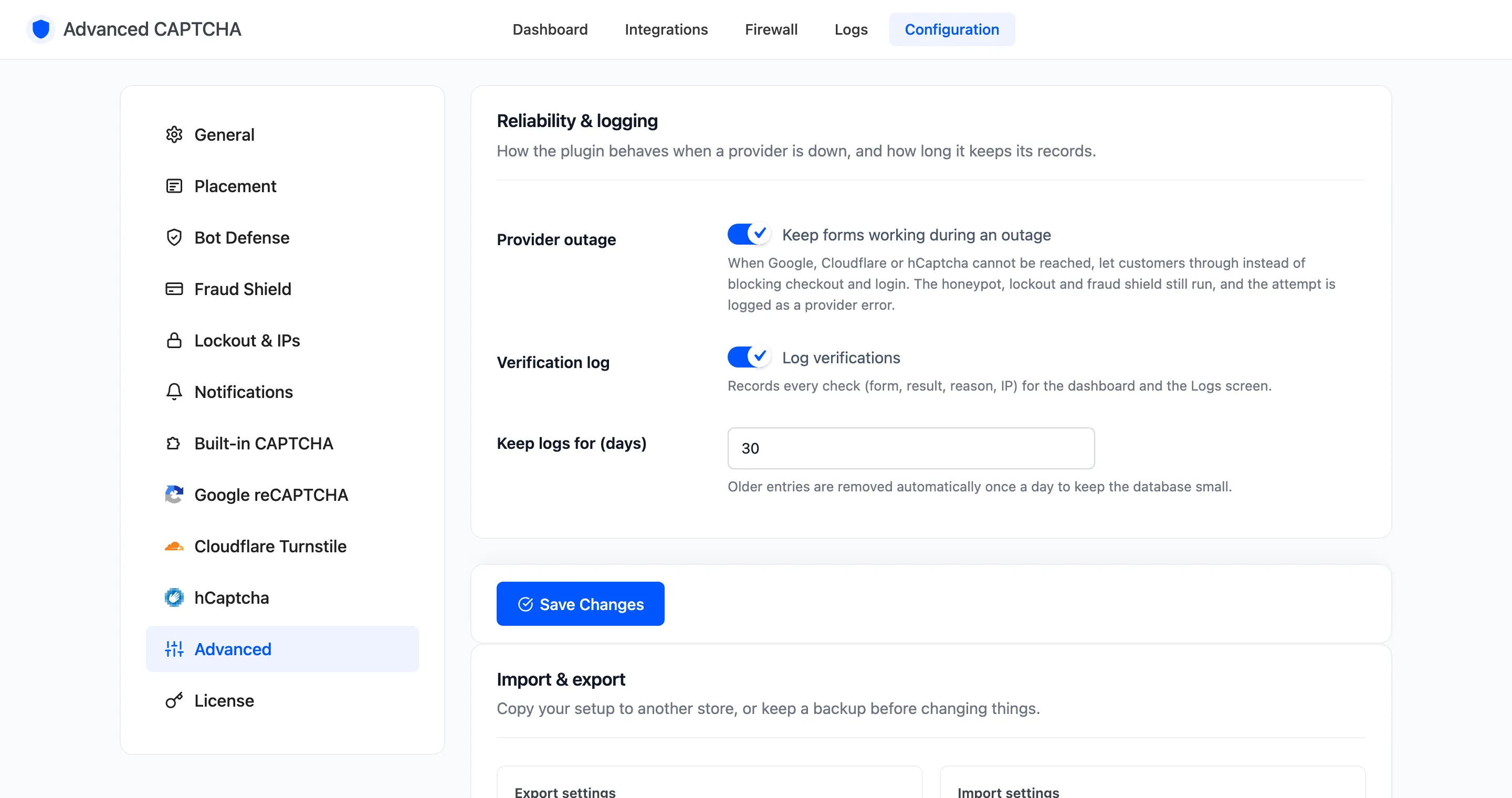
The Advanced tab covers reliability, logging and moving your setup between stores. Open Configuration → Advanced.
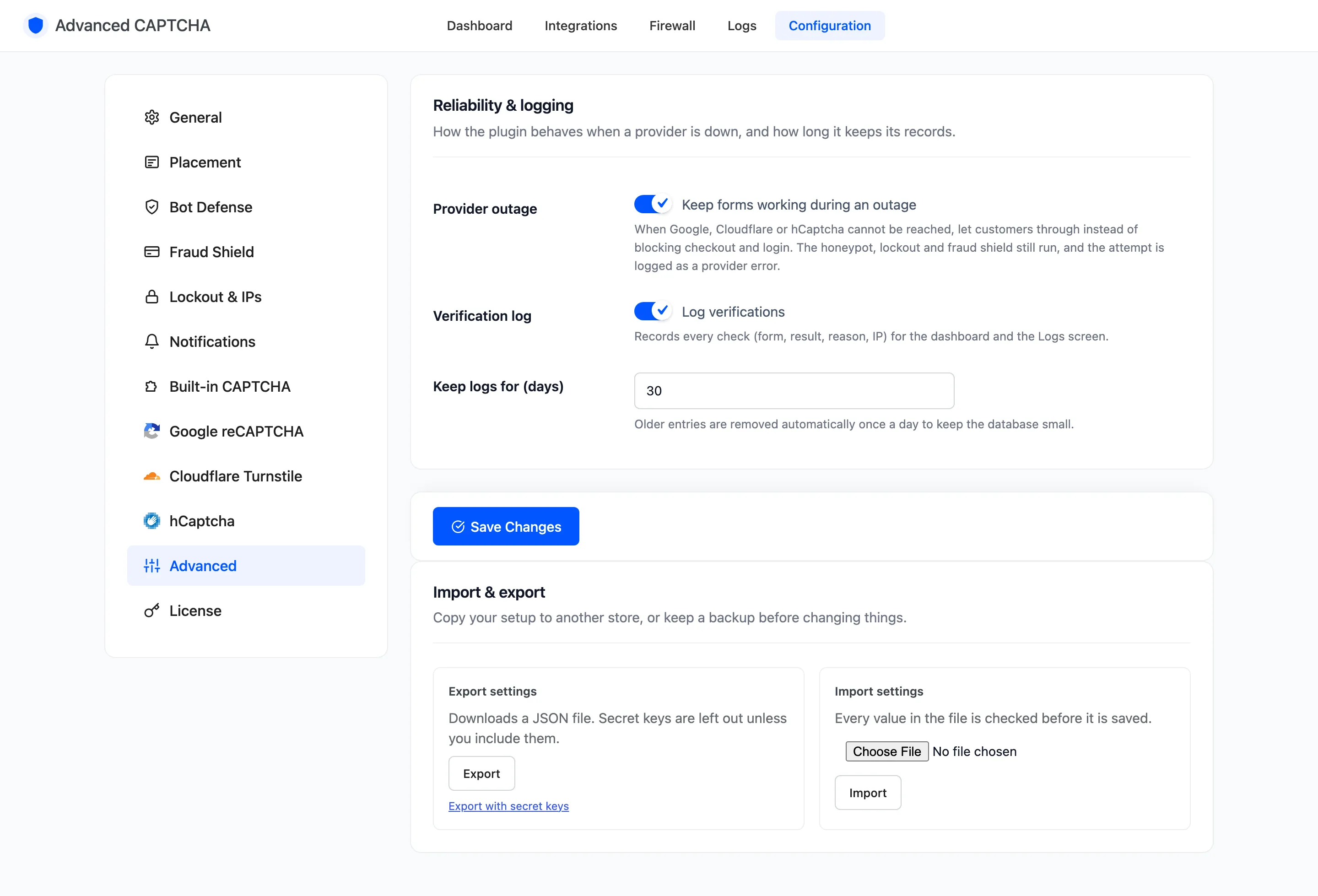
Reliability & logging
Section titled “Reliability & logging”- Provider outage: “Keep forms working during an outage”. On by default. When Google, Cloudflare or hCaptcha cannot be reached, customers are let through instead of checkout and login breaking. The honeypot, lockout and fraud shield still run, and the attempt is logged as Provider Error. Switch it off and those submissions are refused instead.
- Verification log: “Log verifications”. On by default. Records every check (form, result, reason, IP, browser and page) for the dashboard and the Logs screen. Off, the dashboard and Logs stop filling.
- Keep logs for (days) (Pro): default
30, from 1 to 365. Older entries are removed once a day.
The log keeps IP addresses and browser user agents. Mention that in your privacy policy.
Import & export (Pro)
Section titled “Import & export (Pro)”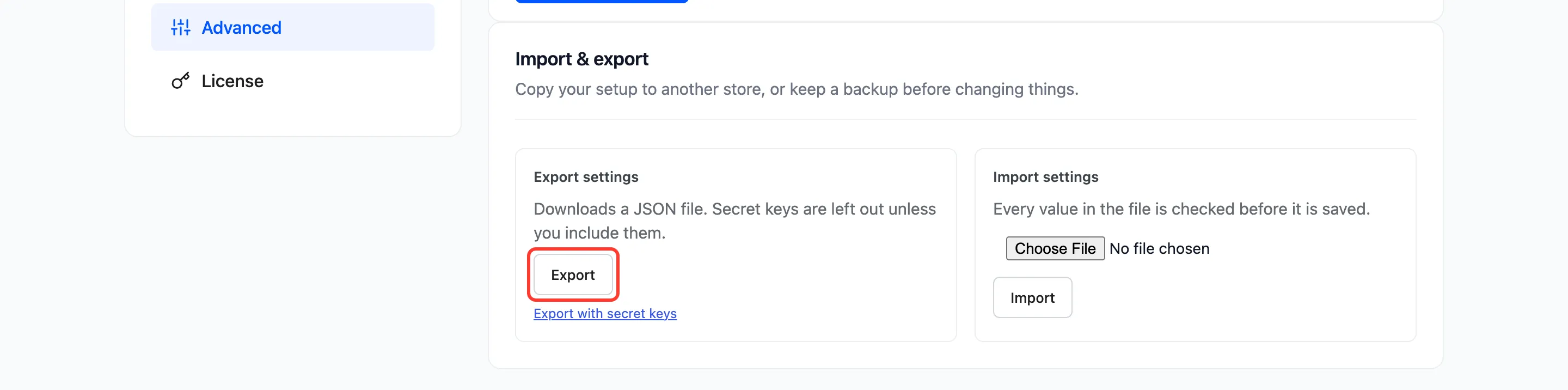
- Export settings: Export downloads a JSON file of every setting. Secret keys are left out. Export with secret keys includes them, for a file you keep safe.
- Import settings: choose an exported file and click Import. Every value is checked before it is saved, and anything the plugin does not know is ignored.
A successful import returns to this tab with “Settings imported.” A file from anything else reads “That file is not an Advanced CAPTCHA settings export.”
Importing needs the Administrator role. Shop managers can open the tab but cannot import.
See How to Copy Your Settings to Another Store.
Click Save Changes under Reliability & logging to save that section. Import and export act at once.