

Introduction to Advanced CAPTCHA
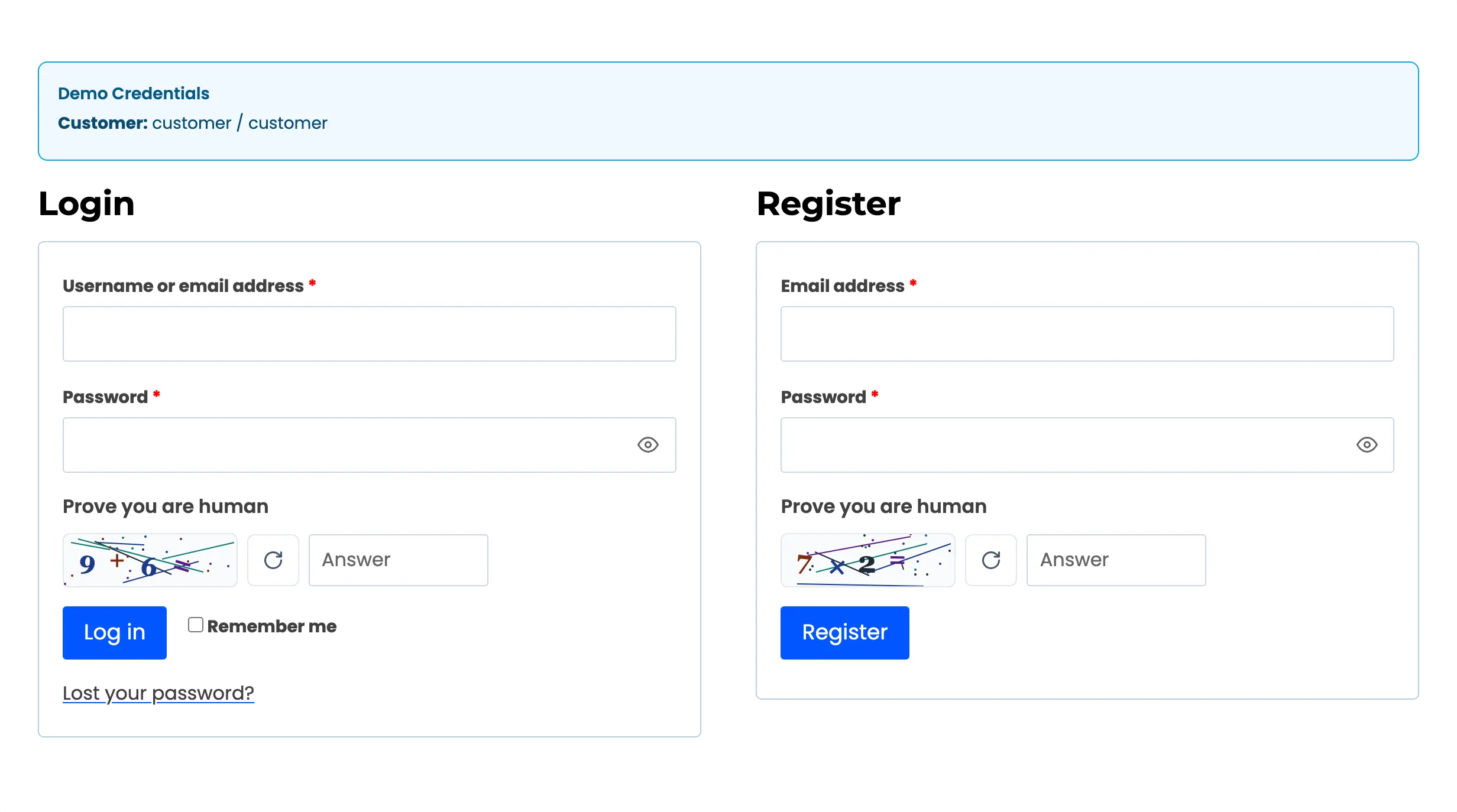
Advanced CAPTCHA stops bots on your WordPress and WooCommerce forms. It puts a challenge on login, registration, checkout, reviews, comments and contact forms. Behind the challenge it runs checks a visitor never sees, and it records every attempt so you can see who is attacking which form.
What it does
Section titled “What it does”- Four challenge types: the Built-in CAPTCHA, which needs no account and sends nothing to anyone, plus Cloudflare Turnstile, Google reCAPTCHA (v2 checkbox, v2 invisible or v3) and hCaptcha. You can switch between them at any time without touching a form.
- Every common form: WordPress login, registration, lost password and comments. WooCommerce My Account, checkout (classic and block), pay for order, add payment method, product reviews, account details and addresses. Plus Contact Form 7 and other form plugins.
- Invisible checks first: a hidden honeypot field and a minimum fill time reject most form-filling bots before the CAPTCHA is even checked.
- A record of every attempt: a dashboard with charts and a log of every check, with its result, form, reason and visitor IP.

In Pro, the plugin also remembers attackers. It locks out an IP that keeps failing and blocks card testers at checkout. It can refuse throwaway email addresses and whole countries, and emails you when an attack starts.
Who it is for
Section titled “Who it is for”- WooCommerce stores taking fake signups, review spam or card-testing runs at checkout.
- WordPress sites whose login page is hammered by password-guessing bots.
- Stores in the EU that want a CAPTCHA with no third-party data transfer: the Built-in CAPTCHA runs on your own server.
Free and Pro
Section titled “Free and Pro”Advanced CAPTCHA is two plugins. The free plugin, Advanced CAPTCHA - Spam Protection for Login, Forms and WooCommerce, does all the challenging. Advanced CAPTCHA Pro is an add-on that runs on top of it.
| Free | Pro | |
|---|---|---|
| Built-in CAPTCHA, Turnstile, reCAPTCHA v2 and v3, hCaptcha | Yes | Yes |
| WordPress and WooCommerce forms, including the Checkout block | Yes | Yes |
| Contact Form 7, WPForms, Fluent Forms, shortcode for custom forms | Yes | Yes |
| Honeypot and minimum fill time | Yes | Yes |
| Dashboard, verification log (kept 30 days), trusted roles and IPs | Yes | Yes |
| Smart mode, reCAPTCHA v3 low-score fallback | No | Yes |
| Brute-force lockout, block list, Lift Lockout | No | Yes |
| Card-testing shield, orders per IP per hour, disposable email guard | No | Yes |
| Country rules | No | Yes |
| Lockout alerts and weekly report emails | No | Yes |
| Log retention setting, settings import and export | No | Yes |
| Gravity Forms, Elementor Pro, Forminator, Formidable, BuddyPress, bbPress, Ultimate Member, Mailchimp for WordPress, DevDiggers Affiliates and MultiPOS | No | Yes |
The free plugin still shows each Pro feature, as a locked field with a PRO tag or an upgrade card. Articles about a Pro-only screen say (Pro) in their title.
Requirements
Section titled “Requirements”- WordPress 6.5 or newer, PHP 7.4 or newer.
- WooCommerce 9.0 or newer for the store forms. The plugin also runs on a site without WooCommerce, and then protects the WordPress forms only.
Where to start
Section titled “Where to start”- Install and activate the plugin.
- Walk the setup wizard. It switches protection on with the Built-in CAPTCHA on the forms bots attack most.
- Read How Protection Works. It explains the order of the checks, which decides what a blocked visitor is told.