

How to Block Disposable Email Addresses (Pro)
Fake accounts, coupon abuse and trial abuse nearly always use a throwaway inbox. The email guard refuses around 180 known disposable services, plus any domains you add.
Step 1: Switch the guard on
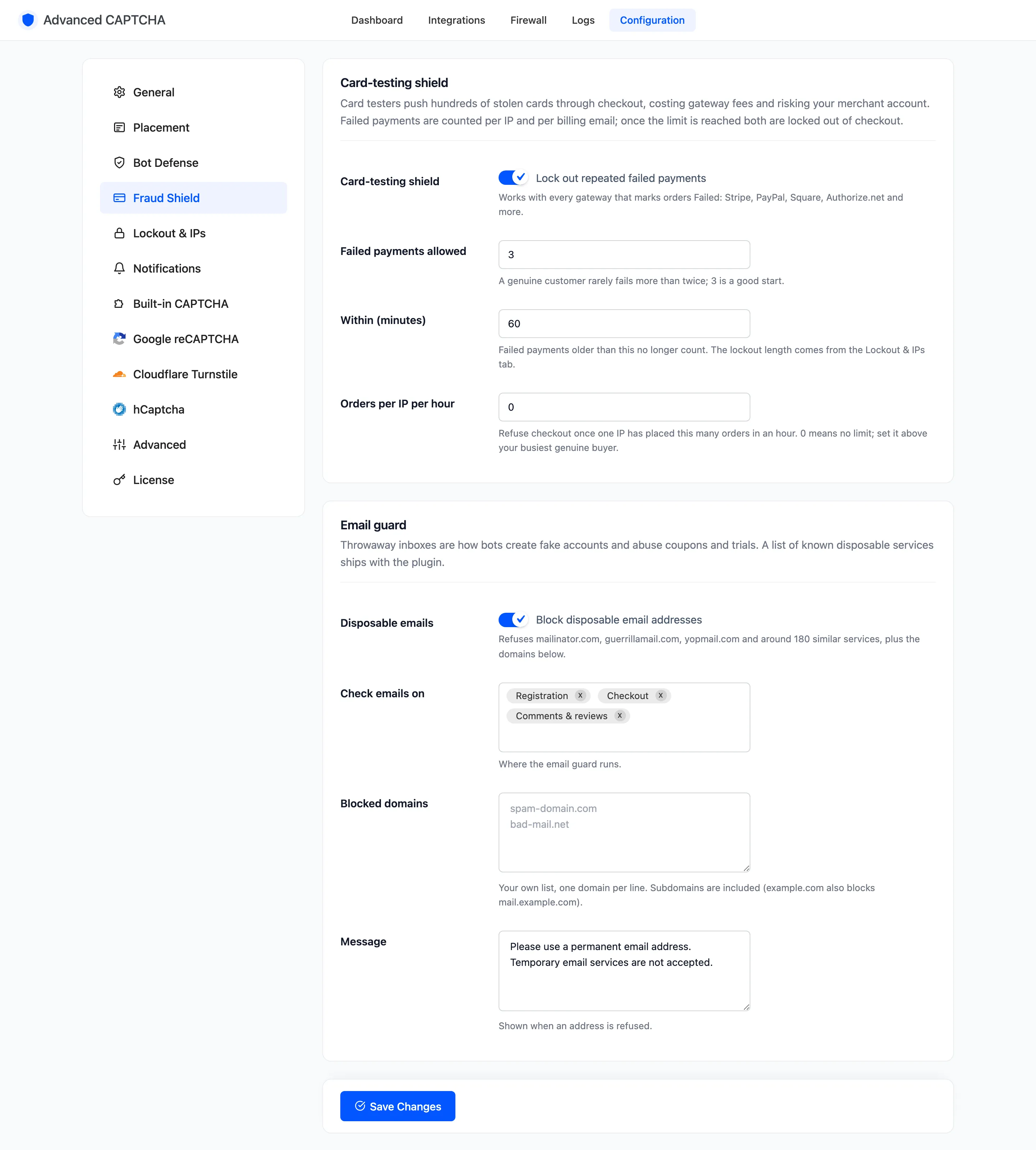
Section titled “Step 1: Switch the guard on”Go to Configuration → Fraud Shield. Disposable emails, “Block disposable email addresses”, is on by default.
Step 2: Choose where it runs
Section titled “Step 2: Choose where it runs”Check emails on takes any of Registration, Checkout and Comments & reviews. All three are on by default.
Step 3: Add your own domains
Section titled “Step 3: Add your own domains”Blocked domains takes one domain per line. Subdomains are included, so example.com also blocks
mail.example.com. Add the domains your own spam keeps coming from.
Step 4: Write the message
Section titled “Step 4: Write the message”Message is what a refused visitor reads. Default “Please use a permanent email address. Temporary email services are not accepted.” Click Save Changes.
Step 5: See it refuse an address
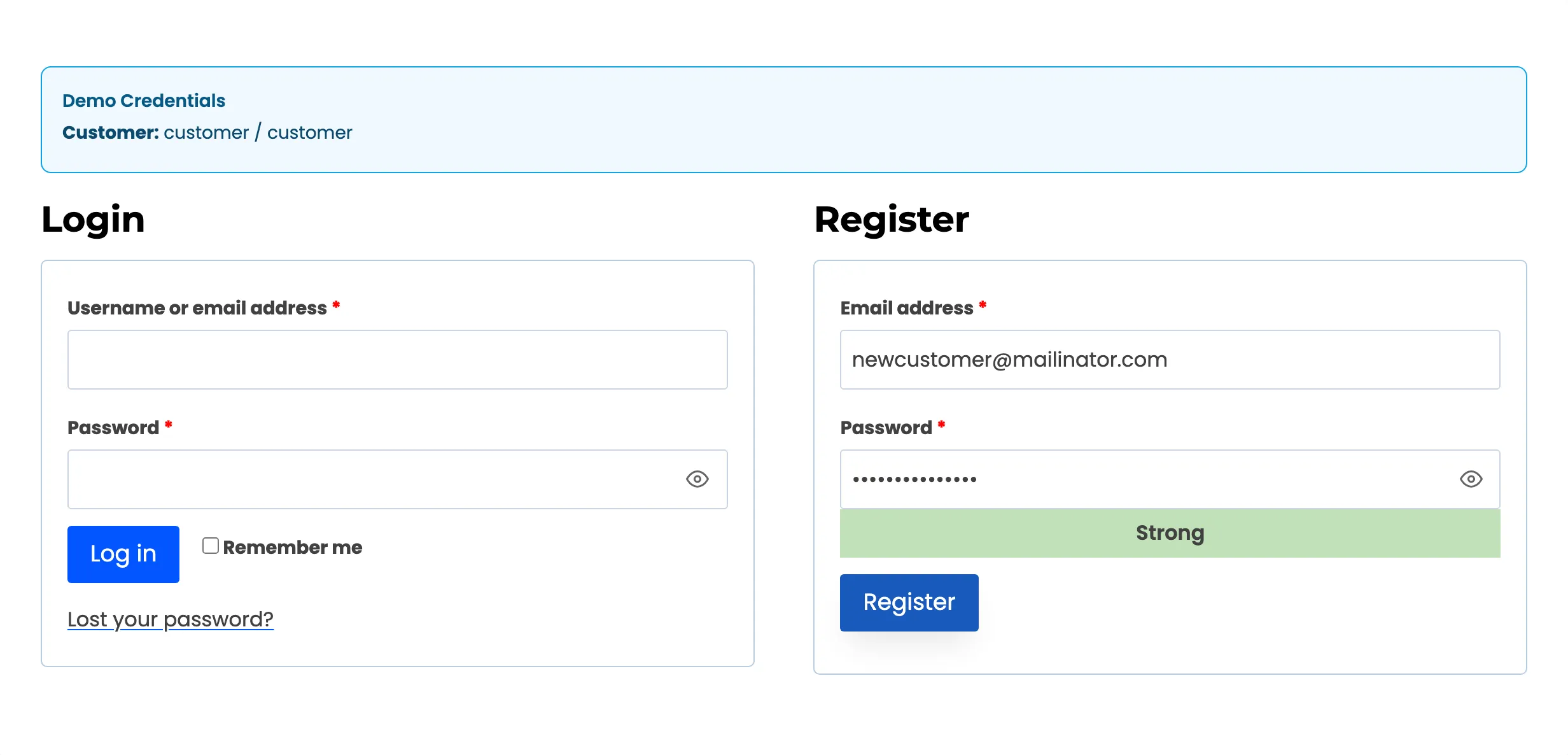
Section titled “Step 5: See it refuse an address”Registration. On the demo store, a registration with newcustomer@mailinator.com was refused,
and no account was created.
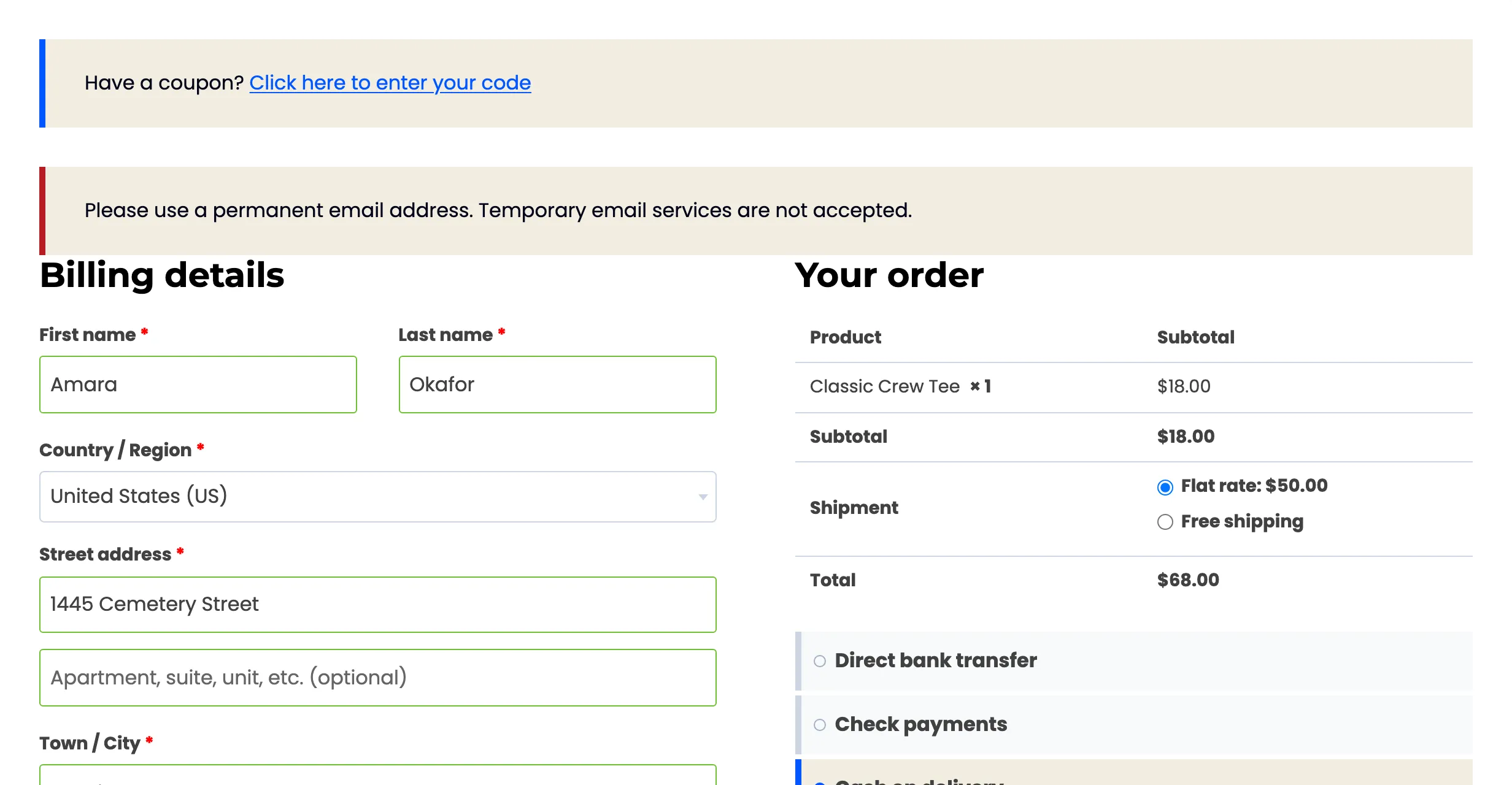
Checkout. A checkout with a yopmail.com billing email was refused, and no order was placed.
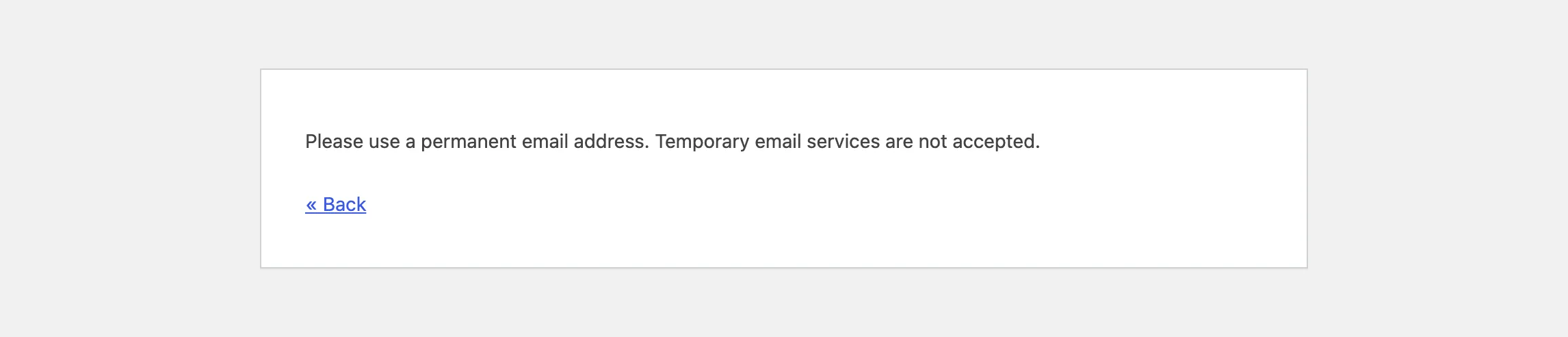
Comments. A comment from a guerrillamail.com address ends on WordPress’s error page, titled
“Email not accepted”.
Each refusal is logged Blocked, “Disposable email”.
Things to know
Section titled “Things to know”- The email guard runs before the CAPTCHA on comments. A comment with a disposable address is refused even if the CAPTCHA was answered right.
- On registration, both checks run. A visitor who also fails the CAPTCHA sees both messages.
- Trusted roles and IPs are never refused.
- A refusal does not count toward a lockout.